
This page is not an official page of the app or its developer, but an independent editorial publication created for informational and commentary purposes. Unless expressly stated otherwise, neither the app nor its developer is affiliated with, endorsed by, sponsored by, authorized by, or otherwise officially connected with MWM, Apple, Google Play, the app publisher, or the app's developer, and nothing on this page implies that the app was developed using MWM's services. Any trademarks, logos, screenshots, and other content remain the property of their respective owners.


AudioTweak: Change Music Speed
The ultimate practice companion for musicians. Slow down fast solos, shift keys to fit your voice, and loop tricky sections to perfect your performance with professional-grade audio tools.
Downloads
60K+User Rating
Total Ratings
800Publisher
Category
MusicLocales
3Latest Version
5.1.15Size
15.0 MBFirst Released
Jun 16, 2021Master Every Note with Precision
AudioTweak provides the surgical tools you need to deconstruct complex songs, adjust tracks to your unique style, and accelerate your journey to musical mastery.
Total Tempo & Pitch Control
Slow down lightning-fast riffs to 25% or transpose any track to fit your vocal range without sacrificing a single drop of audio quality.
Seamless Practice Loops
Isolate and repeat the most challenging sections automatically, allowing you to build muscle memory through focused, uninterrupted repetition.
The following screenshots and description are sourced directly from the app's official store listing and are the property of the app developer.
App Store
Screenshots
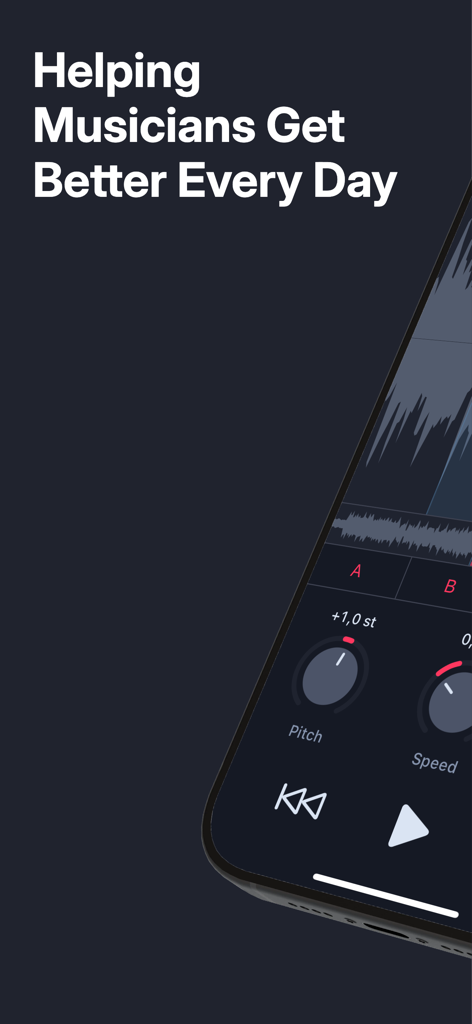
AudioTweak app interface showing pitch and speed adjustments for musicians
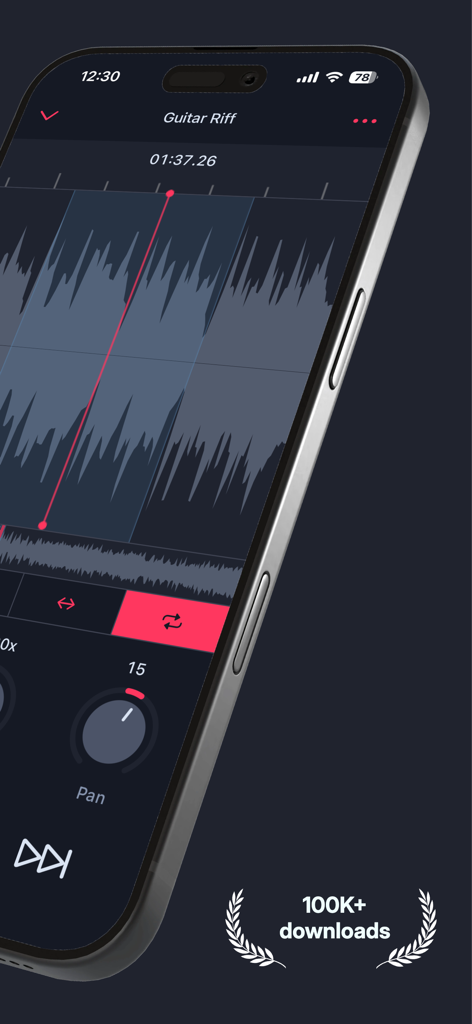
Smartphone screen showing the AudioTweak app with an audio waveform and music playback controls.
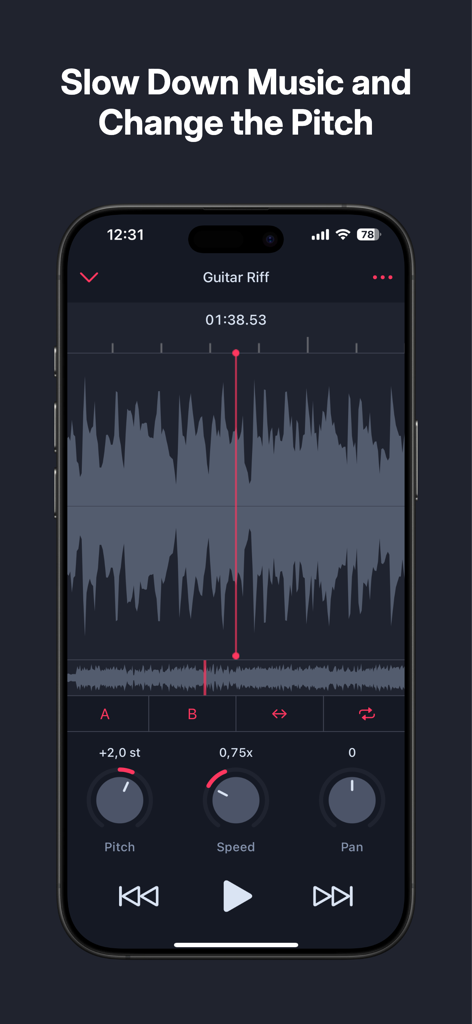
AudioTweak app showing music speed and pitch controls for practicing a guitar riff
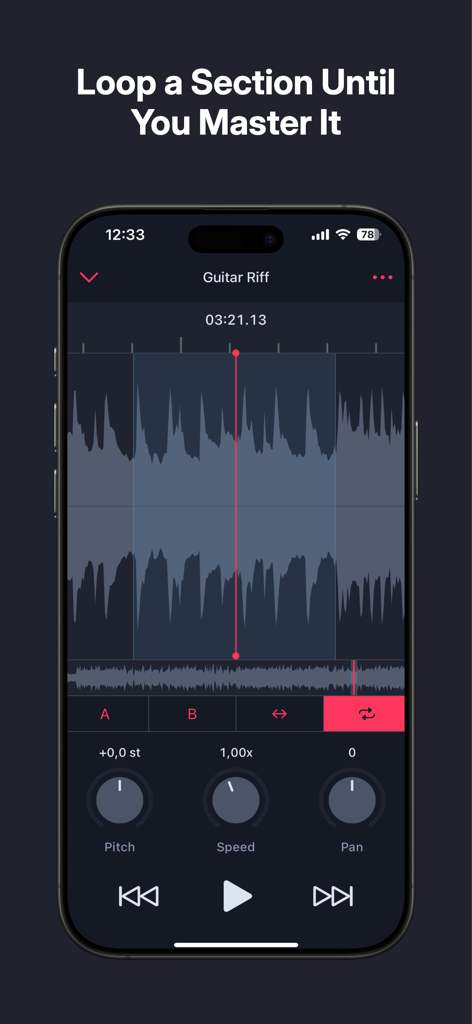
AudioTweak app interface showing a guitar riff waveform with a selected loop region and playback controls
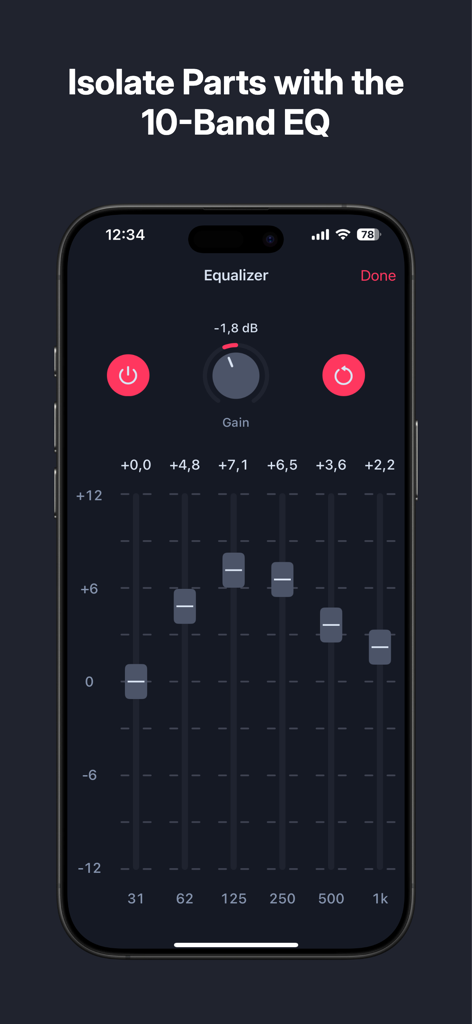
AudioTweak app 10-band equalizer screen for isolating music instruments
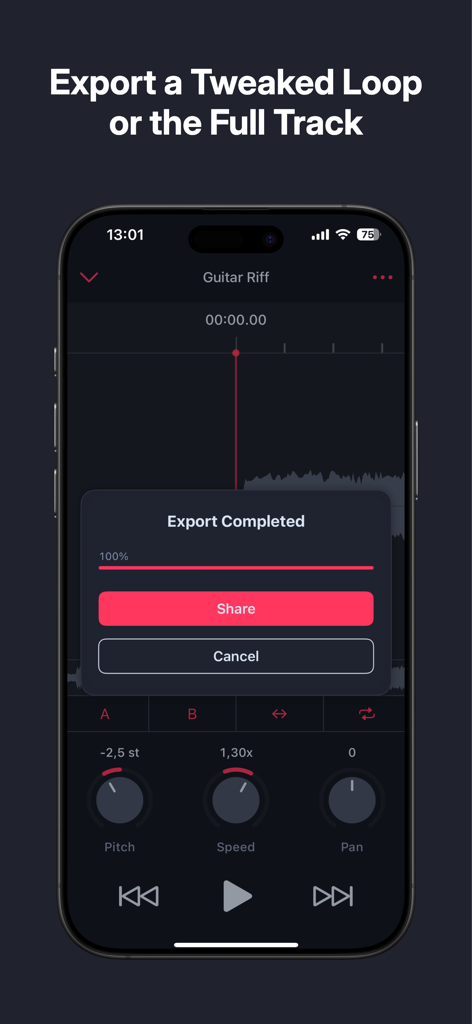
Interface showing the successful export of a modified audio track with pitch and speed controls in the AudioTweak app
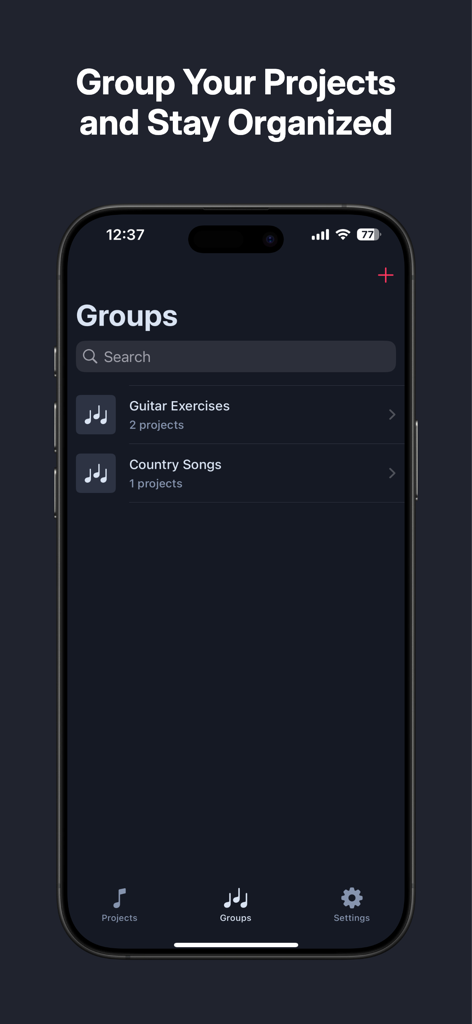
Interface of the AudioTweak app showing the Groups section where music projects are organized into categories like Guitar Exercises and Country Songs.
Description
Download
More Like This
Top-ranked apps in the same category

Spotify: Music and Podcasts
Spotify

YouTube Music
Google LLC

Shazam: Find Music & Concerts
Apple Inc.

SoundCloud: The Music You Love
SoundCloud Global Limited & Co KG

Suno - AI Songs & Music
Suno Inc.

QQ音乐 - 听我想听
Tencent Technology (Shenzhen) Company Limited

Audiomack - Play Music Offline
Audiomack, Inc.

GuitarTuna: Tune & Play Guitar
Yousician Ltd

BandLab – Music Maker & Beats
BandLab Singapore Pte Ltd
This page is not an official page of the app or its developer, but an independent editorial publication created for informational and commentary purposes. Unless expressly stated otherwise, neither the app nor its developer is affiliated with, endorsed by, sponsored by, authorized by, or otherwise officially connected with MWM, Apple, Google Play, the app publisher, or the app's developer, and nothing on this page implies that the app was developed using MWM's services. Any trademarks, logos, screenshots, and other content remain the property of their respective owners.