
This page is not an official page of the app or its developer, but an independent editorial publication created for informational and commentary purposes. Unless expressly stated otherwise, neither the app nor its developer is affiliated with, endorsed by, sponsored by, authorized by, or otherwise officially connected with MWM, Apple, Google Play, the app publisher, or the app's developer, and nothing on this page implies that the app was developed using MWM's services. Any trademarks, logos, screenshots, and other content remain the property of their respective owners.

Authenticator App : 2FA Secure
Elevate your security with iron-clad multi-factor authentication. Secure your emails, cloud services, and financial accounts with encrypted OTP codes and seamless backup—designed exclusively for the high-performance iPhone user.
Downloads
0User Rating
Total Ratings
0Publisher
Category
BusinessLocales
1Latest Version
1.0Size
32.3 MBFirst Released
Jan 6, 2026Secure Every Login with Total Confidence
Safeguard your professional identity with industry-leading encryption and seamless multi-factor authentication, optimized exclusively for the iOS ecosystem.
Stress-Free Device Migration
Never fear being locked out again. Securely back up your 2FA data and restore it instantly when you upgrade to a new iPhone.
Privacy-First Architecture
Your security is personal. We never store your keys on external servers, ensuring your sensitive data remains entirely under your control.
Frequently Asked Questions
Everything you need to know about Authenticator App : 2FA Secure
What is the Authenticator App : 2FA Secure app?
The Authenticator App : 2FA Secure is an iPhone application that provides 2FA and MFA support to protect online accounts. It generates time-based one-time passwords (OTP) for secure logins, enhancing digital security against breaches.
Does the Authenticator App support Two-Factor Authentication (2FA)?
Yes, the Authenticator App : 2FA Secure fully supports Two-Factor Authentication (2FA). It offers cutting-edge 2FA and MFA solutions to add a strong security layer to your online accounts, ensuring maximum protection.
How does the Authenticator App generate one-time passwords (OTPs)?
The Authenticator App generates highly secure, time-based one-time passwords (OTP) using industry-standard TOTP and HOTP algorithms. These verification codes refresh every few seconds for maximum protection.
Can I use the Authenticator App with multiple online accounts?
Yes, the Authenticator App supports multiple online accounts. Users can manage authentication codes for email, social platforms, cloud services, and work accounts all in one secure place.
Does the Authenticator App work offline?
Yes, the Authenticator App features offline functionality. It works seamlessly even when your device is not connected to the internet, allowing access to your 2FA codes anytime, anywhere.
How do I set up a new account in the Authenticator App : 2FA Secure?
Users set up accounts by enabling 2FA/MFA on their online service, then scanning the provided QR code with the Authenticator App. Manual entry of a secret key is also an option for quick setup.
Can I back up and restore my 2FA data with the Authenticator App?
Yes, the Authenticator App provides backup and restore functionality. It allows users to safely back up their 2FA data and restore it if they switch devices, ensuring data continuity.
Does the Authenticator App offer iCloud Sync for backups?
Yes, the Authenticator App offers easy sync with iCloud. Users can enable iCloud Sync in the app's settings for convenient backup and restoration of their 2FA data across devices.
Does the Authenticator App store my passwords or sensitive information on external servers?
No, the Authenticator App does not store your passwords or sensitive information on external servers. It is built with a strong focus on privacy and security, keeping your data fully protected on your device.
Are all features in the Authenticator App : 2FA Secure free to use?
No, some features of the Authenticator App are only available after taking a paid subscription. To unlock all premium features and content, users can choose a subscription plan or make a one-time payment for lifetime access.
How do subscriptions work for the Authenticator App : 2FA Secure?
Subscriptions for the Authenticator App automatically renew based on the selected plan’s rate and duration. The purchase amount is charged to your iTunes account upon confirmation, and renewal occurs within 24 hours before the current period ends.
How can I manage my subscription for the Authenticator App : 2FA Secure?
You can manage your Authenticator App subscription and disable auto-renewal at any time through your iTunes Account Settings after purchase. This provides full control over your subscription status.
The following screenshots and description are sourced directly from the app's official store listing and are the property of the app developer.
App Store
Screenshots
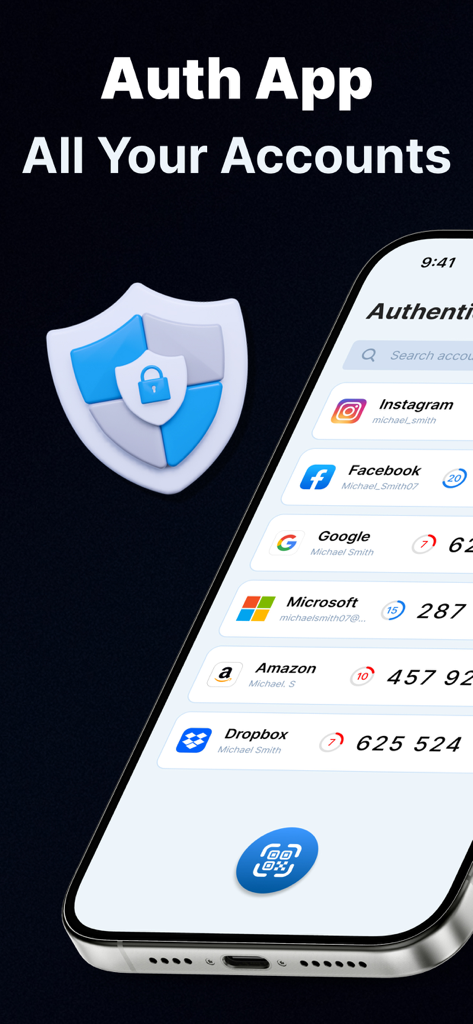
iPhone screen showing 2FA security codes for multiple accounts like Google and Facebook
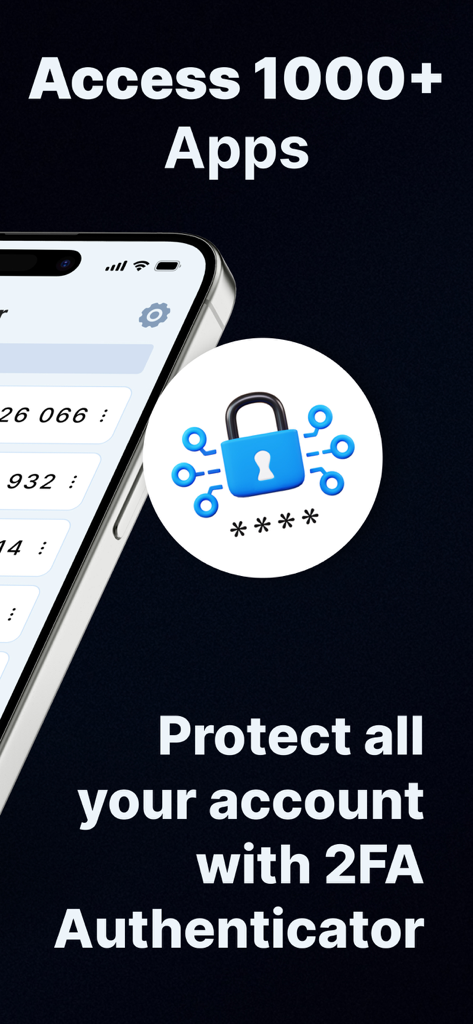
A graphic displaying 2FA authenticator protection for mobile accounts.
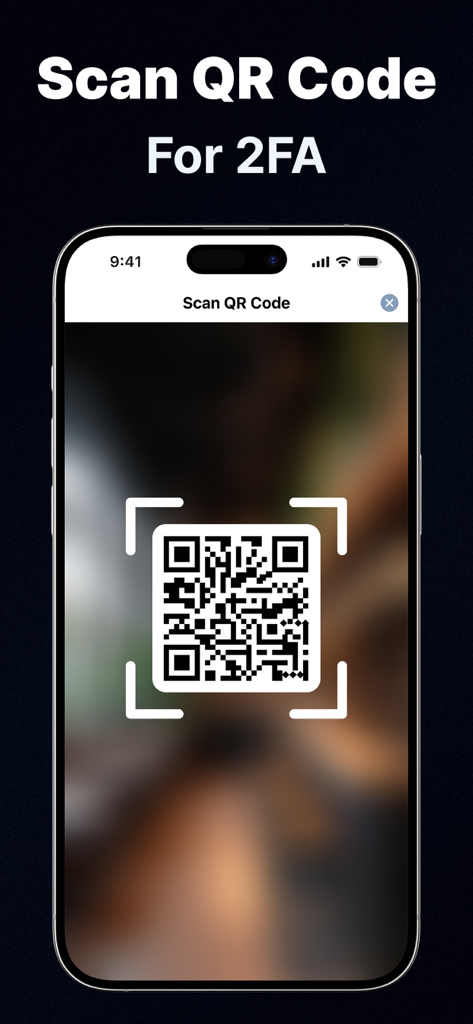
iphone scanning a qr code to set up two-factor authentication
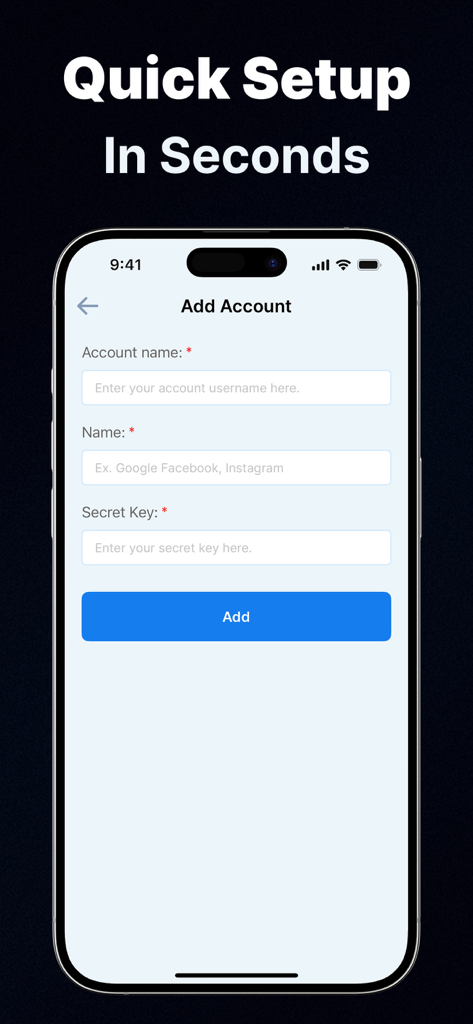
Add account setup interface for the Authenticator App 2FA Secure on iPhone
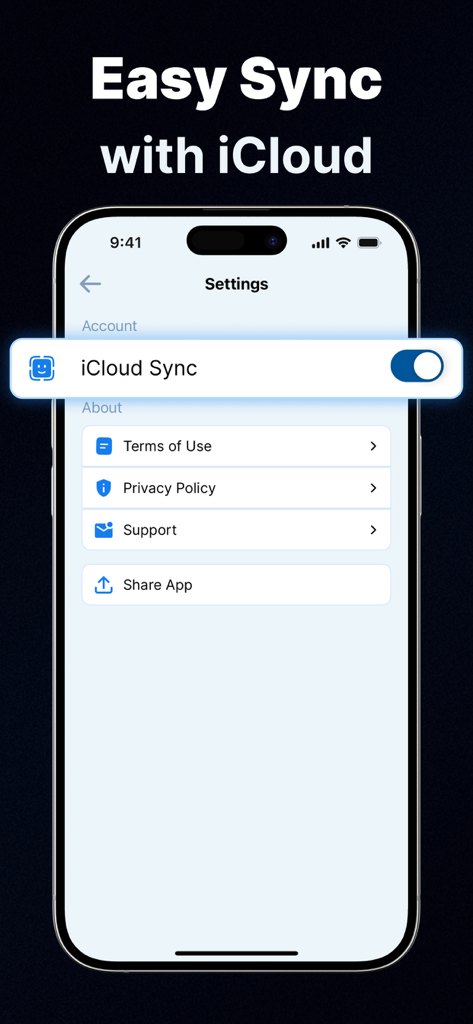
iPhone screenshot showing the iCloud Sync feature enabled in the 2FA Authenticator App settings
Description
Download
More Like This
Top-ranked apps in the same category

Microsoft Teams
Microsoft Corporation

Zoom Workplace
Zoom Communications, Inc.

WhatsApp Business
WhatsApp Inc.

Indeed Job Search
Indeed Inc.

LinkedIn: Network & Job Finder
LinkedIn Corporation

Adobe Acrobat Reader: Sign PDF
Adobe Inc.

WeCom-Work Communication&Tools
Tencent Technology (Shenzhen) Company Limited

BOSS直聘-招聘求职找工作神器
Beijing China Product Bo Farce Network Technology Co., Ltd.

DingDing - Redefine Work in AI
DingTalk Technology Co., Ltd.
This page is not an official page of the app or its developer, but an independent editorial publication created for informational and commentary purposes. Unless expressly stated otherwise, neither the app nor its developer is affiliated with, endorsed by, sponsored by, authorized by, or otherwise officially connected with MWM, Apple, Google Play, the app publisher, or the app's developer, and nothing on this page implies that the app was developed using MWM's services. Any trademarks, logos, screenshots, and other content remain the property of their respective owners.