
This page is not an official page of the app or its developer, but an independent editorial publication created for informational and commentary purposes. Unless expressly stated otherwise, neither the app nor its developer is affiliated with, endorsed by, sponsored by, authorized by, or otherwise officially connected with MWM, Apple, Google Play, the app publisher, or the app's developer, and nothing on this page implies that the app was developed using MWM's services. Any trademarks, logos, screenshots, and other content remain the property of their respective owners.

Baby games for one year olds.
Join over 2 million families with the #1 educational app designed by specialists. Give your child safe, guilt-free screen time that turns curiosity into milestones through letters, colors, and interactive play.
Downloads
2M+User Rating
Total Ratings
70K+Publisher
Category
EducationLocales
1Latest Version
4.3.3Size
269.3 MBFirst Released
Jun 25, 2011Smart Screen Time for Growing Minds
Join over 2 million families using our expert-designed 'Magic Laptop' to transform early childhood milestones into a playful adventure.
Expert-Approved Learning
Explore 12 thematic categories including letters, numbers, and animals, crafted by educational specialists to boost early vocabulary.
Built for Tiny Hands
Simple navigation and large, intuitive buttons empower your toddler to explore independently, building confidence through self-paced play.
Frequently Asked Questions
Everything you need to know about Baby games for one year olds.
What is Abby's Magic Laptop?
Abby's Magic Laptop is an educational app for preschool and toddlers from 22learn. It teaches letters, numbers, colors, shapes, animals, and more through interactive exploration and games.
What game modes does Abby's Magic Laptop offer?
Abby's Magic Laptop includes two primary game modes: 'Let's Play!' and 'Let's Learn!'. These modes are designed to offer different interactive experiences for children.
How does the 'Let's Play!' mode function in Abby's Magic Laptop?
In 'Let's Play!' mode, children select a thematic category. Pressing picture buttons displays the item enlarged, pronounces its name, shows the written word, and plays its authentic sound with a small animation.
How does the 'Let's Learn!' mode work in Abby's Magic Laptop?
In 'Let's Learn!' mode, the monkey character Abby gives tasks, asking the child to select the correct picture from a chosen thematic category. Correct answers are followed by words of praise.
What educational categories are available in Abby's Magic Laptop?
Abby's Magic Laptop offers 12 thematic categories including letters, numbers 1-10, numbers 11-20, colors, shapes, farm animals, zoo animals, musical instruments, fruits, vegetables, toys, and vehicles.
Who developed the Abby's Magic Laptop app?
Abby's Magic Laptop was developed by 22learn, an award-winning education studio and creator of the best-selling Abby Basic Skills app, in collaboration with educational specialists.
What age group is Abby's Magic Laptop designed for?
Yes, Abby's Magic Laptop is designed for preschool and toddlers. The app is suitable for children aged 1+ to engage with its educational content and interface.
Does Abby's Magic Laptop include talking flashcards?
Yes, Abby's Magic Laptop features talking flashcards. These educational tools help children learn names of shapes, animals, clothing, and other objects through visual and auditory cues.
Does the Abby's Magic Laptop app teach letters and numbers?
Yes, Abby's Magic Laptop teaches letters and numbers. It covers letters, numbers 1-10, and numbers 11-20, providing foundational learning in both alphabetical and numerical skills.
What interactive features are in Abby's Magic Laptop besides learning modes?
Abby's Magic Laptop includes four colorful buttons that simulate videophone functions. These provide entertaining sound effects and melodies, adding an engaging element to the learning experience.
The following screenshots and description are sourced directly from the app's official store listing and are the property of the app developer.
App Store
Screenshots
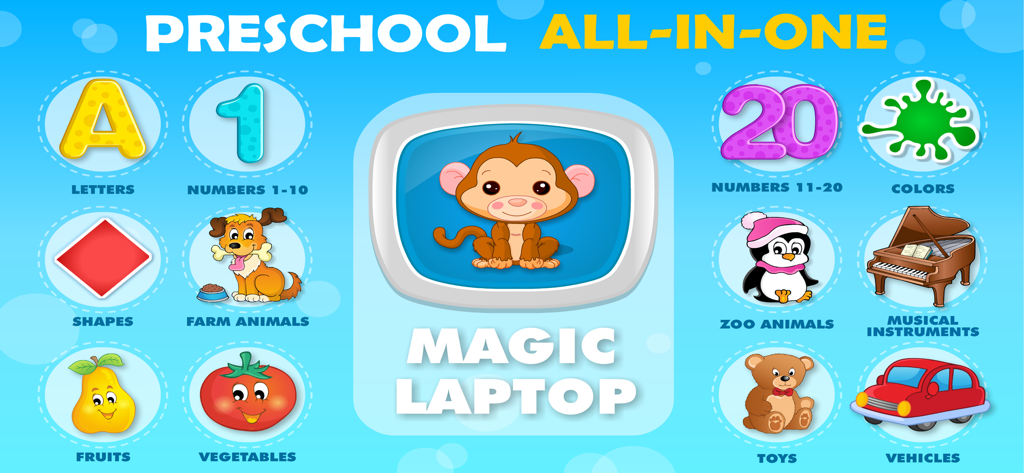
Educational game interface for toddlers featuring various learning categories like letters numbers and animals
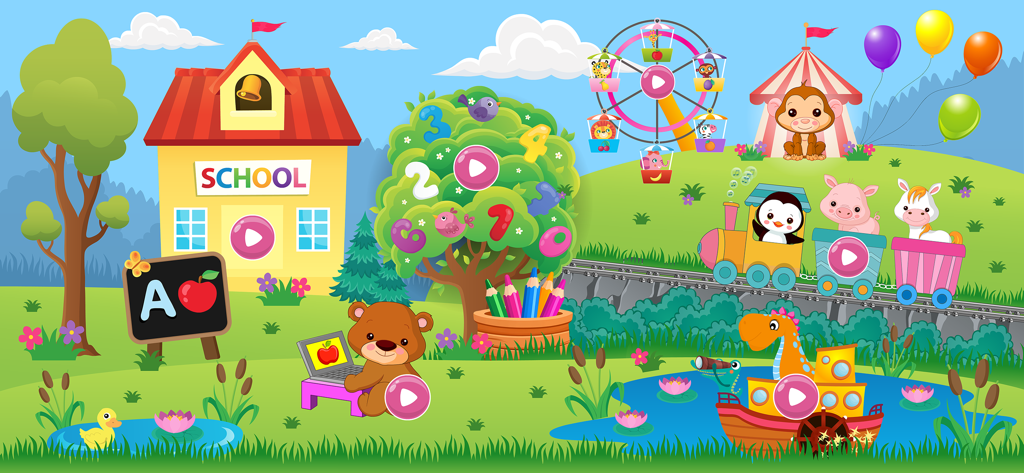
Interactive and colorful cartoon landscape for toddler learning games featuring a school, animals, and educational activities.
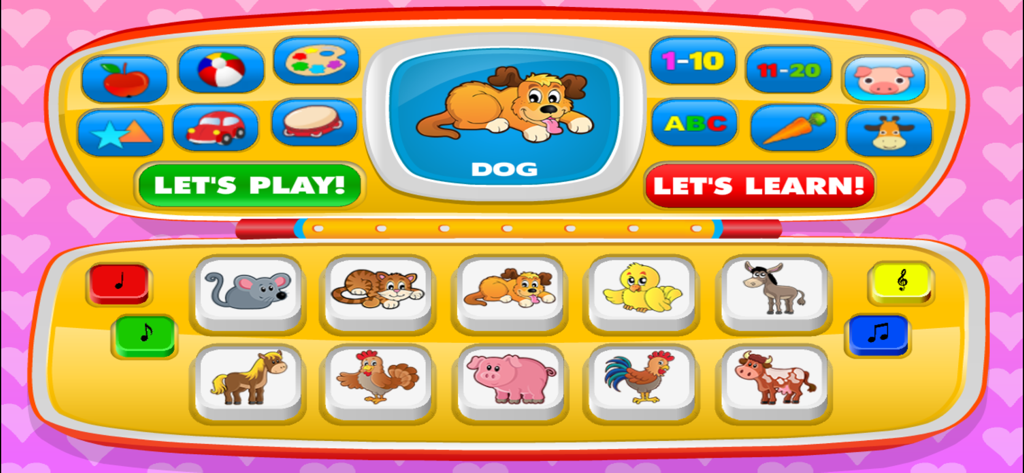
A colorful baby learning game interface styled as a toy laptop with buttons for animals, numbers, and shapes
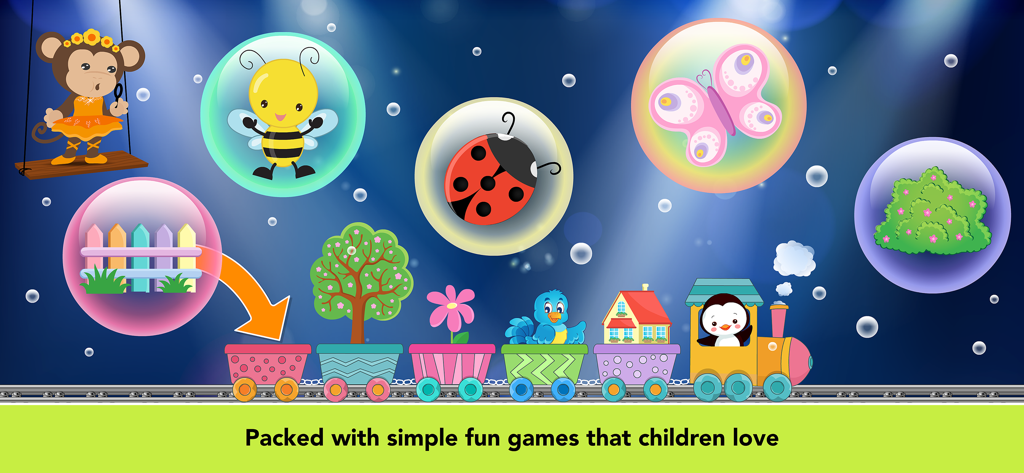
Educational toddler game screen with a colorful train and nature bubbles
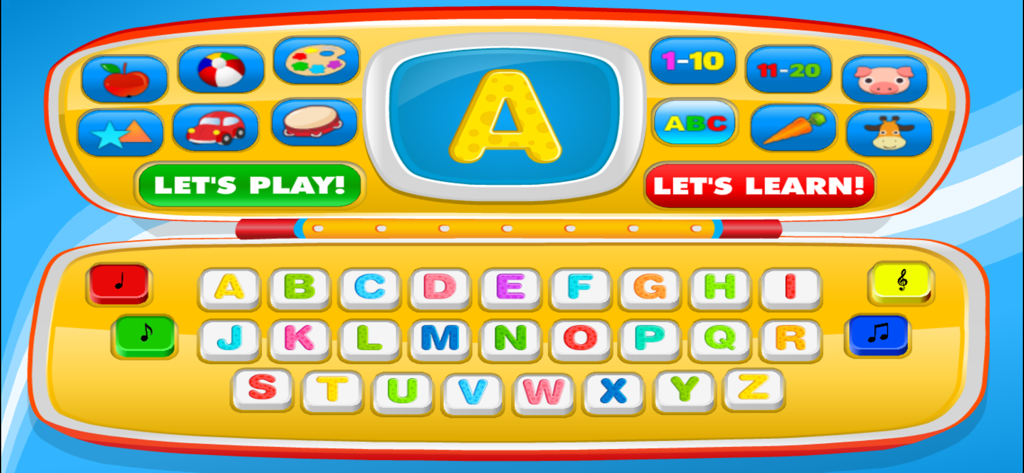
Colorful toy laptop screen and keyboard interface for toddler alphabet learning
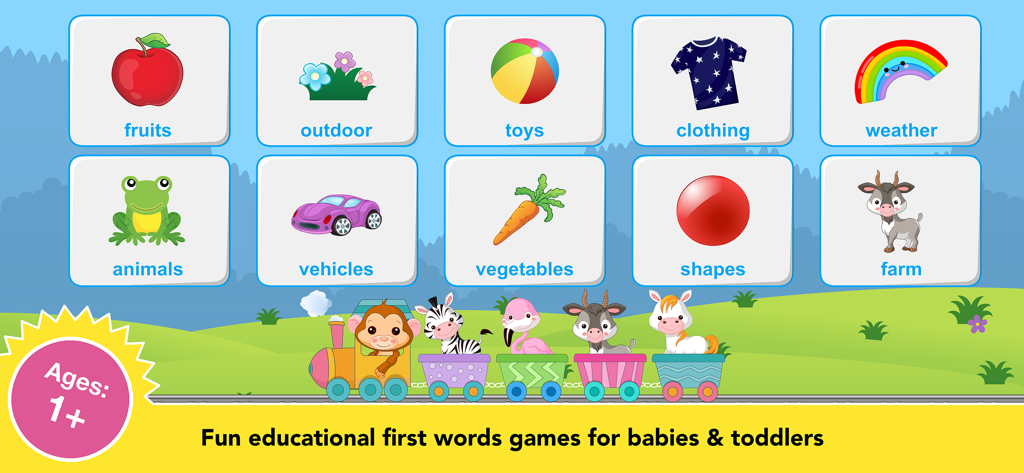
Educational game categories for one year olds featuring animals and fruits
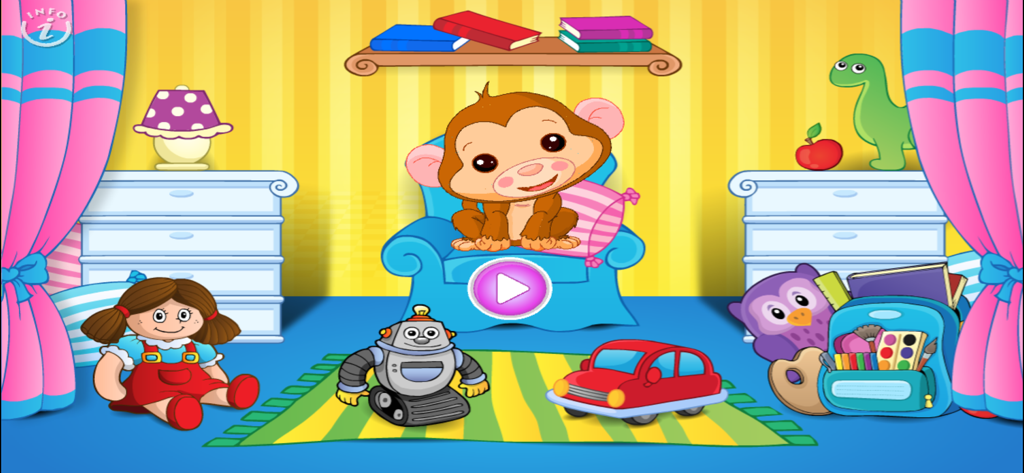
Abby the Monkey in a colorful playroom with toys and a play button
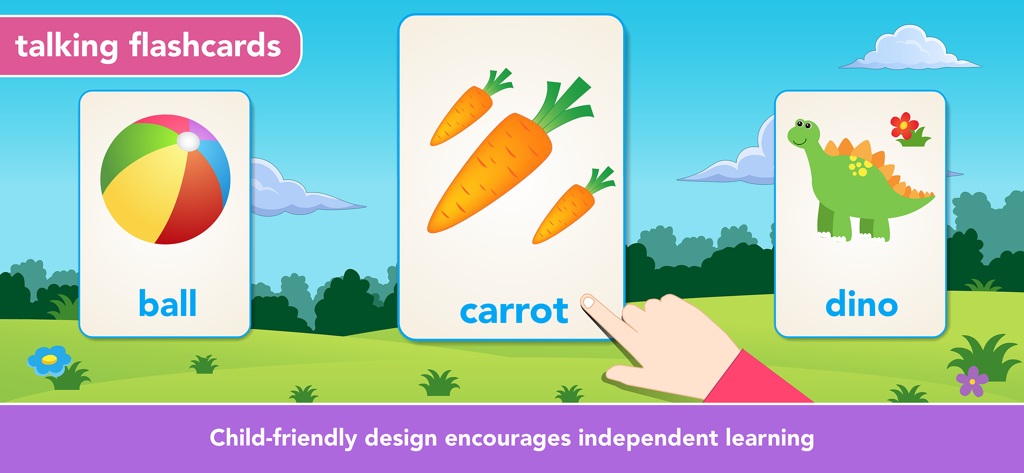
Educational talking flashcards for toddlers featuring a ball, carrots, and a dinosaur to encourage independent learning
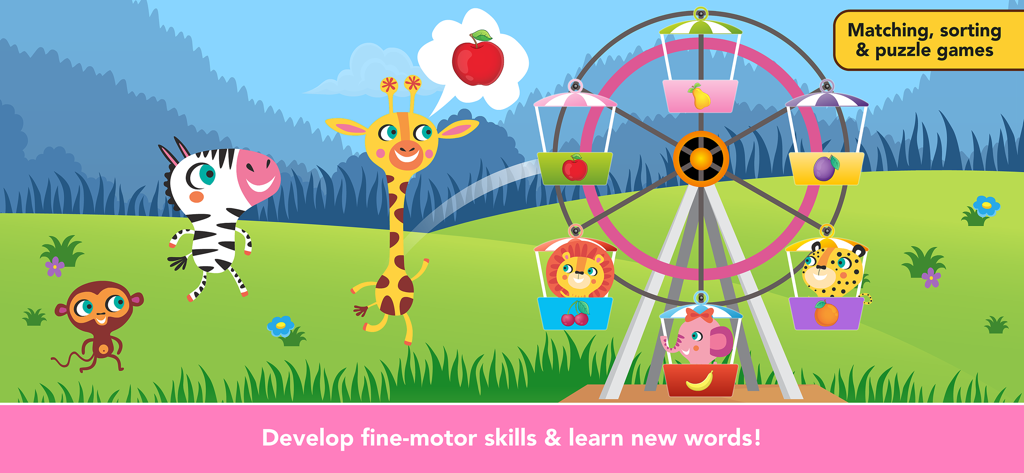
Educational game screen with a colorful Ferris wheel where toddlers match animals and fruits to develop fine motor skills.
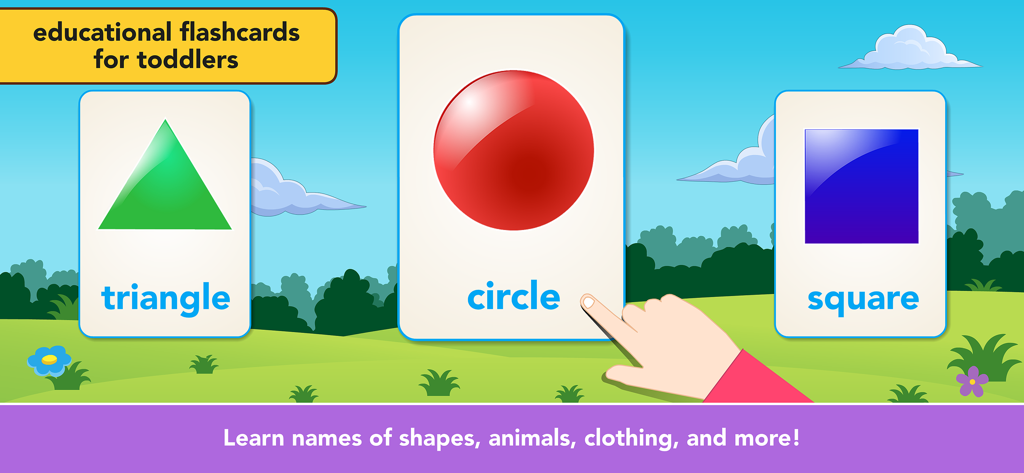
Educational flashcards for toddlers teaching basic shapes including a triangle circle and square
Description
Download
More Like This
Apps with similar features and user experience
Khan Academy Kids
Khan Academy
Baby Panda's Play-BabyBus
BABYBUS CO.,LTD

小灯塔-启蒙百科动画故事学习平台
Guangdong Liuyi Online Non-academic Tutoring School Co., Ltd
Bubbles & Friends
The Learning Experience Holding Corp
Bebi: Baby Games for Preschool
Bebi LLC

Keiki Learning games for Kids
BENIPOL LIMITED
Buddy.ai: Kids Learning Games
AI Buddy, Inc.
Toddler Games For 2 Year Olds.
22LEARN Toddler and Baby Learning Games, LLC
Kids Games! Learning 4 Toddler
ERUDITO PLUS SP Z O O
This page is not an official page of the app or its developer, but an independent editorial publication created for informational and commentary purposes. Unless expressly stated otherwise, neither the app nor its developer is affiliated with, endorsed by, sponsored by, authorized by, or otherwise officially connected with MWM, Apple, Google Play, the app publisher, or the app's developer, and nothing on this page implies that the app was developed using MWM's services. Any trademarks, logos, screenshots, and other content remain the property of their respective owners.