
This page is not an official page of the app or its developer, but an independent editorial publication created for informational and commentary purposes. Unless expressly stated otherwise, neither the app nor its developer is affiliated with, endorsed by, sponsored by, authorized by, or otherwise officially connected with MWM, Apple, Google Play, the app publisher, or the app's developer, and nothing on this page implies that the app was developed using MWM's services. Any trademarks, logos, screenshots, and other content remain the property of their respective owners.


Banner Display App
Stand out at concerts, grab attention at the airport, or express yourself in loud crowds. Fully customizable with your own photos, colors, and mirror mode for creators.
Downloads
2M+User Rating
Total Ratings
18K+Publisher
Category
UtilitiesLocales
1Latest Version
4.6.5Size
298.8 MBFirst Released
Jun 14, 2022Make Your Message Impossible to Miss
The ultimate tool for super-fans, busy commuters, and content creators to turn any screen into a high-visibility digital banner.
Concert-Grade Display
Stand out in the crowd with bold, full-screen text and custom colors that catch the eye of every performer.
Lightning Fast Presets
Save custom phrases for instant use. Perfect for airport pickups, ride-share signage, or ordering in a loud club.
Frequently Asked Questions
Everything you need to know about Banner Display App
What is the Banner Display App used for?
The Banner Display App creates custom LED banners to express messages, cheer for others, and share information. It features various font colors, custom backgrounds, and large font sizes.
Can users customize text appearance in Banner Display App?
Yes, the Banner Display App allows extensive text customization. Users can choose from various font colors, solid color options, and add custom common phrases for quick setup.
Does Banner Display App allow custom photo backgrounds?
Yes, the Banner Display App supports custom backgrounds. Users can set any favorite photo as the background for their LED banner displays.
Is a mirror mode available in Banner Display App?
Yes, the Banner Display App includes a mirror mode feature. This function is available to assist users when capturing the screen content.
How do subscriptions and auto-renewal work for Banner Display App?
Banner Display App subscriptions process payment through an iTunes account and automatically renew. Users manage subscriptions and turn off auto-renewal via Account Settings at least 24 hours before the period ends.
Does Banner Display App offer a free trial?
Yes, if applicable, the Banner Display App offers a free trial period. Any unused portion of this trial is forfeited upon the purchase of a subscription.
Can the Banner Display App show a digital clock?
Yes, the Banner Display App supports displaying a digital clock. Screenshot #4 illustrates a prominent digital clock with the date, featuring a customizable background.
Does Banner Display App support multiple languages?
Yes, the Banner Display App supports multiple languages for text translation. Screenshot #5 shows a language selection menu including English, Spanish, Portuguese, Japanese, Hindi, and others.
The following screenshots and description are sourced directly from the app's official store listing and are the property of the app developer.
App Store
Screenshots
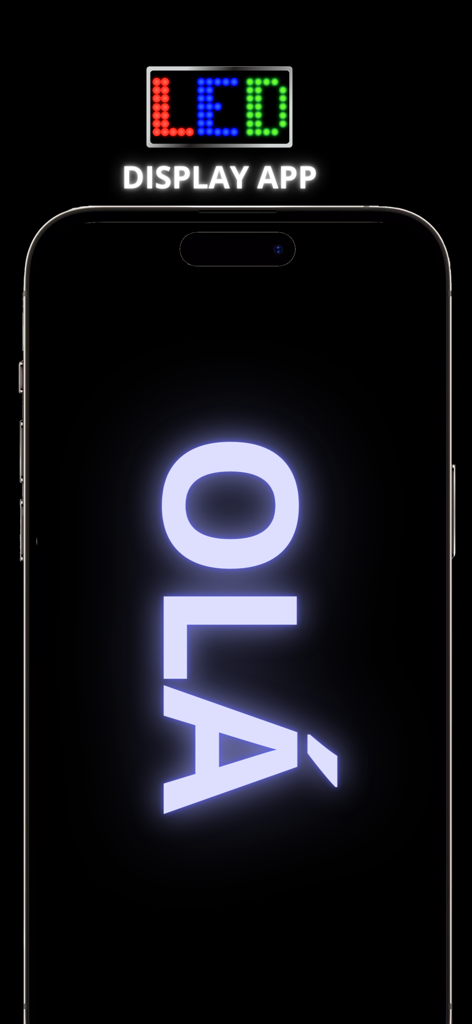
A smartphone screen displaying the word OLA in a large glowing white font using the Banner Display App
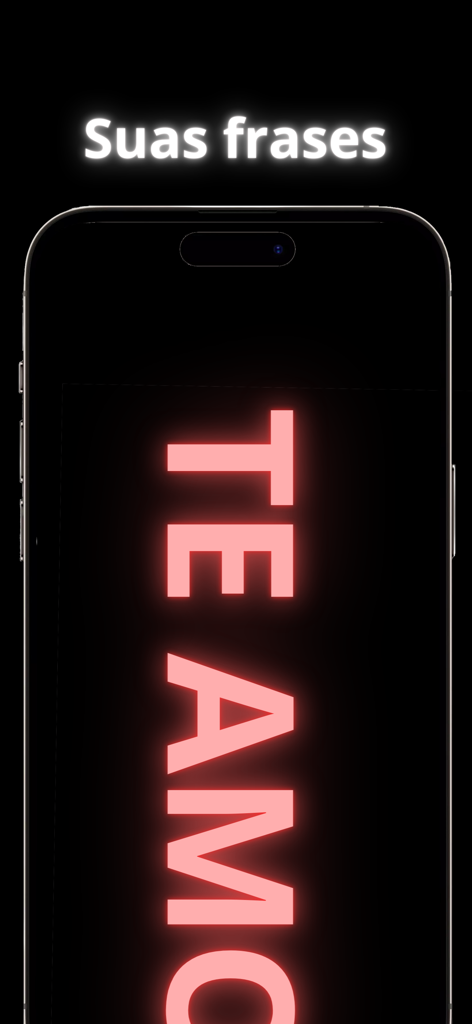
A smartphone screen displaying a glowing pink banner with the message TE AMO
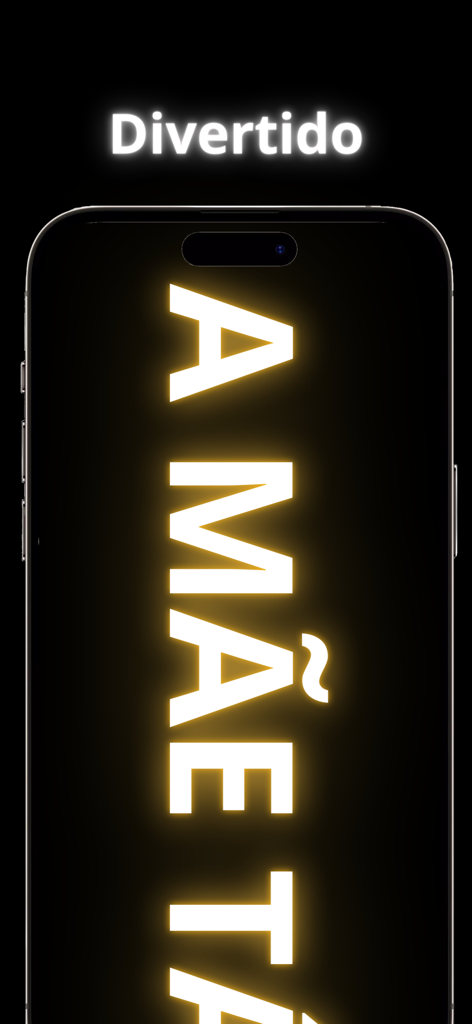
A smartphone screen displaying large glowing vertical text using the Banner Display App.
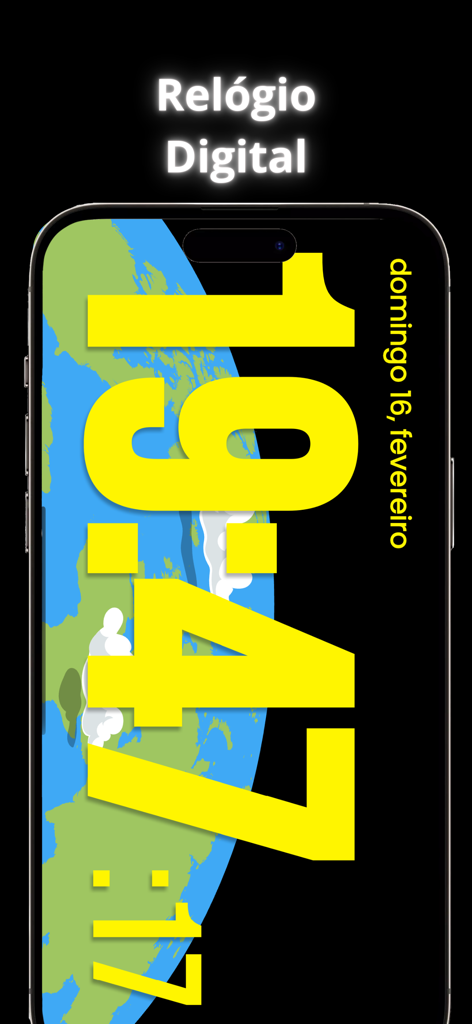
Digital clock mode in the Banner Display App featuring large yellow text and an earth background
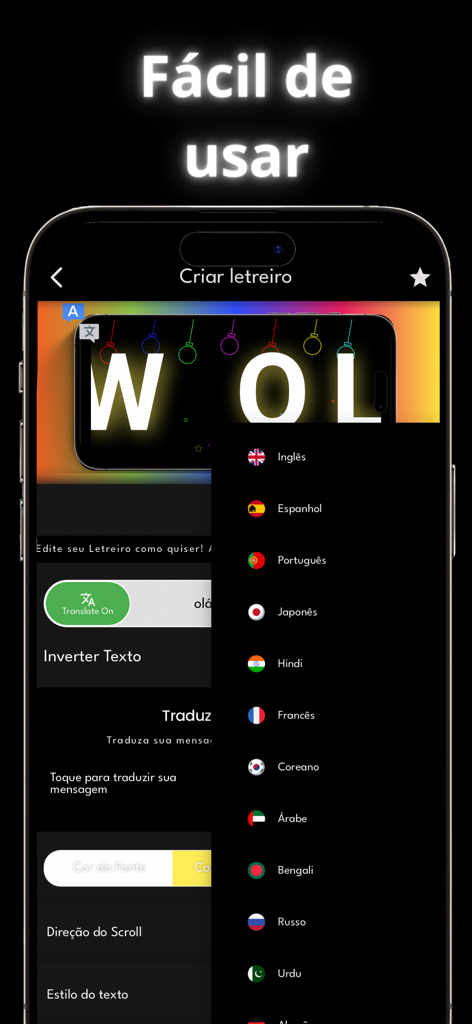
The Banner Display App interface showing translation settings and a language selection menu
Description
Download
More Like This
Apps with similar features and user experience
Led Board - Led Banner
Chuong Le
LED Banner-LED
西连 郑
LED Banner - Banner Display +
周桂 吴
Ledsy - LED Banner
Hoang Minh Thanh
Banner Led
Francisco Navarro Aguilar
LED Banner - Big Text Maker
琳 胡
LED Banner Marquee Maker
Guangdong Wuji Network Technology Co., Ltd.
LED Banner - Make It Big Text
Changsha Shenguangyuan Technology Co., Ltd.
LED Banner Pro: Marquee maker
Nico Schroeder
This page is not an official page of the app or its developer, but an independent editorial publication created for informational and commentary purposes. Unless expressly stated otherwise, neither the app nor its developer is affiliated with, endorsed by, sponsored by, authorized by, or otherwise officially connected with MWM, Apple, Google Play, the app publisher, or the app's developer, and nothing on this page implies that the app was developed using MWM's services. Any trademarks, logos, screenshots, and other content remain the property of their respective owners.