
This page is not an official page of the app or its developer, but an independent editorial publication created for informational and commentary purposes. Unless expressly stated otherwise, neither the app nor its developer is affiliated with, endorsed by, sponsored by, authorized by, or otherwise officially connected with MWM, Apple, Google Play, the app publisher, or the app's developer, and nothing on this page implies that the app was developed using MWM's services. Any trademarks, logos, screenshots, and other content remain the property of their respective owners.


Basecamp 2 for iPad
The no-nonsense, reliable project management tool you trust, optimized for your iPad. Check in on progress, join discussions, and review files from anywhere—because work doesn't have to be crazy.
Downloads
0User Rating
Total Ratings
0Publisher
Category
BusinessLocales
1Latest Version
2.1.12Size
13.6 MBFirst Released
Jul 29, 2014Stay Connected to Every Project
Bring the reliability of Basecamp 2 to your iPad. Manage your team, track progress, and make decisions without being tied to your desk.
Seamless Discussions
Jump into any conversation and post your thoughts instantly. Keep your team aligned with the focused, noise-free communication you trust.
Real-Time Progress Tracking
Monitor your project's health at a glance. Watch to-dos get completed as they happen so you always know exactly where things stand.
The following screenshots and description are sourced directly from the app's official store listing and are the property of the app developer.
App Store
Screenshots
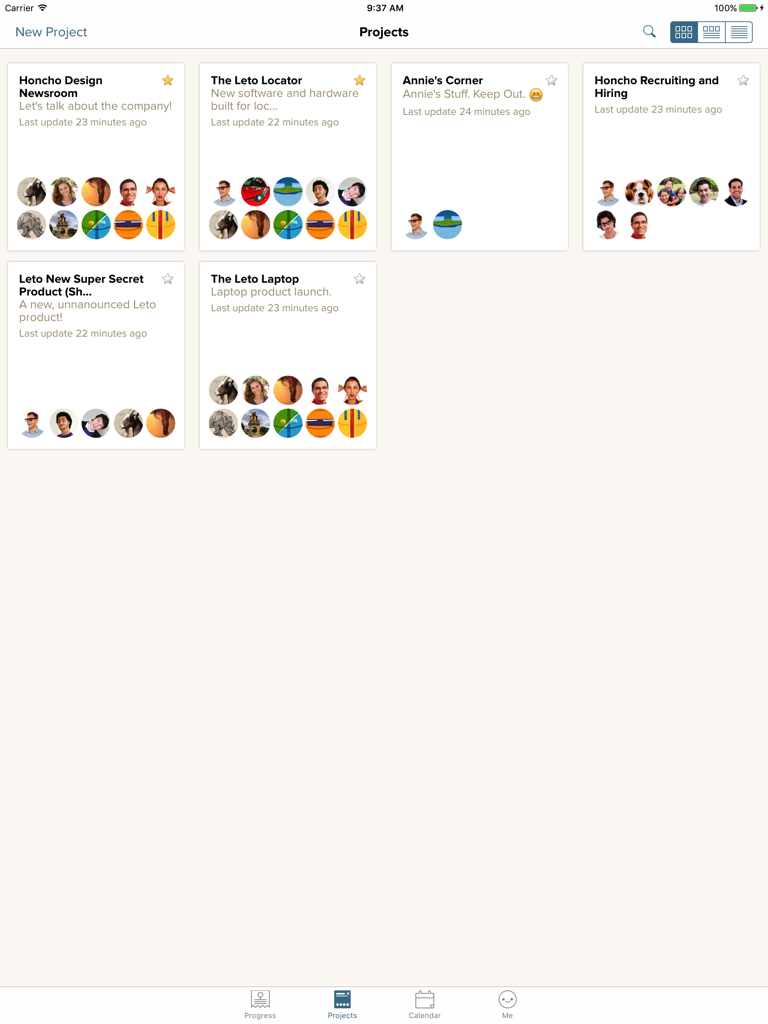
The projects overview screen in Basecamp 2 for iPad displaying team projects as grid cards
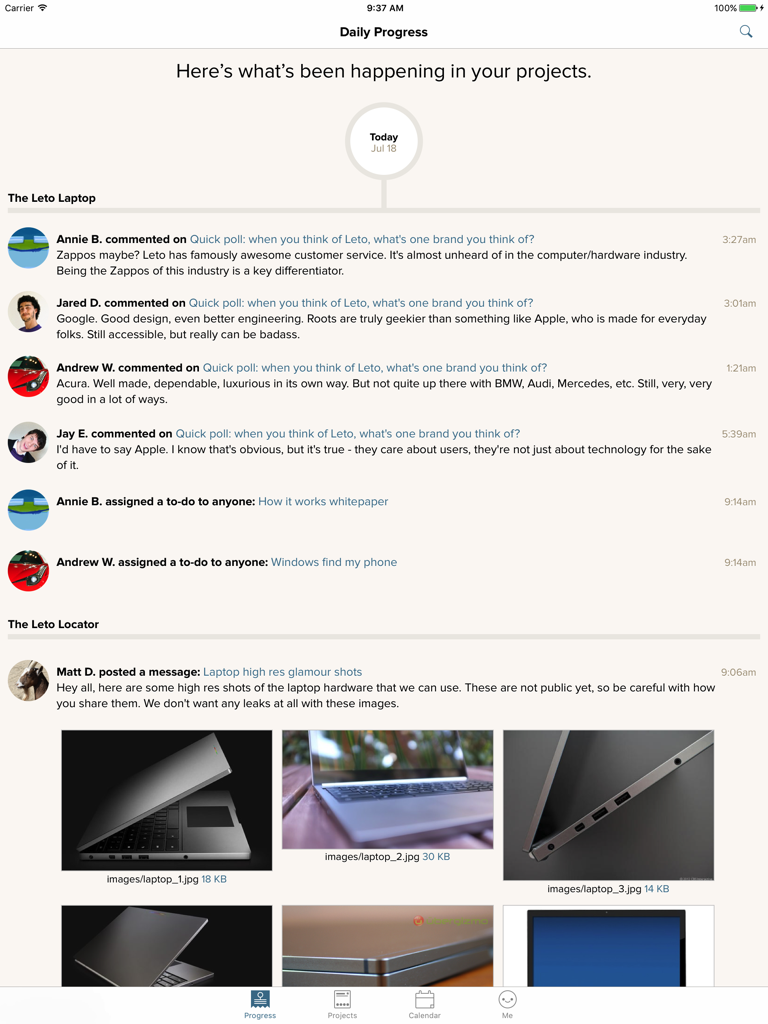
Basecamp 2 for iPad app interface showing the Daily Progress screen with project updates and team discussions
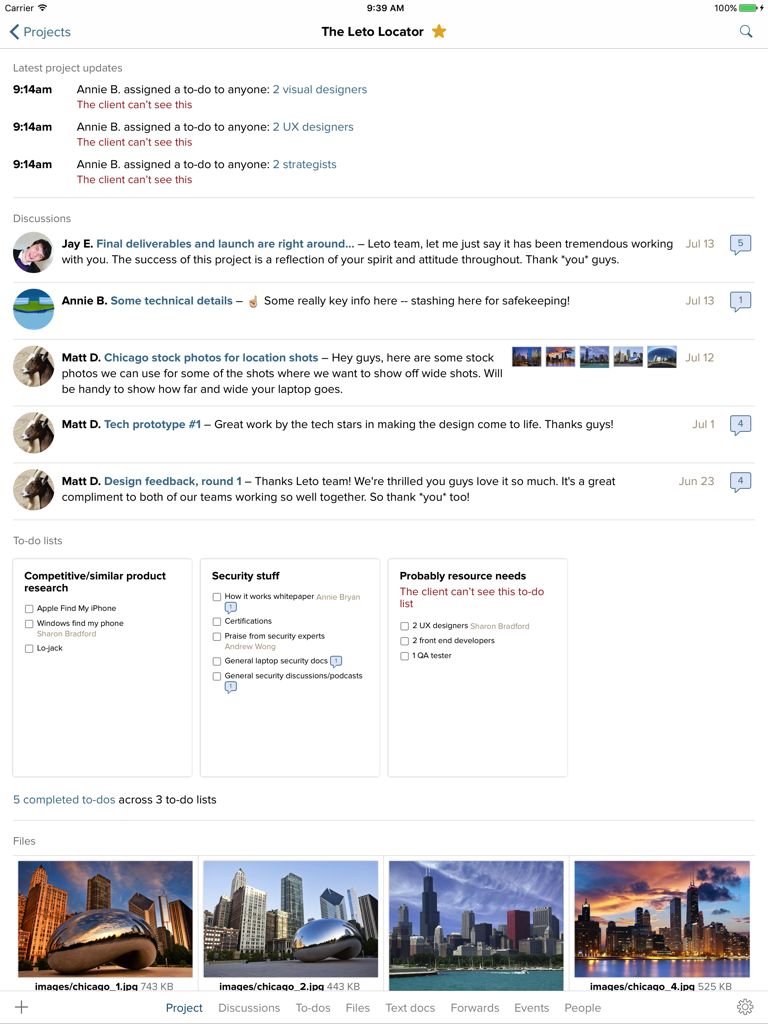
Screenshot of the Basecamp 2 iPad app project interface showing team updates, discussions, task lists, and file previews.
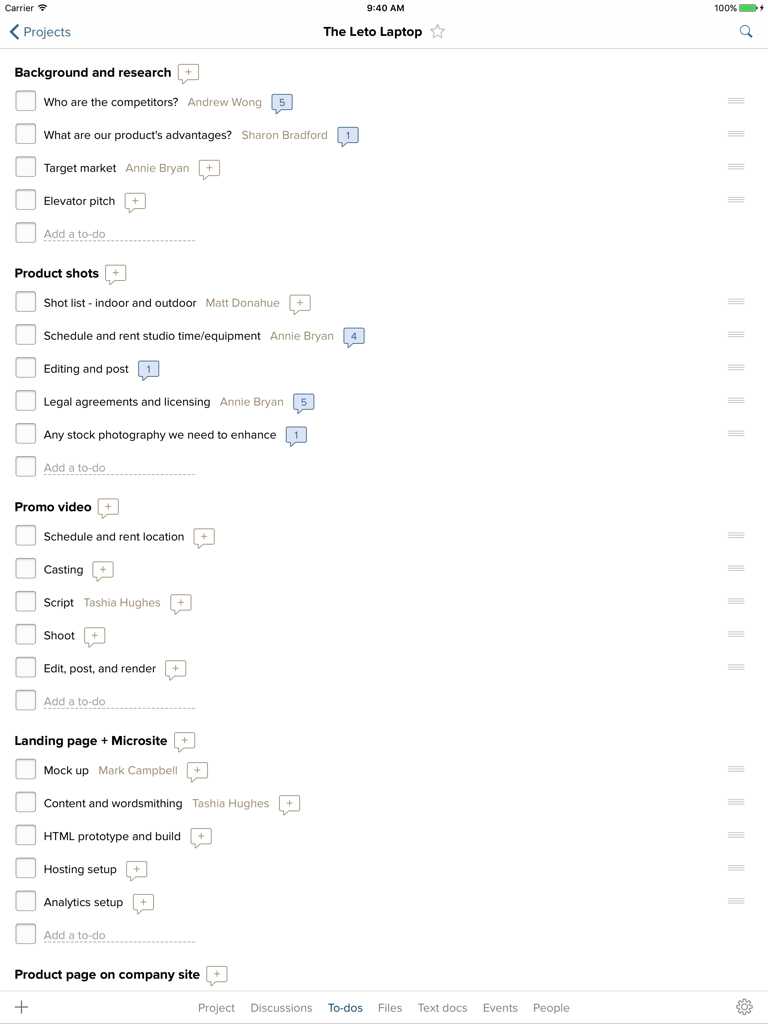
A screenshot of the Basecamp 2 iPad app displaying a project to-do list with categories like Background and Research and Product Shots.
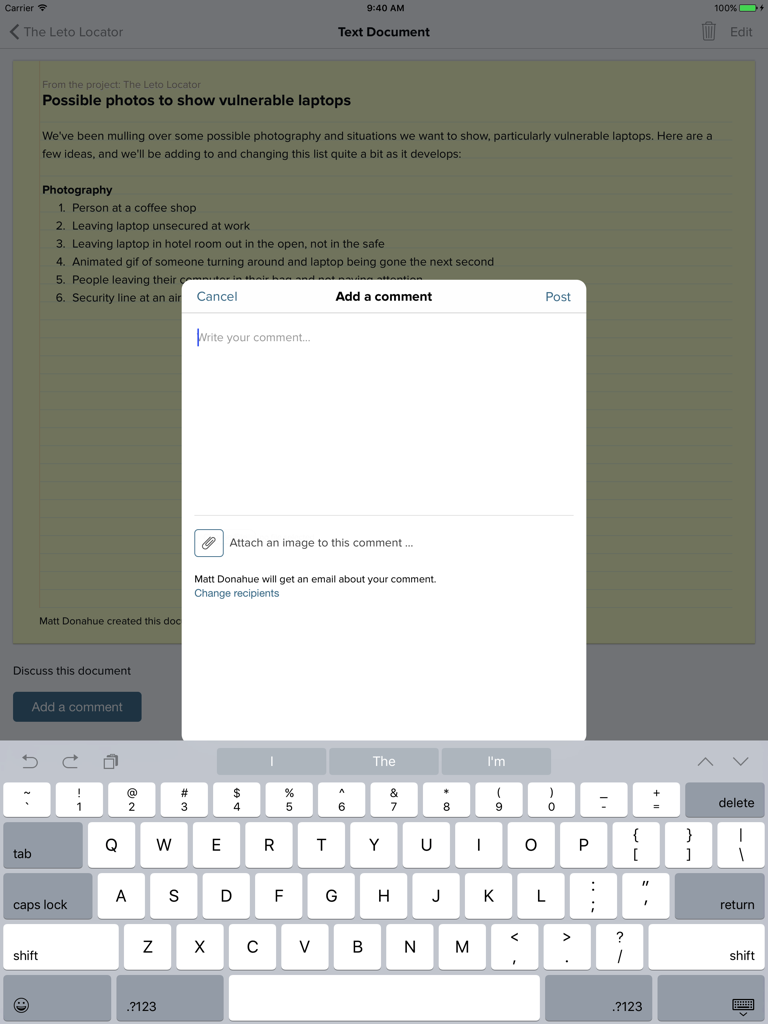
Screen showing the add a comment modal and keyboard over a text document in Basecamp 2 for iPad.
Description
Download
More Like This
Top-ranked apps in the same category

Microsoft Teams
Microsoft Corporation

Zoom Workplace
Zoom Communications, Inc.

WhatsApp Business
WhatsApp Inc.

Indeed Job Search
Indeed Inc.

LinkedIn: Network & Job Finder
LinkedIn Corporation

Adobe Acrobat Reader: Sign PDF
Adobe Inc.

DingDing - Redefine Work in AI
DingTalk Technology Co., Ltd.

WeCom-Work Communication&Tools
Tencent Technology (Shenzhen) Company Limited

Uber - Driver: Drive & Deliver
Uber Technologies, Inc.
This page is not an official page of the app or its developer, but an independent editorial publication created for informational and commentary purposes. Unless expressly stated otherwise, neither the app nor its developer is affiliated with, endorsed by, sponsored by, authorized by, or otherwise officially connected with MWM, Apple, Google Play, the app publisher, or the app's developer, and nothing on this page implies that the app was developed using MWM's services. Any trademarks, logos, screenshots, and other content remain the property of their respective owners.