Basketball Stats PRO Lite
Download on App Store

This page is not an official page of the app or its developer, but an independent editorial publication created for informational and commentary purposes. Unless expressly stated otherwise, neither the app nor its developer is affiliated with, endorsed by, sponsored by, authorized by, or otherwise officially connected with MWM, Apple, Google Play, the app publisher, or the app's developer, and nothing on this page implies that the app was developed using MWM's services. Any trademarks, logos, screenshots, and other content remain the property of their respective owners.


Logo of Basketball Stats PRO Lite
Download on App Store

Basketball Stats PRO Lite

Ditch the paper and pen. Capture every play, map shot charts, and generate instant box scores right from your iPad—even without an internet connection.

Key Figures

Downloads

43K+

User Rating

4.7/5

Total Ratings

1K+

Publisher

Ladislav Klinc

Category

Sports

Locales

1

Latest Version

5.0

Size

28.7 MB

First Released

Oct 28, 2013
Features

From the Sideline to the Stat Sheet—Instantly

Eliminate post-game paperwork with a professional-grade tracker that turns every tap into actionable insights for coaches, parents, and scouts.

Real-Time Box Scores

Stop tallying by hand. Capture points, rebounds, and fouls with a tap and generate professional box scores the moment the game ends.

Visual Shot Analytics

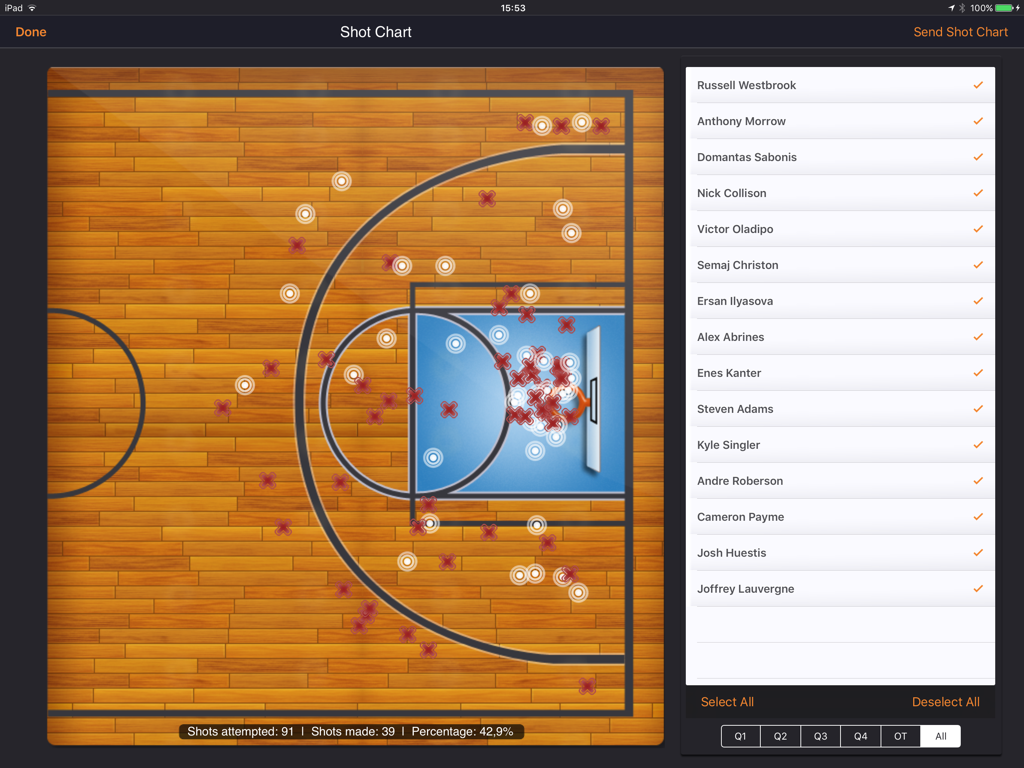
Map every shot on the court. Identify scoring zones and player tendencies with visual charts that help you make smarter coaching adjustments.

The following screenshots and description are sourced directly from the app's official store listing and are the property of the app developer.

App Store

Screenshots
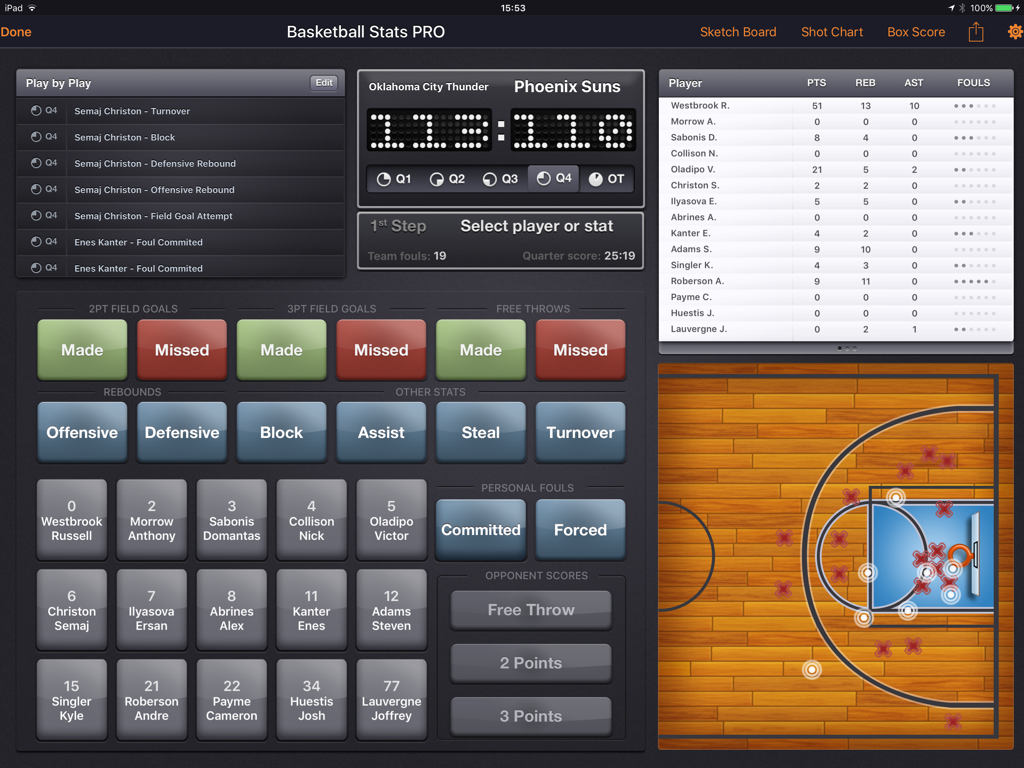
Basketball Stats PRO Lite - iPad interface of Basketball Stats PRO Lite showing live game statistics and a visual shot chart
iPad interface of Basketball Stats PRO Lite showing live game statistics and a visual shot chart

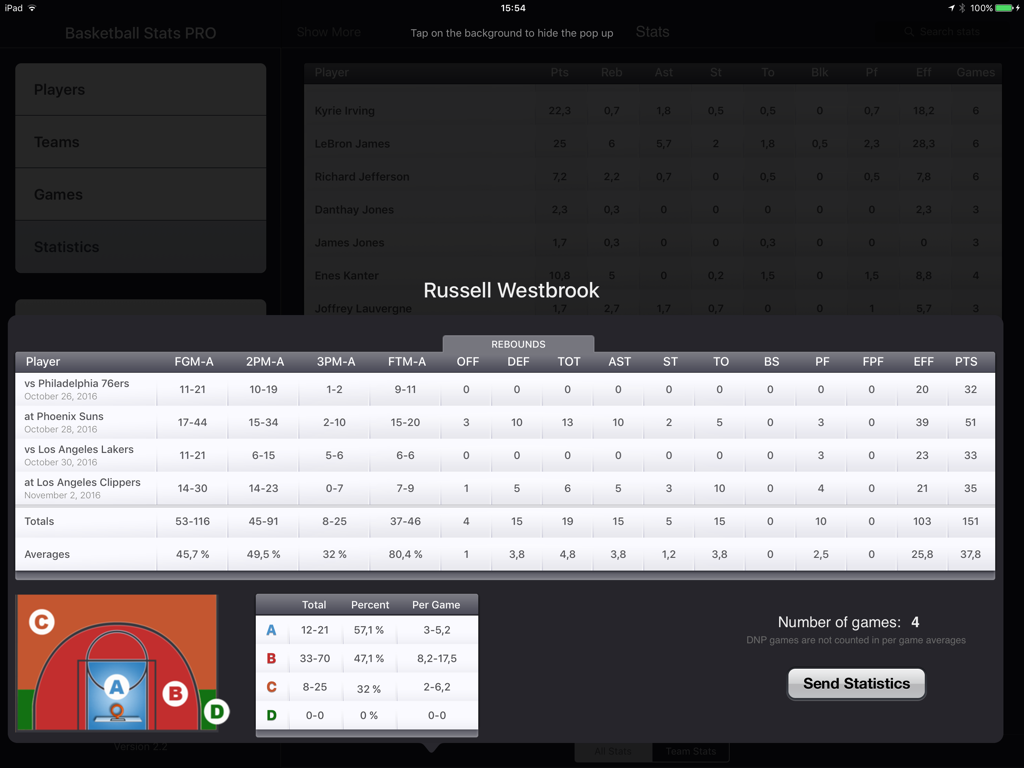
Basketball Stats PRO Lite - A detailed basketball player performance dashboard showing box scores and a shot chart on an iPad

A detailed basketball player performance dashboard showing box scores and a shot chart on an iPad
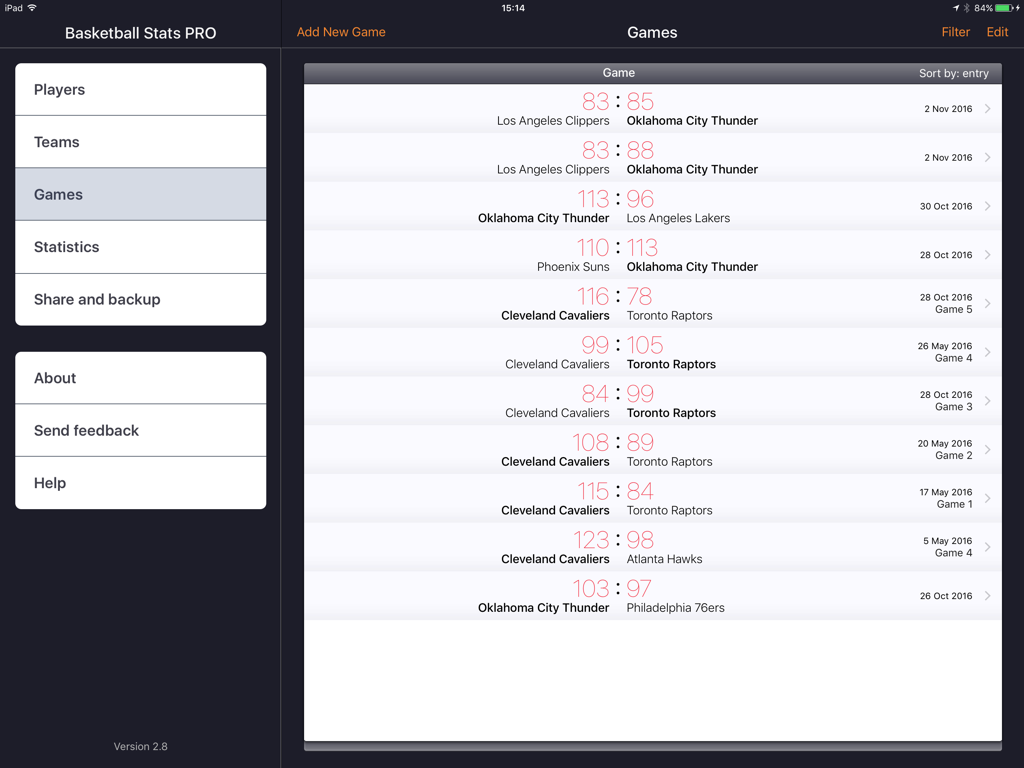
Basketball Stats PRO Lite - iPad screen of the Basketball Stats PRO Lite app showing a history of recorded games and scores
iPad screen of the Basketball Stats PRO Lite app showing a history of recorded games and scores

Basketball Stats PRO Lite - Shot chart interface showing player shot locations and game statistics on an iPad
Shot chart interface showing player shot locations and game statistics on an iPad

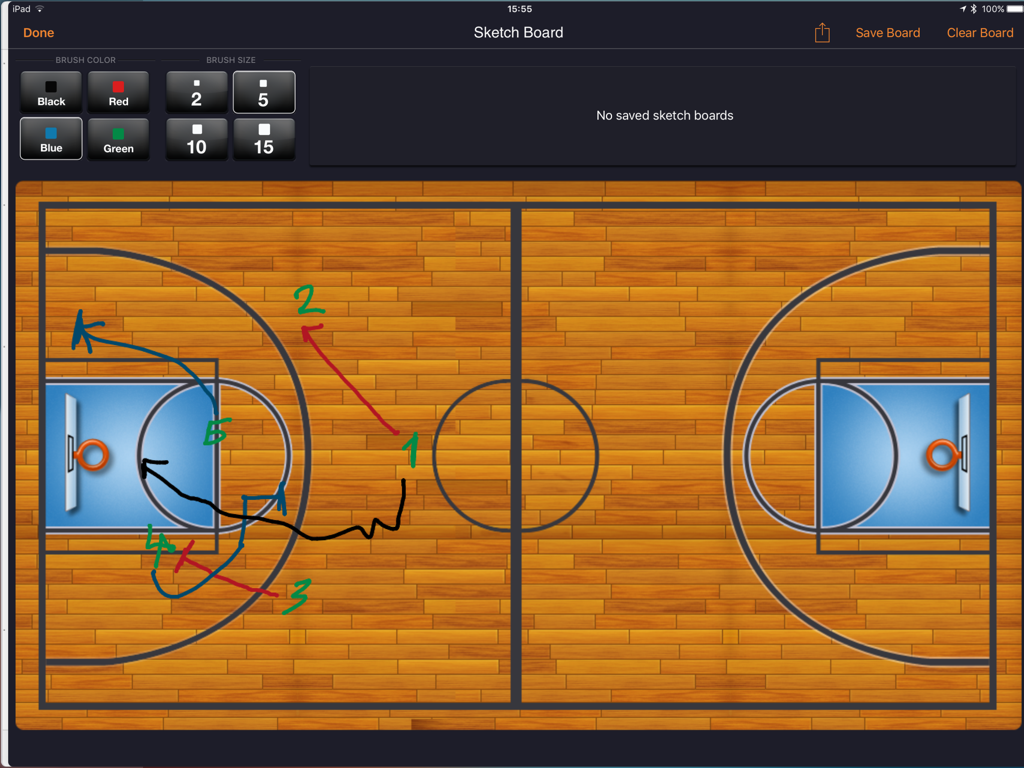
Basketball Stats PRO Lite - Digital basketball coaching sketch board with plays drawn on a court
Digital basketball coaching sketch board with plays drawn on a court

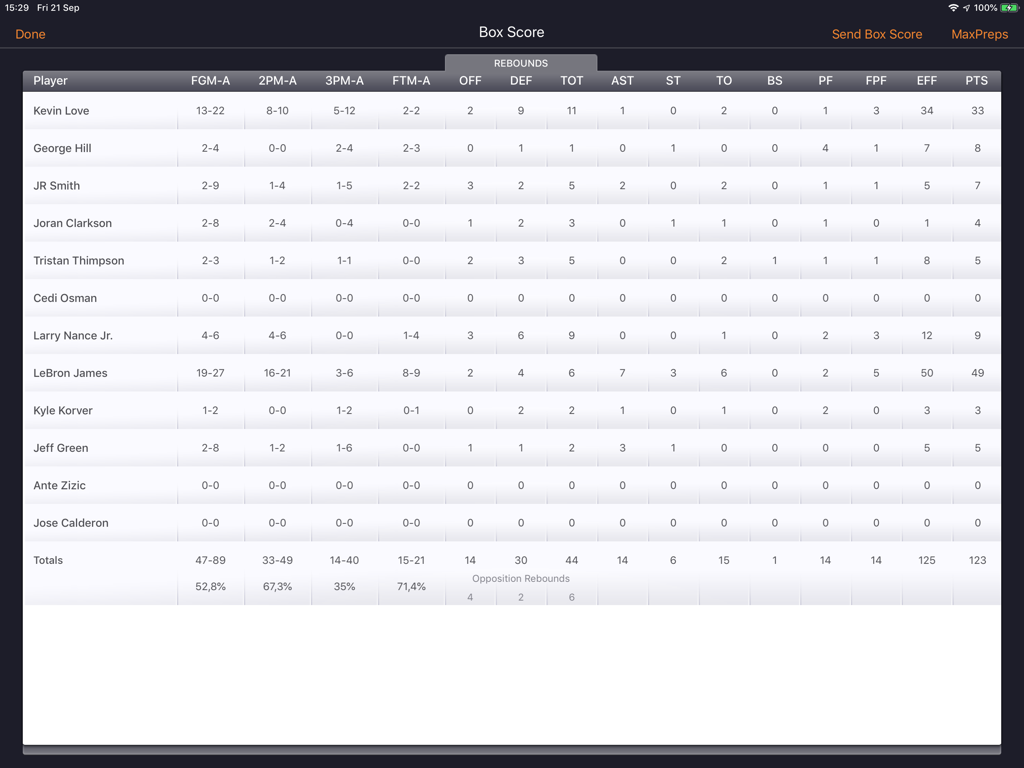
Basketball Stats PRO Lite - A digital basketball box score table on an iPad showing player performance statistics including points rebounds and assists
A digital basketball box score table on an iPad showing player performance statistics including points rebounds and assists

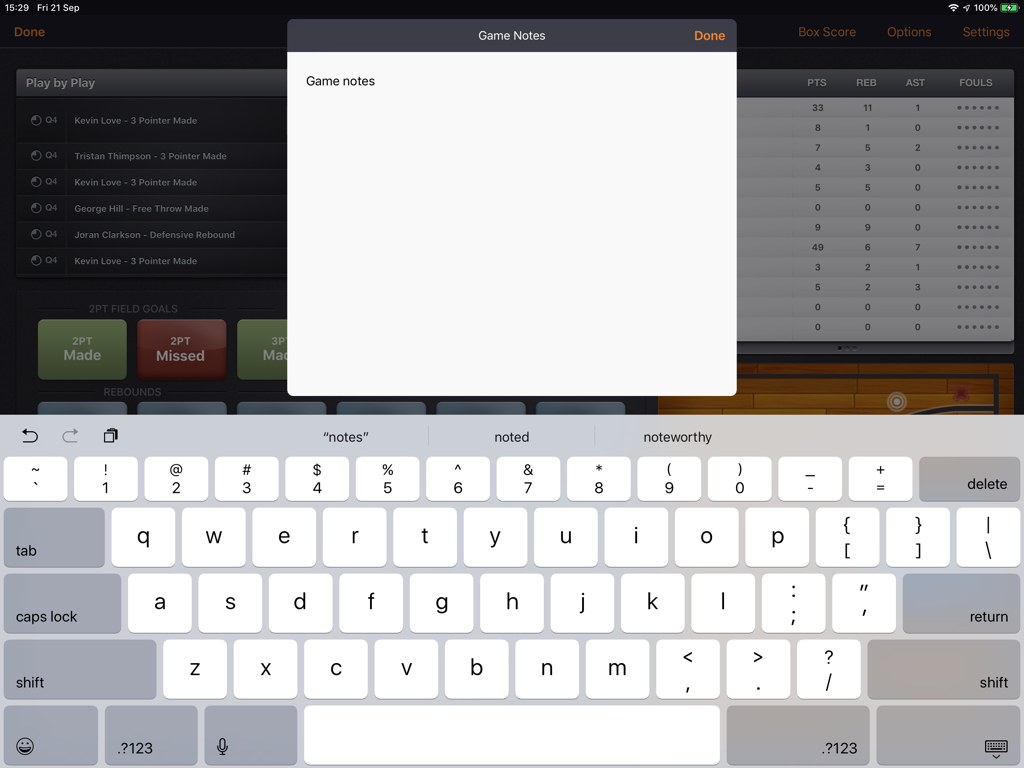
Basketball Stats PRO Lite - Game notes input screen with keyboard on Basketball Stats PRO Lite iPad app interface
Game notes input screen with keyboard on Basketball Stats PRO Lite iPad app interface

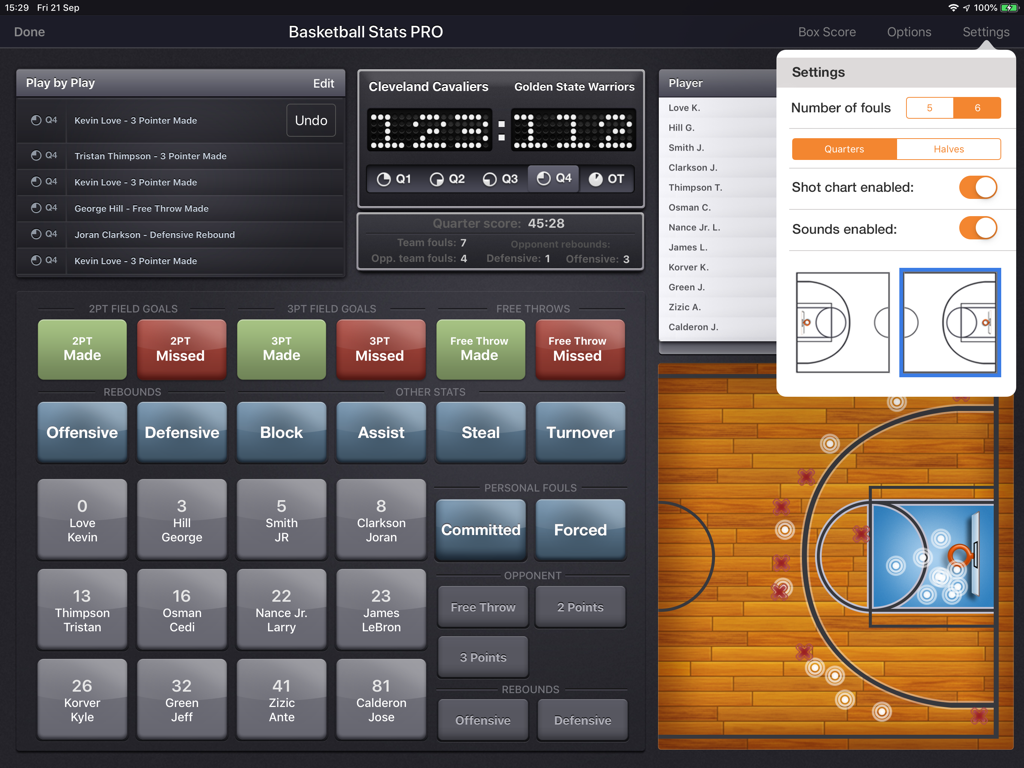
Basketball Stats PRO Lite - Basketball Stats PRO Lite app interface on iPad showing game statistics tracking and settings

Basketball Stats PRO Lite app interface on iPad showing game statistics tracking and settings

Description

We all have seen assistant coaches around the world using sheets of paper and scribbling down the game statistics for their team while sitting next to the coach. The same assistant coaches then had to spend an hour or more compiling those scribbled data into a Box Score which they could analyze further. Basketball Stats PRO Lite app for iPad scraps both the paper and the grueling process of stats compiling and delivers an easy to use stats tracker, which allows coaches, assistant coaches, scouts, parents or basketball fans to track stats of their team right from their iPad. All the inputted stats are instantly compiled to show the current stats of your team, this will allow coaching staff to have all the stats updated and ready at any given time during or after the game. Inputting stats is a very easy process, since you have buttons that represent each player in the roster and all the stats categories. You just tap on a player and the stat and it will automatically get added to the game. For two and three point shots (hit or missed) you also tap on the area of the court where the shot was taken from. You can view the complete Box Score with just one tap and send it via email to anyone around the world. All the inputted statistics are written to a local database (no internet connection needed), thus you can view stats of a given player for not just one game, but all the games where the player has been involved in. Statistics view for a player will show box scores for each game as well as compiled total and average stats. You can even see the stats of players shots based on where they were taken (inside the paint, mid-range, 3 point shots from the corner and other 3 point shots). You will soon realize that this stats app can really help you with efficient stats input and analysis after the game. The app also features Sketch Board, where you can draw your plays using 4 different colors and pens, and best of all you can save all the sketches and view them later on or send them via email. App Features: ** Stats input for 5 games (add games as needed, or unlock unlimited games) ** Unlimited number of players ** Easy and intuitive way to input stats in the app ** Compiled stats and box scores ready after each new stat entry ** Play by Play view, with editing and emailing options ** Box Score with email sending capabilities ** Sketch Board - with editing, saving and email options ** Detailed compiled statistics for all players and games where they played ** Send games to others via email or to iPads nearby with multipeer connectivity Let Basketball Stats PRO Lite take your stats to the next level!

Download

Download on App Store

This page is not an official page of the app or its developer, but an independent editorial publication created for informational and commentary purposes. Unless expressly stated otherwise, neither the app nor its developer is affiliated with, endorsed by, sponsored by, authorized by, or otherwise officially connected with MWM, Apple, Google Play, the app publisher, or the app's developer, and nothing on this page implies that the app was developed using MWM's services. Any trademarks, logos, screenshots, and other content remain the property of their respective owners.