BBBank SecureGo+
BBBank SecureGo+
Download on App Store

This page is not an official page of the app or its developer, but an independent editorial publication created for informational and commentary purposes. Unless expressly stated otherwise, neither the app nor its developer is affiliated with, endorsed by, sponsored by, authorized by, or otherwise officially connected with MWM, Apple, Google Play, the app publisher, or the app's developer, and nothing on this page implies that the app was developed using MWM's services. Any trademarks, logos, screenshots, and other content remain the property of their respective owners.

Logo of BBBank SecureGo+
Download on App Store

BBBank SecureGo+

The ultimate security companion for international professionals. Approve transactions and credit card payments via Face-ID on up to three devices—no more typing codes, just seamless direct release.

Key Figures

Downloads

164K+

User Rating

4.7/5

Total Ratings

14K+

Publisher

BBBank eG

Category

Finance

Locales

2

Latest Version

4.2.6

Size

86.4 MB

First Released

Aug 24, 2021
Features

Secure Your Finances, Wherever You Are

Experience the next generation of banking authentication. BBBank SecureGo+ simplifies your international transactions by replacing outdated SMS codes with seamless, app-based security.

One-Tap Direct Release

No more manual TAN entry. Approve credit card payments and transfers instantly with a single tap, eliminating the lag of international SMS delivery.

Seamless Multi-Device Sync

Stay flexible by registering up to three devices simultaneously. Securely authorize transactions from your iPhone, iPad, or secondary device at your convenience.

The following screenshots and description are sourced directly from the app's official store listing and are the property of the app developer.

App Store

Screenshots
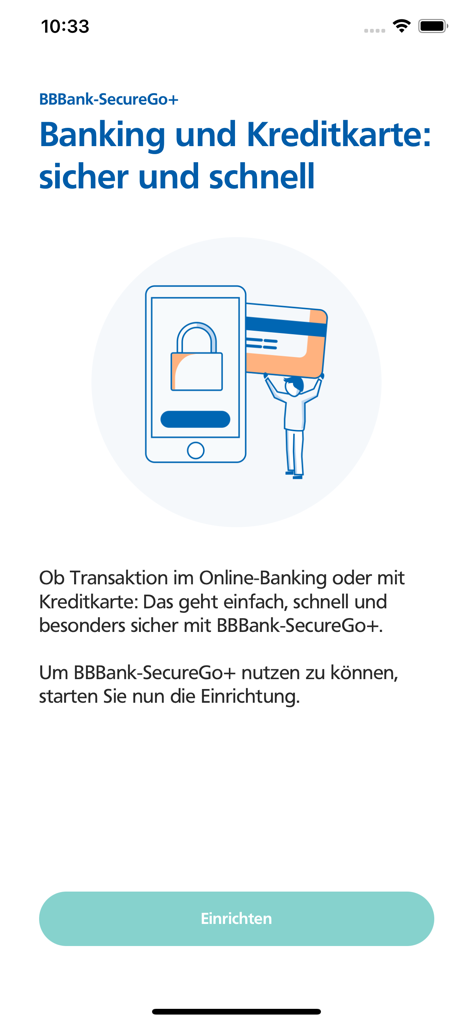
BBBank SecureGo+ - Welcome screen of the BBBank SecureGo plus app for secure banking and credit card transactions
Welcome screen of the BBBank SecureGo plus app for secure banking and credit card transactions

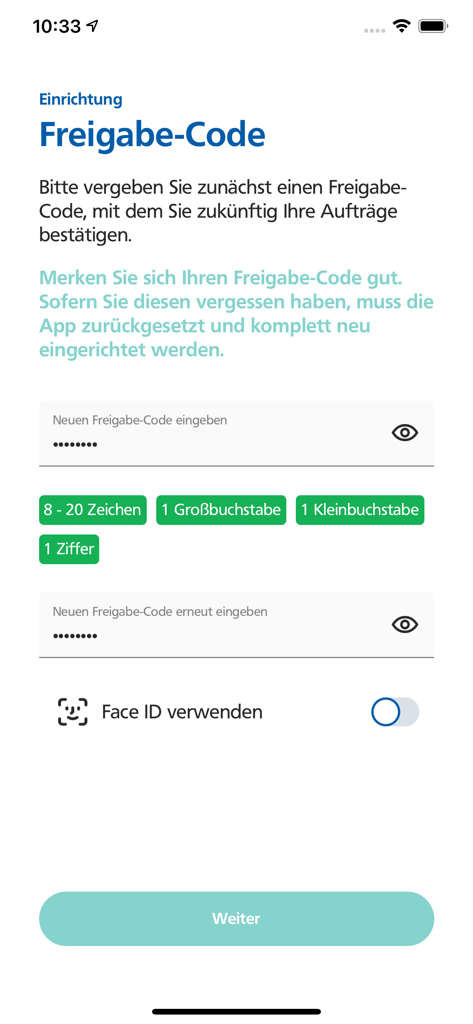
BBBank SecureGo+ - BBBank SecureGo plus app screen for setting up a secure release code and enabling Face ID biometric authentication
BBBank SecureGo plus app screen for setting up a secure release code and enabling Face ID biometric authentication

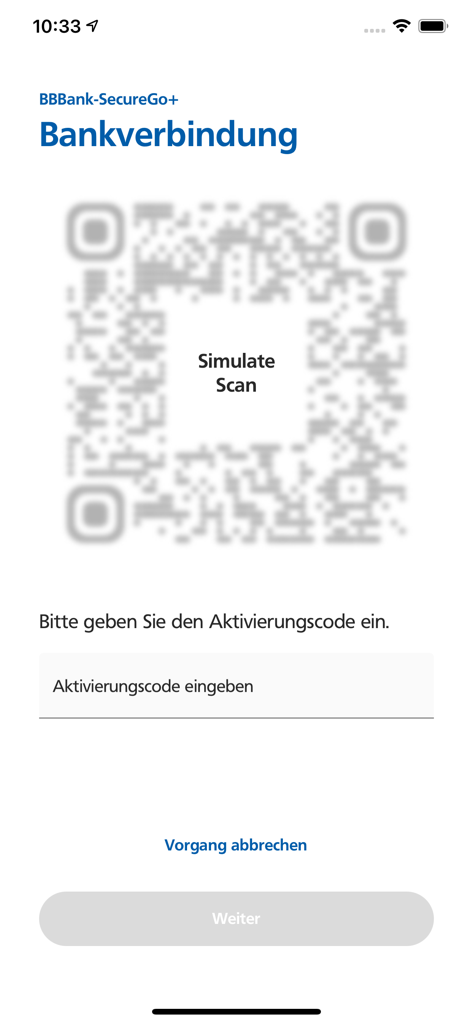
BBBank SecureGo+ - BBBank SecureGo plus bank connection and activation screen
BBBank SecureGo plus bank connection and activation screen

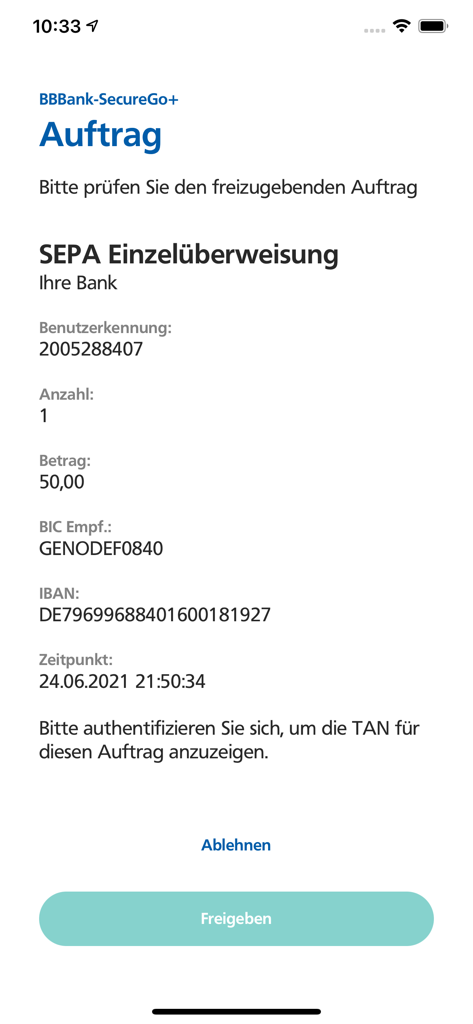
BBBank SecureGo+ - BBBank SecureGo plus app interface showing a SEPA transaction approval screen with details and release button
BBBank SecureGo plus app interface showing a SEPA transaction approval screen with details and release button

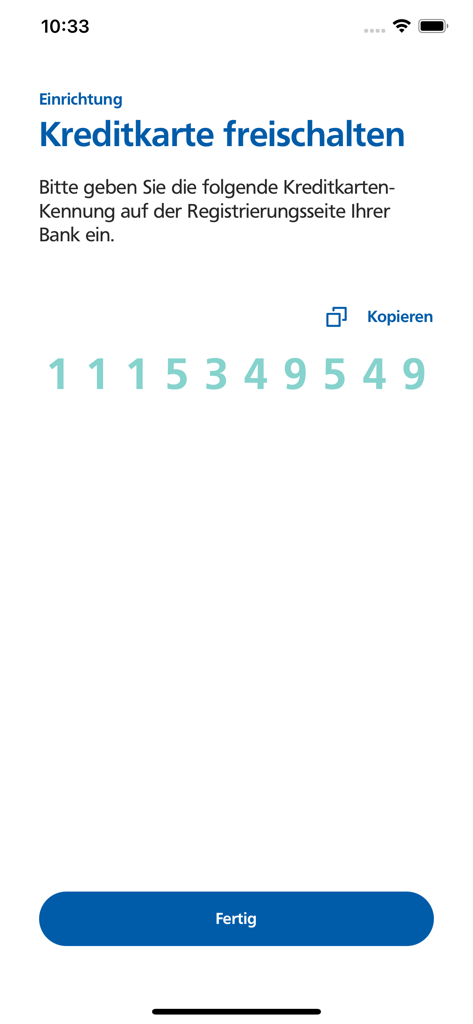
BBBank SecureGo+ - BBBank SecureGo app screen showing a numeric code for credit card activation
BBBank SecureGo app screen showing a numeric code for credit card activation

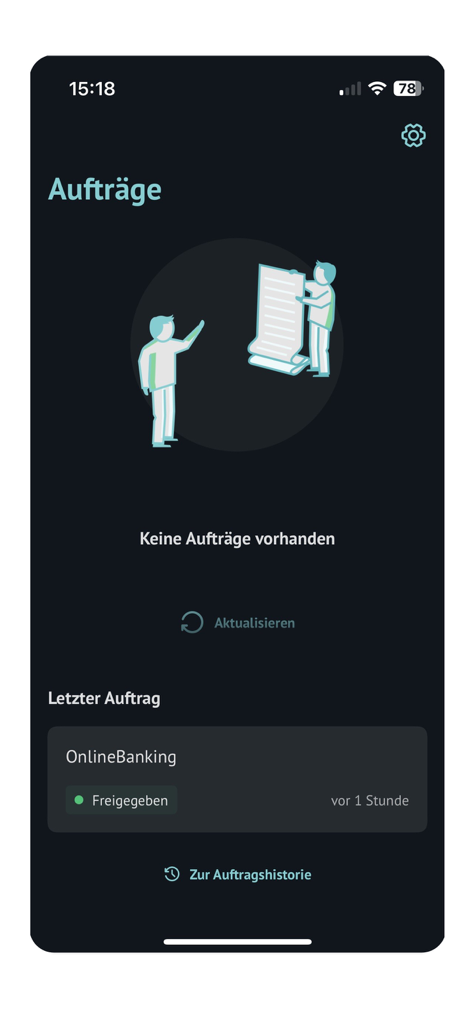
BBBank SecureGo+ - The transaction orders screen of the BBBank SecureGo plus app showing recent online banking activity in dark mode.

The transaction orders screen of the BBBank SecureGo plus app showing recent online banking activity in dark mode.

Description

DIE APP IM ÜBERBLICK: • zentrale App zur sicheren Freigabe von Kreditkartenzahlungen & Transaktionen im Banking • sehen – bestätigen – freigeben: bequeme Direktfreigabe statt TAN • neues, ansprechendes & nutzerfreundliches Design, bekannt aus dem OnlineBanking • hoher Sicherheitsstandard • bis zu drei Geräte gleichzeitig für Banking-Freigaben nutzen EINE ZENTRALE APP FÜR FREIGABEN Die neue BBBank-SecureGo+ App ist die zentrale Freigabe- und Sicherheits-Anwendung für Authentifizierungen und Freigaben für alle digitalen Kanäle. DIREKTFREIGABE STATT TAN Für Transaktionen mit Kreditkarte und im OnlineBanking bzw. in der neuen BankingApp müssen keine TANs mehr eingegeben werden. Mittels bequemer Direktfreigabe werden die Zahlungen im Handumdrehen bestätigt. Mit wenigen Klicks zum Ziel. sehen – bestätigen – freigeben Für Zahlungen über eine Banking-Software (FinTS) oder bei bereits bestehenden OnlineBanking-Anwendungen (über den Internet-Browser) kann es zur Anzeige einer TAN kommen, welche wie gewohnt eingegeben wird. NUTZERFREUNDLICHKEIT UND DESIGN Unser Ziel ist es, ein einheitliches Nutzererlebnis auf allen Kanälen zu schaffen. Die BBBank-SecureGo+ App reiht sich im selben Design wie das neue OnlineBanking ein. Ein einheitliches und wiederkehrendes Design fördert die intuitive Bedienung. HOHER SICHERHEITSSTANDARD Um ein hohes Maß an Sicherheit zu gewährleisten, erfolgt die gesamte Kommunikation verschlüsselt. Die Ausführung von Transaktionen ist mit Ihrem selbstgewählten Freigabe-Code oder per Touch-ID/Face-ID gesichert. BIS ZU DREI GERÄTE GLEICHZEITIG FÜR FREIGABEN NUTZEN Über die Geräteverwaltung können Sie selbständig bis zu drei Geräte registrieren (für Banking). Ist die BBBank-SecureGo+ auf den Geräten freigeschaltet, können Sie Freigaben auf jedem aktiven Gerät tätigen. UND SO MACHEN SIE IHRE APP "BBBank-SecureGo+" IN NUR WENIGEN SCHRITTEN STARTKLAR: Freischaltung der Banking-Funktionen: • Laden Sie die App "BBBank-SecureGo+" und legen Sie einen individuellen "Freigabe-Code" fest. Dieser "Freigabe-Code" dient der künftigen Freigabe von allen Zahlungsaufträgen. Merken Sie sich Ihren Freigabe-Code gut. Sofern Sie diesen vergessen haben, muss die App zurückgesetzt und komplett neu eingerichtet werden. • Rufen Sie das neue OnlineBanking der BBBank unter www.bbbank.de/services_cloud/portal oder über www.bbbank.de/banking2021 auf und klicken Sie oben rechts auf „Datenschutz & Sicherheit“ -> „Sicherheitsverfahren“ -> „SecureGo plus“. Fügen Sie nun mit einem bestehenden Authentifizierungs-Verfahren ein neues Gerät hinzu. Im Folgeschritt wird Ihnen ein QR-Code angezeigt. • Wählen Sie die Funktion in der App "Bankverbindung für Online-Banking freischalten" und scannen Sie den (im OnlineBanking) angezeigten QR-Code. Bestätigen Sie abschließend die Einrichtung. Die Aktivierung der App "BBBank-SecureGo+" ist nun abgeschlossen und die App einsatzbereit. Für Kreditkartenzahlungen gehen Sie bitte wie folgt vor: • Fordern Sie Ihren Aktivierungscode über https://www.bbbank.de/produkte/konten-und-karten/karte/3d-secure.html an • Falls Sie eine neue Mastercard® oder Visa Karte (Debitkarte oder Kreditkarte) beantragt haben, wird Ihnen Ihr persönlicher Aktivierungscode automatisch in Ihr elektronisches Postfach oder per Brief zugesendet. • Gehen Sie anschließend erneut auf die oben genannte Internetseite und geben Sie Ihre Kartennummer sowie den Aktivierungscode ein. • Starten Sie dann die App, legen Sie Ihr persönlichen Freigabe-Code fest und geben Sie auf der oben genannten Internetseite Ihre in der App angezeigte neue „Kreditkarten-Kennung“ ein. • Im letzten Schritt bestätigen Sie bitte die Registrierung mit der TAN, die Sie unmittelbar als Nachricht erhalten.

Download

Download on App Store

This page is not an official page of the app or its developer, but an independent editorial publication created for informational and commentary purposes. Unless expressly stated otherwise, neither the app nor its developer is affiliated with, endorsed by, sponsored by, authorized by, or otherwise officially connected with MWM, Apple, Google Play, the app publisher, or the app's developer, and nothing on this page implies that the app was developed using MWM's services. Any trademarks, logos, screenshots, and other content remain the property of their respective owners.








