
This page is not an official page of the app or its developer, but an independent editorial publication created for informational and commentary purposes. Unless expressly stated otherwise, neither the app nor its developer is affiliated with, endorsed by, sponsored by, authorized by, or otherwise officially connected with MWM, Apple, Google Play, the app publisher, or the app's developer, and nothing on this page implies that the app was developed using MWM's services. Any trademarks, logos, screenshots, and other content remain the property of their respective owners.

BeadPatternCreator
The ultimate digital loom for jewelry makers. Easily convert photos into intricate bead charts, customize with 150+ stamps, and print your designs for your next handmade masterpiece.
Downloads
6K+User Rating
Total Ratings
0Publisher
Category
Graphics & DesignLocales
1Latest Version
10Size
13.7 MBFirst Released
May 2, 2023Design Your Next Beading Masterpiece
The professional digital loom for creators. Master complex stitches, convert photos to patterns, and bring your jewelry visions to life with precision tools.
Authentic Stitch Layouts
Stop struggling with graph paper. Design specifically for Peyote, Brick, and Right Angle Weave with grids that match your real-world craft.
Instant Photo Conversion
Turn cherished photos or landscapes into detailed bead charts automatically. Perfect for creating unique, personalized gifts or portraits.
The following screenshots and description are sourced directly from the app's official store listing and are the property of the app developer.
App Store
Screenshots
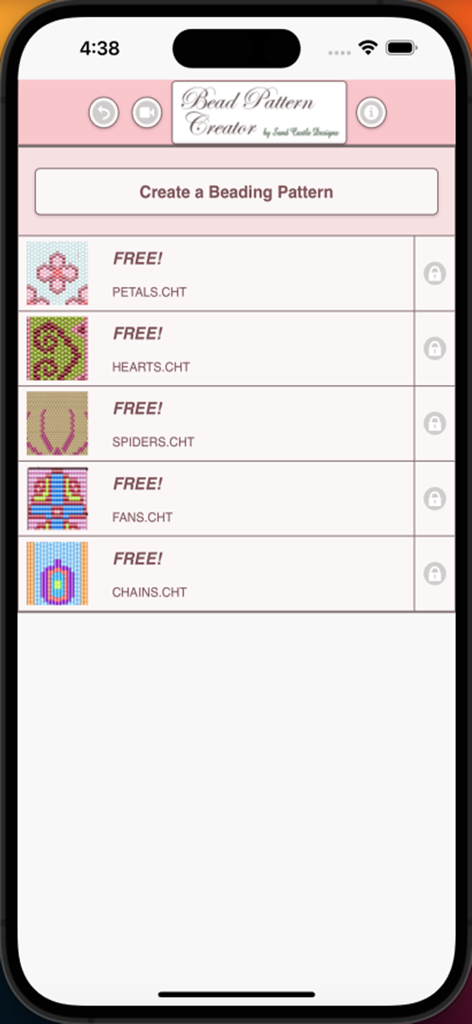
Bead Pattern Creator app home screen showing a list of free bead designs including petals hearts and spiders
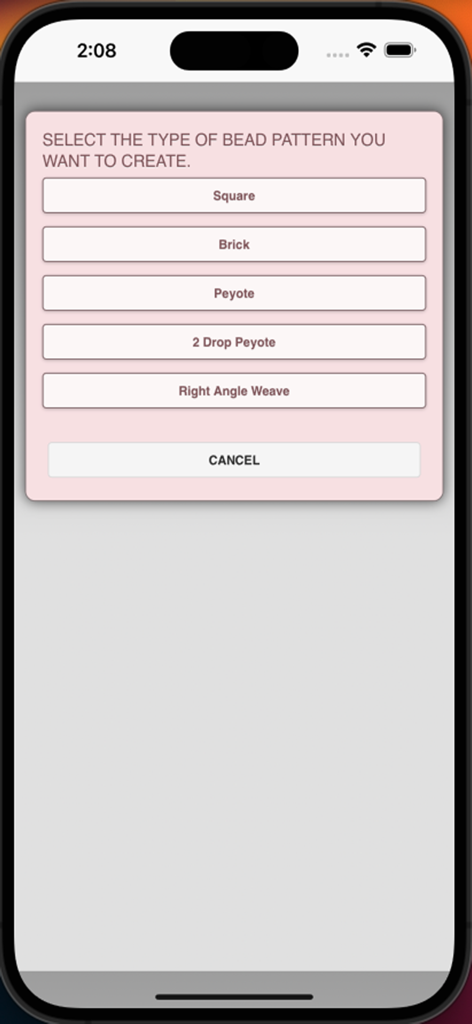
A menu screen in the BeadPatternCreator app for selecting bead stitch types including Square Brick and Peyote
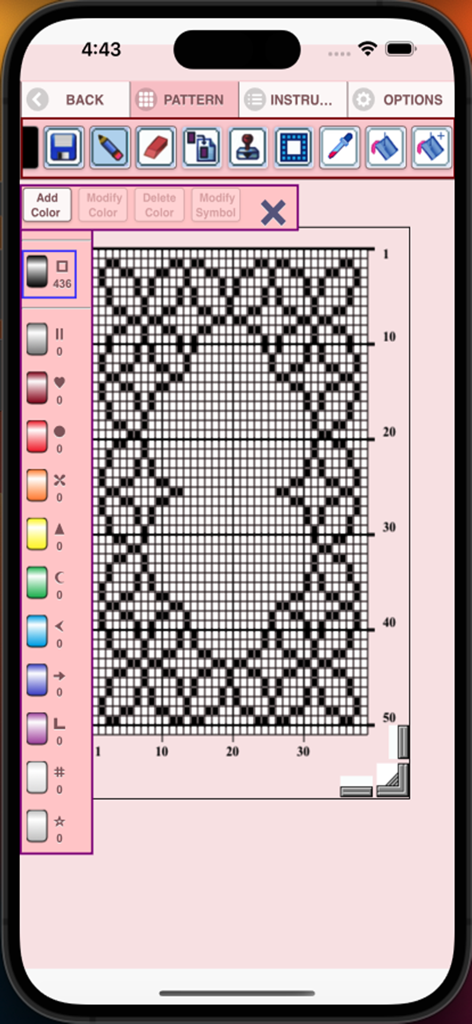
BeadPatternCreator interface showing a grid pattern and design tools
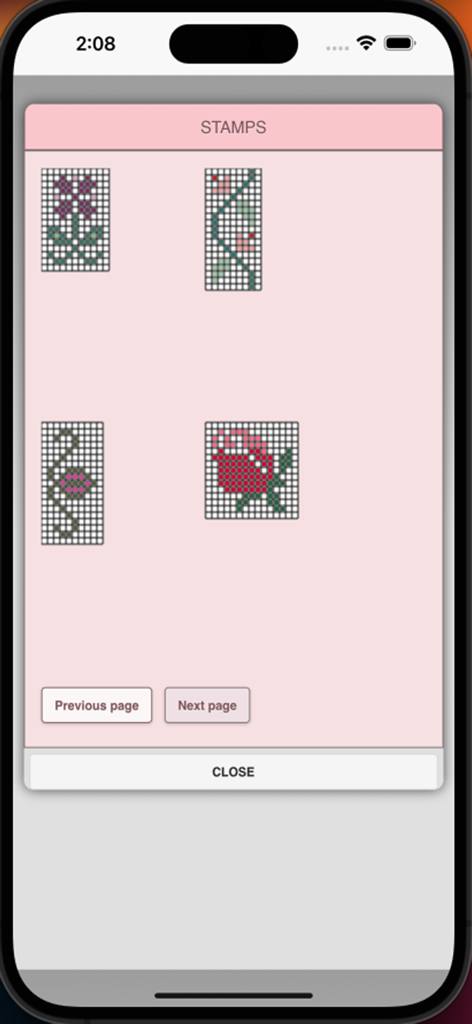
A menu screen showing various bead pattern stamps like flowers and floral designs
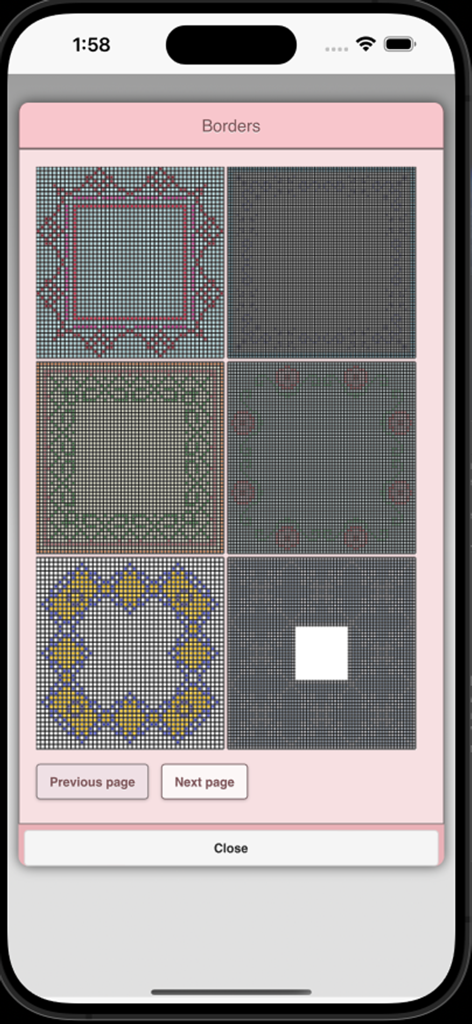
A menu in the BeadPatternCreator app showing various bead border designs.
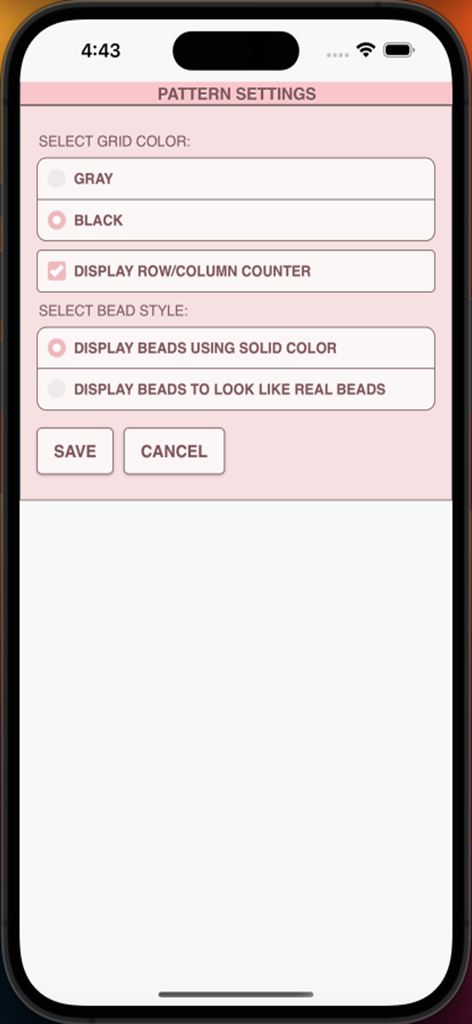
Pattern settings screen in the BeadPatternCreator app showing options for grid color, row and column counters, and bead display style.
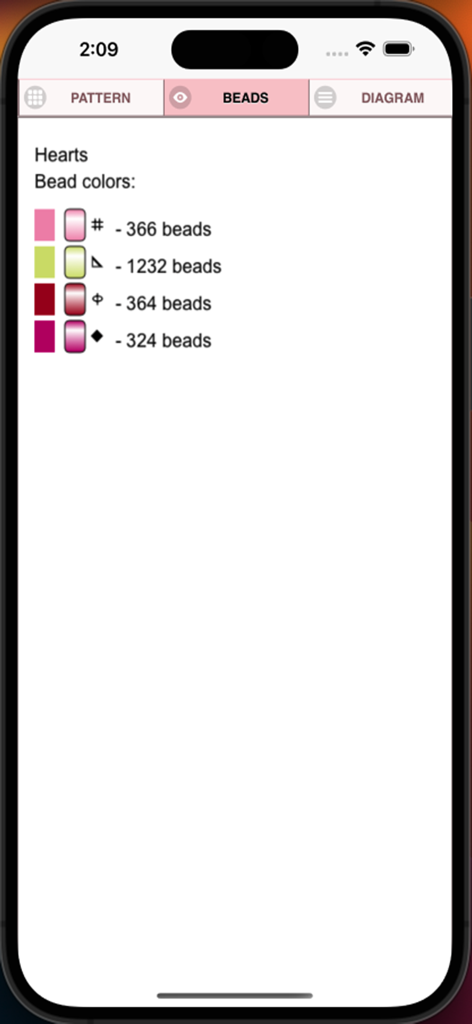
Screenshot showing a list of bead colors, unique symbols, and bead counts for a pattern named Hearts.
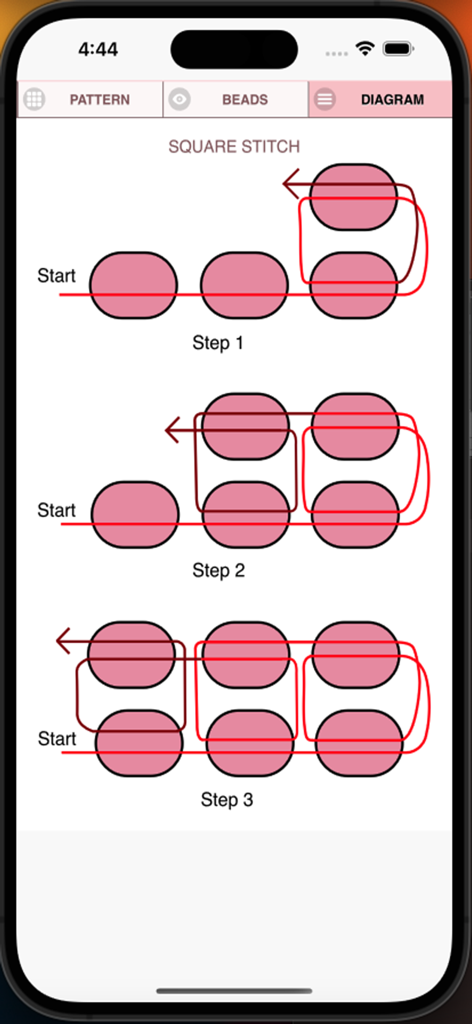
Technical diagram showing three steps of the square stitch beading process
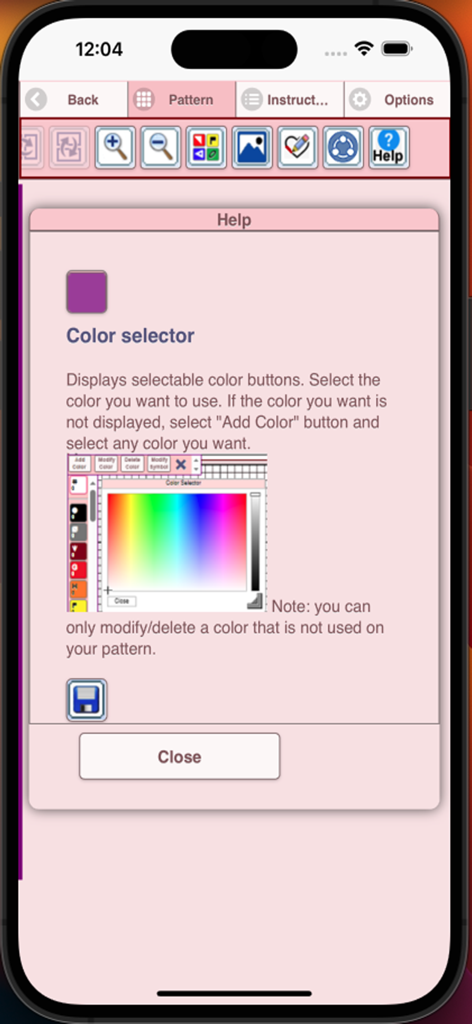
Help screen within the BeadPatternCreator app explaining the color selector tool.
Description
Download
More Like This
Top-ranked apps in the same category

Kling AI: AI Image&Video Maker
LOHAS GAMES PTE. LTD.

iScreen - Widgets & Wallpaper
Xiamen ShenZhuo Information Technology Co., Ltd.

Dreamina AI: Image&Video Maker
BYTEDANCE PTE. LTD.

Home AI - AI Interior Design
HUBX YAZILIM HIZMETLERI ANONIM SIRKETI

ibis Paint X
ibis inc.

ThemeKit: Widget & Icon Themes
Woohoo Tech. Ltd.

Sketchbook®
Sketchbook, Inc.

Colorful Widget- Widget&Themes
Guangzhou ZHIFENG Information Technology Co.,Ltd.

ReRoom AI: Interior Design
GM UniverseApps Limited
This page is not an official page of the app or its developer, but an independent editorial publication created for informational and commentary purposes. Unless expressly stated otherwise, neither the app nor its developer is affiliated with, endorsed by, sponsored by, authorized by, or otherwise officially connected with MWM, Apple, Google Play, the app publisher, or the app's developer, and nothing on this page implies that the app was developed using MWM's services. Any trademarks, logos, screenshots, and other content remain the property of their respective owners.