
This page is not an official page of the app or its developer, but an independent editorial publication created for informational and commentary purposes. Unless expressly stated otherwise, neither the app nor its developer is affiliated with, endorsed by, sponsored by, authorized by, or otherwise officially connected with MWM, Apple, Google Play, the app publisher, or the app's developer, and nothing on this page implies that the app was developed using MWM's services. Any trademarks, logos, screenshots, and other content remain the property of their respective owners.

BerryFit - AI Food & Calories
Stop typing and start tracking. Use AI-powered food scanning to log your meals and hydration in seconds—no manual entry, no guesswork, just effortless awareness for your busy lifestyle.
Downloads
100+User Rating
Total Ratings
0Publisher
Category
Health & FitnessLocales
1Latest Version
1.0.5Size
95.5 MBFirst Released
Jan 22, 2026Fuel Your Body, Not Your To-Do List
BerryFit transforms meal logging from a tedious chore into a split-second habit. Get the insights you need to stay healthy without the manual effort or constant searching.
Instant AI Meal Scanning
Stop typing and start living. Simply snap a photo of your plate, and our AI instantly identifies your food and estimates calories for you.
Frictionless Goal Tracking
Stay mindful of your daily calorie and hydration targets with clean, intuitive visuals designed for consistency, not judgment.
The following screenshots and description are sourced directly from the app's official store listing and are the property of the app developer.
App Store
Screenshots
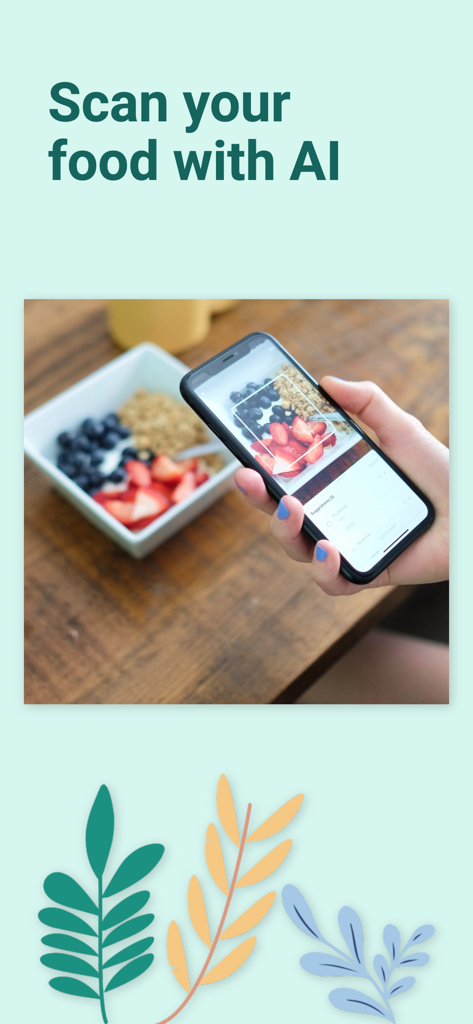
A hand holding a smartphone scanning a breakfast bowl with the BerryFit AI food tracking app
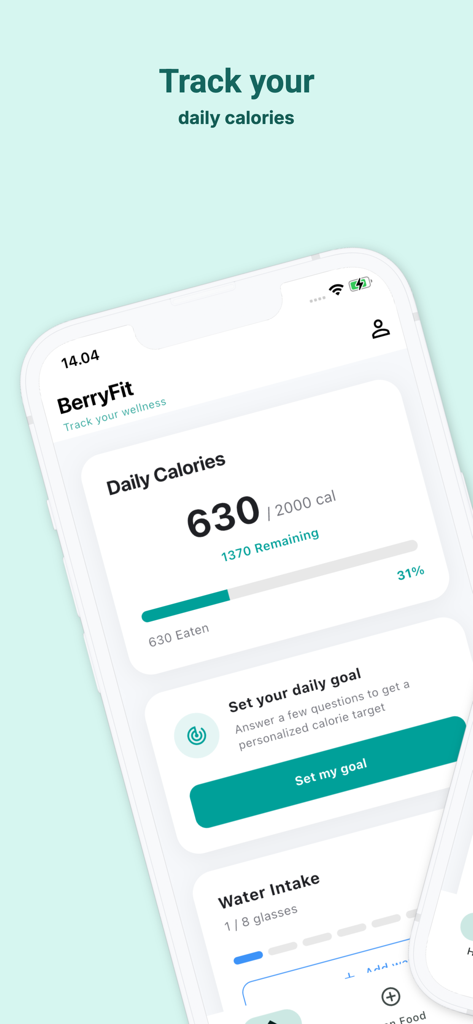
BerryFit app dashboard displaying daily calorie progress and water intake tracking
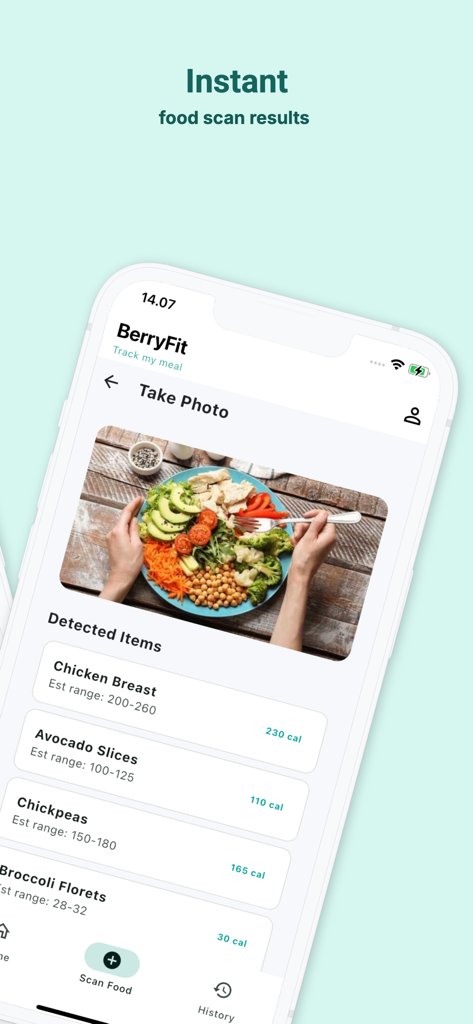
BerryFit AI food scanner interface displaying calorie estimates for a meal photo
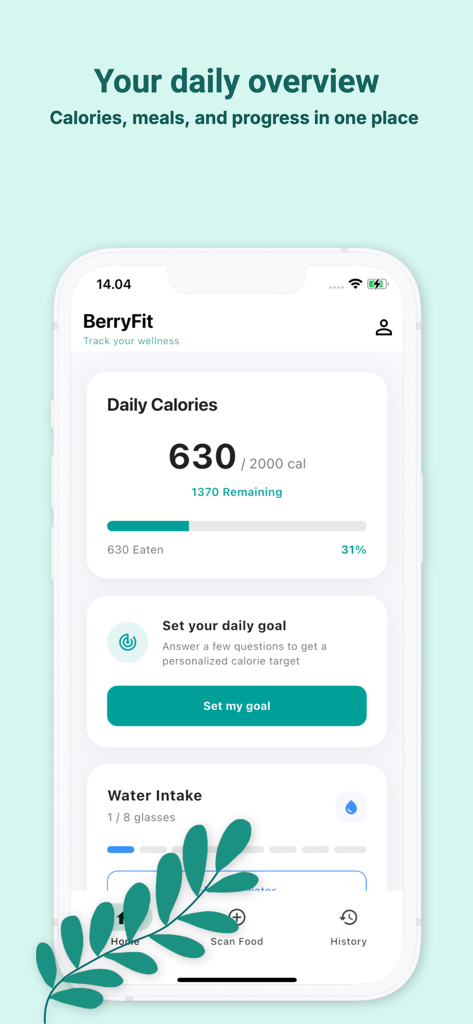
BerryFit app dashboard showing daily calorie progress water intake and goal setting options
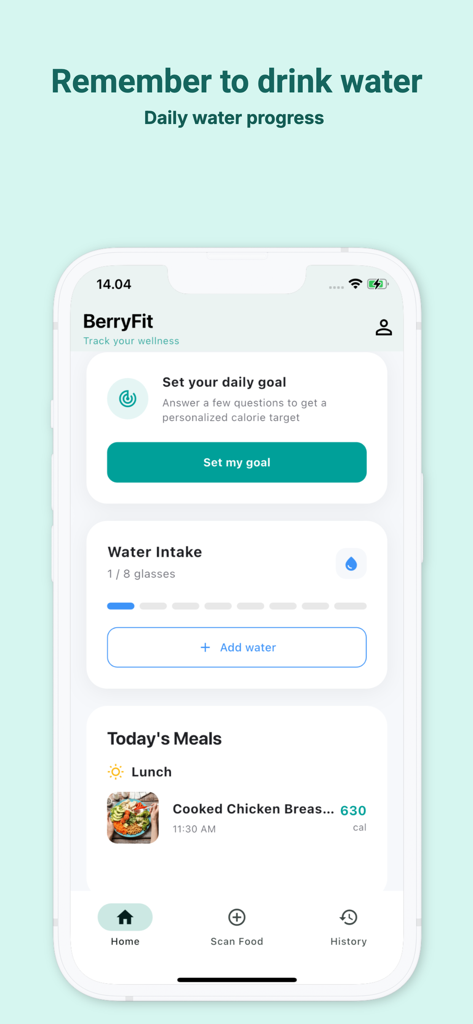
BerryFit app home screen displaying daily water intake progress and tracked meals with calorie estimates
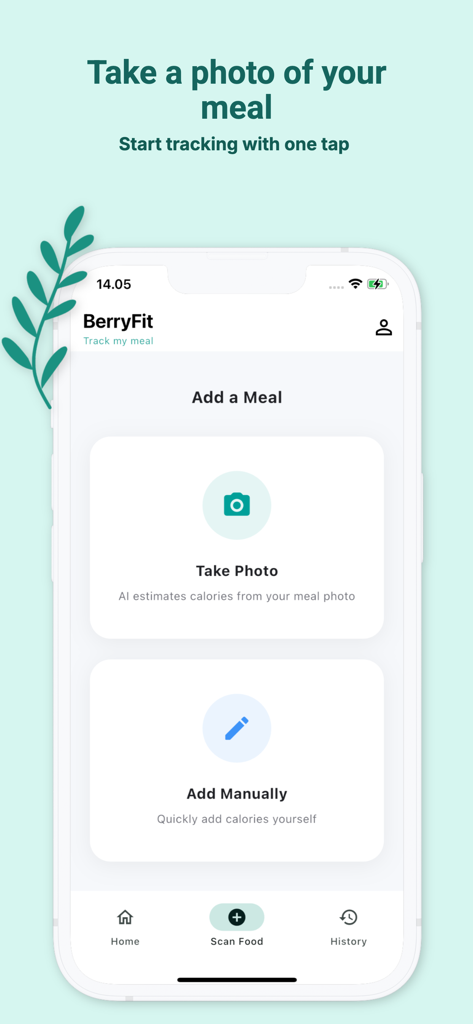
BerryFit app screen displaying options to take a photo for AI calorie tracking or add meals manually
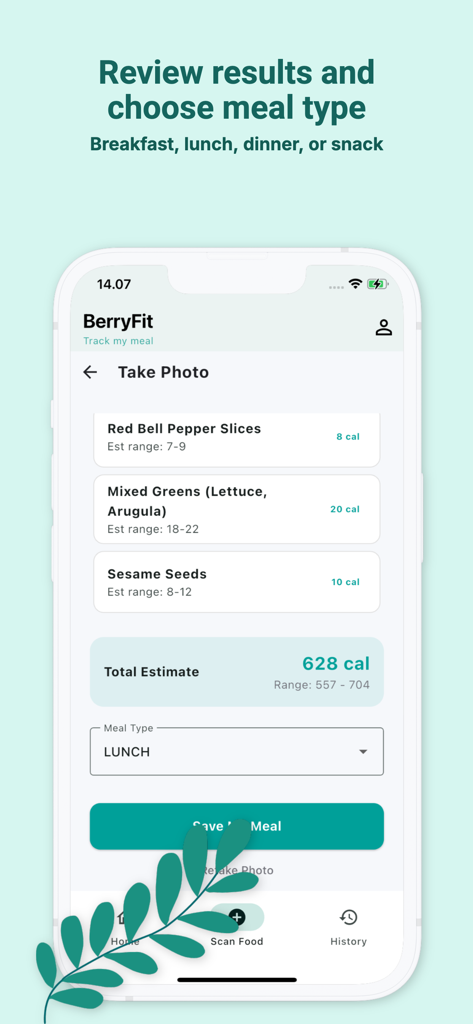
BerryFit app displaying AI calorie estimates for a meal and selecting lunch as the meal type
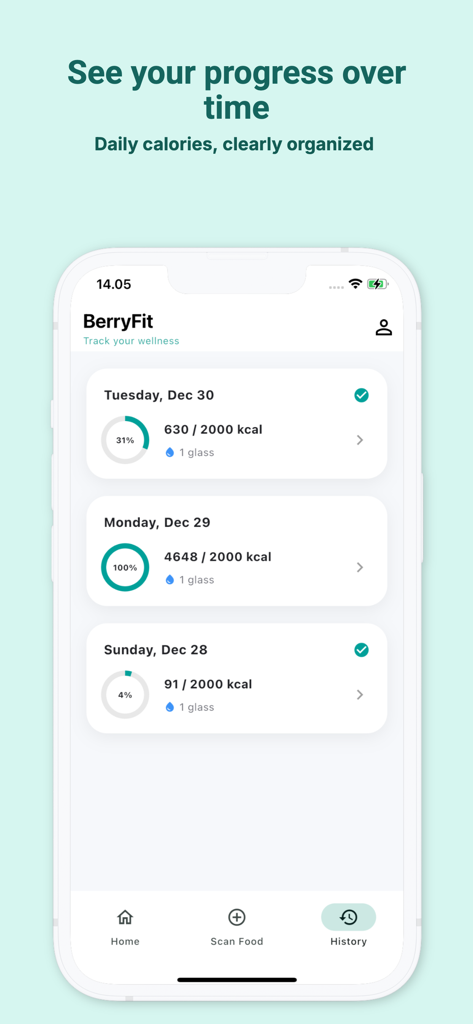
BerryFit app showing daily calorie tracking history and hydration progress
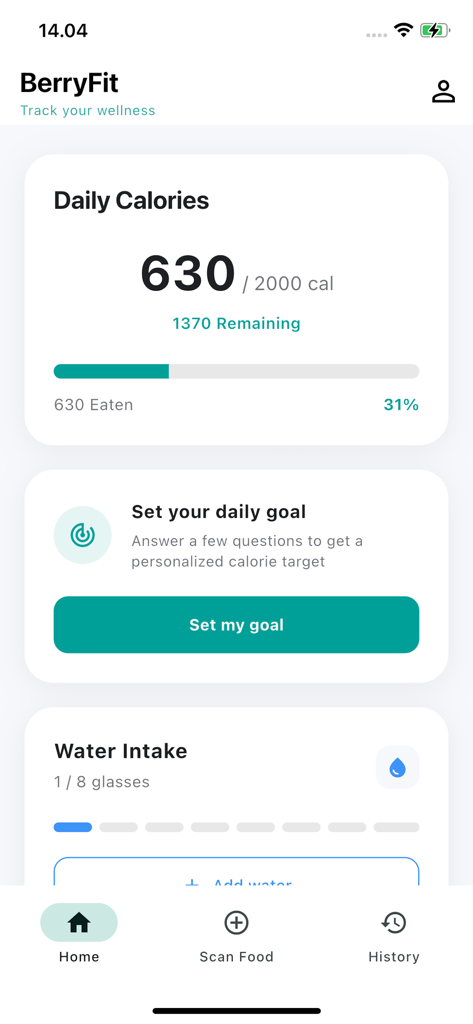
BerryFit app dashboard showing daily calorie progress and water intake tracker
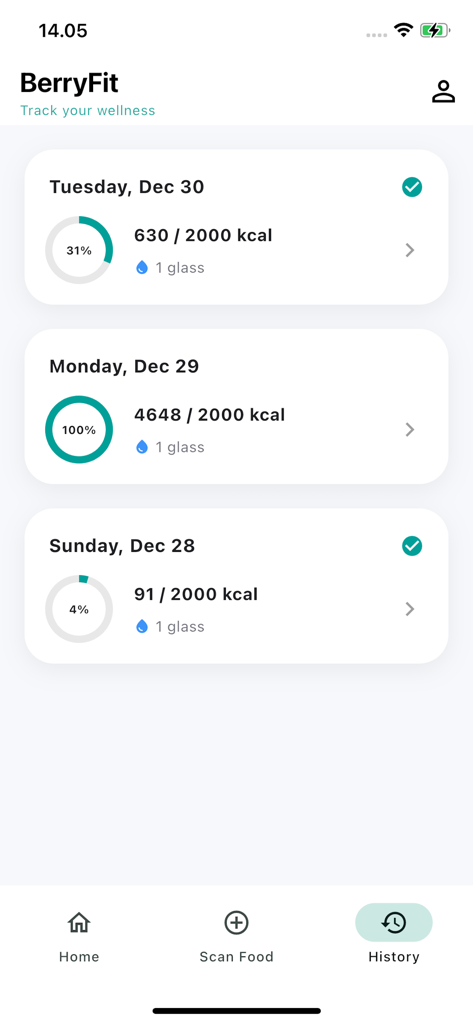
BerryFit app history screen displaying daily calorie and water intake summaries
Description
Download
More Like This
Top-ranked apps in the same category

Strava: Run, Bike, Walk
Strava Inc.

Flo Cycle & Period Tracker
FLO HEALTH UK LIMITED

Mi Fitness (Xiaomi Wear Lite)
Beijing Xiaomi Co., Ltd

AI Calorie Tracker by Yazio
YAZIO GmbH

MyFitnessPal: Calorie Counter
MyFitnessPal, Inc.

Yuka - Food & Cosmetic Scanner
Yuca

Cal AI - Calorie Tracker
Viral Development LLC

HUAWEI Health
Huawei Software Technologies Co., Ltd.

美柚 - 经期·备孕·怀孕·育儿&亲友版
Xiamen Meet You Co., Ltd.
This page is not an official page of the app or its developer, but an independent editorial publication created for informational and commentary purposes. Unless expressly stated otherwise, neither the app nor its developer is affiliated with, endorsed by, sponsored by, authorized by, or otherwise officially connected with MWM, Apple, Google Play, the app publisher, or the app's developer, and nothing on this page implies that the app was developed using MWM's services. Any trademarks, logos, screenshots, and other content remain the property of their respective owners.