
This page is not an official page of the app or its developer, but an independent editorial publication created for informational and commentary purposes. Unless expressly stated otherwise, neither the app nor its developer is affiliated with, endorsed by, sponsored by, authorized by, or otherwise officially connected with MWM, Apple, Google Play, the app publisher, or the app's developer, and nothing on this page implies that the app was developed using MWM's services. Any trademarks, logos, screenshots, and other content remain the property of their respective owners.


BrainGate: Focus Math Blocker
Stop mindless scrolling by engaging your brain. Solve quick math challenges to unlock distracting apps and turn autopilot habits into intentional focus.
Downloads
0User Rating
Total Ratings
0Publisher
Category
Health & FitnessLocales
6Latest Version
2.0.1Size
2.5 MBFirst Released
Jan 29, 2026The Science of Better Focus
Break the cycle of mindless scrolling. BrainGate introduces a logical pause that helps you switch from autopilot to deep work using science-backed cognitive friction.
Logic Gates for Your Apps
Stop the instant gratification loop. Solve three math challenges to snap your brain out of 'System 1' autopilot and back into focus mode.
Earn Your Screen Time
Set intentional unlock windows from 5 to 60 minutes. By 'paying' a cognitive tax to enter an app, you ensure your usage is purposeful, not passive.
The following screenshots and description are sourced directly from the app's official store listing and are the property of the app developer.
App Store
Screenshots
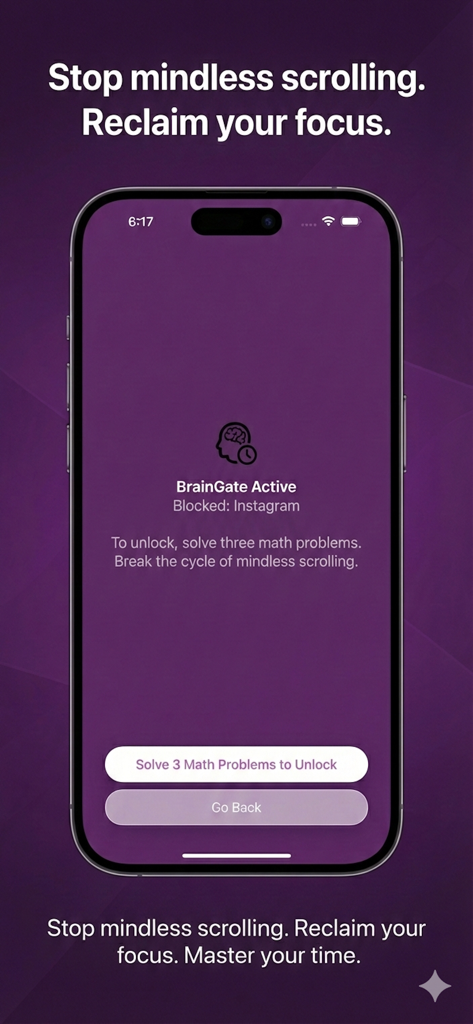
BrainGate app interface blocking Instagram and requiring three math problems to unlock
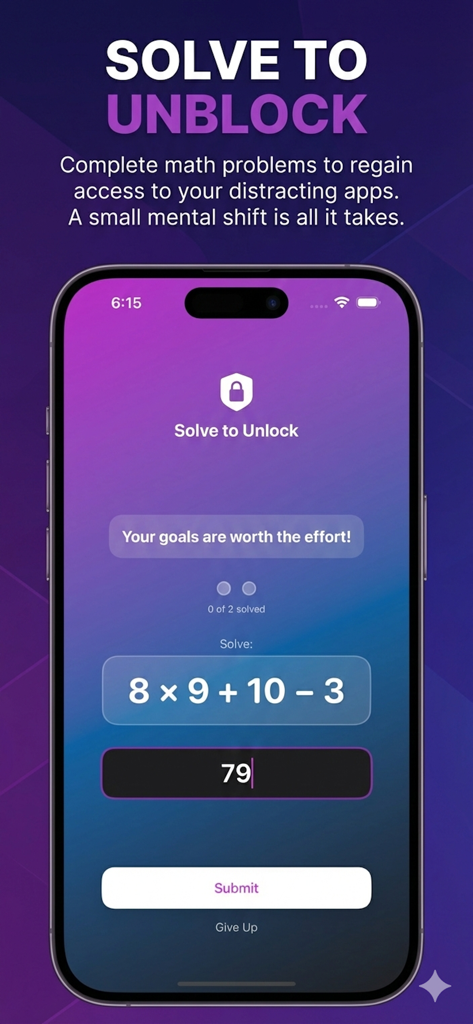
A smartphone displaying a math challenge within the BrainGate app to unlock distracting applications.
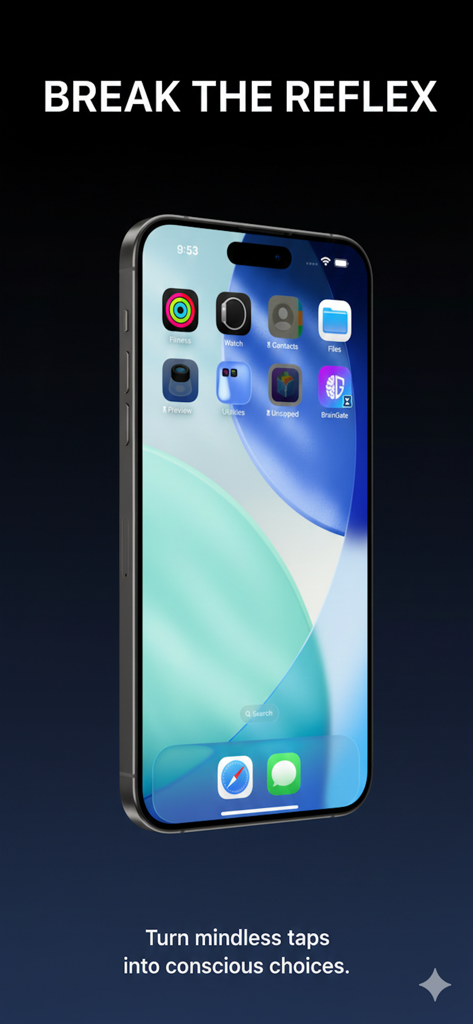
iPhone screen displaying the BrainGate app icon with the headline break the reflex
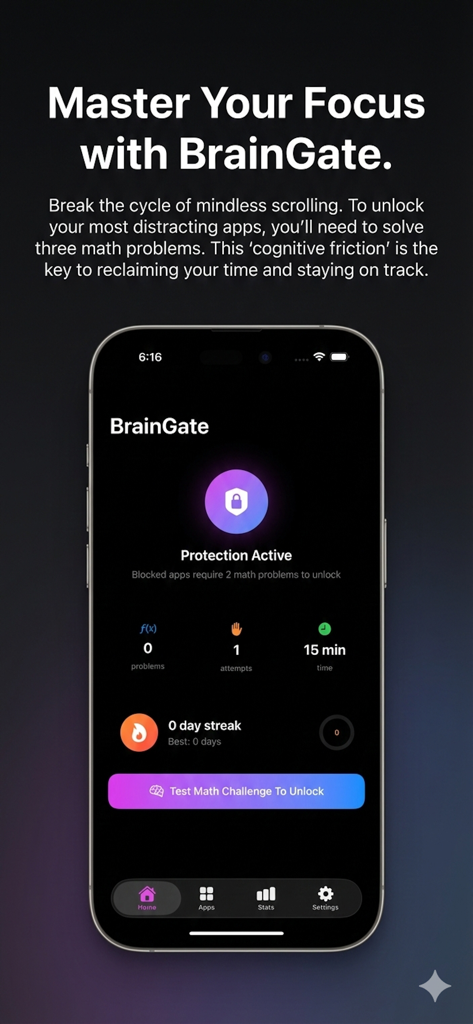
BrainGate app home screen showing active protection status and focus statistics on a mobile device
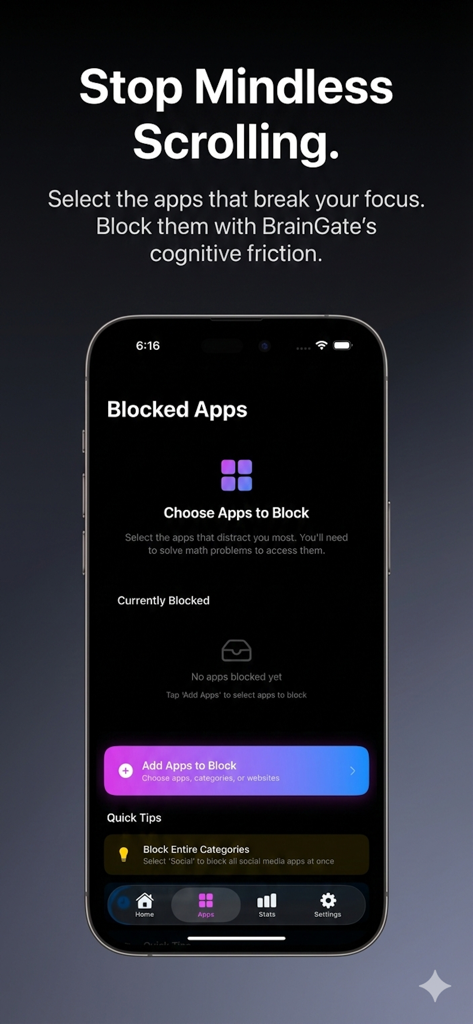
BrainGate app interface showing the setup screen to choose and block distracting mobile applications
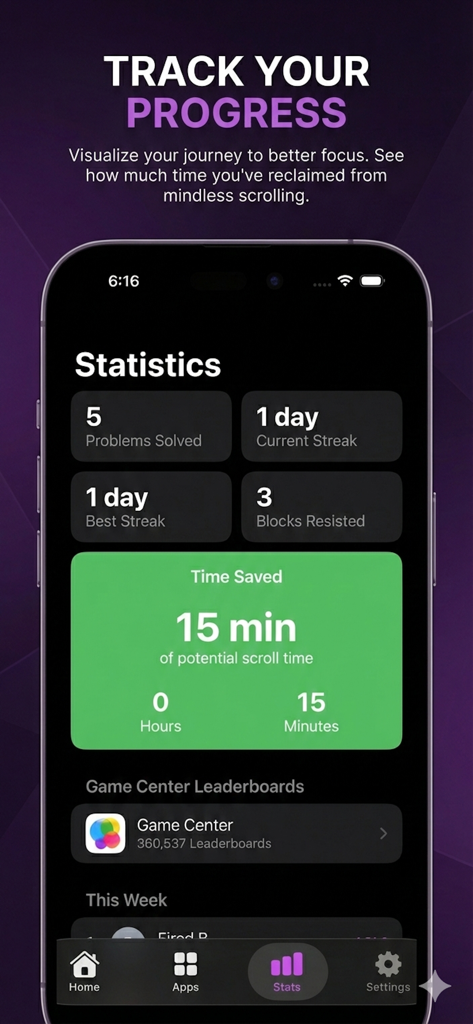
Statistics screen of BrainGate app showing time saved from scrolling and focus streaks.
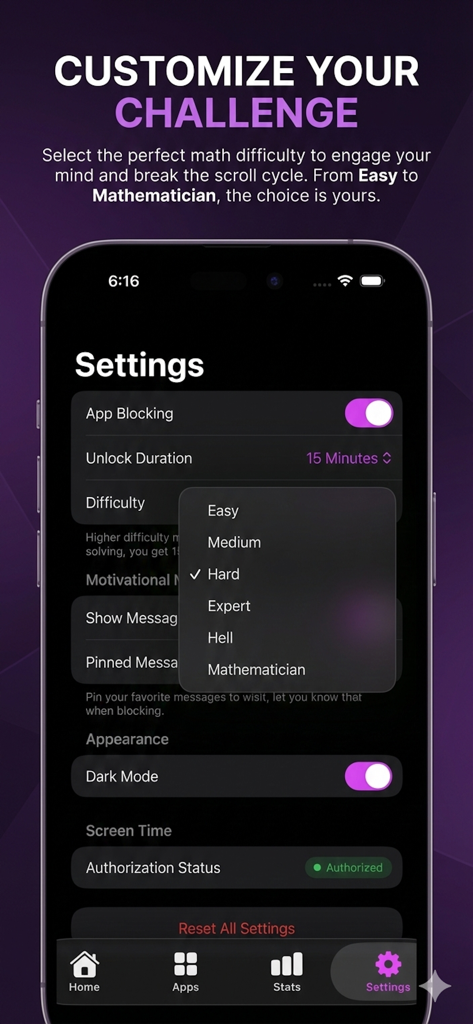
BrainGate settings screen showing math challenge difficulty levels from Easy to Mathematician
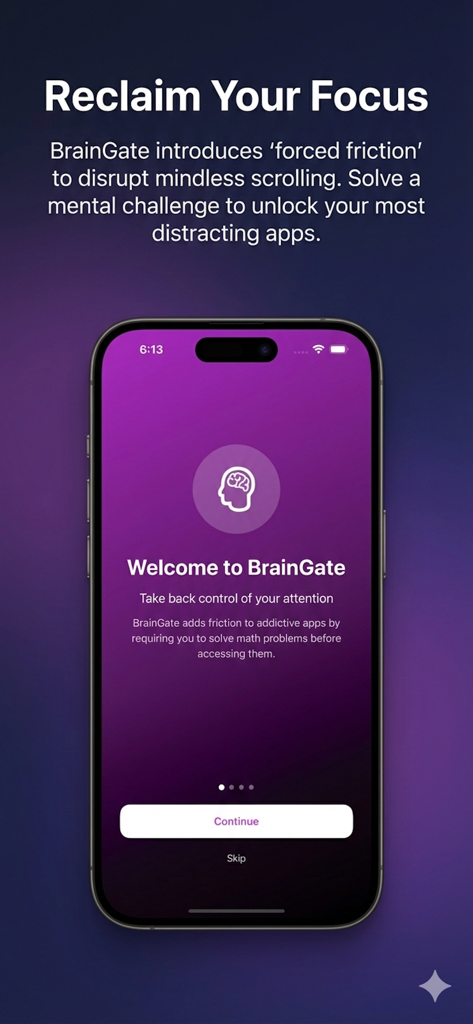
BrainGate app welcome screen on an iPhone promoting focus by blocking distracting apps with math challenges
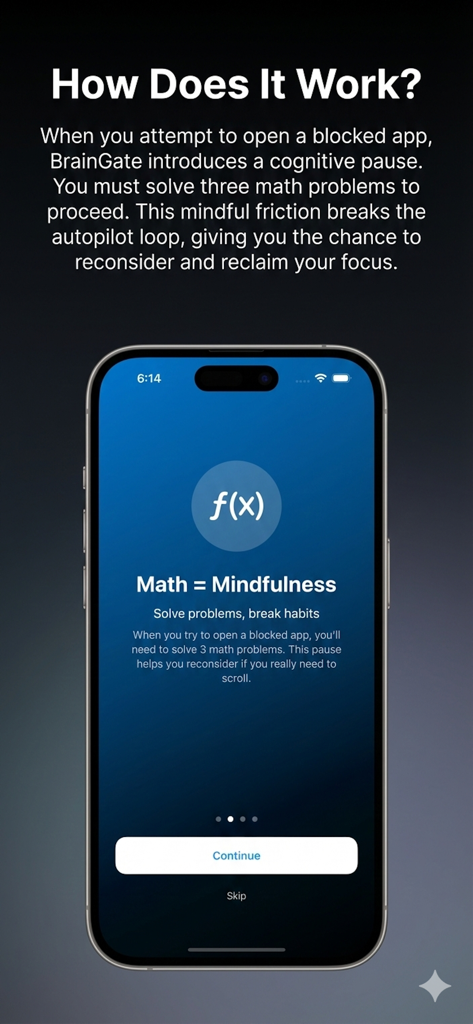
BrainGate app onboarding screen explaining how solving math problems creates a cognitive pause to stop mindless scrolling and reclaim focus.
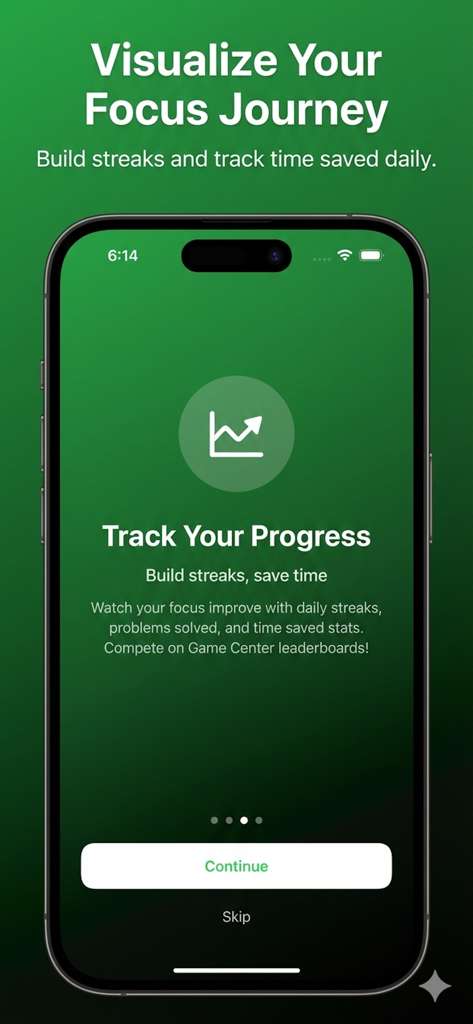
BrainGate app interface for tracking focus streaks and time saved
Description
Download
More Like This
Top-ranked apps in the same category

Strava: Run, Bike, Walk
Strava Inc.

Flo Cycle & Period Tracker
FLO HEALTH UK LIMITED

AI Calorie Tracker by Yazio
YAZIO GmbH

MyFitnessPal: Calorie Counter
MyFitnessPal, Inc.

Mi Fitness (Xiaomi Wear Lite)
Beijing Xiaomi Co., Ltd

美柚 - 经期·备孕·怀孕·育儿&亲友版
Xiamen Meet You Co., Ltd.

Cal AI - Calorie Tracker
Viral Development LLC

Yuka - Food & Cosmetic Scanner
Yuca

BitePal: Food Tracker Pet
REFACE LITHUANIA UAB
This page is not an official page of the app or its developer, but an independent editorial publication created for informational and commentary purposes. Unless expressly stated otherwise, neither the app nor its developer is affiliated with, endorsed by, sponsored by, authorized by, or otherwise officially connected with MWM, Apple, Google Play, the app publisher, or the app's developer, and nothing on this page implies that the app was developed using MWM's services. Any trademarks, logos, screenshots, and other content remain the property of their respective owners.