
This page is not an official page of the app or its developer, but an independent editorial publication created for informational and commentary purposes. Unless expressly stated otherwise, neither the app nor its developer is affiliated with, endorsed by, sponsored by, authorized by, or otherwise officially connected with MWM, Apple, Google Play, the app publisher, or the app's developer, and nothing on this page implies that the app was developed using MWM's services. Any trademarks, logos, screenshots, and other content remain the property of their respective owners.


Buz One
Stream live content and organize your favorite video links in one sleek, privacy-focused app. High-performance playback for M3U8, DASH, and all major formats on your iPhone and iPad.
Downloads
51K+User Rating
Total Ratings
700Publisher
Category
EntertainmentLocales
1Latest Version
1.1Size
32.0 MBFirst Released
Jan 12, 2026The Ultimate Hub for Your Video Streams
Buz One combines professional-grade playback with smart organization, giving you a powerful, private way to enjoy content from around the globe.
Advanced Stream Support
Seamlessly play M3U8, DASH, and HLS links. We support the technical formats used by top international broadcasters for a buffer-free experience.
Custom Media Library
Never search for a link twice. Save and organize your favorite video URLs into a personalized dashboard for instant, one-tap access.
Frequently Asked Questions
Everything you need to know about Buz One
What is Buz One?
Buz One is an advanced video player app for iOS devices. It allows users to watch and play videos from any source, including live streams and saved videos, supporting a wide range of formats.
What video formats does Buz One support?
Buz One supports various video formats, including MP4, M3U8, MPD, MOV, AVI, MKV, FLV, and WebM. It also provides full support for HLS and DASH live stream links.
Is Buz One a free video player app?
Yes, Buz One is a free application. It offers full functionality for watching and managing videos without any hidden fees, as stated in its features.
Which devices are compatible with the Buz One app?
Buz One is fully compatible with all iOS devices. It works seamlessly on both iPhone and iPad, featuring a responsive design that adapts to all screen sizes.
Does Buz One share user data with third parties?
No, Buz One does not share user data with any third party. All user data is saved locally on your device, ensuring complete privacy and security.
How can users manage video links in Buz One?
Buz One provides smart link management features. Users can save, organize, search, and add video links to favorites. It also allows editing and deleting saved links easily.
What playback controls does Buz One offer?
Buz One offers comprehensive playback controls. Users can enjoy full-screen viewing with auto-rotation, adjust playback speed from 0.5x to 2.0x, control volume, mute audio, and enable automatic replay.
How do I add a new video URL to Buz One?
To add a new video URL, open the app's side menu by tapping the hamburger icon and selecting "Add New URL". Alternatively, tap the '+' button located on the "Saved URLs" screen.
The following screenshots and description are sourced directly from the app's official store listing and are the property of the app developer.
App Store
Screenshots
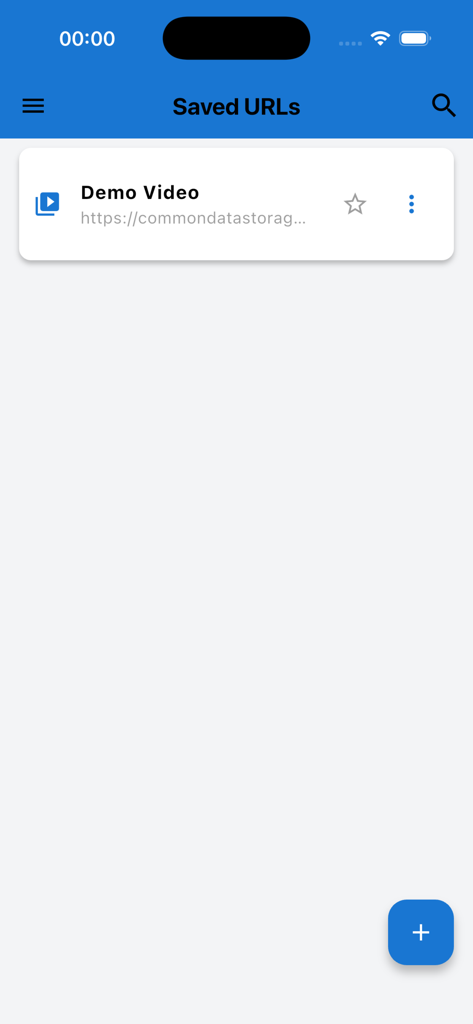
Buz One app Saved URLs screen showing a demo video link and an add button
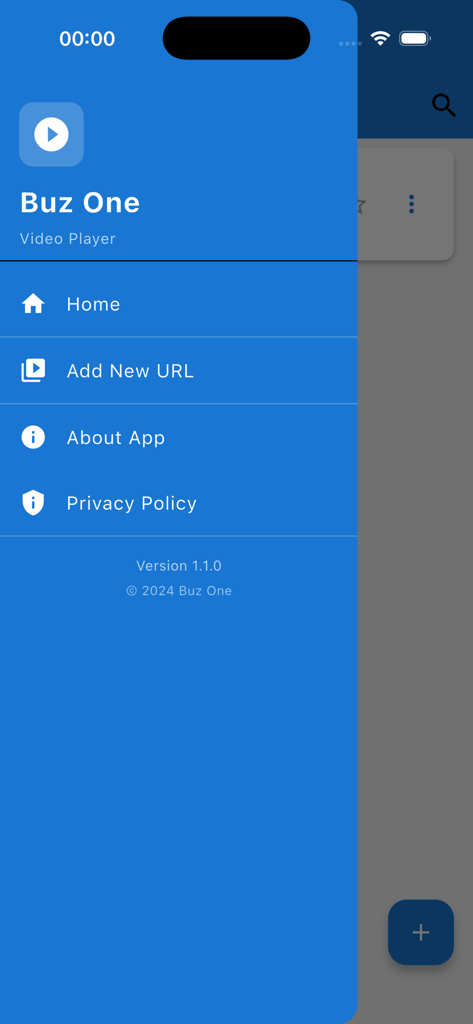
Buz One video player side navigation menu showing home and add new url options
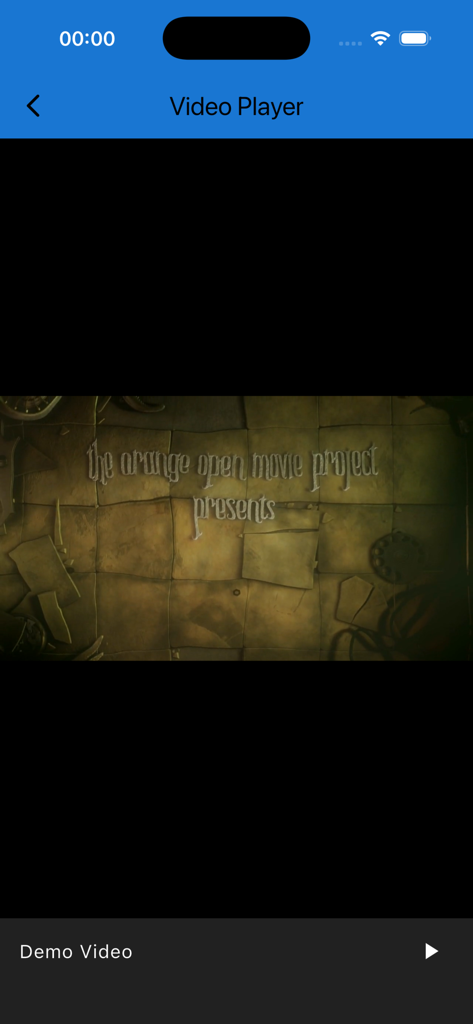
Buz One app interface showing a video player screen with a demo video playing.
Description
Download
More Like This
Top-ranked apps in the same category

TikTok - Videos, Shop & LIVE
TIKTOK PTE. LTD.

Freecash - Get Paid Real Money
256 REWARDS LTD

Netflix
Netflix, Inc.

HBO Max: Stream Movies & TV
WarnerMedia Global Digital Services, LLC

DramaBox - Stream Drama Shorts
STORYMATRIX PTE. LTD

Amazon Prime Video
AMZN Mobile LLC

Disney+
Disney Electronic Content, Inc.

NetShort - Popular Dramas & TV
NETSTORY PTE. LTD.

Ticketmaster-Buy, Sell Tickets
Ticketmaster L.L.C
This page is not an official page of the app or its developer, but an independent editorial publication created for informational and commentary purposes. Unless expressly stated otherwise, neither the app nor its developer is affiliated with, endorsed by, sponsored by, authorized by, or otherwise officially connected with MWM, Apple, Google Play, the app publisher, or the app's developer, and nothing on this page implies that the app was developed using MWM's services. Any trademarks, logos, screenshots, and other content remain the property of their respective owners.