
This page is not an official page of the app or its developer, but an independent editorial publication created for informational and commentary purposes. Unless expressly stated otherwise, neither the app nor its developer is affiliated with, endorsed by, sponsored by, authorized by, or otherwise officially connected with MWM, Apple, Google Play, the app publisher, or the app's developer, and nothing on this page implies that the app was developed using MWM's services. Any trademarks, logos, screenshots, and other content remain the property of their respective owners.


C. Browser
Bypass Safari restrictions and connect your BLE devices directly to web applications. The essential tool for rapid hardware prototyping and testing on iOS.
Downloads
724K+User Rating
Total Ratings
1K+Publisher
Category
UtilitiesLocales
2Latest Version
1.3.0Size
31.3 MBFirst Released
Jan 26, 2021The Essential Toolkit for IoT Developers
Bridge the gap between web technologies and physical hardware by enabling full Web Bluetooth API support on your iPhone, overcoming native Safari limitations.
Rapid Prototyping
Skip the complex native app development cycle. Test your hardware instantly using standard HTML and JavaScript interfaces to create instant proofs of concept.
Full API Integration
Access critical Web Bluetooth functions including GATT server connections, characteristic read/writes, and real-time notifications directly from the web.
Frequently Asked Questions
Everything you need to know about C. Browser
What is C. Browser?
C. Browser is a web browser designed to support Web Bluetooth. It allows users to enjoy websites utilizing Web Bluetooth and connect IoT devices with web pages, especially useful for prototyping without a native app.
What Web Bluetooth functions does C. Browser support?
C. Browser supports key Web Bluetooth functions including Bluetooth.getAvailability, Bluetooth.requestDevice, and various BluetoothDevice and BluetoothGATTCharacteristic methods for event listening, connection, and value handling.
Can I connect IoT devices using C. Browser?
Yes, C. Browser allows users to connect IoT devices directly with a website. This feature is particularly useful for prototyping, eliminating the immediate need for a dedicated native application.
How do I clear my browsing history in C. Browser?
Users can clear their browsing history in C. Browser. Navigate to the app's settings menu, where an option to "閲覧履歴を一括削除する" (Clear browsing history collectively) is available.
Which search engines are available in C. Browser?
C. Browser supports several search engines. Users can choose between Google (google.co.jp), Yahoo! Japan (yahoo.co.jp), and Bing (bing.com) as their default search engine in the settings.
Does C. Browser have a privacy policy?
Yes, C. Browser provides a privacy policy. Users can access the privacy policy document through the "設定" (Settings) menu under the "その他" (Other) section.
The following screenshots and description are sourced directly from the app's official store listing and are the property of the app developer.
App Store
Screenshots
C. Browser splash screen showing a Bluetooth logo and Japanese text for Web Bluetooth compatibility
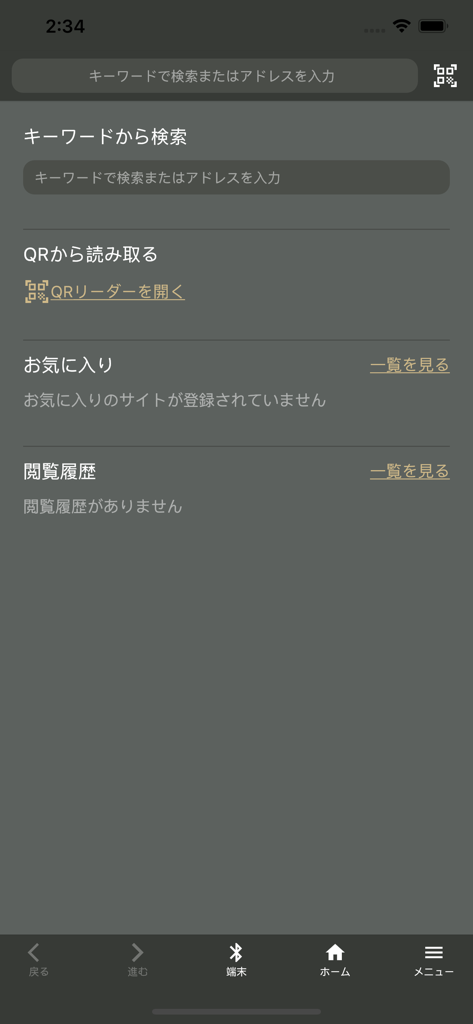
The home interface of the C. Browser app featuring search functions and a Bluetooth device connection button
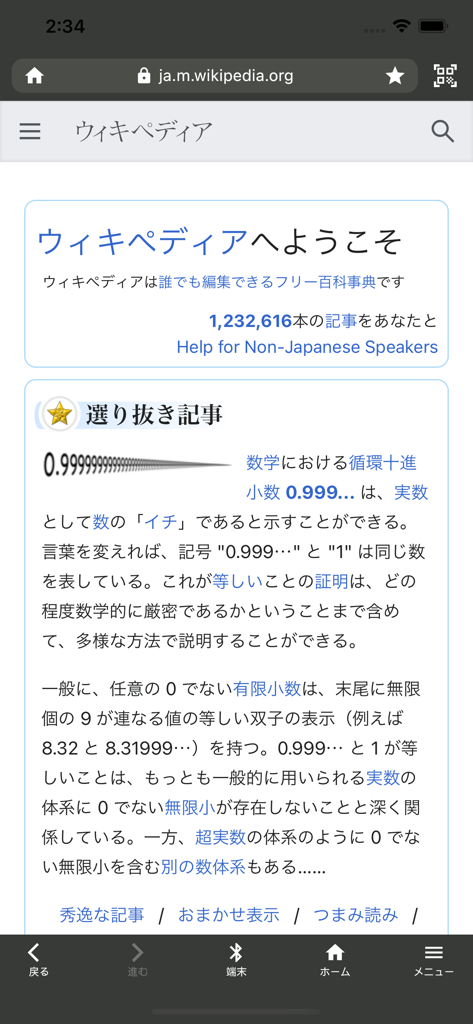
C. Browser app interface displaying a webpage with a bottom toolbar featuring a Bluetooth device connection button
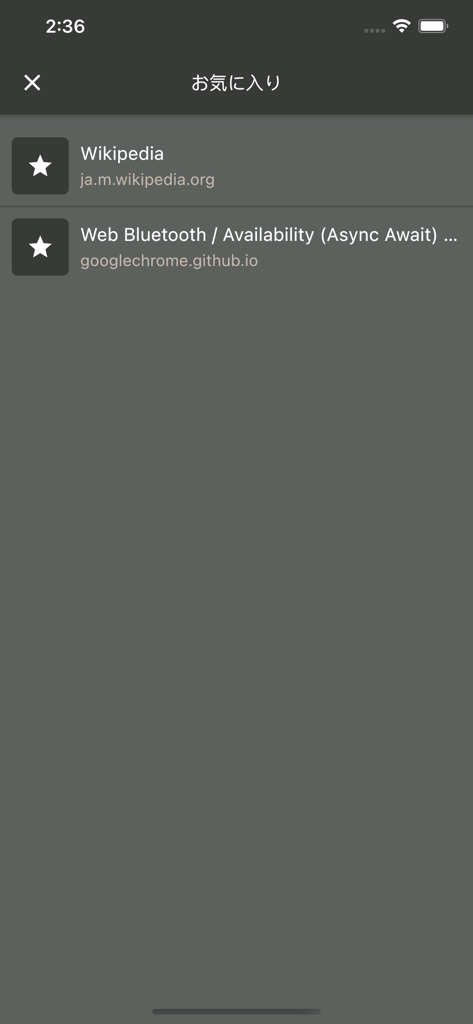
C. Browser favorites screen showing bookmarks for Wikipedia and a Web Bluetooth test page.
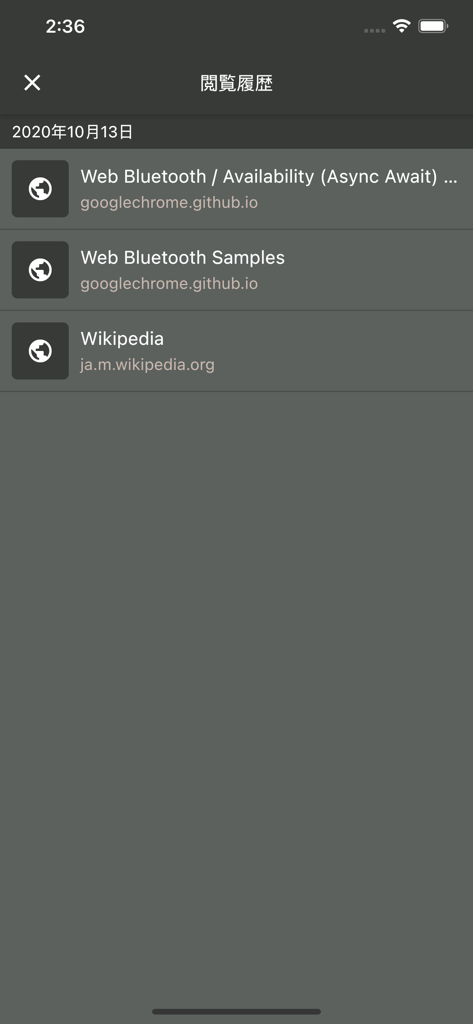
Browsing history in C. Browser showing Web Bluetooth development samples.
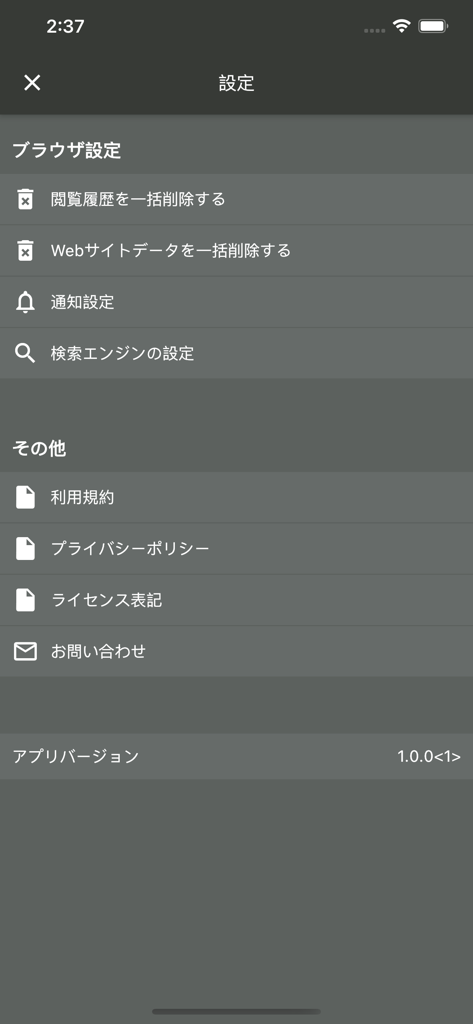
The settings screen of the C. Browser app featuring options for browser configuration, history deletion, and legal information.
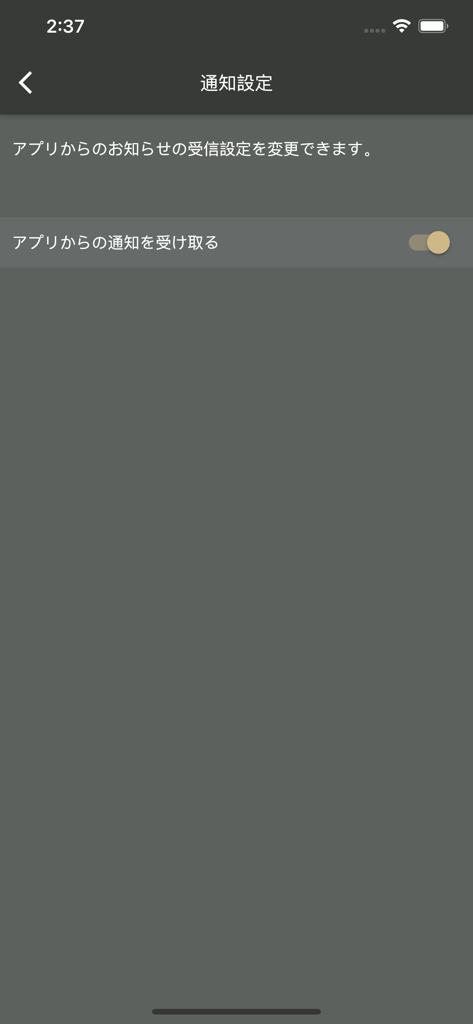
C. Browser app notification settings screen showing a toggle switch for push notifications
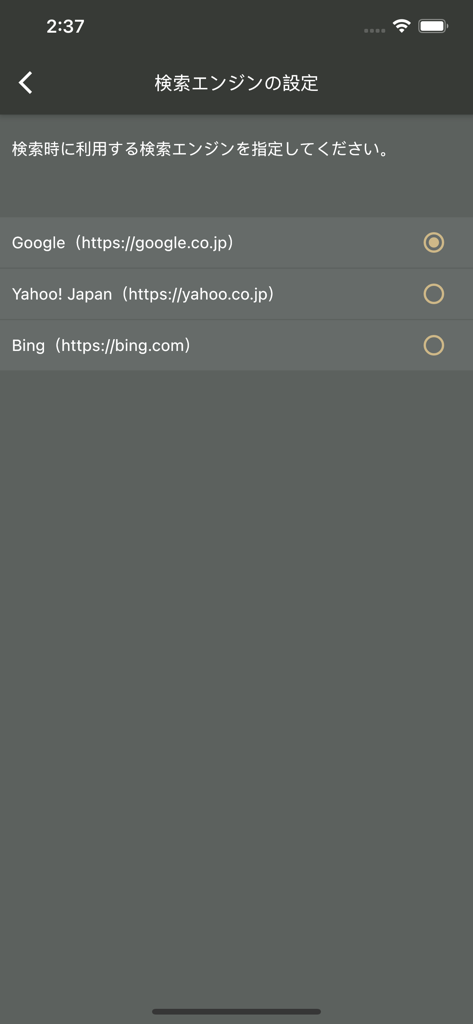
Search engine settings screen in C. Browser showing options for Google, Yahoo Japan, and Bing.
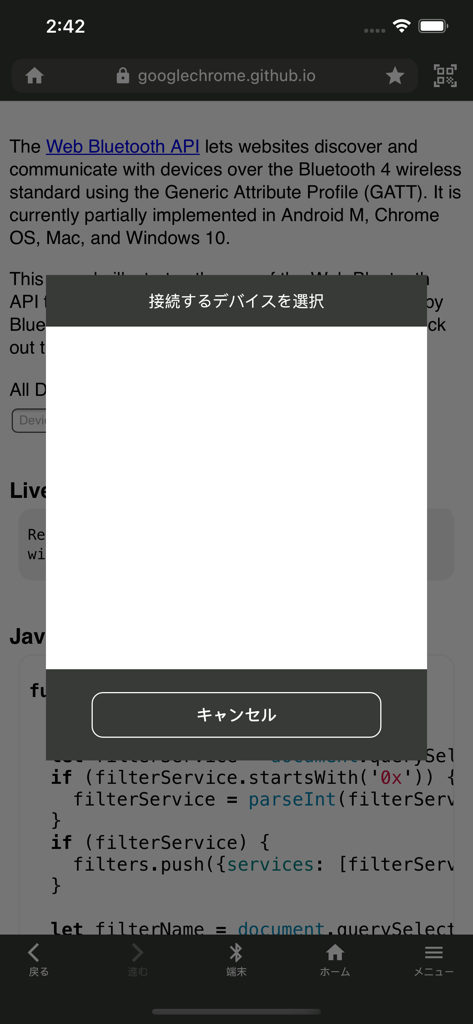
C. Browser app displaying a Bluetooth device selection popup on a technical web page.
Description
Download
More Like This
Apps with similar features and user experience

This page is not an official page of the app or its developer, but an independent editorial publication created for informational and commentary purposes. Unless expressly stated otherwise, neither the app nor its developer is affiliated with, endorsed by, sponsored by, authorized by, or otherwise officially connected with MWM, Apple, Google Play, the app publisher, or the app's developer, and nothing on this page implies that the app was developed using MWM's services. Any trademarks, logos, screenshots, and other content remain the property of their respective owners.