
C++ Compiler(Pro)

Master C++ with a desktop-grade editor on your iPhone or iPad. Experience seamless coding with syntax highlighting, custom navigation tools, and an innovative feature to scan code directly from textbooks or whiteboards.
Publisher
Category
EducationDownloads
7K+User Rating
Total Ratings
0Locales
1Discover the interface used by 7K+ users.
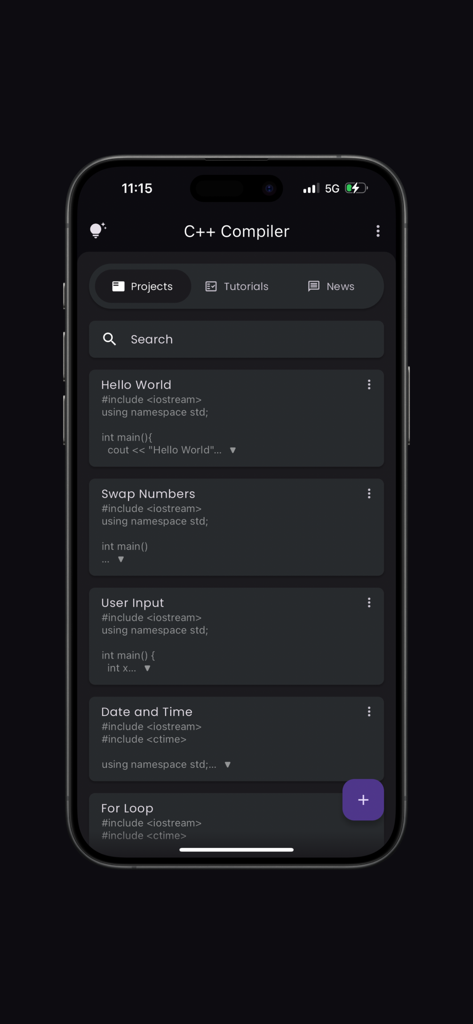
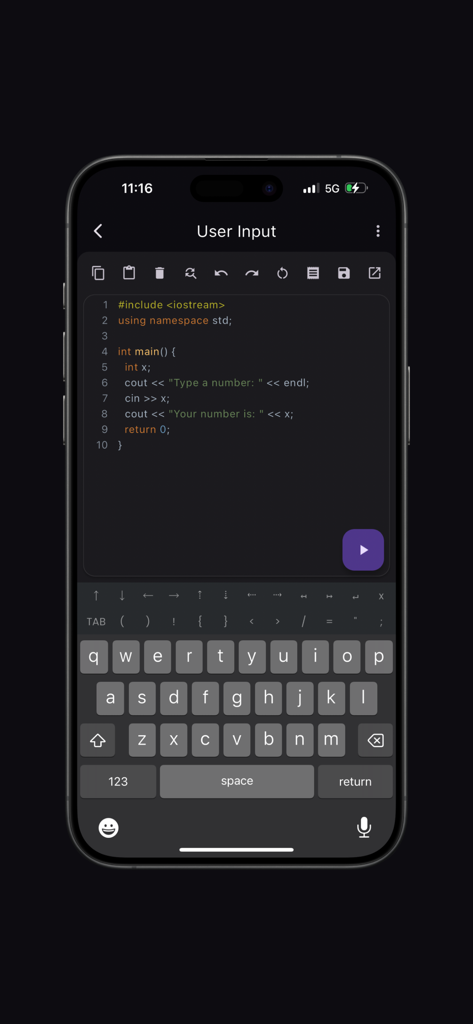
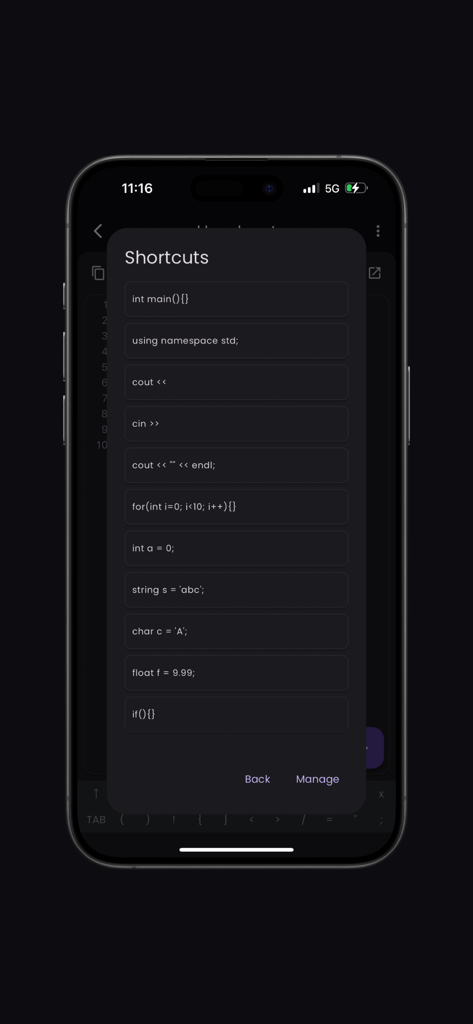
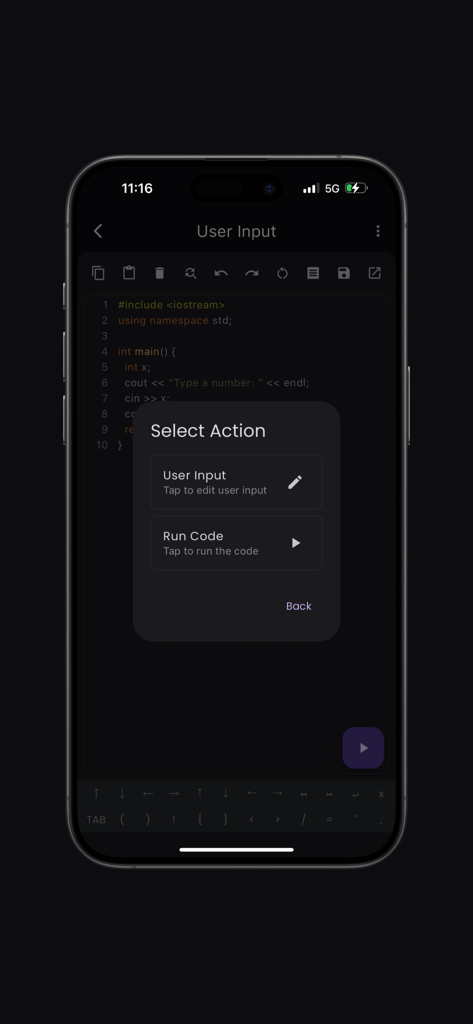
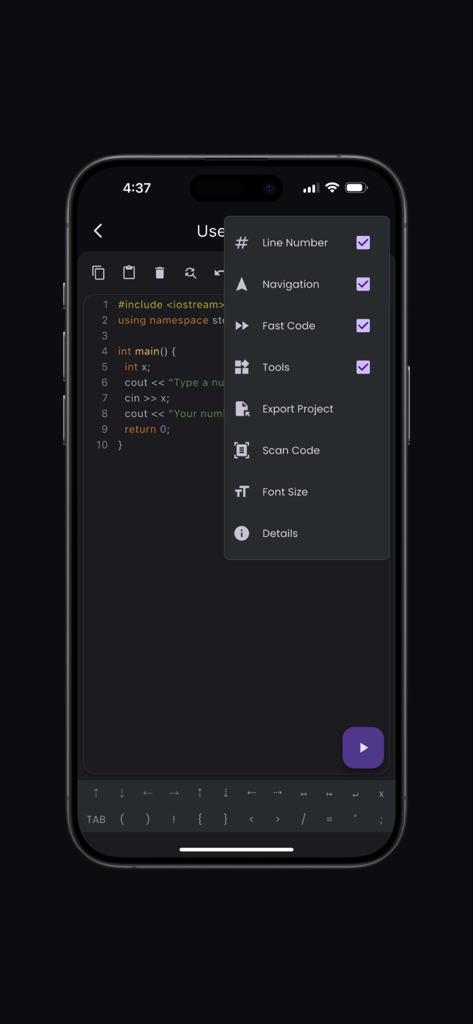
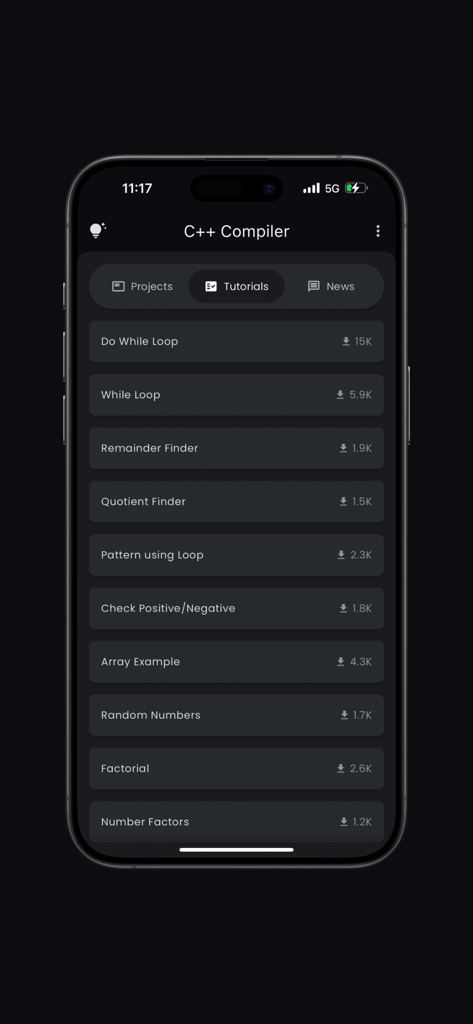
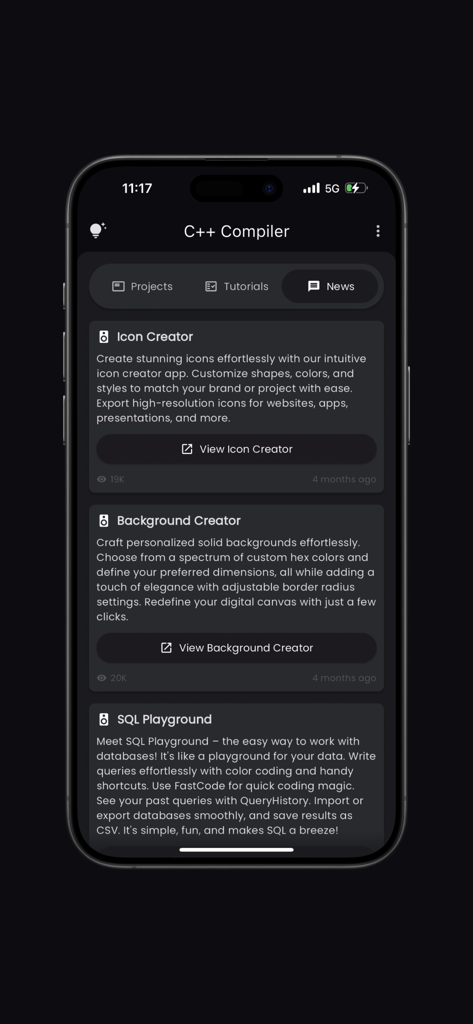
The tools that make this app stand out, trusted by 7K+ users.
Eliminate mobile coding friction with a custom keyboard layout and shortcuts for symbols like pointers and brackets, making coding as fast as on a laptop.
Instantly digitize code from textbooks or whiteboards using your camera—perfect for testing lecture notes or studying for AP Computer Science exams.
Stay ahead of the curve with integrated C++ news and tutorials specifically curated to help you master memory management and excel in technical interviews.
Everything you need to know about C++ Compiler(Pro).
Description
Latest Version
2.0.3
Size
65.7 MB
First Released
Apr 11, 2023
Join 7,000+ developers and students mastering code on the go. Scan snippets, manage projects, and compile like a pro—all from your iPhone.
Everything you need to know about C++ Compiler(Pro)
The C++ Compiler(Pro) app provides syntax highlighting, fast code layout, navigation and tools layouts, a scan code feature, tutorials, a news section, bookmarks, and project management.
Yes, the C++ Compiler(Pro) app supports syntax highlighting. It offers a vibrant, color-coded editor, which makes it easy to differentiate between various parts of your C++ code.
C++ Compiler(Pro) improves coding speed with its fast code layout, incorporating frequently used C++ symbols. This design choice minimizes keystrokes, leading to a more efficient and swift coding experience.
Yes, you can create custom shortcuts within the C++ Compiler(Pro) app. The tools layout allows users to customize their own shortcuts, enhancing productivity and matching individual workflows.
The 'Scan Code' feature in C++ Compiler(Pro) allows users to import code snippets quickly. It utilizes the device's camera to scan and grab code from textbooks, whiteboards, or printed documents.
Yes, the C++ Compiler(Pro) app offers an integrated tutorials section. This section features various C++ programming examples and concepts, aiding users in learning new techniques.
C++ Compiler(Pro) manages projects and code snippets through bookmarks and built-in project organization tools. Users can easily bookmark important code and projects for quick access and efficient management.
The News section of C++ Compiler(Pro) features content about other developer applications. It highlights tools like Icon Creator, Background Creator, and SQL Playground, also developed by Anvaysoft.
Yes, you can compile and run C++ code directly within the C++ Compiler(Pro) app. The editor interface includes a dedicated play button to execute your written C++ programs.
Yes, C++ Compiler(Pro) provides pre-made C++ code shortcuts. These include common structures like `main()` function, namespace declarations, and various loop and conditional statements for quicker input.
Top-ranked apps in the same category

Duolingo, Inc

DEEP FLOW SOFTWARE SERVICES - FZCO

Wuhan Jiakaobaodian Information Service Co., Ltd.

Toca Boca AB

Google LLC

Guangzhou Polar Future Culture Technology Co., Ltd

Student Information Consultation Service Co., Ltd.

GAUTHTECH PTE. LTD.

Aleksandr Ulitin
App information, icons, screenshots, and descriptions displayed on this page are sourced from the Apple App Store and are the property of their respective developers. Download estimates and rankings are based on MWM's proprietary models and may not reflect actual figures. This page is provided for informational and analytical purposes only.
Believe this page infringes your intellectual property? File a dispute