
This page is not an official page of the app or its developer, but an independent editorial publication created for informational and commentary purposes. Unless expressly stated otherwise, neither the app nor its developer is affiliated with, endorsed by, sponsored by, authorized by, or otherwise officially connected with MWM, Apple, Google Play, the app publisher, or the app's developer, and nothing on this page implies that the app was developed using MWM's services. Any trademarks, logos, screenshots, and other content remain the property of their respective owners.


Calligrapher: Writing Master
Unlock the timeless beauty of calligraphy on your iPad. Practice classic scripts like Gothic and Copperplate with your Apple Pencil, or export custom worksheets to master traditional ink on paper.
Downloads
11K+User Rating
Total Ratings
0Publisher
Category
Graphics & DesignLocales
1Latest Version
26.01.05Size
36.4 MBFirst Released
Nov 30, 2023Master the Art of Beautiful Writing
Transform your iPad into a professional calligraphy studio with guided worksheets and precision tools tailored for your Apple Pencil.
Guided Learning Paths
Master elegant scripts like Copperplate and Gothic with customizable digital worksheets that eliminate the intimidation of a blank page.
Authentic Pen Dynamics
Experience the fluid feel of traditional nibs with pressure-sensitive pointed and broad pen tools designed for professional-grade precision.
The following screenshots and description are sourced directly from the app's official store listing and are the property of the app developer.
App Store
Screenshots
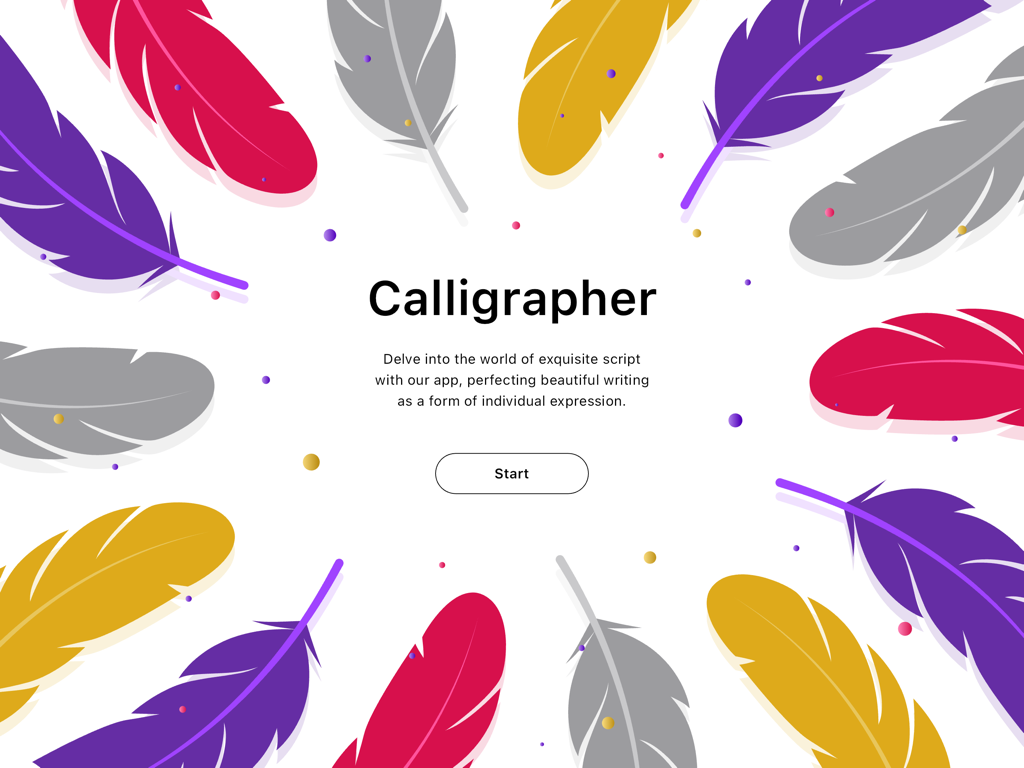
Welcome screen for Calligrapher app with colorful quill feathers and a start button
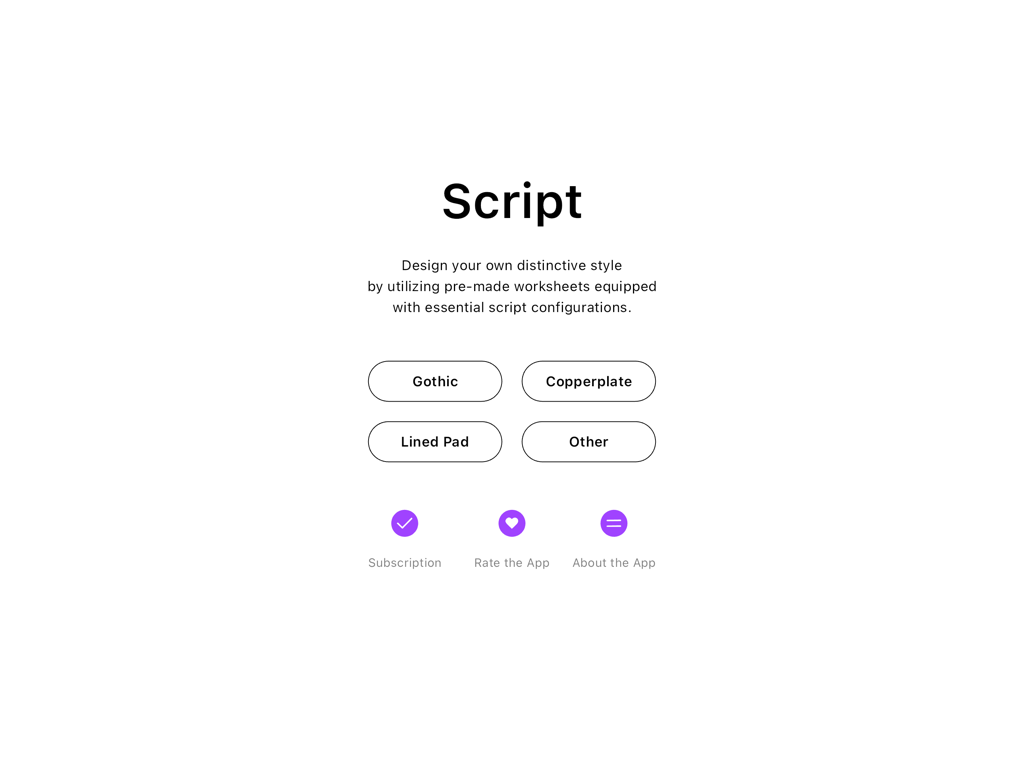
Selection screen for calligraphy scripts like Gothic and Copperplate
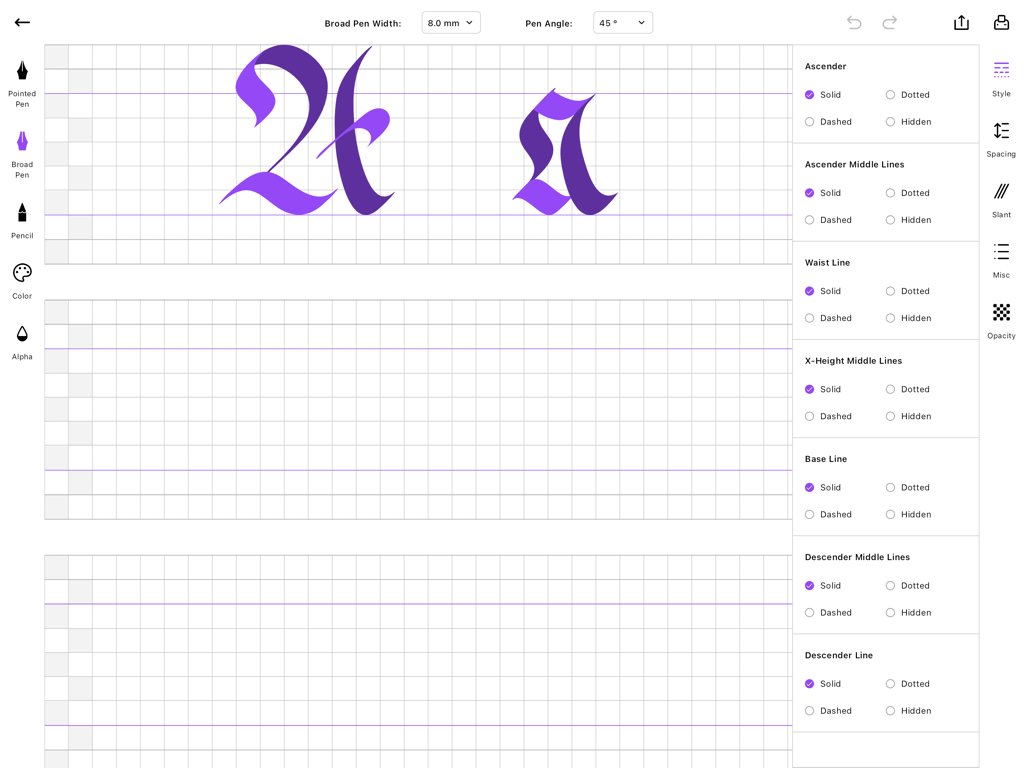
iPad interface of the Calligrapher Writing Master app featuring purple gothic lettering on a custom grid worksheet with brush and layout settings
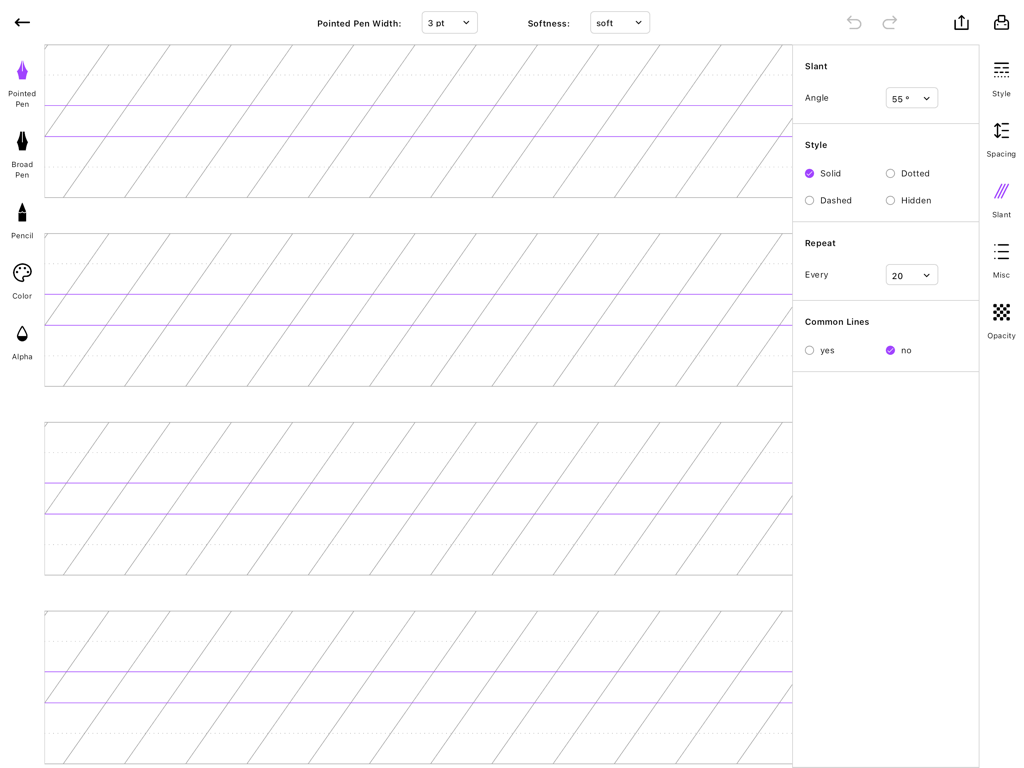
Interface of the Calligrapher app for iPad showing customizable worksheet settings for calligraphy practice including slant angle and pen width.
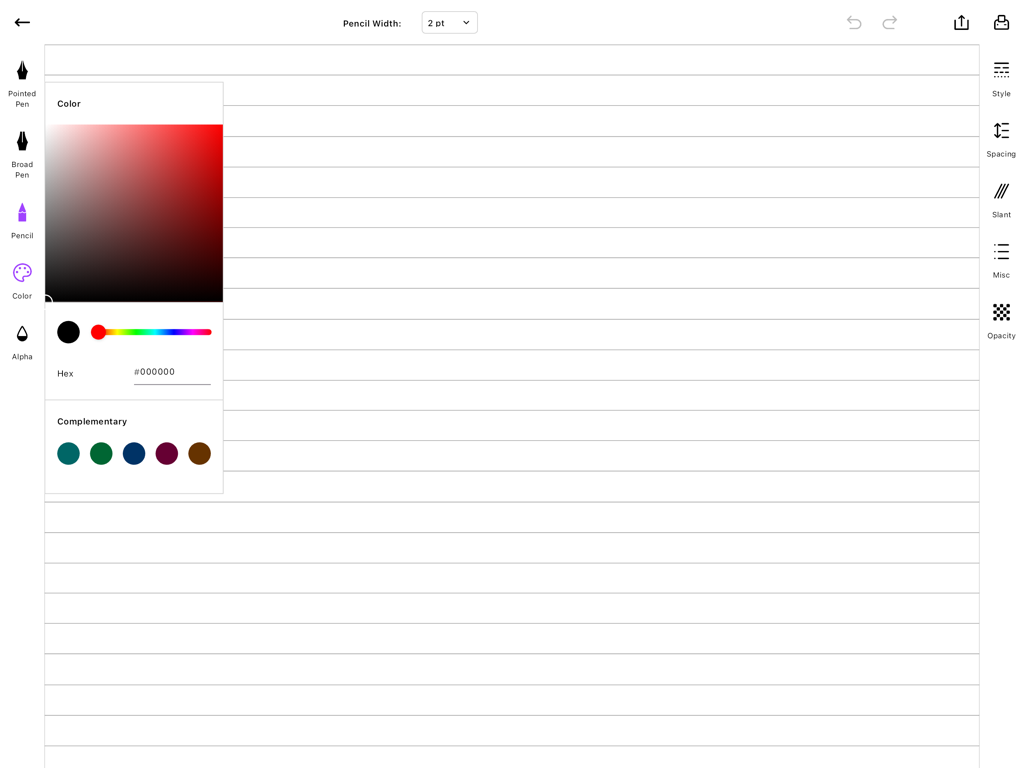
Interface of Calligrapher app on iPad showing the color picker tool and a lined writing worksheet
Description
Download
More Like This
Top-ranked apps in the same category

iScreen - Widgets & Wallpaper
Xiamen ShenZhuo Information Technology Co., Ltd.

Kling AI: AI Image&Video Maker
LOHAS GAMES PTE. LTD.

Home AI - AI Interior Design
HUBX YAZILIM HIZMETLERI ANONIM SIRKETI

ibis Paint X
ibis inc.

Dreamina AI: Image&Video Maker
BYTEDANCE PTE. LTD.

ThemeKit: Widget & Icon Themes
Woohoo Tech. Ltd.

Colorful Widget- Widget&Themes
Guangzhou ZHIFENG Information Technology Co.,Ltd.

Sketchbook®
Sketchbook, Inc.

AR Drawing: Sketch & Paint
Digital Solutions Technologies Limited
This page is not an official page of the app or its developer, but an independent editorial publication created for informational and commentary purposes. Unless expressly stated otherwise, neither the app nor its developer is affiliated with, endorsed by, sponsored by, authorized by, or otherwise officially connected with MWM, Apple, Google Play, the app publisher, or the app's developer, and nothing on this page implies that the app was developed using MWM's services. Any trademarks, logos, screenshots, and other content remain the property of their respective owners.