
This page is not an official page of the app or its developer, but an independent editorial publication created for informational and commentary purposes. Unless expressly stated otherwise, neither the app nor its developer is affiliated with, endorsed by, sponsored by, authorized by, or otherwise officially connected with MWM, Apple, Google Play, the app publisher, or the app's developer, and nothing on this page implies that the app was developed using MWM's services. Any trademarks, logos, screenshots, and other content remain the property of their respective owners.

Caltrans QuickMap
Navigate California roads with confidence using official data. Access live traffic cameras, CHP incidents, chain controls, and lane closures to master your commute and stay safe.
Downloads
749K+User Rating
Total Ratings
200Publisher
Category
NavigationLocales
1Latest Version
3.5.0Size
28.2 MBFirst Released
Jan 18, 2017Official California Road Intelligence
Skip the guesswork with real-time data directly from the source. Navigate California’s highways with confidence using official Caltrans updates.
Live Camera Snapshots
See road conditions for yourself. Access thousands of real-time traffic cameras across the state to verify weather and congestion before you drive.
Official Incident Reports
Stay ahead of delays with direct feeds from the California Highway Patrol, including lane closures, accidents, and changeable message signs.
The following screenshots and description are sourced directly from the app's official store listing and are the property of the app developer.
App Store
Screenshots
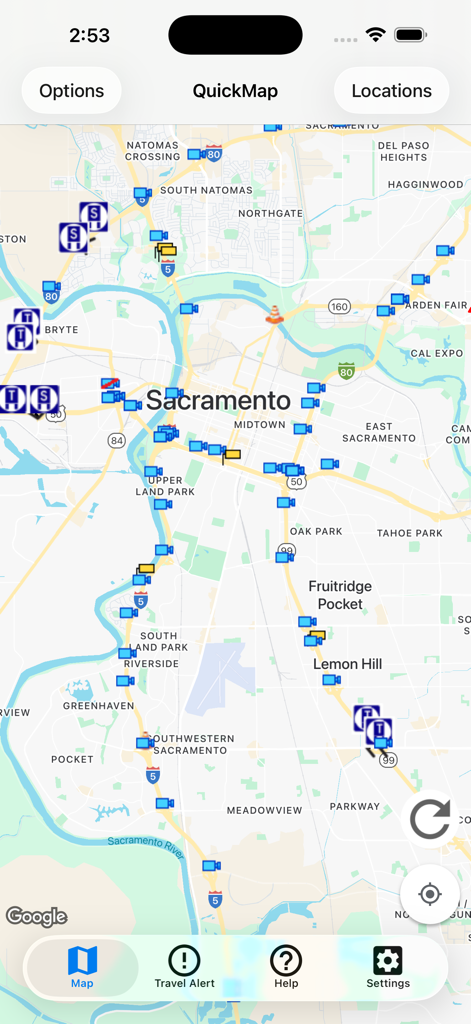
Caltrans QuickMap interface showing real-time traffic camera and road incident icons over a map of Sacramento
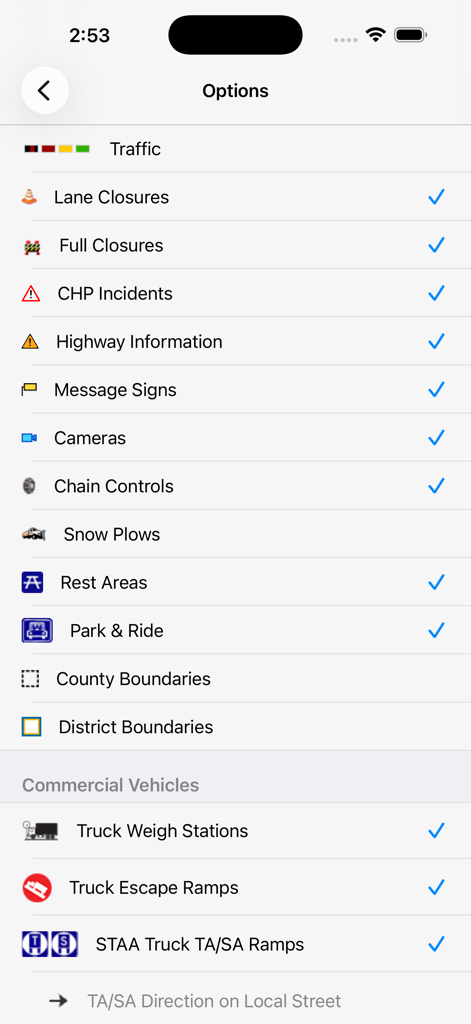
The settings menu in the Caltrans QuickMap app showing various traffic and commercial vehicle map layers available for selection
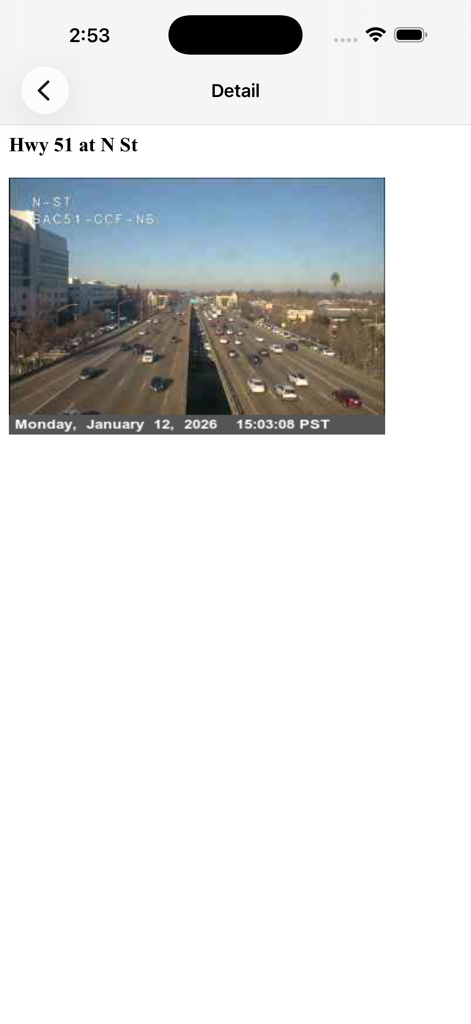
Caltrans QuickMap traffic camera snapshot of Highway 51 at N Street in Sacramento
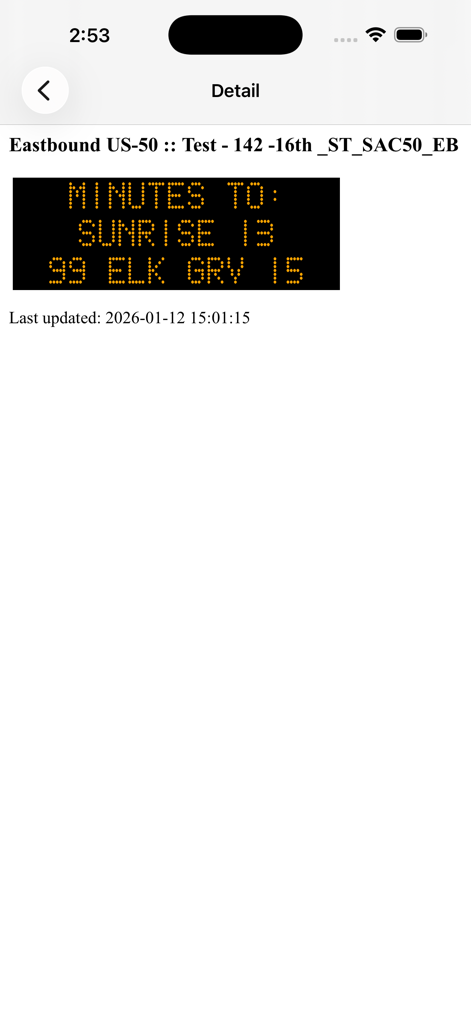
Caltrans QuickMap app screen showing a digital highway message sign with travel times on Eastbound US-50
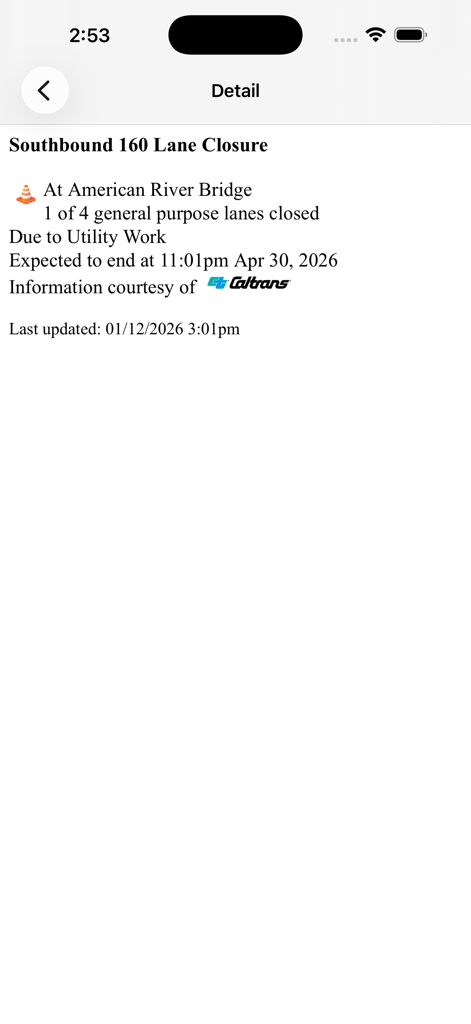
Screenshot of Caltrans QuickMap app displaying lane closure details for Southbound 160 at American River Bridge
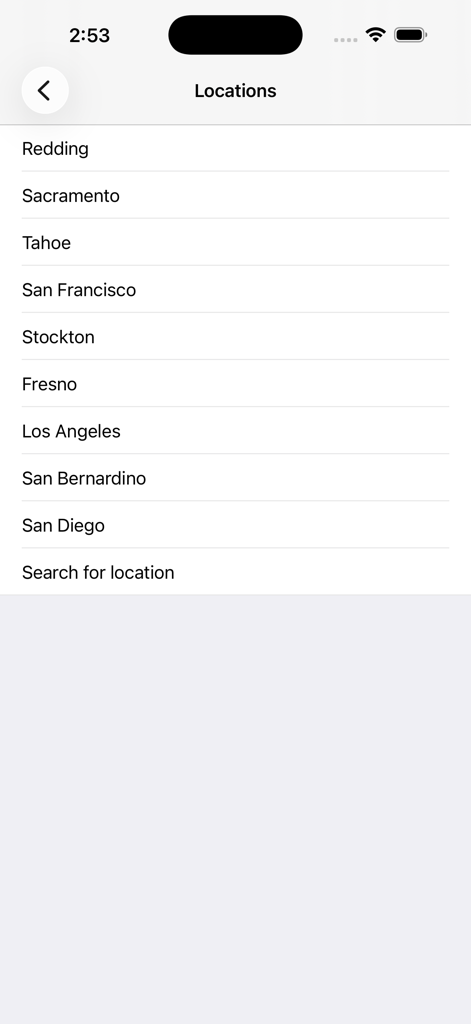
A list of California cities in the Caltrans QuickMap app for selecting traffic map regions.
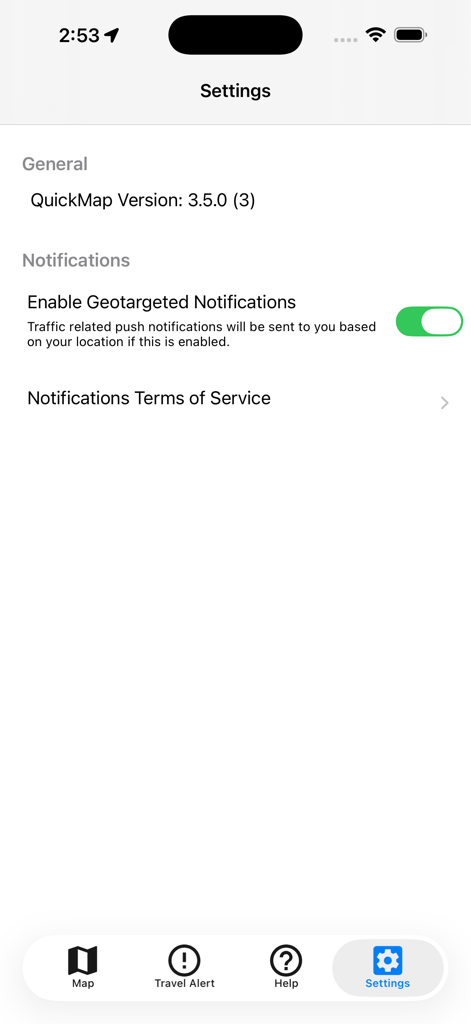
Settings screen of the Caltrans QuickMap app showing the geotargeted notifications toggle and app version information
Description
Download
More Like This
Apps with similar features and user experience

TriStar Traffic
Demetri Miller

Færð og Veður
Medalheimur ehf.

MitraDarat
Direktorat Jenderal Perhubungan Darat

Local Weather Radar & Forecast
doapp, inc

Drive Oklahoma
HBE Systems LLC

Vegvesen trafikk
Statens vegvesen

IDrive Arkansas
NICUSA LLC

MoDOT Traveler Information
Missouri Department of Transportation

WSDOT
Washington State Department of Transportation
This page is not an official page of the app or its developer, but an independent editorial publication created for informational and commentary purposes. Unless expressly stated otherwise, neither the app nor its developer is affiliated with, endorsed by, sponsored by, authorized by, or otherwise officially connected with MWM, Apple, Google Play, the app publisher, or the app's developer, and nothing on this page implies that the app was developed using MWM's services. Any trademarks, logos, screenshots, and other content remain the property of their respective owners.