
This page is not an official page of the app or its developer, but an independent editorial publication created for informational and commentary purposes. Unless expressly stated otherwise, neither the app nor its developer is affiliated with, endorsed by, sponsored by, authorized by, or otherwise officially connected with MWM, Apple, Google Play, the app publisher, or the app's developer, and nothing on this page implies that the app was developed using MWM's services. Any trademarks, logos, screenshots, and other content remain the property of their respective owners.

CAVA | Order Online
Skip the line and fuel your day with vibrant, better-for-you bowls. Customize every ingredient to your diet, order ahead for easy pickup, and earn rewards with every bite.
Downloads
3M+User Rating
Total Ratings
216K+Publisher
Category
Food & DrinkLocales
1Latest Version
3.9.3Size
56.2 MBFirst Released
Oct 23, 2013Fuel Your Day, Without the Wait
From custom grain bowls to vibrant salads, the CAVA app puts fresh Mediterranean flavors in your pocket—personalized for your diet and timed for your high-speed schedule.
Skip the Line, Reclaim Your Time
Order ahead for rapid pickup or delivery and turn your lunch break back into your time. No waiting, just fresh food ready when you are.
Precision Personalization
Whether you are Keto, Vegan, or Gluten-Free, use our smart dietary filters to build a bowl that perfectly matches your fitness and health goals.
Frequently Asked Questions
Everything you need to know about CAVA | Order Online
What ordering options are available through the CAVA app?
The CAVA app supports ordering ahead for Pick-Up, Curbside, and Delivery. Users can conveniently choose their preferred method to get their CAVA meals.
Can users customize their meals when ordering with the CAVA app?
Yes, the CAVA app allows users to fully customize their meals. They can build their orders at their own pace, tailoring them to dietary needs and tastes.
Does the CAVA app allow users to easily reorder their favorite meals?
Yes, the CAVA app enables easy reordering. Users can tap the heart icon next to items in their recent orders to favorite them, simplifying future reorders of custom bowls.
What dietary preference filters are available in the CAVA app?
The CAVA app provides dietary filters for "No Sugar", "Vegan", "No Dairy", "Vegetarian", "No Eggs", "Keto", "No Soy", "Paleo", and "No Gluten". It also shows calorie counts.
How do I earn CAVA Rewards using the CAVA app?
Users earn CAVA Rewards on all orders placed directly through the CAVA app. Rewards can also be earned by scanning a QR code when making in-store purchases.
The following screenshots and description are sourced directly from the app's official store listing and are the property of the app developer.
App Store
Screenshots
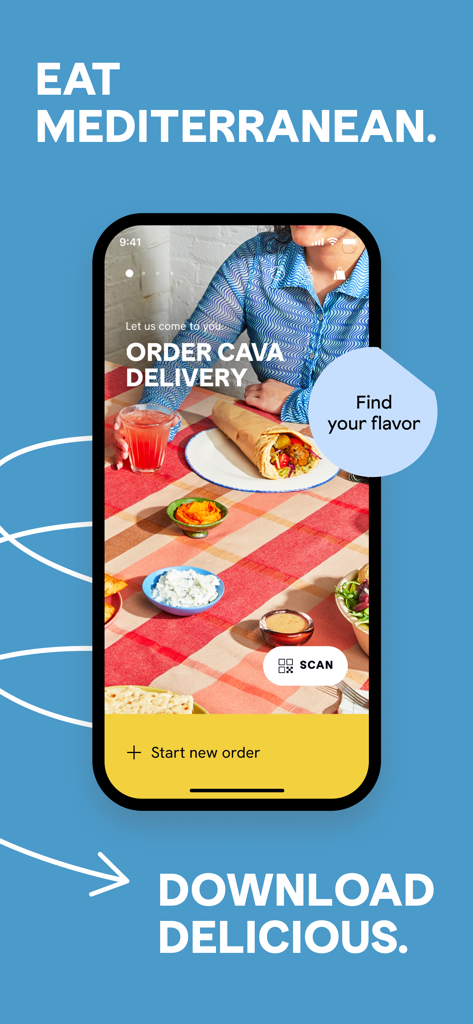
Smartphone displaying the CAVA app home screen with Mediterranean food and delivery options
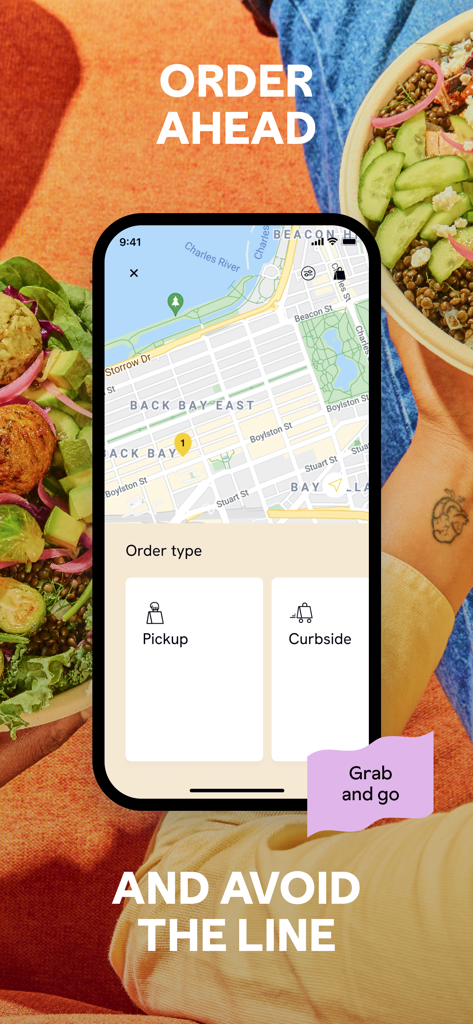
CAVA app interface showing options for pickup and curbside ordering on a city map
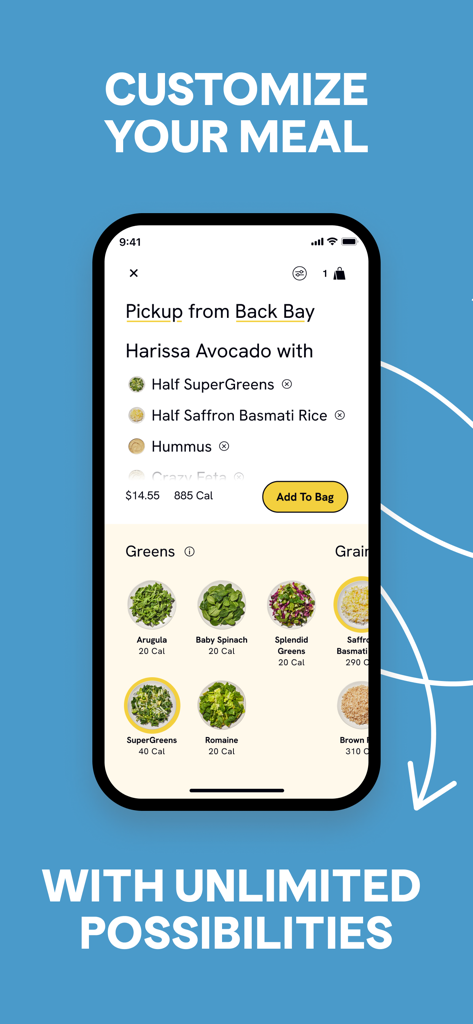
CAVA app interface showing options to customize a healthy meal bowl
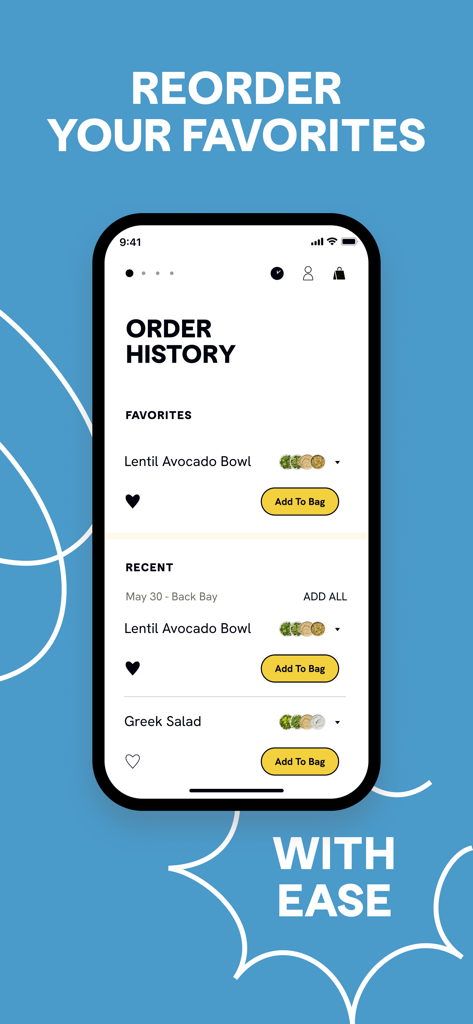
CAVA app order history screen for reordering favorite meals.
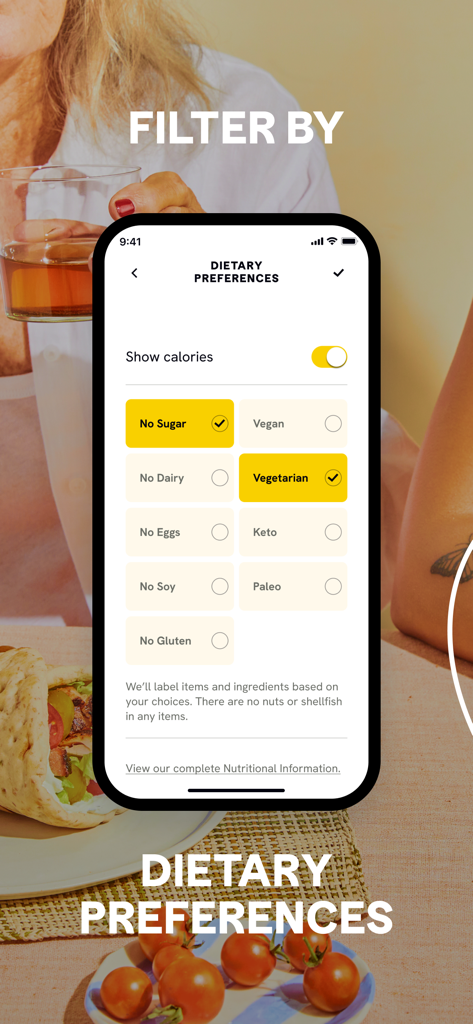
Mobile app screen showing dietary preference filters like Vegan, Vegetarian, Keto, and Paleo for food customization.
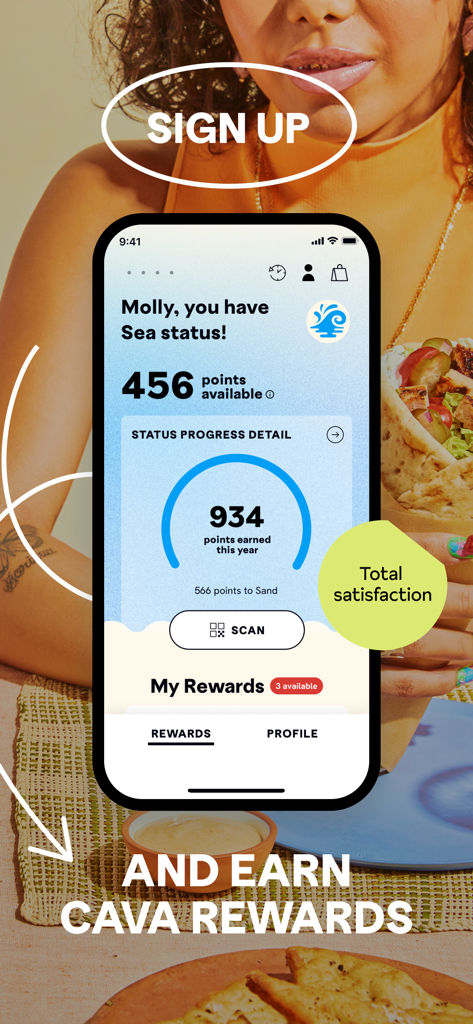
CAVA app rewards screen displaying loyalty points and user status
Description
Download
More Like This
Apps with similar features and user experience

BAHROMA – рестораны и бонусы
FAST SOFT, OOO

麦当劳McDonald's - 到店取餐 麦咖啡 麦乐送
McDonald's (China) Co., Ltd.

McDonald's
McDonalds USA LLC
Chick-fil-A
Chick-fil-A, Inc.
Little Caesars Pizza
Little Caesar Enterprises, Inc.
Starbucks
Starbucks Coffee Company
Domino's Pizza USA
Domino's Pizza LLC
Subway®
Doctors Associates Inc
McDonald's Offers and Delivery
ARCOS DORADOS ARGENTINA S.A.
This page is not an official page of the app or its developer, but an independent editorial publication created for informational and commentary purposes. Unless expressly stated otherwise, neither the app nor its developer is affiliated with, endorsed by, sponsored by, authorized by, or otherwise officially connected with MWM, Apple, Google Play, the app publisher, or the app's developer, and nothing on this page implies that the app was developed using MWM's services. Any trademarks, logos, screenshots, and other content remain the property of their respective owners.