CellFin: Your Digital Gateway to Seamless Banking in Bangladesh
The all-in-one app for the global Bangladeshi community to open accounts, send instant remittances, and manage family bills from anywhere in the world—no bank visit required.
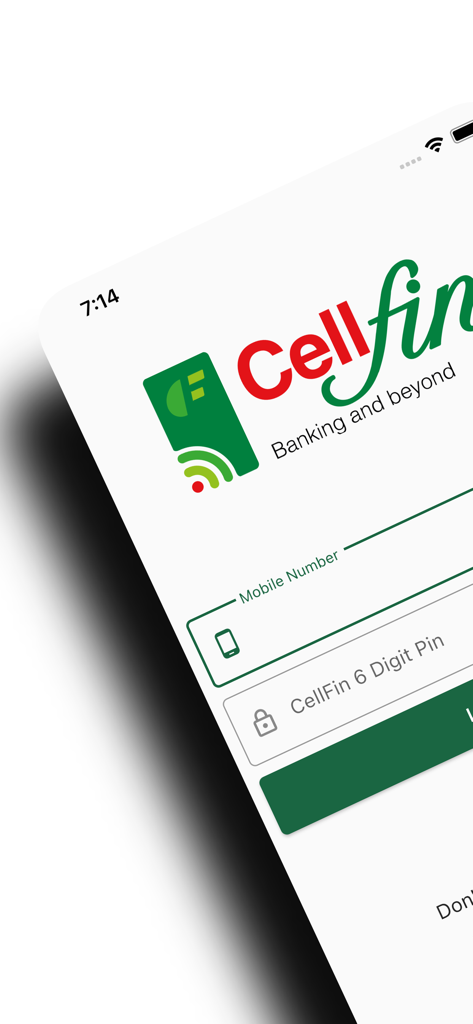
CellFin app login interface for Islami Bank digital banking services
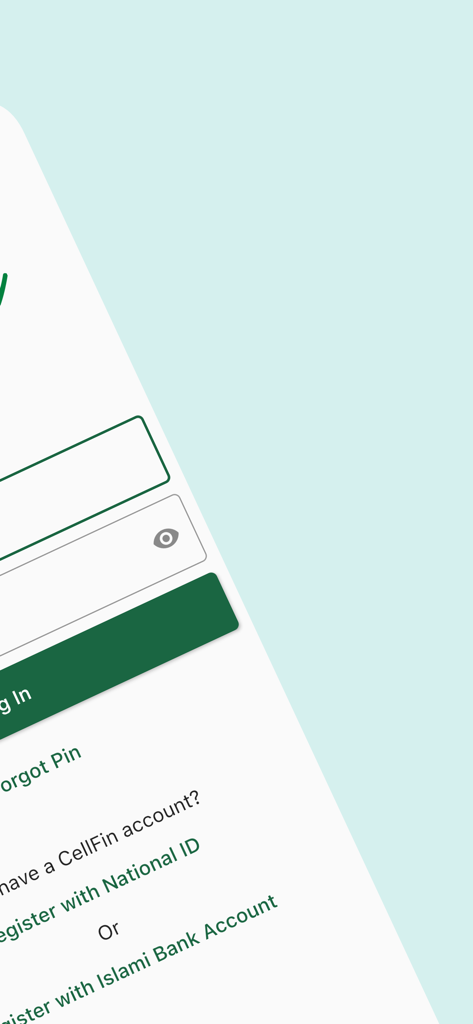
CellFin app login interface featuring registration options for National ID and Islami Bank accounts
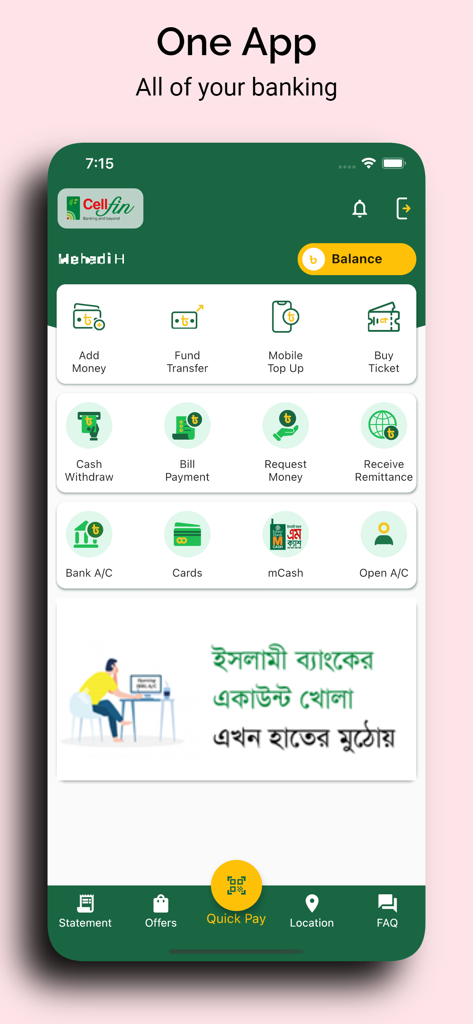
The main dashboard of the CellFin mobile app displaying various digital banking features like money transfers and bill payments.
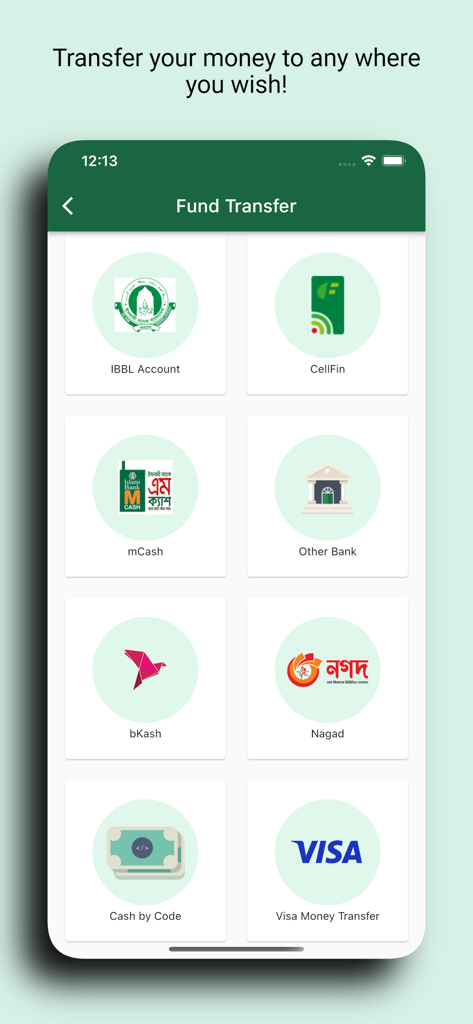
CellFin app fund transfer screen with options for IBBL account, bKash, Nagad, and other bank transfers
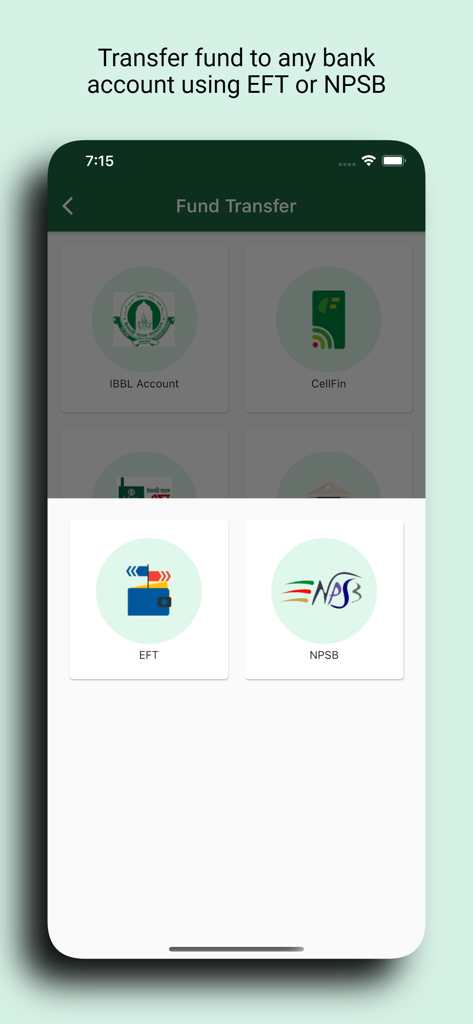
Fund transfer options in the CellFin app using EFT and NPSB methods
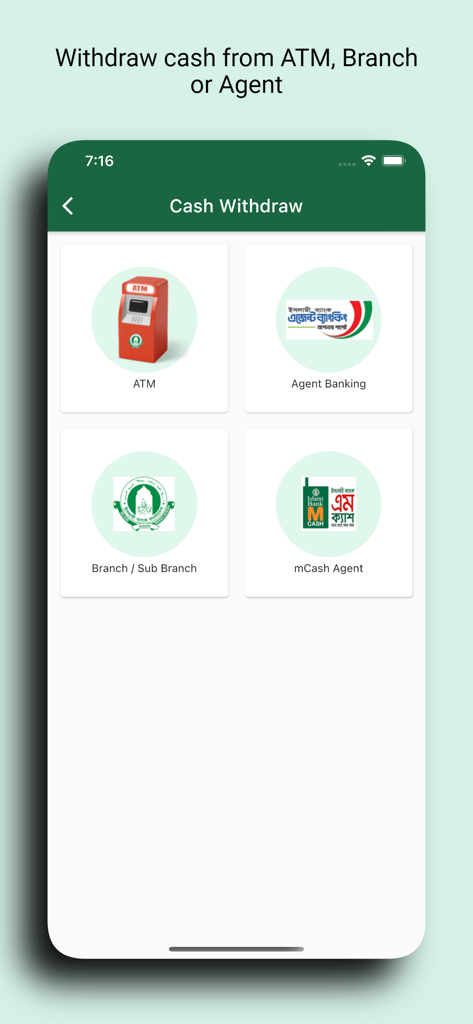
CellFin app screen displaying various cash withdrawal methods including ATM Agent Banking and Branch locations
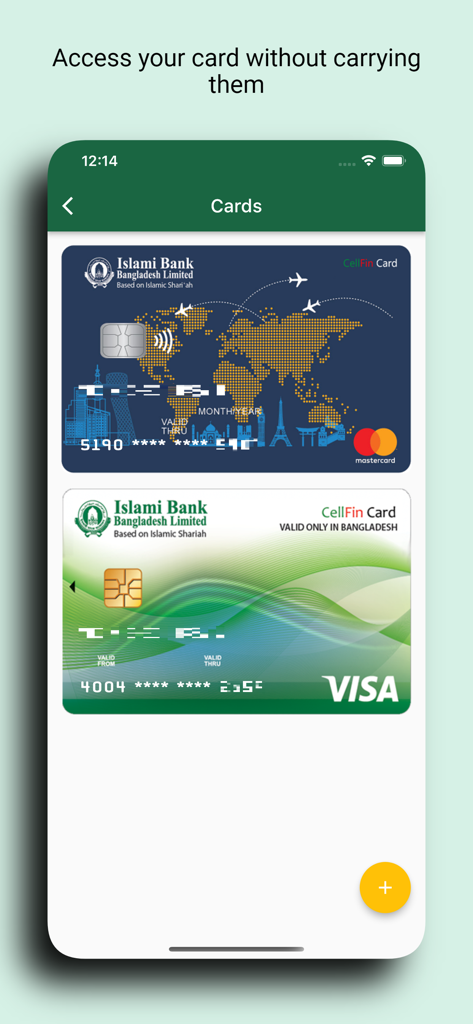
A display of virtual Mastercard and Visa cards within the CellFin mobile app by Islami Bank Bangladesh
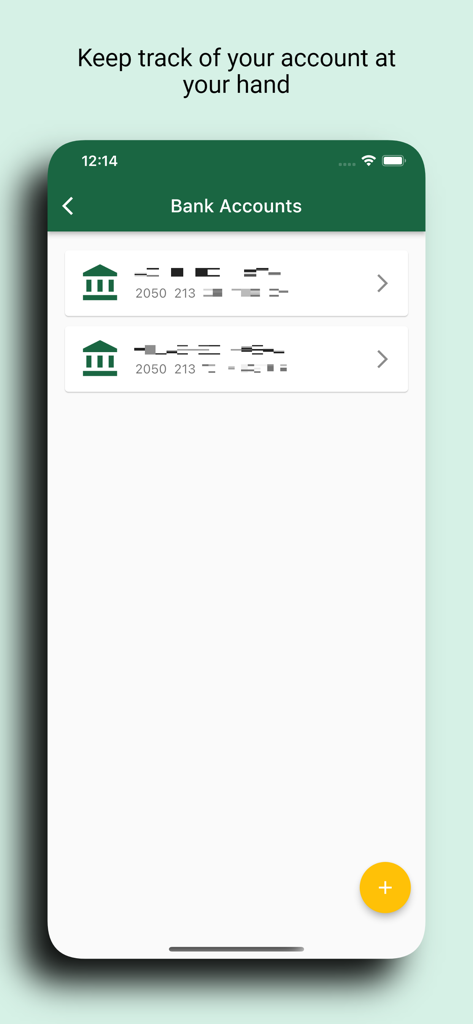
Mobile screen of CellFin app displaying a list of linked bank accounts
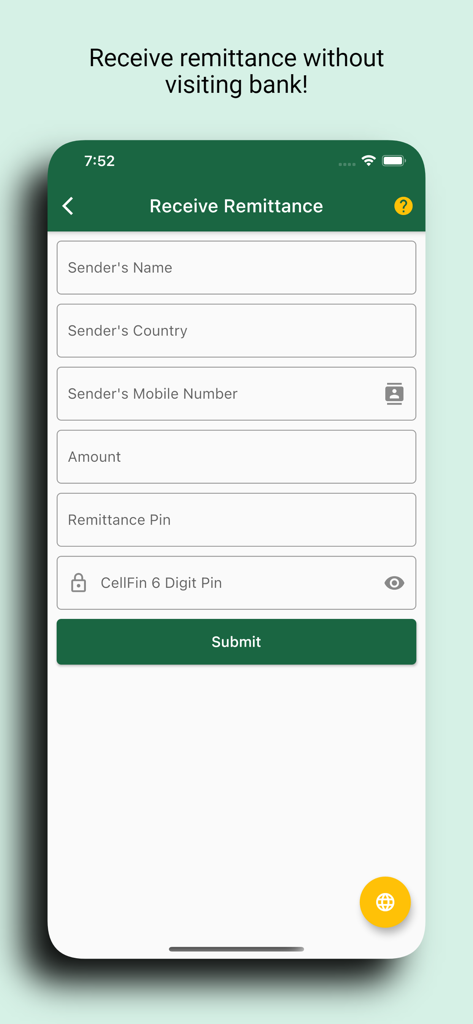
A mobile interface for receiving foreign remittance in the CellFin app with fields for sender information and remittance pin.
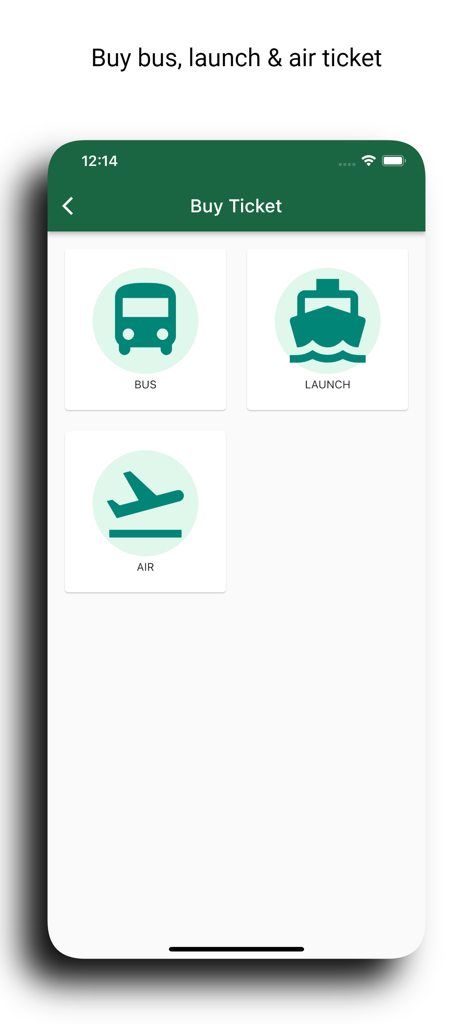
CellFin app screen showing options to buy bus launch and air tickets
Everything You Need to Manage Your Life Back Home
The tools that make this app stand out, trusted by 265K+ users.
💸
Instant Global Remittances
Receive and add foreign remittances to your digital wallet 24/7. Effortlessly transfer funds to any IBBL account, bKash, Nagad, or other MFS providers from the USA.
🏠
Remote Utility & Bill Management
Take care of your family's home in Bangladesh by paying electricity, gas, water, and internet bills directly through the app, ensuring their comfort from thousands of miles away.
🕌
Branchless Islamic Account Opening
Secure your future with Mudaraba Savings or Hajj accounts. Complete your registration and account opening overseas with zero paperwork and no bank visit required.
Review Analysis
Insights from user reviews.
Sentiment Score
21%
Negative
Summary
The app receives predominantly negative feedback, primarily due to significant usability challenges, especially for international users. Many customers struggle with registration and logging in, frequently being forced to visit a physical bank branch to resolve issues such as device changes or security updates, a process deemed highly inconvenient and outdated. Users consistently request essential modern features like Face ID, email OTP options, and support for passport-based KYC for non-NID holders. While a small number of users express overall satisfaction, these positive remarks are largely overshadowed by widespread complaints about app instability, slow verification, and a perceived lack of competitive features and responsive customer support, with several issues specifically noted for iOS users.
Common Themes
International Access(15)
Device Change & Login(12)
Registration & Verification(11)
App Stability & Updates(10)
Missing Features(9)
Branch Visit Requirement(9)
Overall Positive Experience(6)
About the app
Everything you need to know about CellFin.
Description
Introducing Islami Bank CellFin: Your “All-in-One Mobile App for Digital Services”.
Islami Bank CellFin is your go-to mobile app for all your digital needs, whether you're already a bank customer or not. If you have a mobile phone with a number and a Smartphone, you're good to go!
Non transactional features:
1. No Bank Visit Needed: You don't have to visit the bank or deal with any paperwork. Simply download the app on your smartphone, and you're ready to roll.
2. Instant Digital Wallet: Once you've got the app, you can instantly create your own Digital Wallet. No need to wait for the bank – it's all automated for your convenience.
3. Virtual Card Included: We've got you covered with a virtual card – either VISA or MasterCard – assigned to your Digital Wallet. It's like having a card in your phone, and it makes all your transactions a breeze.
4. Account Integration: You can link Islami bank existing Khidmah credit card, prepaid card, CBS account, agent banking account, mCash account with this Digital Wallet for all kinds of transactional and non-transactional services.
5. Balance check: Conveniently check Bank, mCash and CellFin account balance at no cost without the need to visit a branch.
6. Complain management: Swiftly file and receive a complaint ticket number for any disputes directly through the app, eliminating the need to visit a branch.
7. Bank account opening: Easily open various accounts, such as Mudaraba Savings, Mudaraba Special Savings, Mudaraba Monthly Profit Deposit, Mudaraba Student Savings, Mudaraba Industrial Employee Savings, Payroll, Hajj Savings, and Muhor Savings accounts, all from the convenience of our app – no need to visit a bank branch.
8. Location service: Effortlessly find branch locations, sub-branches, ATMs, and agent outlets using the app's built-in locator feature.
9. Cheque book requisition: Order a cheque book right from our app with ease.
10. Notification: Stay in the loop with exclusive offers and exciting promotions through our app's notifications.
11. Overseas registration: Bangladeshi citizens can use CellFin with all the features from 26 countries over the world.
Transactional Features:
1. Add Money: Easily add funds to your CellFin from various sources, including other bank cards, IBBPLC accounts, mCash, and IBBPLC debit and credit cards.
2. Send Money (Transfer): Effortlessly transfer funds, whether it's within IBBL or to other banks (IBBPLC to other banks) through EFT&NPSB, Binimoy, and also make transfers to mobile financial services such as mCash, bKash, Nagad, and other MFS providers.
3. Receive and Add Foreign Remittance: Receive and add foreign remittances to your account 24/7 through our app – no need to visit a bank branch.
4. Cardless Cash withdraw and deposut from ATM/CRM : Deposit and withdraw cash from your CellFin account, and even withdraw cash from your bank account, all without the need for a card, and it's absolutely free of charge.
5. QR based POS Purchase: You can use CellFin Quick Pay with ease, whether it's through Bangla QR or IBBL QR. Debit funds from your Bank account, CellFin account, mCash or IBBL Khidmah credit card hassle-free.
6. Ecommerce Transaction: You can shop hassle-free on thousands of e-commerce sites 24/7, making payments conveniently through CellFin.
7. Bill & other types of Payments: With CellFin, you can easily manage your bills for electricity, gas, telephone, internet, WASA (water supply), educational fees, admission fees, and more. Pay your bills conveniently and stay on top of your expenses all in one place.
8. Mobile Top-up: Top up your mobile balance or settle postpaid mobile bills in a flash with CellFin. We offer convenient shortcuts for major mobile network operators like Robi, Airtel, Banglalink, Grameenphone, and Teletalk, ensuring swift and hassle-free transactions.
9. Request Money: You can request money to another CellFin user at any time when you need.
Latest Version
3.12.0
Size
96.2 MB
First Released
Jun 7, 2021
Empower Your Family Back Home with the All-in-One Digital Wallet
Join the diaspora community using CellFin to send 24/7 remittances, pay utility bills, and manage your Islami Bank accounts instantly—no bank visit required.
FAQ
Frequently Asked Questions
Everything you need to know about CellFin
What is CellFin?
CellFin is an all-in-one mobile app from Islami Bank for digital services. It is accessible to both bank customers and non-customers who have a smartphone and mobile number.
Do I need a bank account to use CellFin?
No, users do not need an existing bank account to use CellFin. Anyone with a smartphone and mobile number can download the app and instantly create a Digital Wallet.
Does CellFin offer a virtual card for transactions?
Yes, CellFin provides a virtual card, either VISA or MasterCard, assigned to the Digital Wallet. This enables convenient and hassle-free transactions directly from the phone.
What types of accounts can I link to my CellFin Digital Wallet?
Users can link their Islami Bank Khidmah credit card, prepaid card, CBS account, agent banking account, and mCash account to their CellFin Digital Wallet for services.
Can I open a new bank account using the CellFin app?
Yes, users can easily open various Mudaraba Savings, Profit Deposit, Student Savings, Payroll, Hajj Savings, and Muhor Savings accounts directly through the CellFin app without visiting a branch.
How can I add money to my CellFin account?
Users add funds to CellFin from sources including other bank cards, IBBPLC accounts, mCash, and IBBPLC debit and credit cards directly through the app.
Does CellFin support transfers to other banks and mobile financial services?
Yes, CellFin allows fund transfers within IBBL, to other banks via EFT&NPSB and Binimoy, and to mobile financial services like mCash, bKash, and Nagad.
Can I receive foreign remittances using the CellFin app?
Yes, CellFin users can receive and add foreign remittances to their account 24/7 directly through the app. A bank branch visit is not required.
Is cardless cash withdrawal available with CellFin?
Yes, CellFin enables cardless cash withdrawals and deposits from ATMs/CRMs. Users can withdraw from CellFin or linked bank accounts free of charge.
What types of bills can I pay using CellFin?
CellFin facilitates payments for electricity, gas, telephone, internet, WASA (water supply), educational fees, and admission fees, managing expenses conveniently in one place.
Can I top up my mobile balance through CellFin?
Yes, CellFin supports mobile balance top-ups and postpaid mobile bill settlements for major operators like Robi, Airtel, Banglalink, Grameenphone, and Teletalk.
Does CellFin support QR-based payments for purchases?
Yes, CellFin supports QR-based POS purchases using Quick Pay. It is compatible with Bangla QR or IBBL QR, debiting funds from linked accounts.
Which countries support overseas registration for CellFin?
Bangladeshi citizens can use CellFin with all its features from 26 countries worldwide, offering global accessibility for its digital services.
Can I find ATM or branch locations using the CellFin app?
Yes, CellFin includes a built-in location service. It helps users effortlessly find Islami Bank branch locations, sub-branches, ATMs, and agent outlets.
App information, icons, screenshots, and descriptions displayed on this page are sourced from the Apple App Store and are the property of their respective developers. Download estimates and rankings are based on MWM's proprietary models and may not reflect actual figures. This page is provided for informational and analytical purposes only.
Believe this page infringes your intellectual property? File a dispute