CellGate Mobile Connect

CellGate Mobile Connect

Download on App Store
Logo of CellGate Mobile Connect

CellGate Mobile Connect: Secure Access Control for Ranches, Sites, and Estates

Take total control of your property from anywhere. Receive instant photo alerts, manage unlimited access codes, and operate gates remotely over cellular networks—even in the most remote locations.

Download on App Store

Publisher

Gouldin Technologies LLC

Category

Productivity

Downloads

0

User Rating

1.9/5

Total Ratings

0

Locales

1

Your Property in Focus

Discover the interface used by 0 users.
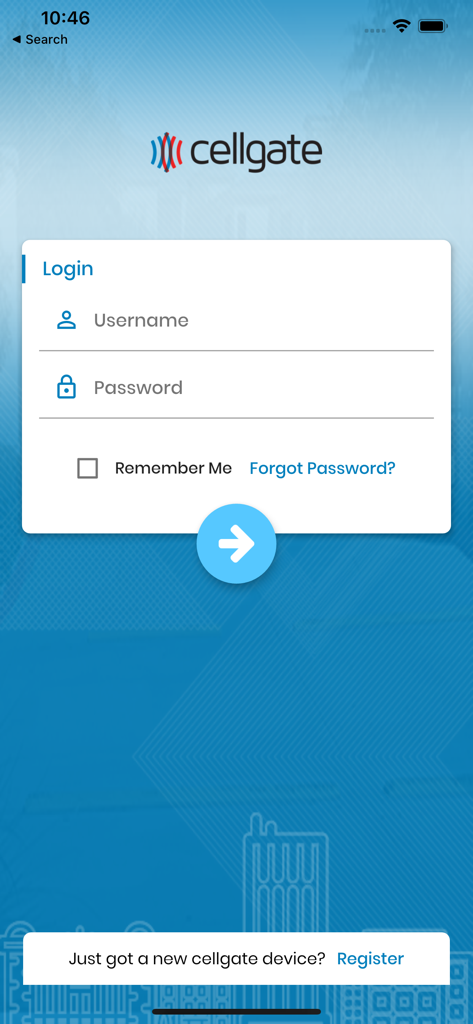
CellGate Mobile Connect app splash screen featuring the company logo on a blue background with geometric patterns.

CellGate Mobile Connect app splash screen featuring the company logo on a blue background with geometric patterns.

Login screen for the CellGate Mobile Connect app showing username and password input fields.

Login screen for the CellGate Mobile Connect app showing username and password input fields.

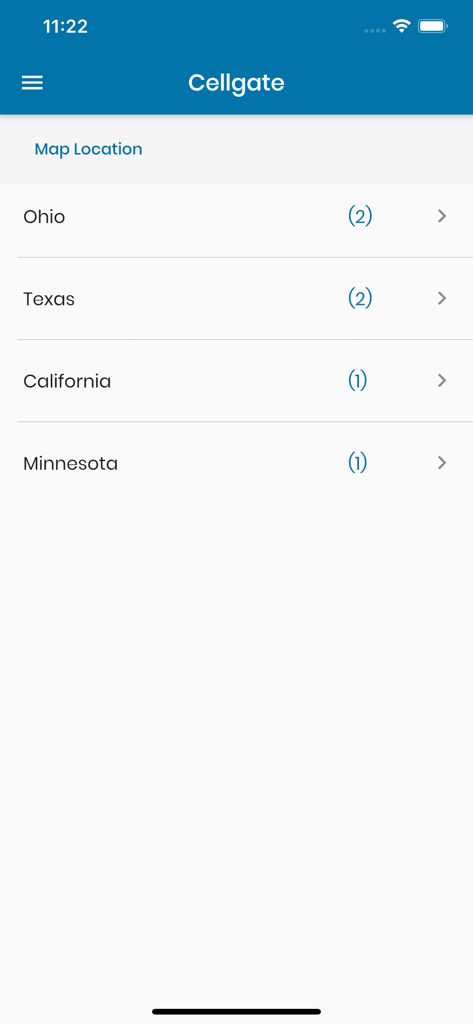
List of gate locations organized by state in the CellGate Mobile Connect app

List of gate locations organized by state in the CellGate Mobile Connect app

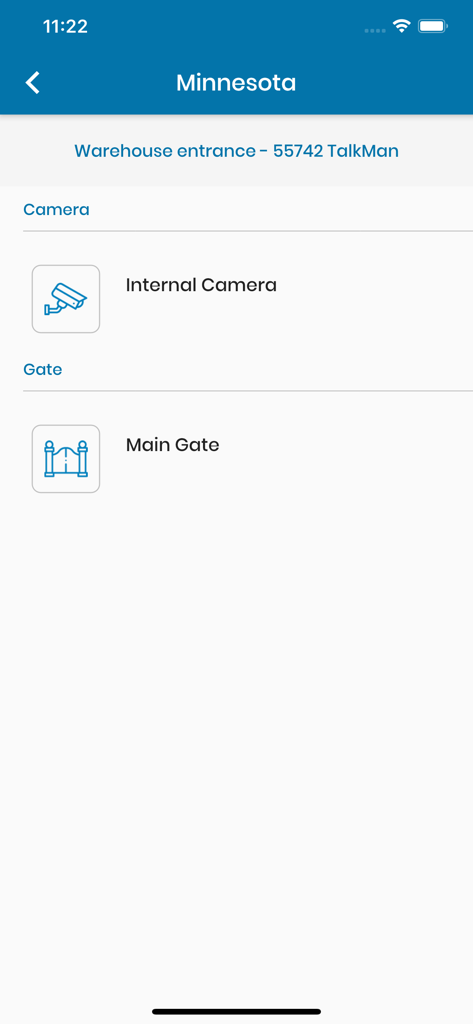
CellGate Mobile Connect app screen showing camera and gate control options for a warehouse entrance in Minnesota

CellGate Mobile Connect app screen showing camera and gate control options for a warehouse entrance in Minnesota

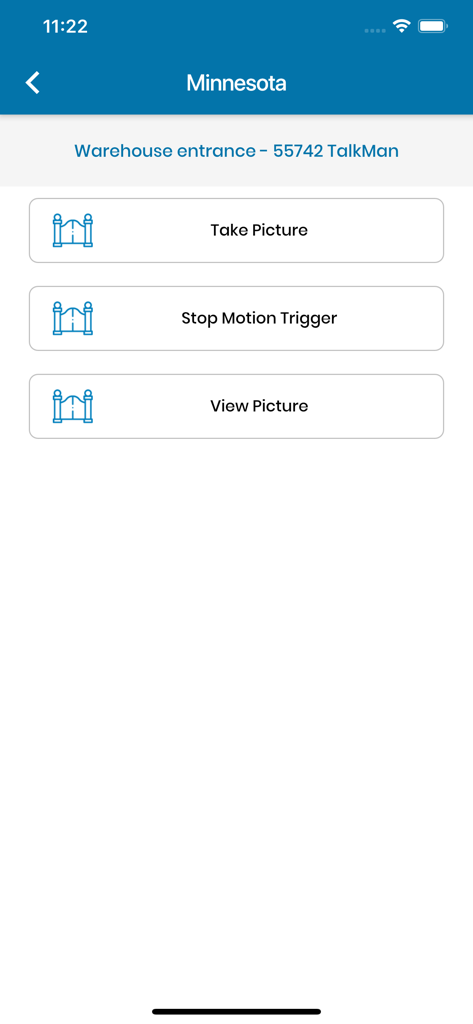
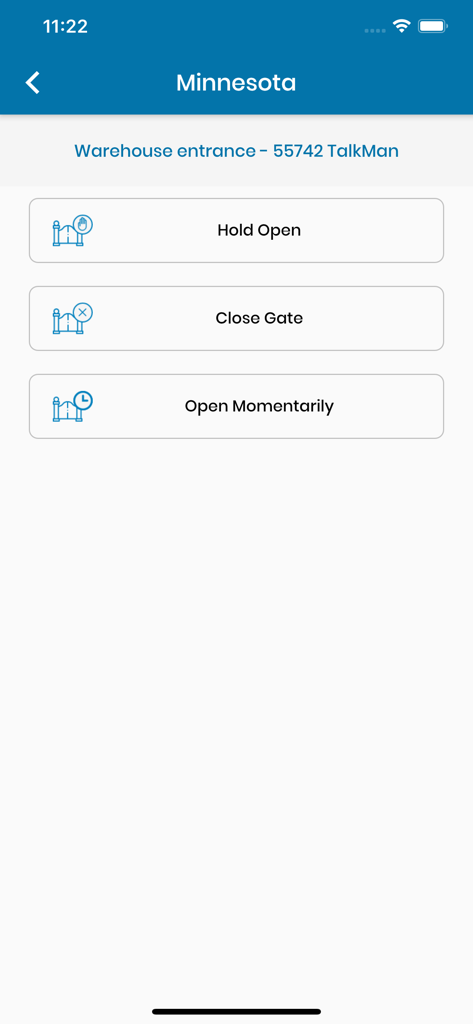
Interface of the CellGate app showing remote control options for a warehouse entrance gate

Interface of the CellGate app showing remote control options for a warehouse entrance gate

CellGate mobile app interface showing remote gate control options including hold open close gate and open momentarily for a warehouse entrance

CellGate mobile app interface showing remote gate control options including hold open close gate and open momentarily for a warehouse entrance

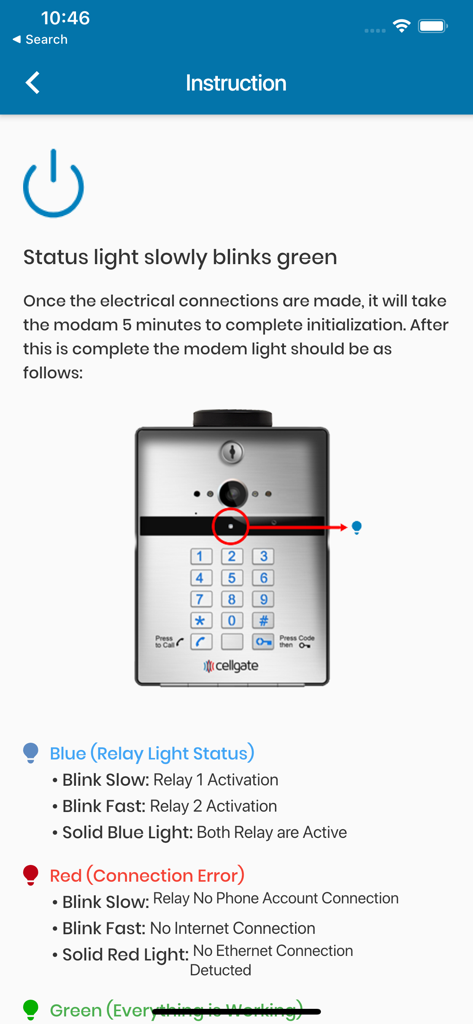
Instruction screen in the CellGate app explaining the meaning of different status lights on the hardware keypad

Instruction screen in the CellGate app explaining the meaning of different status lights on the hardware keypad

Take Command of Your Property's Security

The tools that make this app stand out, trusted by 0 users.

📱

Instant Remote Access

Open your gates from anywhere in the world. Eliminate the need for long drives to meet contractors or visitors with simple remote commands.

📸

Visual Entry Alerts

See exactly who is at your gate. Get high-resolution photo notifications sent directly to your device the moment movement is detected or a code is used.

📋

Custom Access & History

Create unlimited secure access codes for staff or hunters, and maintain a detailed historical record of every entry to protect your high-value assets.

About the app

Everything you need to know about CellGate Mobile Connect.

Description

Notice: You NEED an account with CellGate before you can use this application. This Application is designed and intended for the sole use by CellGate Access Control and Monitoring Subscribers. The CellGate Access Control and Monitoring system lets you control who enters your property and when—from any location, at any time. By simply logging in to your online CellGate account, you can create and customize an unlimited number of access codes and maintain a detailed historical record of all gate activity, including photos. Our solar- and AC-powered system packages contain everything you need for remotely controlling automatic and manual gates, and the system's camera options help ensure you receive photos of all gate activity directly to your mobile phone. Built specifically for use with cellular networks and the internet, the CellGate system allows you to monitor and control access to your property 24 hours a day, directly from your mobile phone or any internet connection. No matter where in the world you happen to be, when a visitor arrives you will receive text, email or voice alerts to your cell phone. Then simply send an open command to any gate anywhere in the U.S. Working with manual or automatic gates and powered by solar or AC, the CellGate system can operate in a variety of environments such as Farms and Ranches, Oil and Gas Sites, Residences, Deer Leases and Self-Storage Facilities. Exotic/Wild Game Traps are also controlled and monitored by CellGate with the added option to disable motion triggered image messages after the trap has been closed.

Latest Version

4.0.54

Size

124.4 MB

First Released

Nov 18, 2012

Secure Your Property and Save Time Today

Download the CellGate app to manage your remote gates, view real-time photo alerts, and grant access from anywhere in the world—no Wi-Fi required.

Download on App Store

App information, icons, screenshots, and descriptions displayed on this page are sourced from the Apple App Store and are the property of their respective developers. Download estimates and rankings are based on MWM's proprietary models and may not reflect actual figures. This page is provided for informational and analytical purposes only.

Believe this page infringes your intellectual property? File a dispute