
This page is not an official page of the app or its developer, but an independent editorial publication created for informational and commentary purposes. Unless expressly stated otherwise, neither the app nor its developer is affiliated with, endorsed by, sponsored by, authorized by, or otherwise officially connected with MWM, Apple, Google Play, the app publisher, or the app's developer, and nothing on this page implies that the app was developed using MWM's services. Any trademarks, logos, screenshots, and other content remain the property of their respective owners.

Nuki Smart Lock
Upgrade to a smarter lifestyle with Europe’s leading retrofittable lock. Experience the magic of Auto Unlock, secure digital key sharing, and seamless Matter integration for your connected home.
Downloads
2M+User Rating
Total Ratings
43K+Publisher
Category
LifestyleLocales
10Latest Version
2025.12.2Size
269.2 MBFirst Released
May 23, 2016Unlock a Smarter, Frictionless Lifestyle
Experience the ultimate convenience of European-engineered security. Nuki turns your iPhone and Apple Watch into the only keys you'll ever need.
Hands-Free Auto Unlock
Your door unlocks automatically as you arrive home. No more fumbling for keys when your hands are full.
Seamless Apple Experience
Control your lock with a tap on your Apple Watch or via Siri. Designed to fit perfectly into your Apple ecosystem.
Frequently Asked Questions
Everything you need to know about Nuki Smart Lock
What is the Nuki Smart Lock?
The Nuki Smart Lock is a retrofittable smart door lock, innovated in Austria and manufactured in Europe. It allows you to use your iPhone or Apple Watch as a digital key, providing remote access and enhanced security for your home.
Can I open my door remotely with the Nuki app?
Yes, the free Nuki app allows you to open your door with your iPhone or Apple Watch with just one click, even remotely. It effectively replaces physical keys for convenient access.
Does Nuki Smart Lock allow sharing access permissions?
Yes, Nuki Smart Lock allows you to share access permissions securely using the Nuki app. You control who has access and can track all unlocking activity via a detailed activity log.
What smart features does the Nuki app offer?
The Nuki app offers smart features including Auto Unlock, which opens your door automatically upon arrival, Auto Lock for enhanced security, and a customizable Night Mode to activate specific safety features during the night.
Is Nuki Smart Lock compatible with other smart home systems?
Yes, Nuki Smart Locks ensure easy and fast integration into your existing Smart Home. Thanks to Matter compatibility, Nuki Smart Locks are compatible with most Smart Home systems.
How easy is it to install the Nuki Smart Lock?
The Nuki Smart Lock features easy DIY installation. You can install it yourself within a few minutes, with the Nuki app providing a step-by-step guide to assist you through the process.
Can I open my Nuki Smart Lock without a smartphone?
Yes, Nuki offers smart accessories for keyless entry without a smartphone. The Nuki Keypad 2 enables access via fingerprint or entry code, and the Nuki Fob allows simple door opening via a button.
Where can I check Nuki Smart Lock compatibility for my door?
You can check if the Nuki Smart Lock is compatible with your door directly on the official Nuki website. Visit www.nuki.io/check for detailed compatibility information and guidance.
The following screenshots and description are sourced directly from the app's official store listing and are the property of the app developer.
App Store
Screenshots
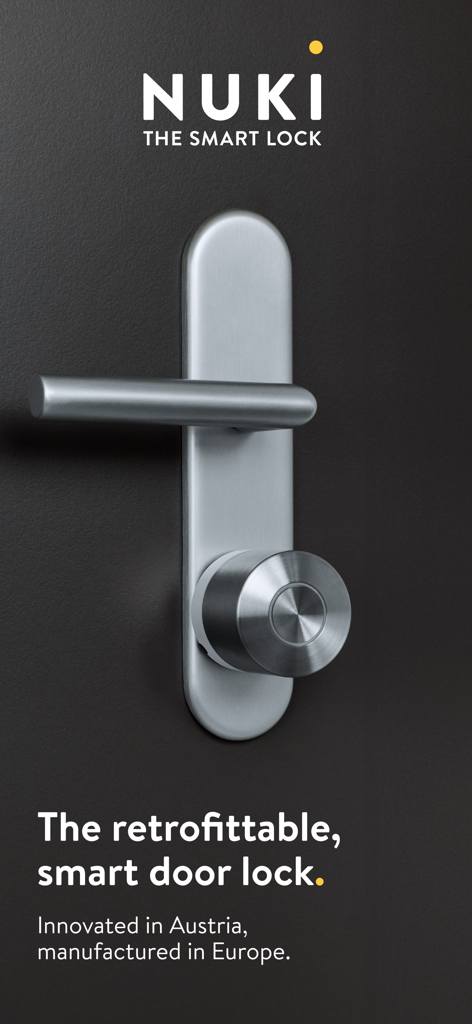
Modern brushed metal Nuki smart lock mounted on a black door
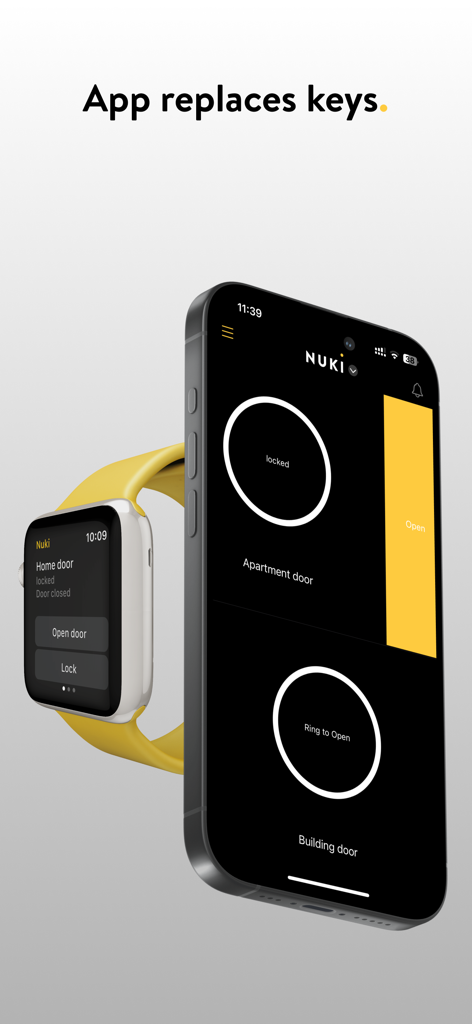
Nuki Smart Lock app interface on iPhone and Apple Watch for keyless door entry.
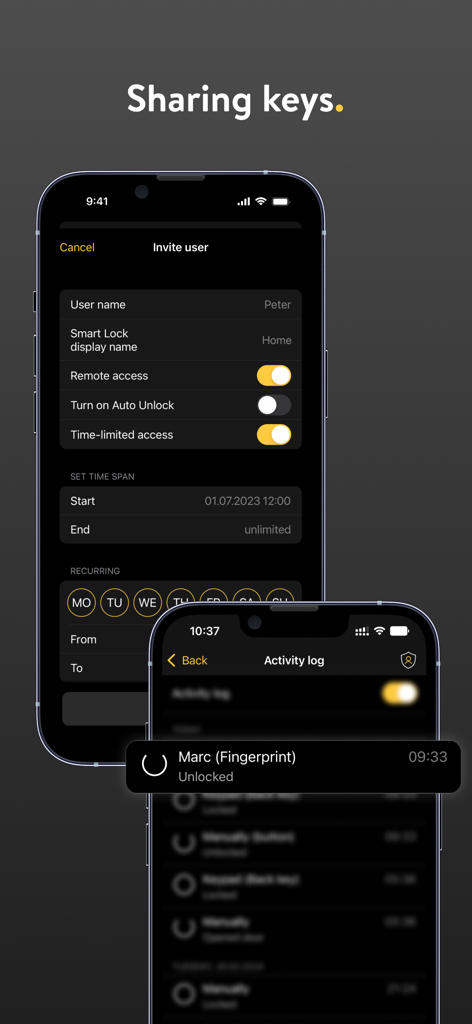
Nuki Smart Lock app interface showing the invite user screen with access settings and the activity log tracking door entries.
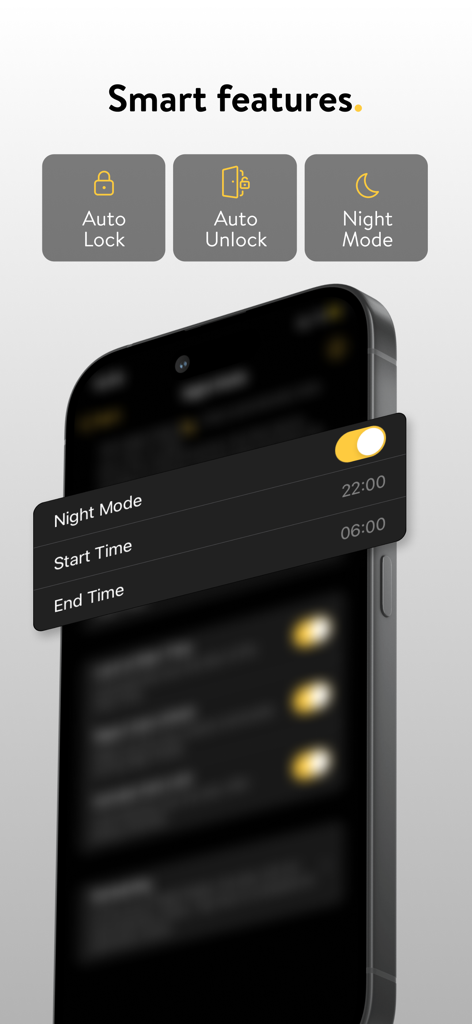
Nuki Smart Lock app screen displaying Auto Lock, Auto Unlock, and Night Mode features.
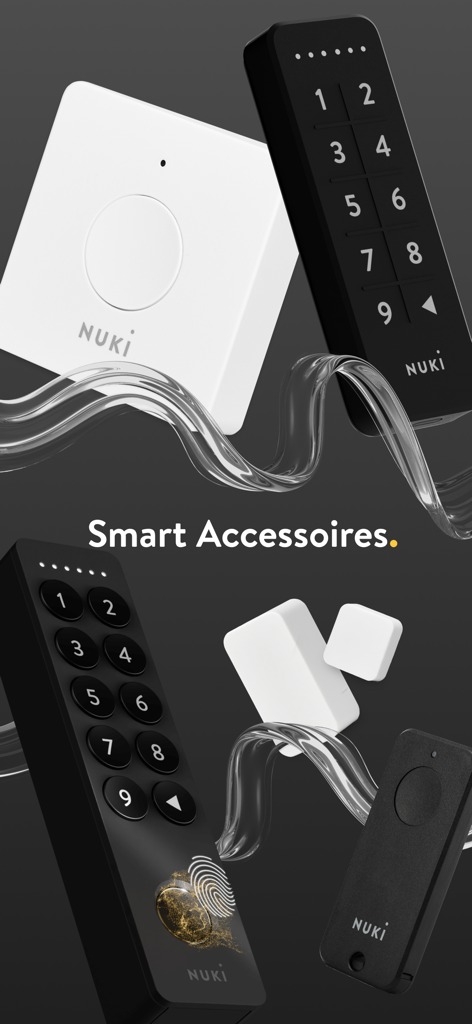
Collection of Nuki smart home accessories including keypads with fingerprint sensor, bridge, and door sensors on a dark background.
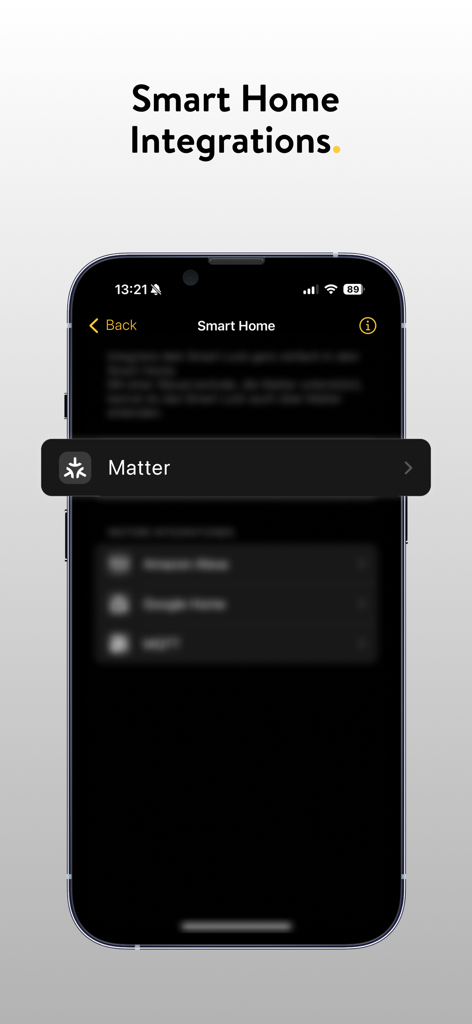
Nuki Smart Lock app interface showing smart home integration options highlighting Matter support
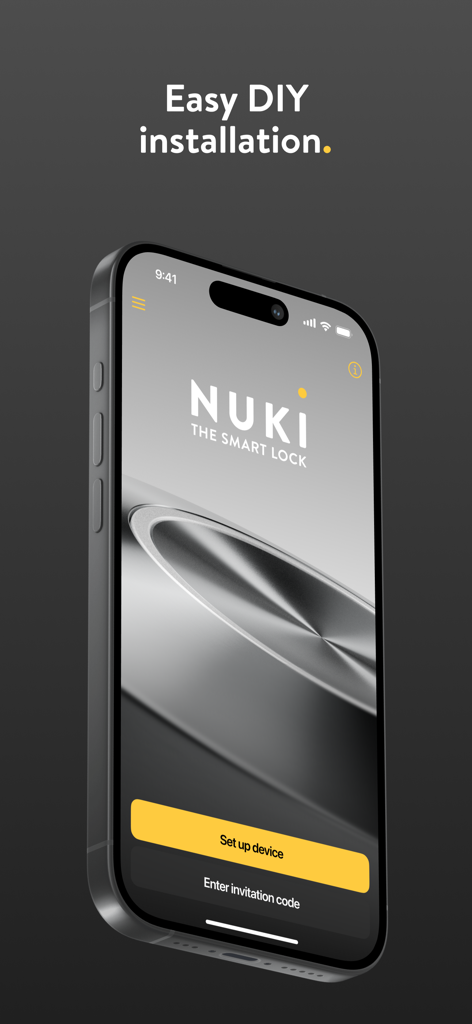
Nuki Smart Lock app interface on an iPhone displaying easy DIY installation and device setup buttons
Description
Download
More Like This
Apps with similar features and user experience
myQ Garage & Access Control
The Chamberlain Group, Inc.
Schlage Home
Schlage Lock Company, LLC

Yale Access
August Home, Inc.
Kwikset
ASSA ABLOY AMERICAS RESIDENTIAL INC.
Aladdin Connect
Overhead Door Corporation

August Home
August Home, Inc.
Public Storage
Public Storage
Luxer One
Luxer Corporation
Latch App
Latchable, Inc.
This page is not an official page of the app or its developer, but an independent editorial publication created for informational and commentary purposes. Unless expressly stated otherwise, neither the app nor its developer is affiliated with, endorsed by, sponsored by, authorized by, or otherwise officially connected with MWM, Apple, Google Play, the app publisher, or the app's developer, and nothing on this page implies that the app was developed using MWM's services. Any trademarks, logos, screenshots, and other content remain the property of their respective owners.