
This page is not an official page of the app or its developer, but an independent editorial publication created for informational and commentary purposes. Unless expressly stated otherwise, neither the app nor its developer is affiliated with, endorsed by, sponsored by, authorized by, or otherwise officially connected with MWM, Apple, Google Play, the app publisher, or the app's developer, and nothing on this page implies that the app was developed using MWM's services. Any trademarks, logos, screenshots, and other content remain the property of their respective owners.


Cello Tuner Basic
Achieve perfect pitch instantly with professional-grade accuracy. Designed for students and orchestra players, featuring adjustable A4 temperaments and an intuitive visual interface.
Downloads
0User Rating
Total Ratings
0Publisher
Category
MusicLocales
19Latest Version
4.2.3Size
11.7 MBFirst Released
Aug 22, 2018Master Your Cello’s True Resonance
From the practice room to the concert hall, our ultra-accurate tuning technology ensures your strings are always performance-ready with professional-grade precision.
Professional Hz Precision
Achieve flawless intonation with high-sensitivity frequency tracking and real-time Hz feedback tailored for the cello's unique range.
Custom A4 Temperaments
Seamlessly calibrate between 392Hz and 466Hz to match any orchestral standard, from Baroque ensembles to modern symphony halls.
The following screenshots and description are sourced directly from the app's official store listing and are the property of the app developer.
App Store
Screenshots
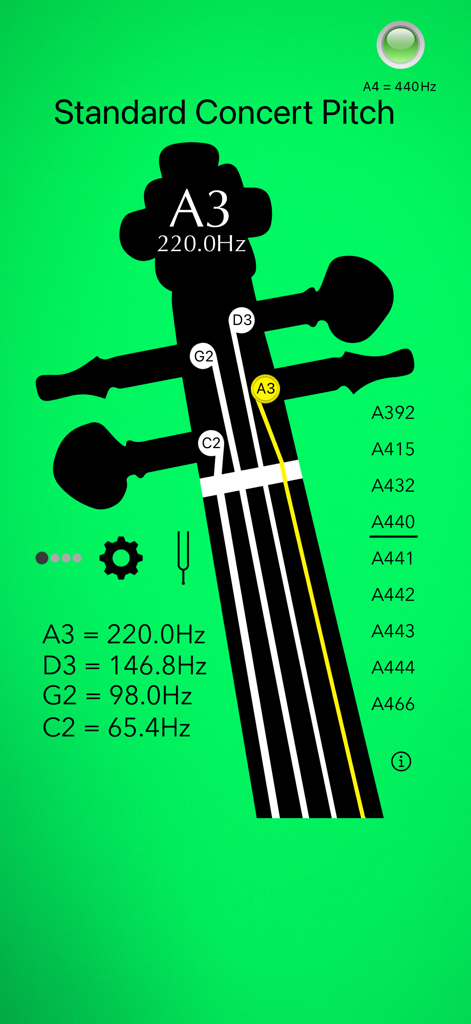
Cello Tuner Basic app interface featuring a cello headstock with tuning notes and frequency indicators for strings A3 D3 G2 C2 on a green background.
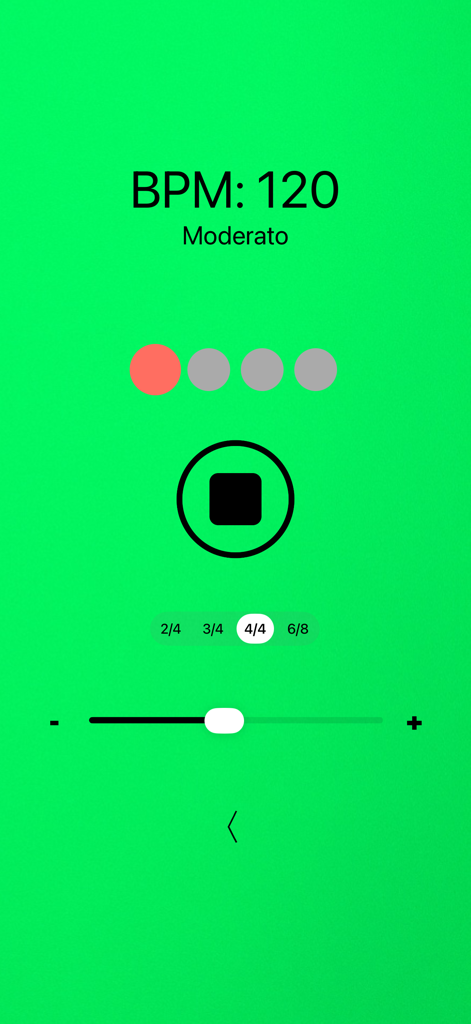
Metronome interface of Cello Tuner Basic app showing 120 BPM Moderato tempo and 4/4 time signature
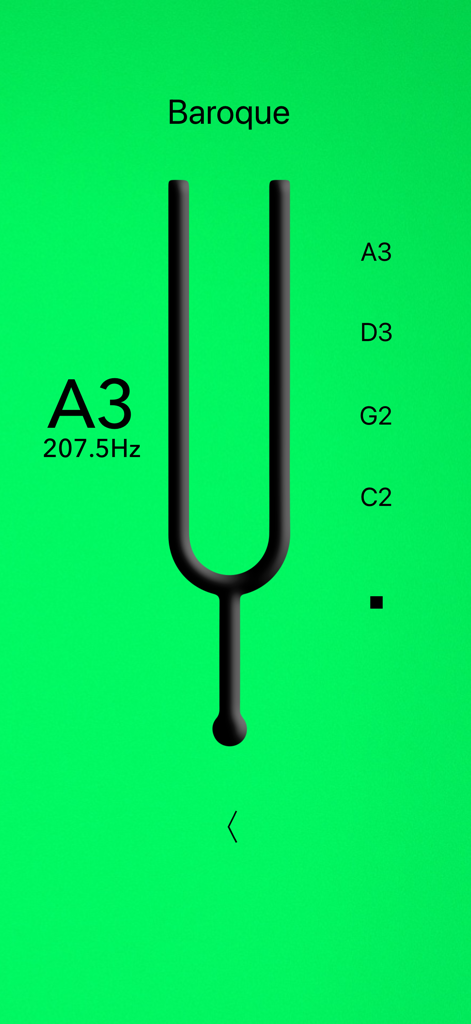
Cello Tuner Basic app screen showing Baroque tuning mode with a tuning fork icon and A3 note frequency at 207.5 Hz.
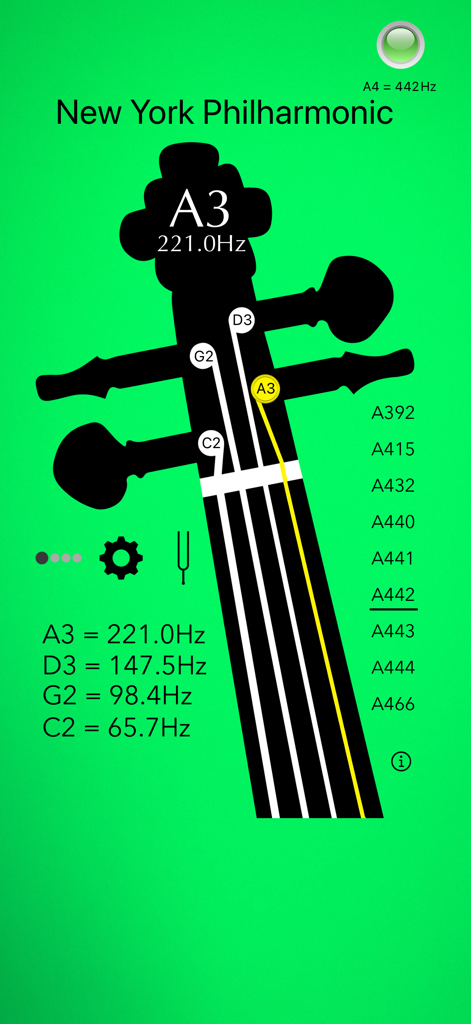
Cello Tuner app interface showing precise Hz tuning and A4 temperament calibration options.
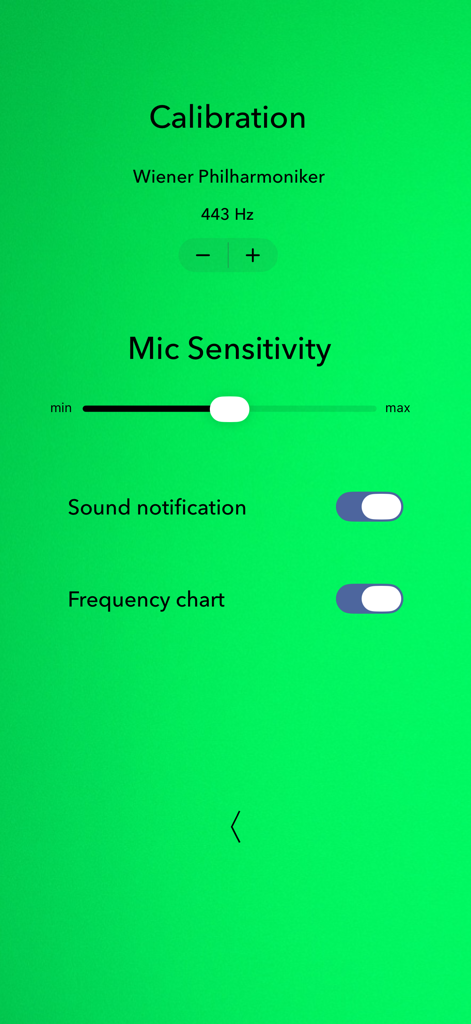
Settings screen of the Cello Tuner Basic app showing A4 calibration at 443Hz and microphone sensitivity slider.
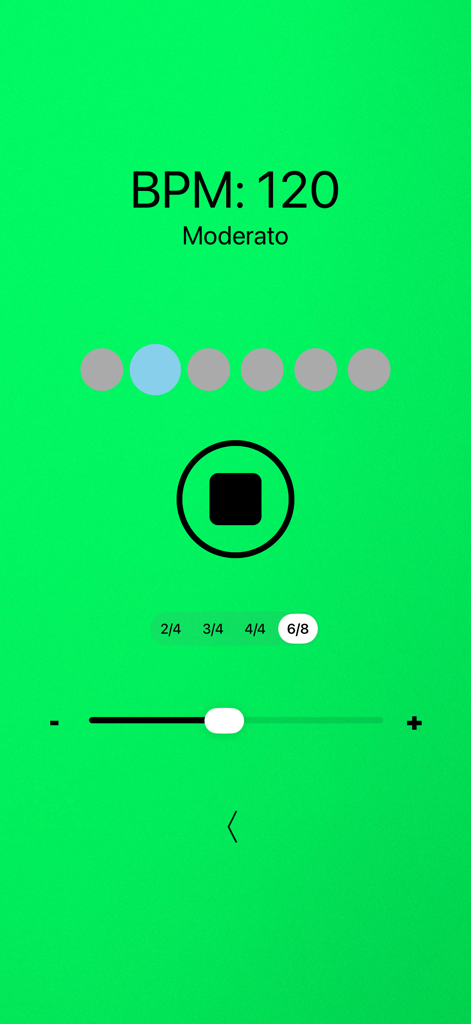
Metronome interface of the Cello Tuner Basic app showing 120 BPM Moderato tempo with time signature options.
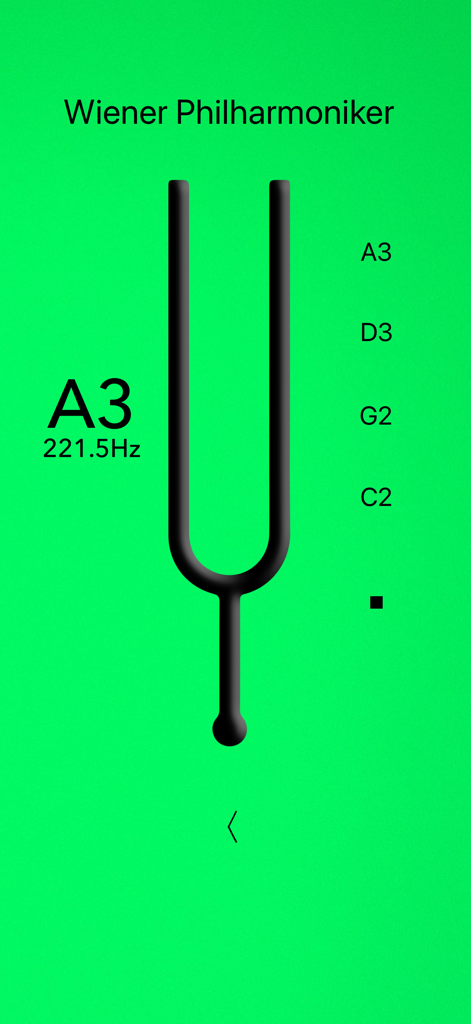
Cello Tuner Basic app interface showing the tuning fork feature set to Wiener Philharmoniker A3 frequency at 221.5Hz
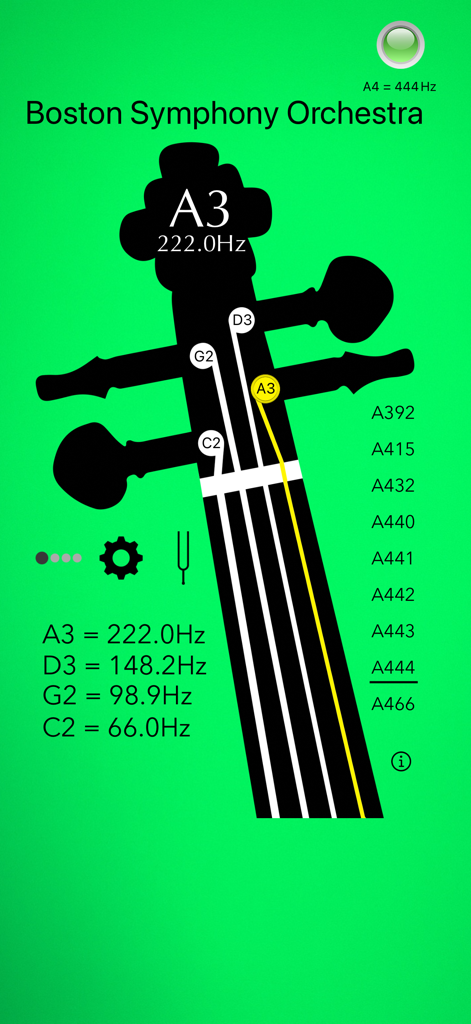
Cello Tuner Basic app interface showing precise Hz frequency tuning and A4 calibration settings
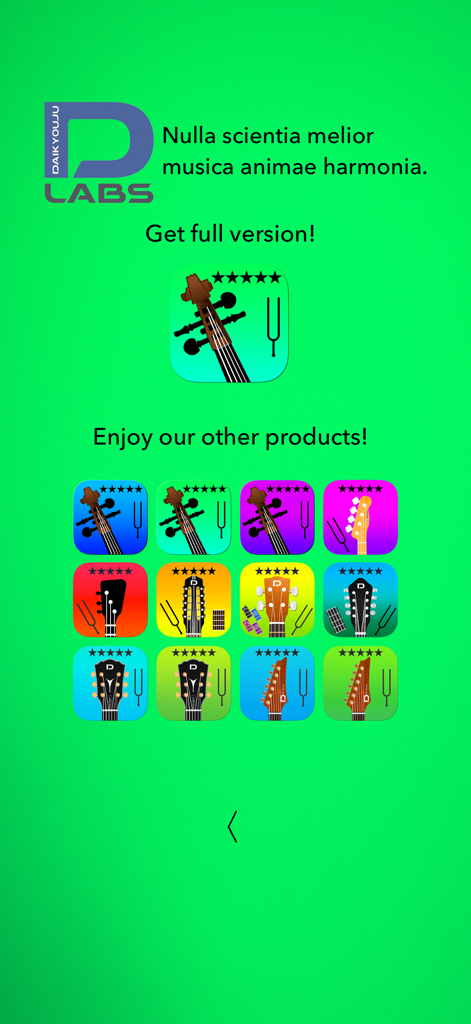
A promotional screen in the Cello Tuner Basic app showcasing a collection of other instrument tuner apps by the developer
Description
Download
More Like This
Top-ranked apps in the same category

Spotify: Music and Podcasts
Spotify

YouTube Music
Google LLC

Shazam: Find Music & Concerts
Apple Inc.

SoundCloud: The Music You Love
SoundCloud Global Limited & Co KG

Suno - AI Songs & Music
Suno Inc.

QQ音乐 - 听我想听
Tencent Technology (Shenzhen) Company Limited

Audiomack - Play Music Offline
Audiomack, Inc.

BandLab – Music Maker & Beats
BandLab Singapore Pte Ltd

GuitarTuna: Tune & Play Guitar
Yousician Ltd
This page is not an official page of the app or its developer, but an independent editorial publication created for informational and commentary purposes. Unless expressly stated otherwise, neither the app nor its developer is affiliated with, endorsed by, sponsored by, authorized by, or otherwise officially connected with MWM, Apple, Google Play, the app publisher, or the app's developer, and nothing on this page implies that the app was developed using MWM's services. Any trademarks, logos, screenshots, and other content remain the property of their respective owners.