
This page is not an official page of the app or its developer, but an independent editorial publication created for informational and commentary purposes. Unless expressly stated otherwise, neither the app nor its developer is affiliated with, endorsed by, sponsored by, authorized by, or otherwise officially connected with MWM, Apple, Google Play, the app publisher, or the app's developer, and nothing on this page implies that the app was developed using MWM's services. Any trademarks, logos, screenshots, and other content remain the property of their respective owners.

CieID
Securely access Italian Public Administration services and private providers directly from your iPhone. Skip the consulate queues and manage your documents, taxes, and records with the convenience of NFC and biometric security.
Downloads
7M+User Rating
Total Ratings
39K+Publisher
Category
UtilitiesLocales
2Latest Version
1.7.24Size
33.6 MBFirst Released
Jun 2, 2020Your Italian Identity, Simplified
Manage your Italian administrative affairs from the United States with the official CieID app. Secure, remote, and built for your global lifestyle.
Virtual Consulate Access
Connect to Italian Public Administration portals like ANPR and Prenot@mi from anywhere in the USA, bypassing physical appointments.
Biometric Authentication
Authorize secure access to government services instantly using FaceID or TouchID, eliminating the need for complex passwords.
Frequently Asked Questions
Everything you need to know about CieID
What is the CieID app used for?
The CieID app allows users to access online services of Italian Public Administrations and affiliated private entities using their Electronic Identity Card (CIE) for authentication.
How can I activate my CIE credentials for the CieID app?
You can activate your CIE credentials for levels 1 and 2 by visiting the official website www.cartaidentita.it before configuring access within the CieID app.
How do I log in to online services on a PC using the CieID app with a QR code?
Scan the QR code displayed on the PC's request page using the CieID app, then enter your app CieID code. Biometrics can replace the code if activated.
Does CieID app support biometric authentication for access?
Yes, the CieID app supports biometric authentication, such as Face ID, to simplify and secure access to online services, replacing the app CieID code.
How can iPhone users achieve the highest security level (level 3) with CieID?
iPhone users with NFC can register their Electronic Identity Card (CIE) in the CieID app by entering an eight-digit PIN and tapping the card on the iPhone's back.
Can I recover my PUK code using the CieID app?
Yes, the CieID app provides a PUK recovery function for citizens who possess an Electronic Identity Card and have associated an email address or mobile number with their digital identity.
How does CieID app facilitate access to online services from a smartphone?
When accessing online services from a smartphone, users can authenticate directly with CieID credentials or open the app, enter the app CieID code, or use biometric recognition if active.
What security levels does the CieID app support for digital identity?
The CieID app supports three security levels for digital identity: levels 1, 2, and 3. Level 3 offers the maximum security and requires NFC for iPhone users.
The following screenshots and description are sourced directly from the app's official store listing and are the property of the app developer.
App Store
Screenshots
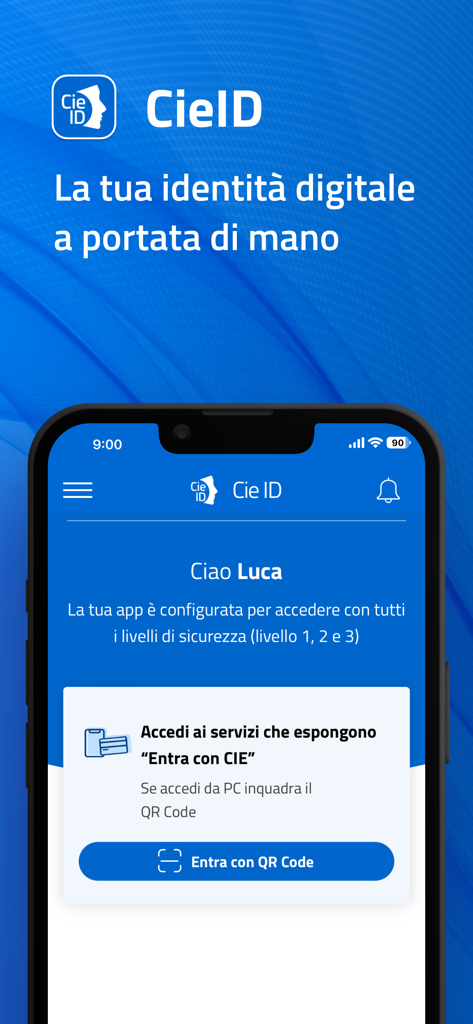
CieID app home screen displaying Italian digital identity management and QR code login option
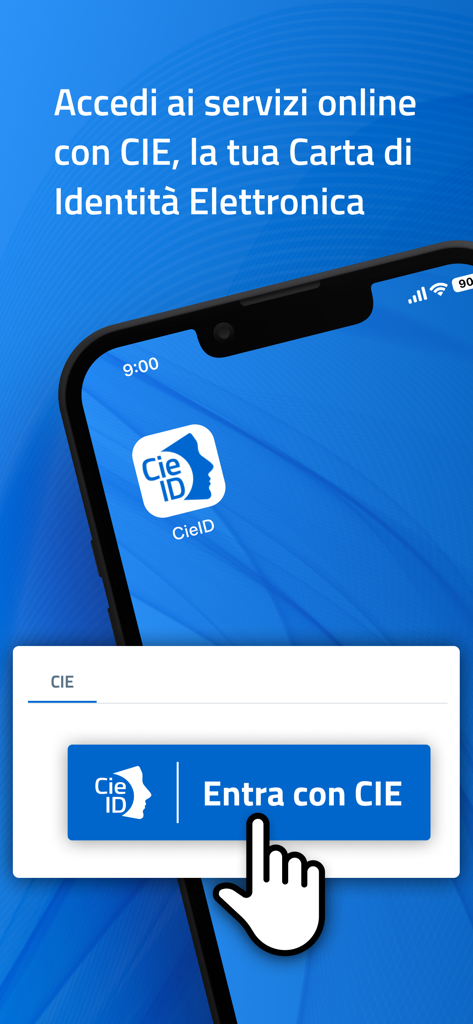
A smartphone showing the CieID app interface with a button to log in to Italian government online services using an Electronic Identity Card.
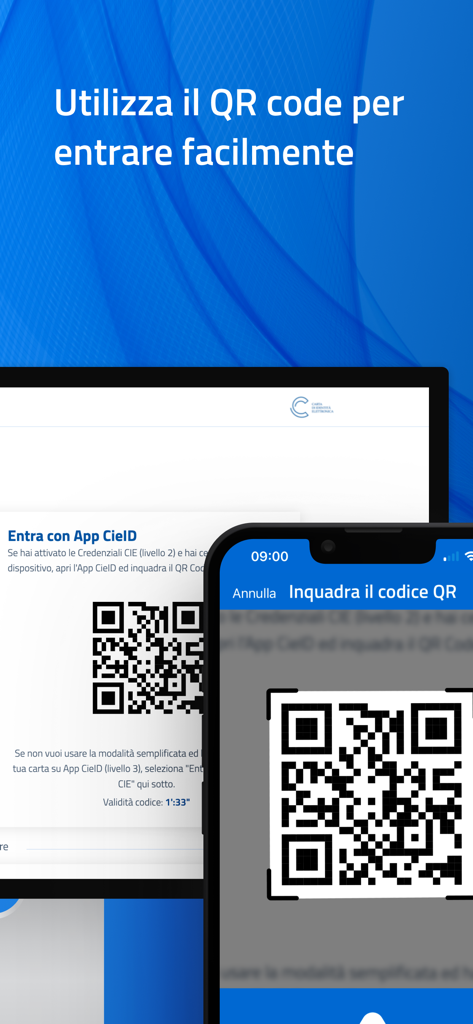
A smartphone scanning a QR code on a computer screen to log into the CieID application easily
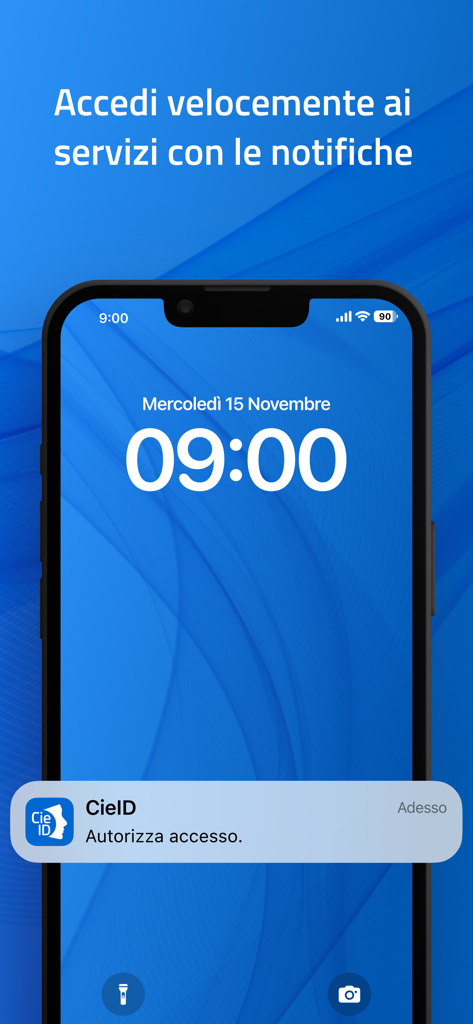
Smartphone lock screen with a CieID app notification to authorize access
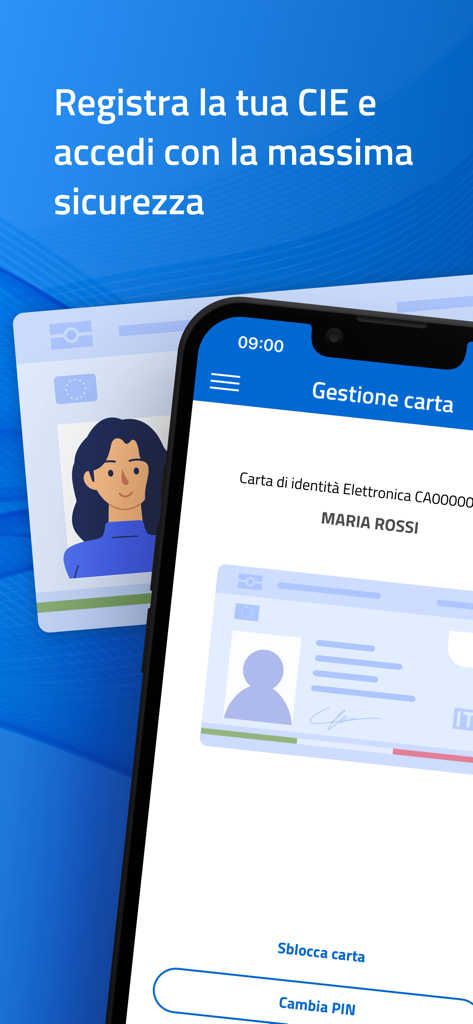
CieID mobile app interface for registering and managing the Italian Electronic Identity Card
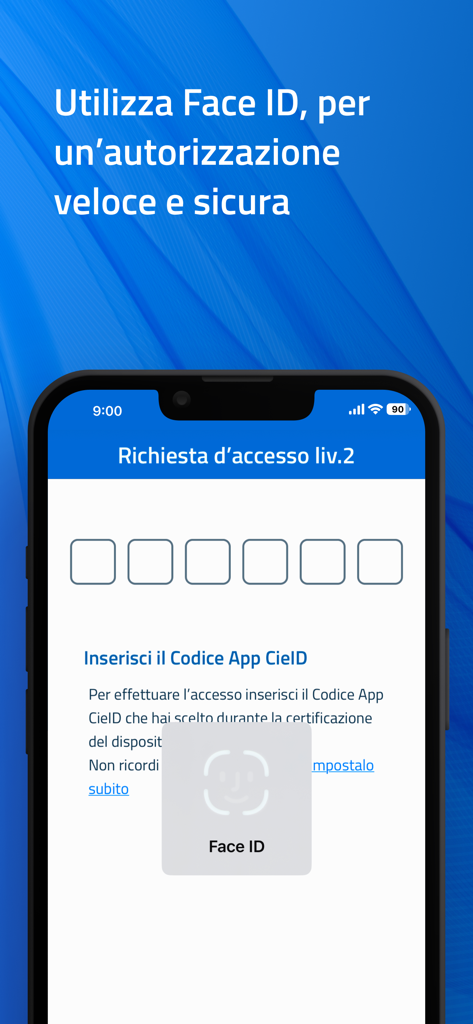
CieID app interface showing Face ID biometric authentication for secure access
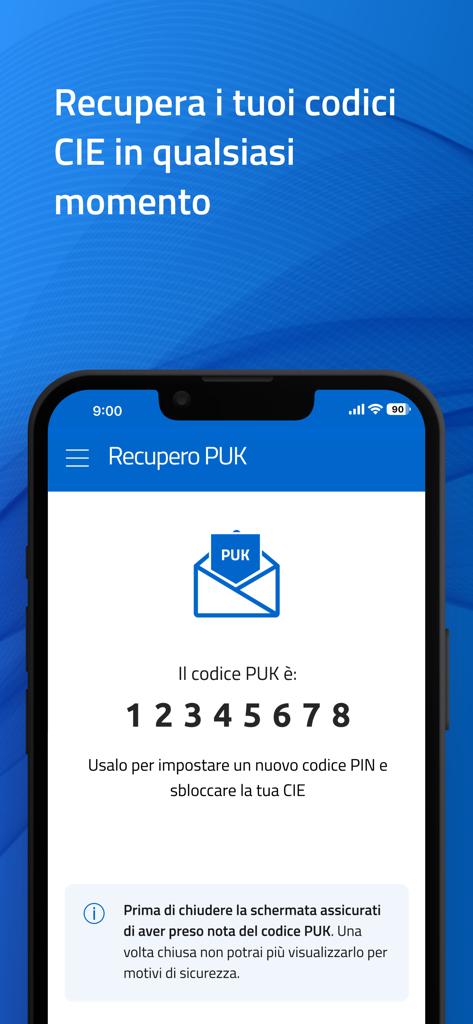
PUK code recovery screen on the CieID mobile app
Description
Download
More Like This
Apps with similar features and user experience

CNH do Brasil
Servicos e Informacoes do Brasil

gov.br
Servicos e Informacoes do Brasil

Absher | أبشر
NATIONAL INFORMATION CENTER

IO
PAGOPA SPA

mObywatel
Ministerstwo Cyfryzacji

RG Digital SP - São Paulo
IIRGD - Instituto de Identificacao Ricardo Gumbleton Daunt

MyGov: Davlat xizmatlari
Center UZINFOCOM SUE

杭州市民卡App
Hangzhou Citizens Card Management Co., Ltd.

eGovPH
Department of Information and Communications Technology
This page is not an official page of the app or its developer, but an independent editorial publication created for informational and commentary purposes. Unless expressly stated otherwise, neither the app nor its developer is affiliated with, endorsed by, sponsored by, authorized by, or otherwise officially connected with MWM, Apple, Google Play, the app publisher, or the app's developer, and nothing on this page implies that the app was developed using MWM's services. Any trademarks, logos, screenshots, and other content remain the property of their respective owners.