
This page is not an official page of the app or its developer, but an independent editorial publication created for informational and commentary purposes. Unless expressly stated otherwise, neither the app nor its developer is affiliated with, endorsed by, sponsored by, authorized by, or otherwise officially connected with MWM, Apple, Google Play, the app publisher, or the app's developer, and nothing on this page implies that the app was developed using MWM's services. Any trademarks, logos, screenshots, and other content remain the property of their respective owners.
Circadian Alarm: Wake Up Early
Stop fighting your willpower and start syncing with your biological clock. Eliminate snoozing with photo verification and optimize your performance with a personalized sleep plan built for your lifestyle.
Downloads
0User Rating
Total Ratings
0Publisher
Category
Health & FitnessLocales
1Latest Version
1.4Size
53.1 MBFirst Released
Mar 18, 2026Master Your Biological Clock
Stop relying on willpower and start using a science-backed system designed to optimize your morning performance and align your circadian rhythm.
Zero-Willpower Wakeups
Eliminate the morning struggle with a mandatory photo mission. The alarm won't stop until you're physically out of bed, removing the option to snooze.
Engineered Wakeup Modes
Switch from groggy to focused instantly. Choose custom soundscapes designed to trigger specific mental states like Energy, Alertness, or Calm.
The following screenshots and description are sourced directly from the app's official store listing and are the property of the app developer.
App Store
Screenshots
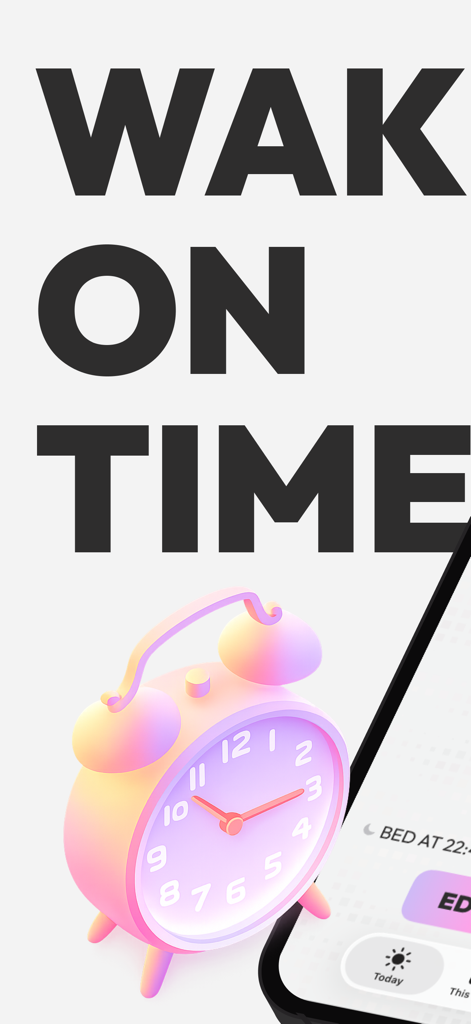
A 3D pink alarm clock and a smartphone screen showing the Circadian Alarm app interface with the text Wake On Time.
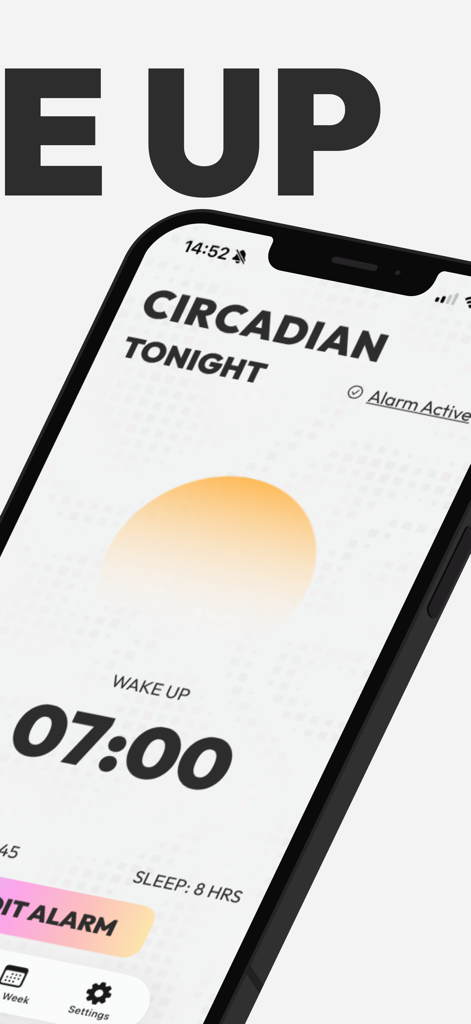
Circadian Alarm app screen showing a 7 AM wake up time and 8 hours of sleep.
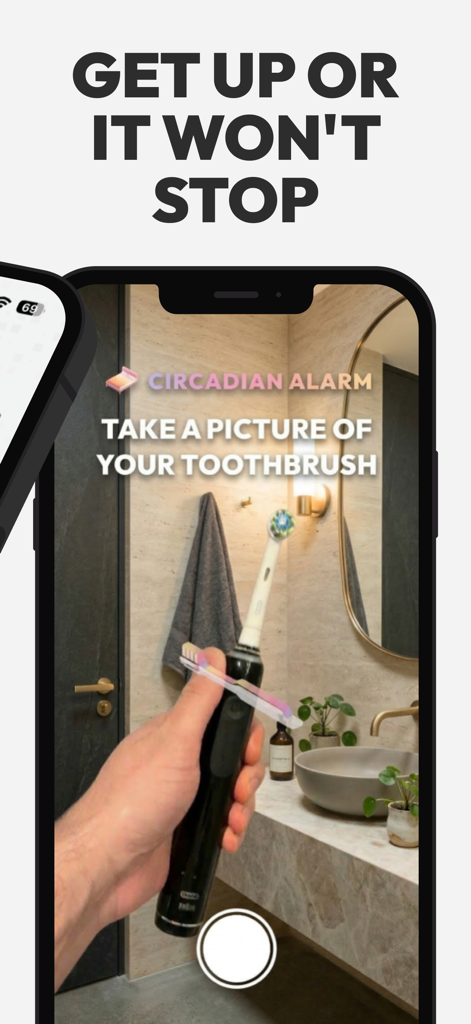
A phone screen showing the Circadian Alarm app requiring a photo of a toothbrush to stop the alarm
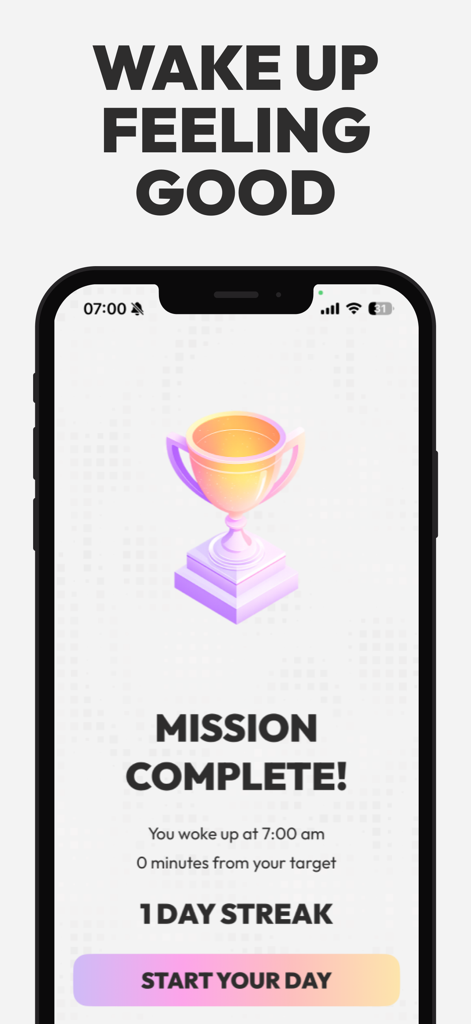
Circadian Alarm app mission complete screen with trophy and wake up streak
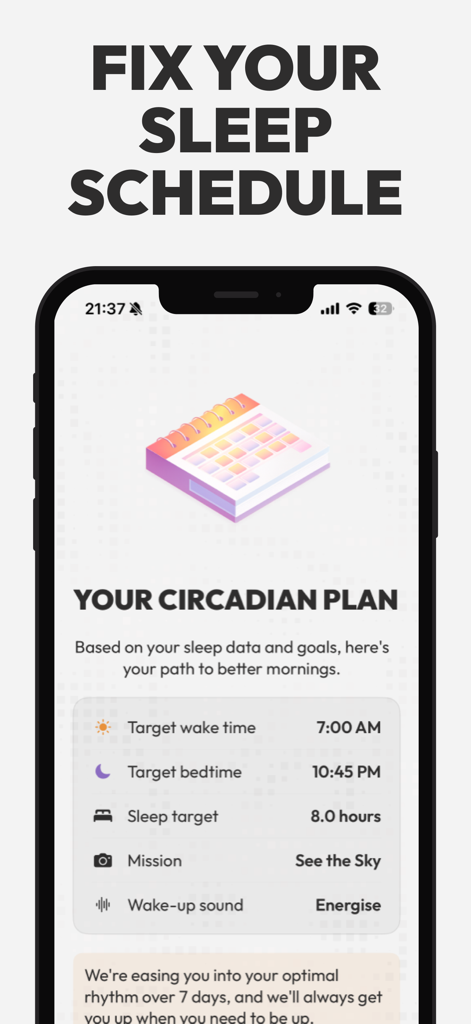
A personalized circadian plan on a mobile screen showing target wake times and bedtimes to fix sleep schedules
Description
Download
More Like This
Top-ranked apps in the same category

Strava: Run, Bike, Walk
Strava Inc.
Flo Cycle & Period Tracker
FLO HEALTH UK LIMITED
Mi Fitness (Xiaomi Wear Lite)
Beijing Xiaomi Co., Ltd

AI Calorie Tracker by Yazio
YAZIO GmbH

Yuka - Food & Cosmetic Scanner
Yuca

MyFitnessPal: Calorie Counter
MyFitnessPal, Inc.

美柚 - 经期·备孕·怀孕·育儿&亲友版
Xiamen Meet You Co., Ltd.
Period Tracker Period Calendar
ABISHKKING LIMITED.

HUAWEI Health
Huawei Software Technologies Co., Ltd.
This page is not an official page of the app or its developer, but an independent editorial publication created for informational and commentary purposes. Unless expressly stated otherwise, neither the app nor its developer is affiliated with, endorsed by, sponsored by, authorized by, or otherwise officially connected with MWM, Apple, Google Play, the app publisher, or the app's developer, and nothing on this page implies that the app was developed using MWM's services. Any trademarks, logos, screenshots, and other content remain the property of their respective owners.