ClassTimer

ClassTimer

Download on App Store
Logo of ClassTimer

ClassTimer: Master Classroom Transitions with Visual Time Management

Empower your students to visualize time and stay on task with an intuitive bar graph display and large-scale digital clock designed for K-8 teachers, SPED educators, and focused learning environments.

Download on App Store

Publisher

Ventura Educational Systems

Category

Education

Downloads

0

User Rating

1.0/5

Total Ratings

0

Locales

1

Efficiency at a Glance

Discover the interface used by 0 users.
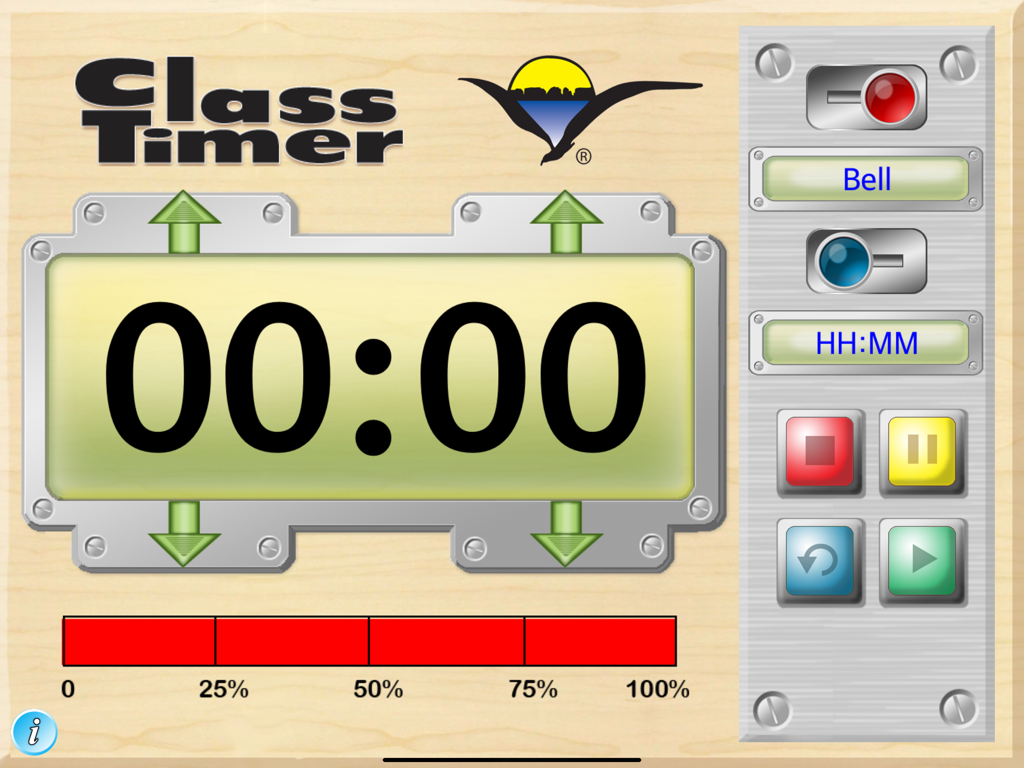
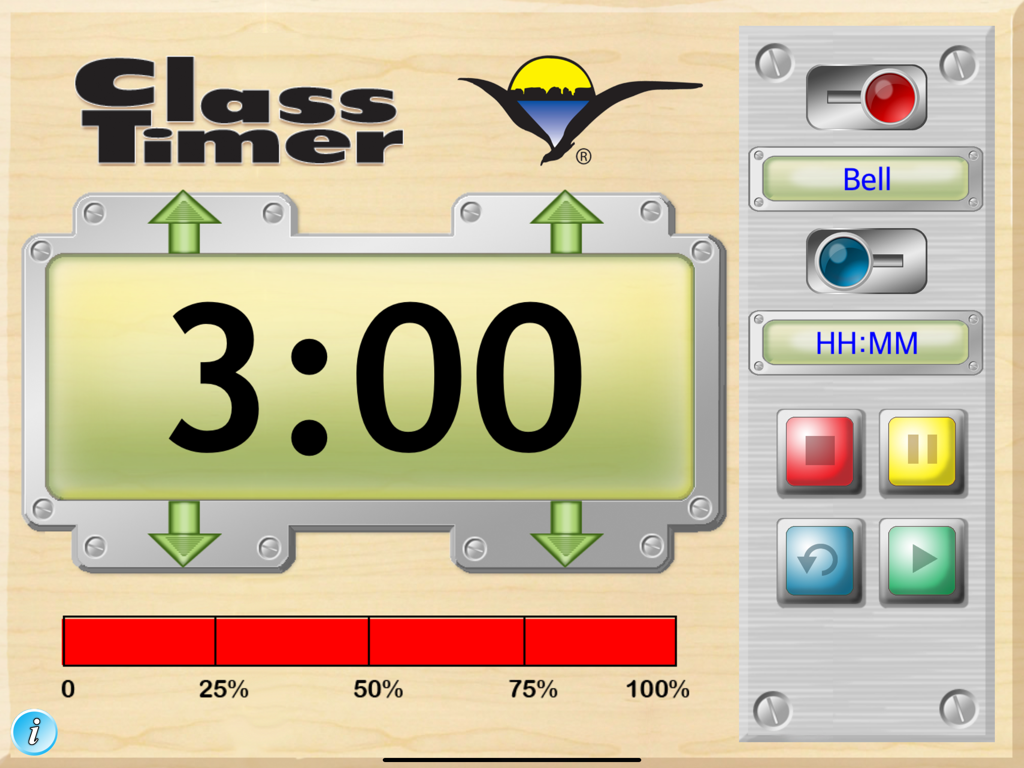
Interface of the ClassTimer app showing a large digital display and a visual progress bar for classroom management.

Interface of the ClassTimer app showing a large digital display and a visual progress bar for classroom management.

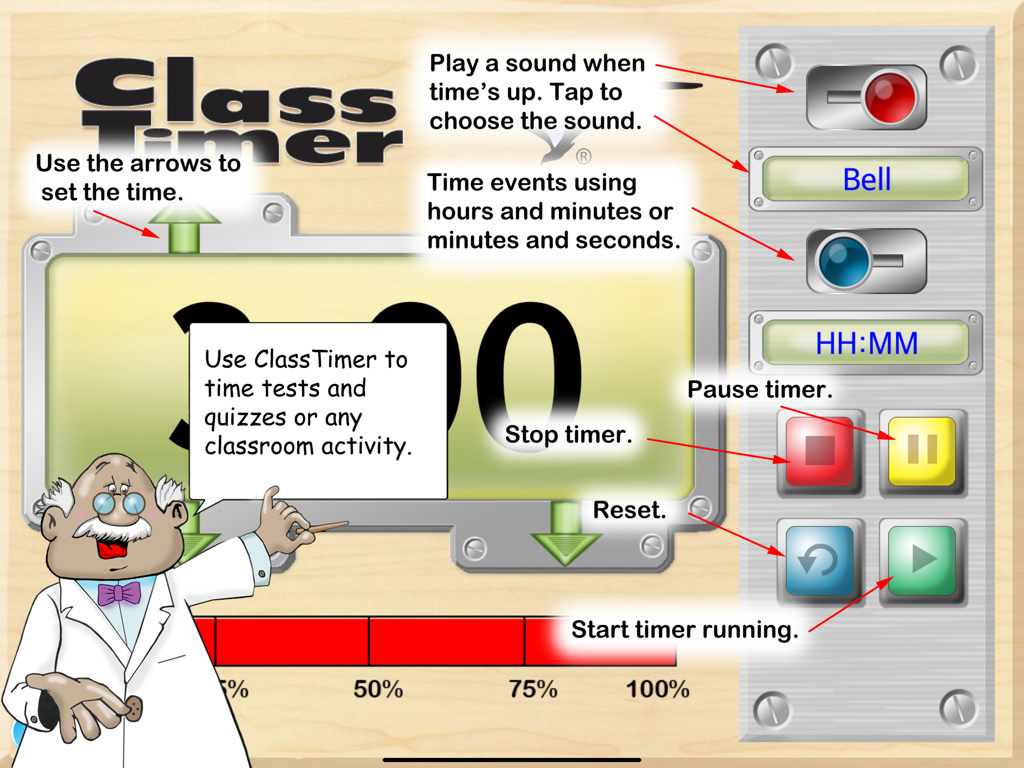
Interface of the ClassTimer app featuring a large digital countdown display and a red visual progress bar graph

Interface of the ClassTimer app featuring a large digital countdown display and a red visual progress bar graph

ClassTimer app interface featuring a digital countdown clock, visual bar graph progress indicator, and control buttons for classroom time management.

ClassTimer app interface featuring a digital countdown clock, visual bar graph progress indicator, and control buttons for classroom time management.

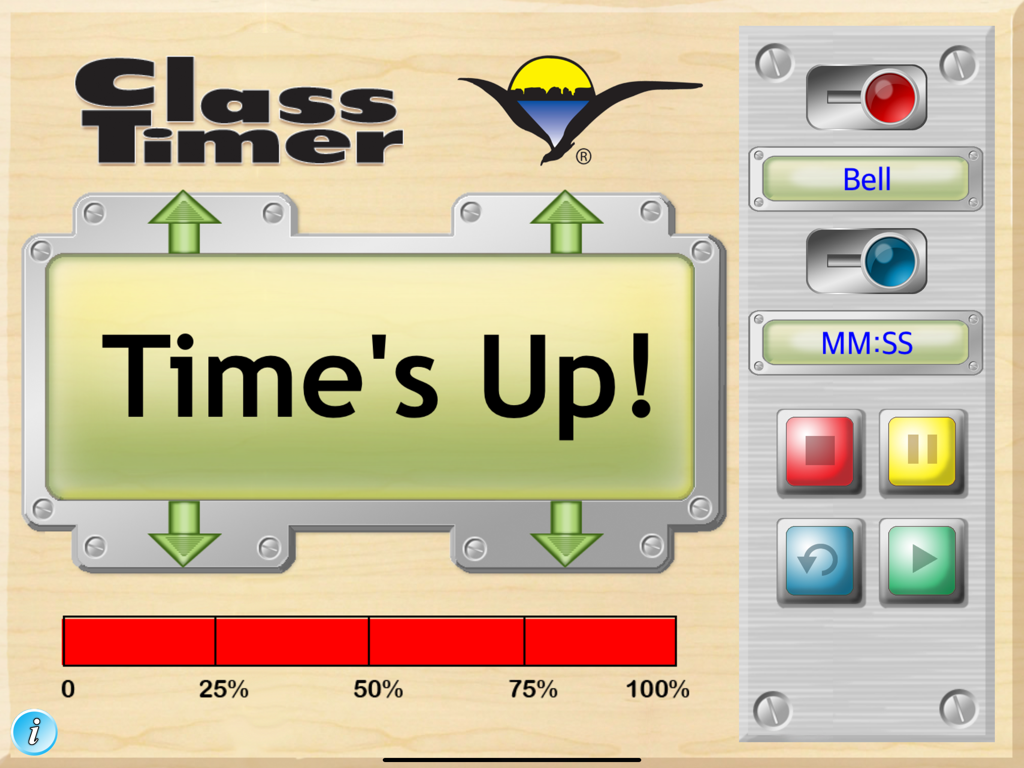
ClassTimer app interface showing the Time's Up screen and red progress bar

ClassTimer app interface showing the Time's Up screen and red progress bar

Empower Your Students Through Better Time Management

The tools that make this app stand out, trusted by 0 users.

📊

Visual Time Tracking

Eliminate 'time blindness' with a bar graph display that lets students visualize the percentage of time remaining for any task.

📺

Big-Screen Integration

Mirror your timer wirelessly to Apple TV or via projector to keep the entire class focused on their goals from anywhere in the room.

🔔

Positive Transitions

Use selectable buzzer sounds to signal activity changes, reducing transition anxiety and shifting the 'timekeeper' role from teacher to app.

About the app

Everything you need to know about ClassTimer.

Description

Our ClassTimer is designed to help teachers transform their classrooms into amazingly productive environments by assisting students with time management. ClassTimer helps students visualize time and understand it as fundamental concept that needs to be managed in order to be more productive. Good time management leads to success in school and work. In addition to the digital time display, ClassTimer includes a bar graph style display so that young children can visualize the time remaining for a particular task. Using ClassTimer children can better understand when the next phase of the school day will begin or when the time allotted for a task will end. Students at all levels can benefit from better time management skills. Whether they are taking a standardized test, working in a small group on a project or involved in a form of creative expression, they will be better able to succeed if they properly manage the available time. The ClassTimer makes it easy to visualize the passage of time. Several options increase its usefulness. Selectable buzzer sounds signal that the allotted time period has come to an end. Sound can be turned on or off. Usually classroom teachers will use the minutes and seconds display (MM:SS), but in some cases may want to switch to the hours and minutes display (HH:MM). ClassTimer Features ClassTimer has several useful features. In addtion to the very large display, a bar graph style indicator shows the remaining time as a percentage. Timer functions include a user selected audible sound effect to signal the end of a turn. Control Functions: • Activate or deactive the sound played when time is up. • Choose different audible signals by tapping the display. • Select between the hours and minutes display or the minutes and seconds display. • Tap the green arrow to start the countdown clock. • Tap stop to stop the timer. • Tap pause to pause the countdown. • Tap restart to reset the clock. • Slide the alarm sound control to either on or off. Works in stand-alone mode on an iPad or can be connected to a digital projector using an optional cable suppplied by Apple or wirelessly to Apple TV.

Latest Version

4.0

Size

18.6 MB

First Released

Jan 10, 2012

Transform Your Classroom Transitions Today

Download ClassTimer for iPad, Mac, or Apple TV and help your students visualize success through better time management.

Download on App Store

App information, icons, screenshots, and descriptions displayed on this page are sourced from the Apple App Store and are the property of their respective developers. Download estimates and rankings are based on MWM's proprietary models and may not reflect actual figures. This page is provided for informational and analytical purposes only.

Believe this page infringes your intellectual property? File a dispute