ClassWiz Calc App QR

ClassWiz Calc App QR


Download on App Store
Logo of ClassWiz Calc App QR

ClassWiz Calc App QR: The Genuine Casio Scientific Calculator for Your Mobile

Elevate your STEM performance with the official tool that mirrors your physical ClassWiz. Solve complex equations with a natural textbook display and visualize graphs through instant QR connectivity.

Publisher

CASIO COMPUTER CO., LTD.

Category

Education

Downloads

45K+

User Rating

1.5/5

Total Ratings

100

Locales

10

Familiar Power, Reimagined

Discover the interface used by 45K+ users.
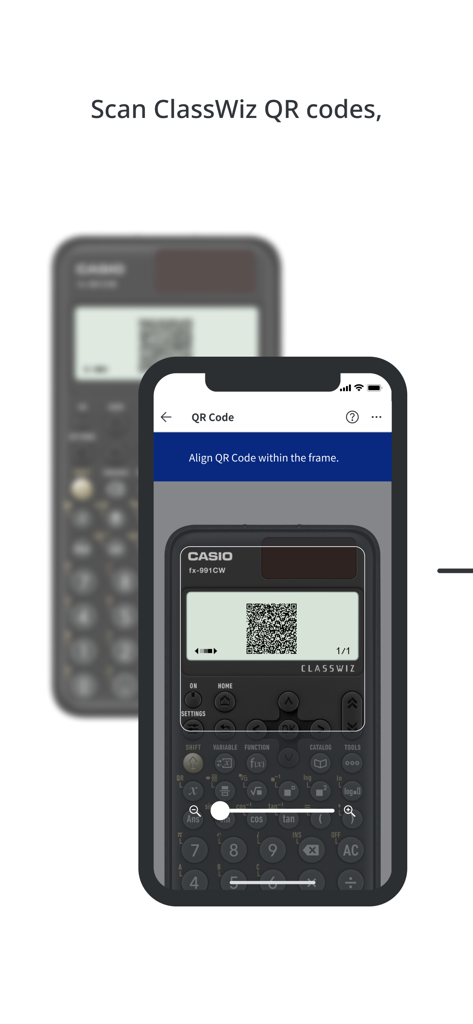
A smartphone using the ClassWiz app to scan a QR code from a physical Casio scientific calculator screen

A smartphone using the ClassWiz app to scan a QR code from a physical Casio scientific calculator screen

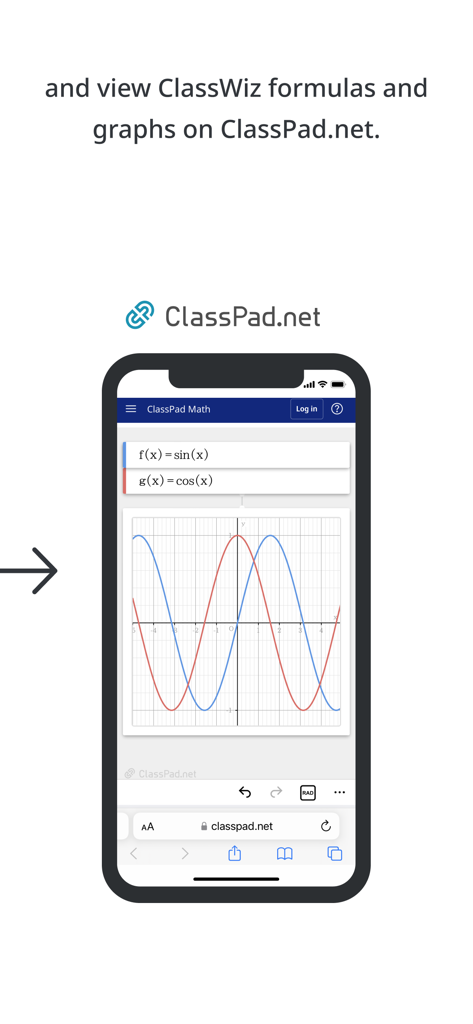
Smartphone showing sine and cosine graphs on ClassPad.net

Smartphone showing sine and cosine graphs on ClassPad.net

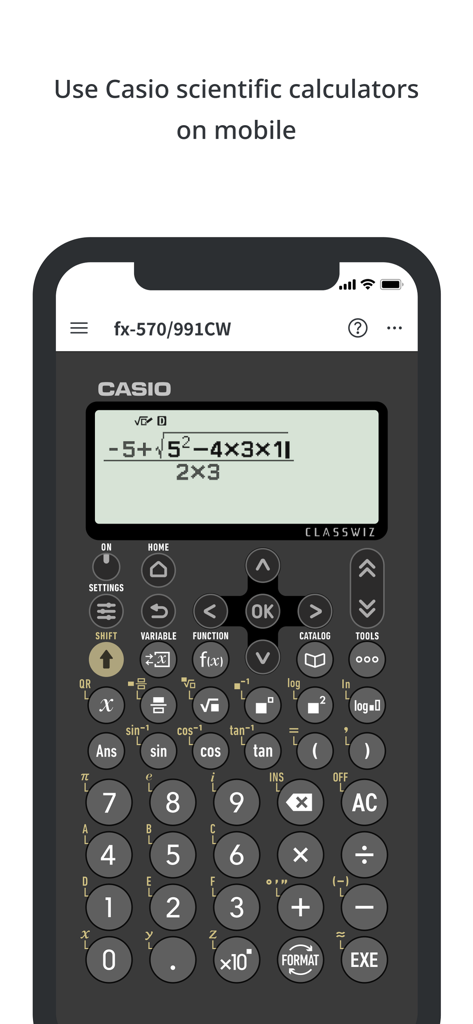
Casio ClassWiz scientific calculator app interface on a mobile phone showing a mathematical formula

Casio ClassWiz scientific calculator app interface on a mobile phone showing a mathematical formula

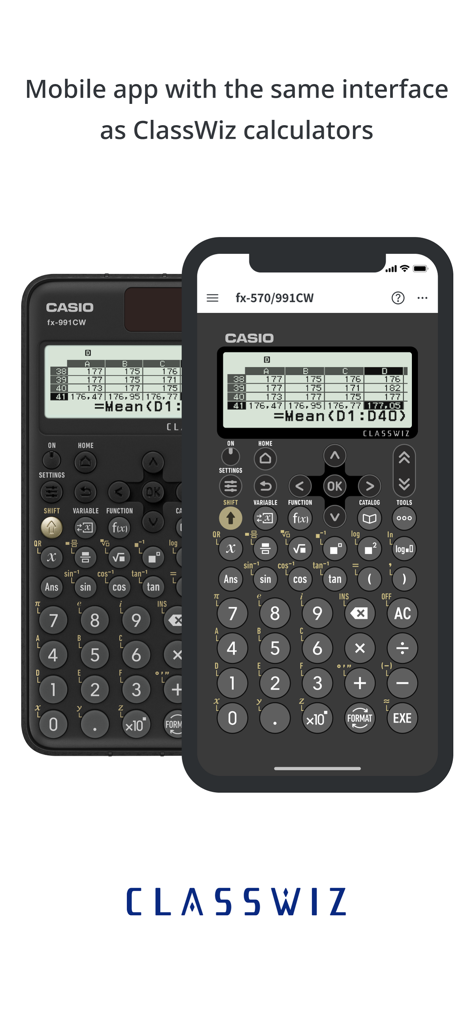
Comparison between the physical Casio ClassWiz calculator and the mobile app interface

Comparison between the physical Casio ClassWiz calculator and the mobile app interface

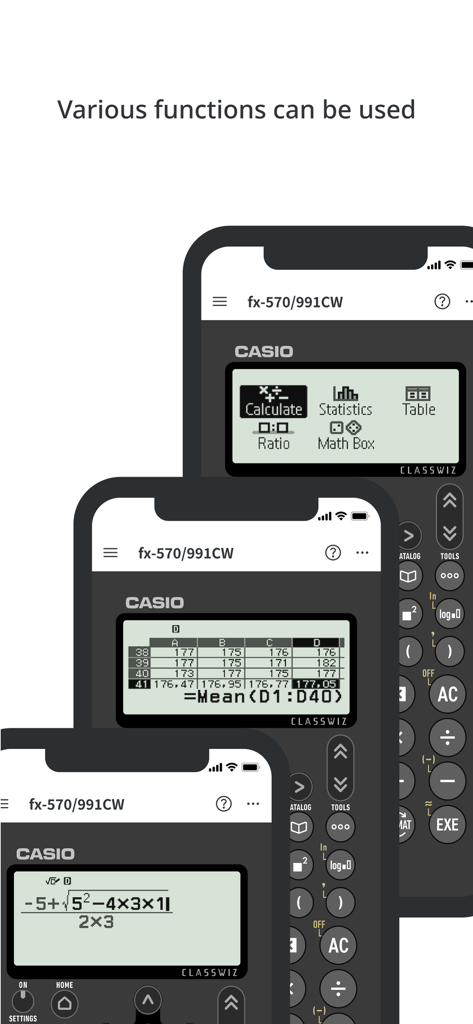
Screenshots of the CASIO ClassWiz Calc App showing various scientific calculator functions

Screenshots of the CASIO ClassWiz Calc App showing various scientific calculator functions

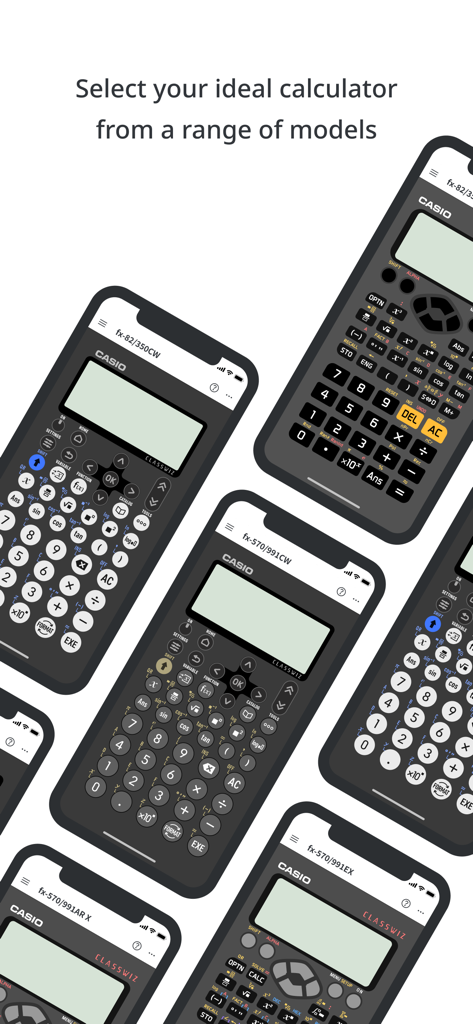
A variety of Casio ClassWiz scientific calculator models on smartphone screens

A variety of Casio ClassWiz scientific calculator models on smartphone screens

Master Math and Science on the Go

The tools that make this app stand out, trusted by 45K+ users.

📲

Familiar Casio Interface

Skip the learning curve. Use the exact same controls and functions you already know from your physical scientific calculator for seamless studying.

📈

Smart Data Visualization

Generate QR codes to instantly view high-resolution graphs and charts on ClassPad.net, solving the limitations of hardware screens.

🎓

Textbook-Style Input

View and enter fractions, logs, and equations exactly as they appear in your textbooks to reduce syntax errors and boost accuracy.

About the app

Everything you need to know about ClassWiz Calc App QR.

Description

The ClassWiz Calc App QR is a mobile app from Casio that enables users to utilize the functions of genuine Casio ClassWiz Series scientific calculators on their smartphone or tablet. Users can use a wide range of ClassWiz functions with ease, including statistical calculations, spreadsheets, matrix calculations and graph display through connectivity with Casio's ClassPad.net online service. ■ Various calculations can be performed. Fractions, trigonometric functions, logarithmic functions and other calculations can be performed simply by inputting as shown in the textbook. Statistical calculations, spreadsheets and matrix calculations can be operated using the intuitive UI. ■ Works just like a physical product The app is operated in the same way as Casio’s physical ClassWiz scientific calculators. ■ ClassWiz QR code reading function for connectivity to online services Users can scan the QR code on a physical ClassWiz scientific calculator to display ClassWiz formulas and graphs through Casio's online service ClassPad.net and to access online instruction manuals. ■ Available models: fx-570/fx-991CW fx-82/fx-85/fx-350CW fx-570/fx-991EX fx-82/fx-350EX fx-570/fx-991AR X See the website for details. https://edu.casio.com/app/classwiz/license_qr/en ● Note The following operating system (OS) versions are recommended when using the ClassWiz Calc App QR. Correct operation cannot be guaranteed with OS versions other than those listed below. Supported OS versions: iOS 15 or later Supported languages English *1 Even when used with a supported OS version, there may be cases in which the app does not function or display correctly due to factors such as device software updates or device display specifications. *2 The ClassWiz Calc App QR is intended for use on iPhones and iPads. *3 Correct operation cannot be guaranteed on other devices, including feature phones (flip phones). *4 QR Code is a registered trademark of DENSO WAVE INCORPORATED in Japan and in other countries.

Latest Version

3.8.0

Size

77.5 MB

First Released

Jul 30, 2023

Ready to Ace Your Next STEM Exam?

Join over 45,000 students and bring the power of a genuine Casio ClassWiz to your iPhone or iPad. Experience the same natural textbook display you trust, anywhere you go.

Download on App Store

App information, icons, screenshots, and descriptions displayed on this page are sourced from the Apple App Store and are the property of their respective developers. Download estimates and rankings are based on MWM's proprietary models and may not reflect actual figures. This page is provided for informational and analytical purposes only.

Believe this page infringes your intellectual property? File a dispute