
This page is not an official page of the app or its developer, but an independent editorial publication created for informational and commentary purposes. Unless expressly stated otherwise, neither the app nor its developer is affiliated with, endorsed by, sponsored by, authorized by, or otherwise officially connected with MWM, Apple, Google Play, the app publisher, or the app's developer, and nothing on this page implies that the app was developed using MWM's services. Any trademarks, logos, screenshots, and other content remain the property of their respective owners.


Clip Studio Paint for iPhone
Master anatomy with 3D models, access thousands of pro brushes, and create industry-standard illustrations on the go. Start for free and sync your masterpieces across all your devices.
Downloads
2M+User Rating
Total Ratings
8K+Publisher
Category
Graphics & DesignLocales
11Latest Version
4.2.5Size
539.8 MBFirst Released
Dec 4, 2019Your Portable Professional Studio
Experience the industry-leading art engine on your iPhone. From 3D references to vector lines, create portfolio-ready art whenever inspiration strikes.
Perfect Anatomy with 3D Models
Skip the anatomy struggle. Pose customizable 3D figures to get your perspective and proportions right every time, directly on your canvas.
Infinite Brush & Asset Library
Access thousands of community-made brushes and materials. Recreate the feel of real oil paints, ink, or watercolors with professional-grade textures.
Frequently Asked Questions
Everything you need to know about Clip Studio Paint for iPhone
Is Clip Studio Paint for iPhone free to use?
Yes, Clip Studio Paint for iPhone offers 30 hours of free usage per month with no ads. After this period, a plan is required to save canvases or export data.
What features are available in Clip Studio Paint for iPhone?
Clip Studio Paint for iPhone offers extensive drawing tools, unlimited brushes, coloring features like Shading Assist, 3D model referencing, animation tools, and comprehensive comic creation capabilities.
Can I create comics on Clip Studio Paint for iPhone?
Yes, Clip Studio Paint for iPhone is an ultimate comic creation app. It includes panel frames, speech balloons, text, effect lines, screen tones, and multi-page project management.
What are the different plans for Clip Studio Paint for iPhone?
Clip Studio Paint for iPhone offers FREE (30 hours/month), PRO (illustrations & short animations), and EX plans (PRO features plus multi-page comics and unlimited animation frames).
How much does Clip Studio Paint PRO for iPhone cost?
The Clip Studio Paint PRO plan for iPhone costs US$0.99 per month. Annual plans are available, offering savings equivalent to up to five months.
Does Clip Studio Paint for iPhone support 3D models for drawing?
Yes, Clip Studio Paint for iPhone supports 3D models. Users can utilize 3D drawing figures for anatomy, customize character models, attach objects, and use 3D shapes for perspective.
What happens after the free usage period in Clip Studio Paint for iPhone?
After the 30-hour monthly free period in Clip Studio Paint for iPhone, users must purchase a plan to save their canvas or export data in various file formats.
Can Clip Studio Paint for iPhone help with coloring my art?
Yes, Clip Studio Paint for iPhone makes coloring easy. Features include magnetic lasso for line gaps, transparency locking, Shading Assist, Color Match from images, and various enhancement filters.
What are the minimum storage requirements for Clip Studio Paint for iPhone?
Clip Studio Paint for iPhone requires a minimum of 3GB of free storage space, with 4GB recommended for optimal performance.
Can I use Clip Studio Paint for iPhone to create animations?
Yes, Clip Studio Paint for iPhone allows professional animation. It provides tools similar to animation studios, unique frame drawing features, and supports exporting to 4K resolution as vector data.
The following screenshots and description are sourced directly from the app's official store listing and are the property of the app developer.
App Store
Screenshots
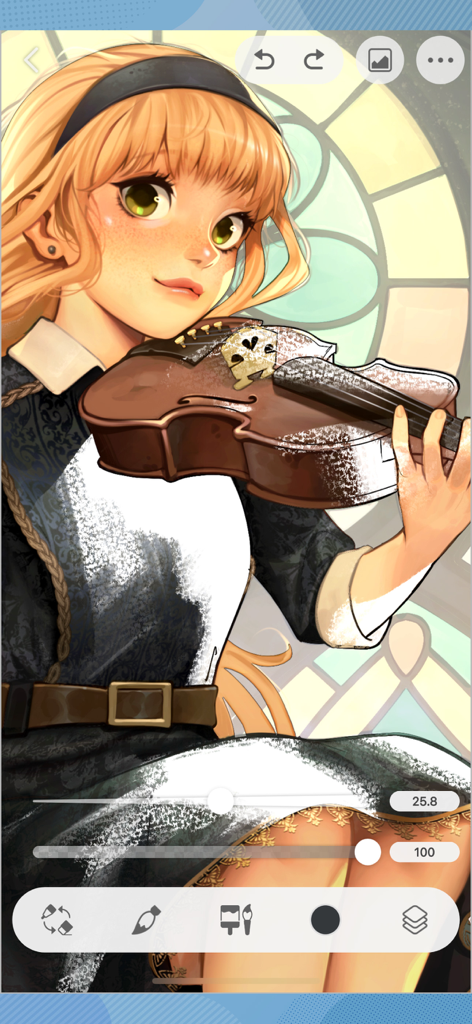
Digital illustration of an anime girl with a violin in the Clip Studio Paint iPhone app interface.
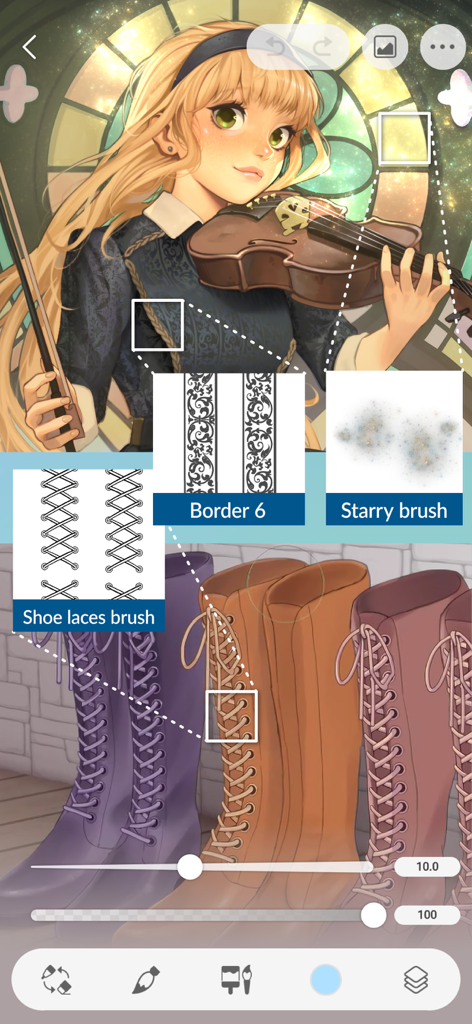
Digital illustration on Clip Studio Paint for iPhone showcasing the use of custom shoe lace border and starry brushes
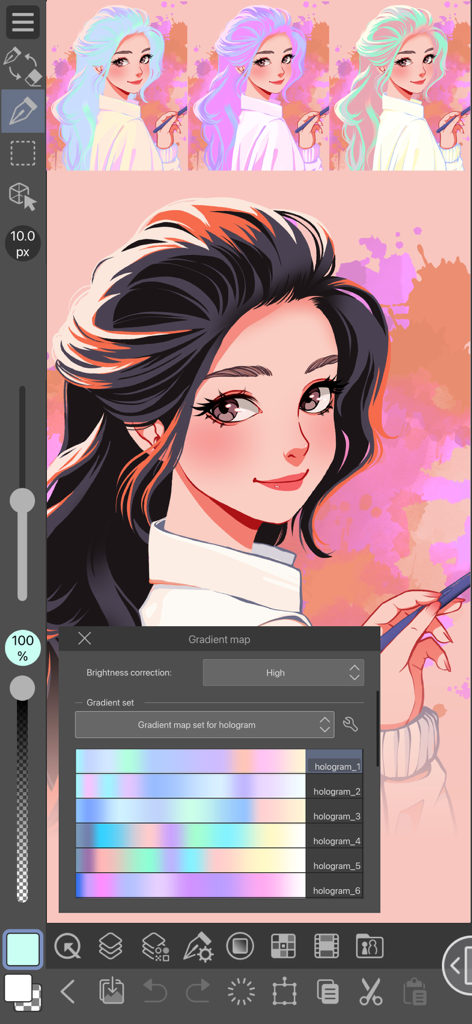
A digital illustration of a girl in Clip Studio Paint for iPhone with the gradient map tool open showing different hologram color sets
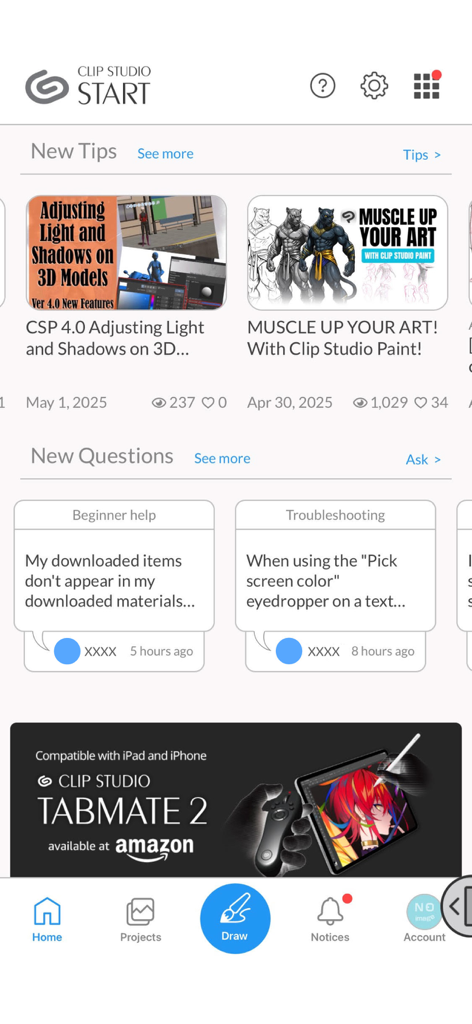
The Clip Studio Start home screen displaying art tutorials, community Q and A, and a navigation bar
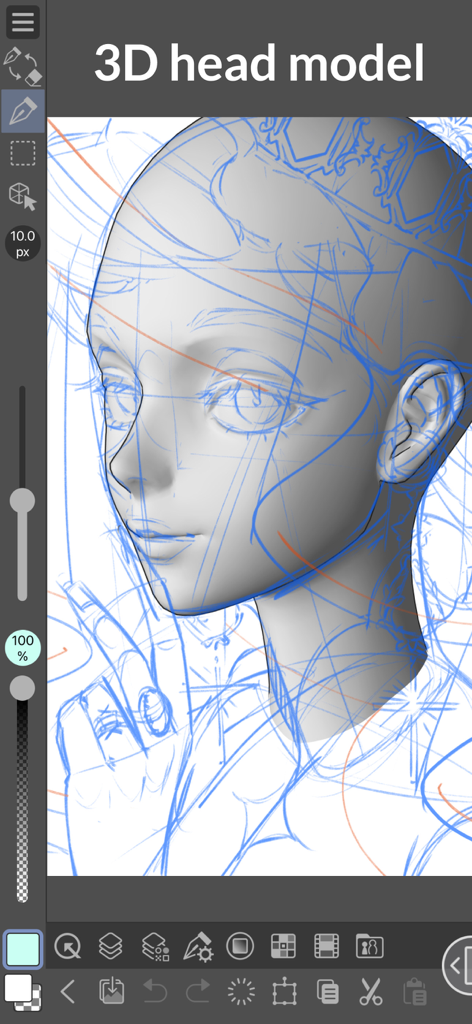
3D head model reference used for drawing in Clip Studio Paint on iPhone
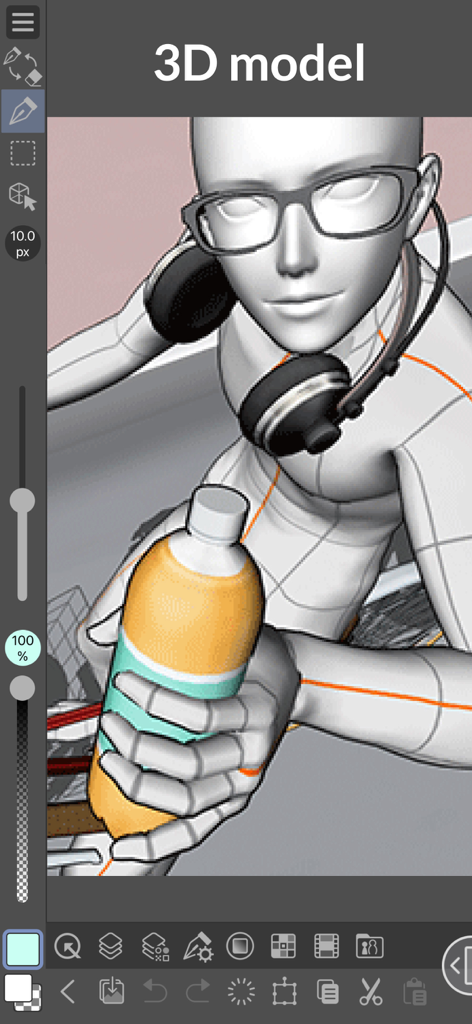
A 3D character model with glasses and headphones holding a bottle in Clip Studio Paint for iPhone
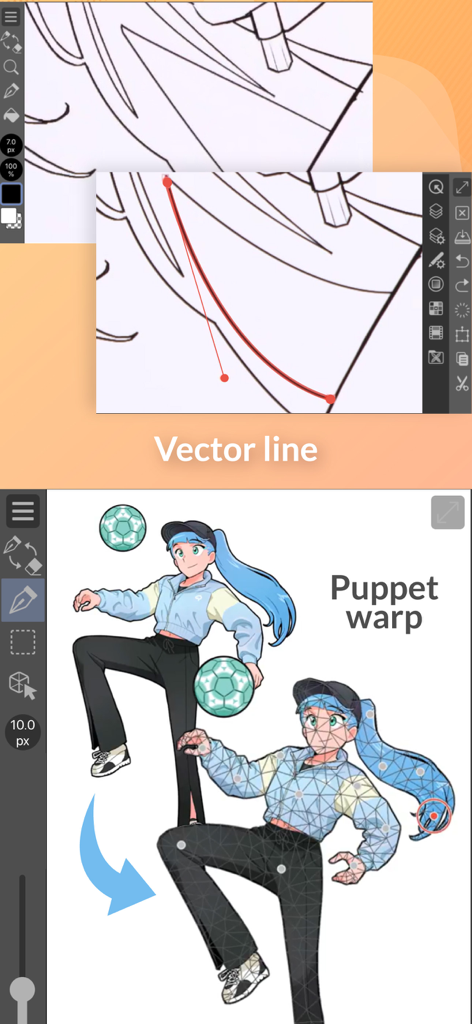
Clip Studio Paint for iPhone demonstration of vector line editing and puppet warp posing features
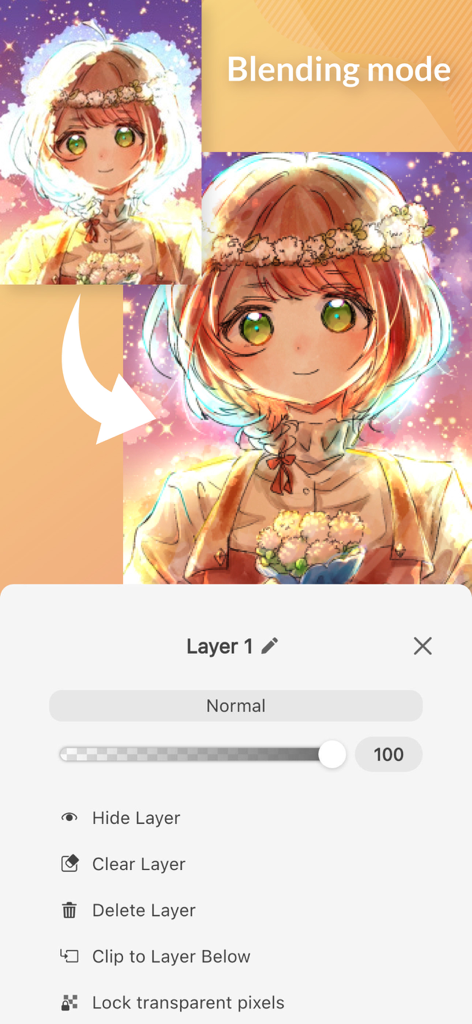
Clip Studio Paint for iPhone interface showing layer blending mode settings and anime character art
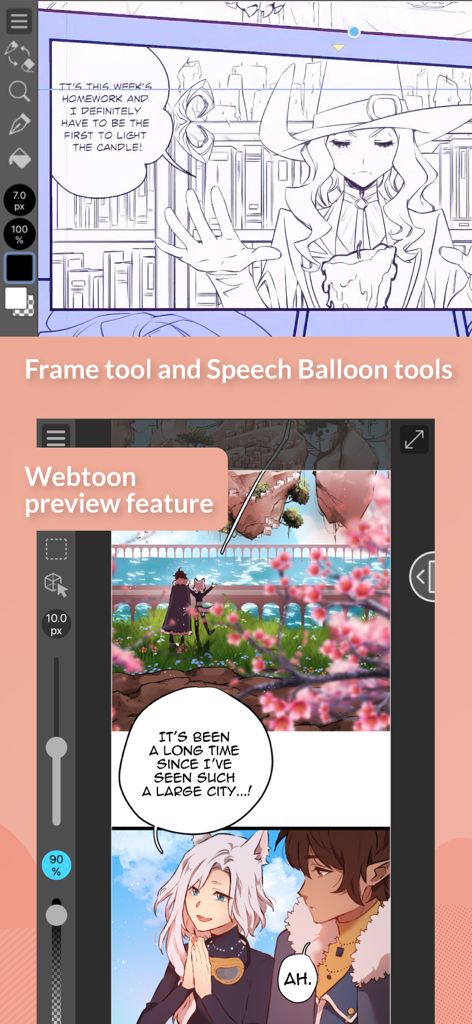
Clip Studio Paint for iPhone showing comic frame tools and webtoon preview mode
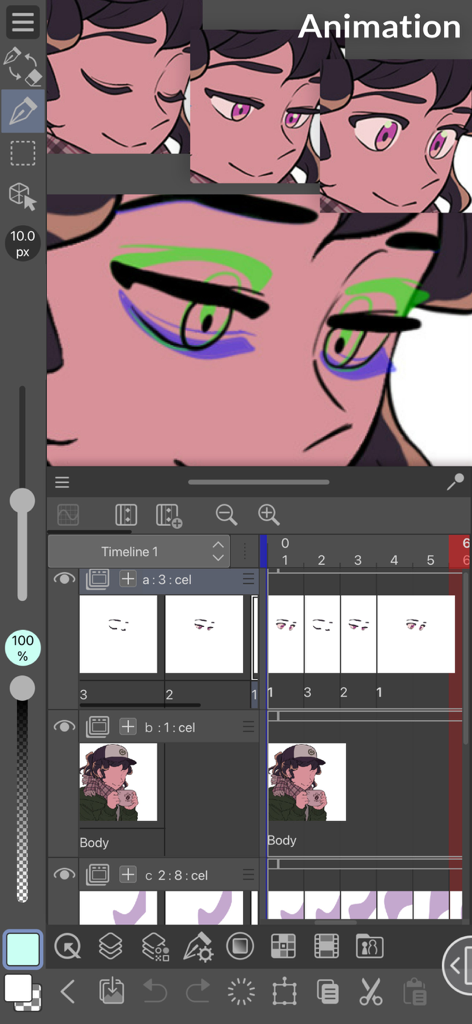
Clip Studio Paint for iPhone animation interface showing a character and timeline
Description
Download
More Like This
Apps with similar features and user experience

Sketchbook®
Sketchbook, Inc.

Mental Canvas Draw
Mental Canvas, Inc.

ibis Paint
ibis inc.

ibis Paint X
ibis inc.

Paper: Sketch, Draw & Create
Evernote Corporation

Adobe Fresco: Draw & Paint App
Adobe Inc.

Art Set 4
Lofopi Ltd

MediBang Paint – Drawing & Art
MediBang inc.

Tayasui Sketches
SKETCHES SRL
This page is not an official page of the app or its developer, but an independent editorial publication created for informational and commentary purposes. Unless expressly stated otherwise, neither the app nor its developer is affiliated with, endorsed by, sponsored by, authorized by, or otherwise officially connected with MWM, Apple, Google Play, the app publisher, or the app's developer, and nothing on this page implies that the app was developed using MWM's services. Any trademarks, logos, screenshots, and other content remain the property of their respective owners.