
This page is not an official page of the app or its developer, but an independent editorial publication created for informational and commentary purposes. Unless expressly stated otherwise, neither the app nor its developer is affiliated with, endorsed by, sponsored by, authorized by, or otherwise officially connected with MWM, Apple, Google Play, the app publisher, or the app's developer, and nothing on this page implies that the app was developed using MWM's services. Any trademarks, logos, screenshots, and other content remain the property of their respective owners.

CLZ Music CD / Vinyl database
Bring order to your library with the most powerful cataloging tool for physical media collectors. Scan barcodes to instantly retrieve album details, track lists, and cover art, ensuring you never buy a duplicate while crate digging again.
Downloads
18K+User Rating
Total Ratings
1K+Publisher
Category
MusicLocales
1Latest Version
10.2.3Size
26.2 MBFirst Released
Jun 10, 2009The Ultimate Command Center for Your CD & Vinyl Collection
Stop guessing what's on your shelves. Catalog your entire physical library in seconds with professional-grade metadata, high-res cover art, and seamless cloud syncing.
Lightning-Fast Barcode Scanning
Just point your camera at any CD or vinyl barcode. Our Core database identifies it instantly with a 95% success rate, saving you hours of manual typing.
Master Your Crate Digging
Access your full inventory offline while browsing record stores. Never accidentally buy a duplicate pressing again, even when you are in a basement with no signal.
The following screenshots and description are sourced directly from the app's official store listing and are the property of the app developer.
App Store
Screenshots
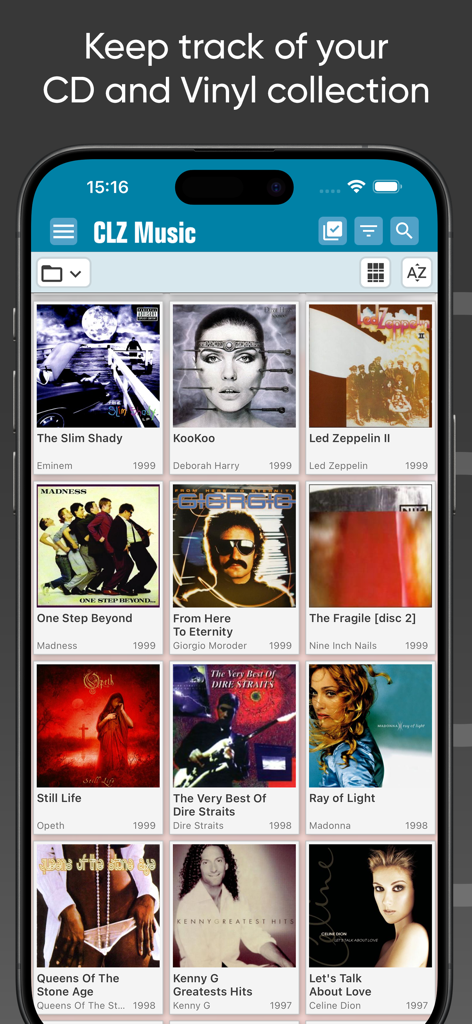
A mobile interface for CLZ Music app displaying a grid of album cover art for CD and vinyl record organization
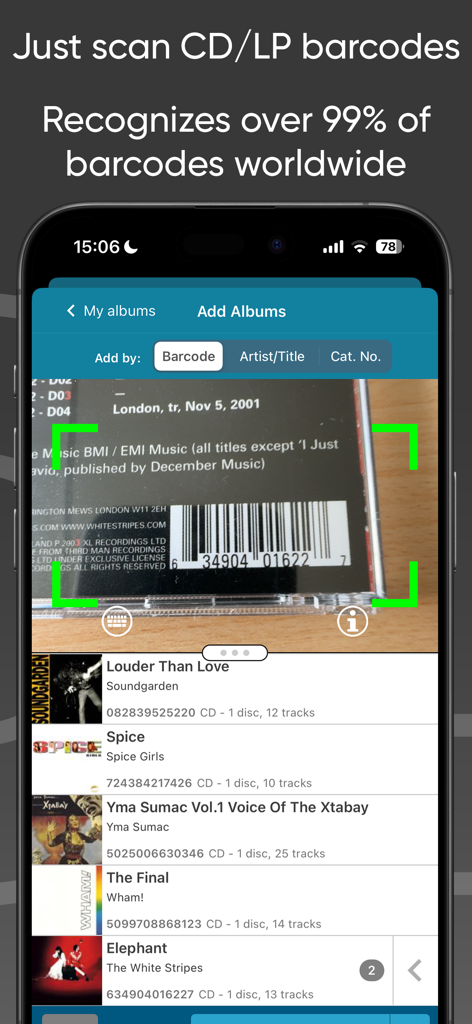
Scanning a CD barcode using the CLZ Music mobile app to add it to a collection.
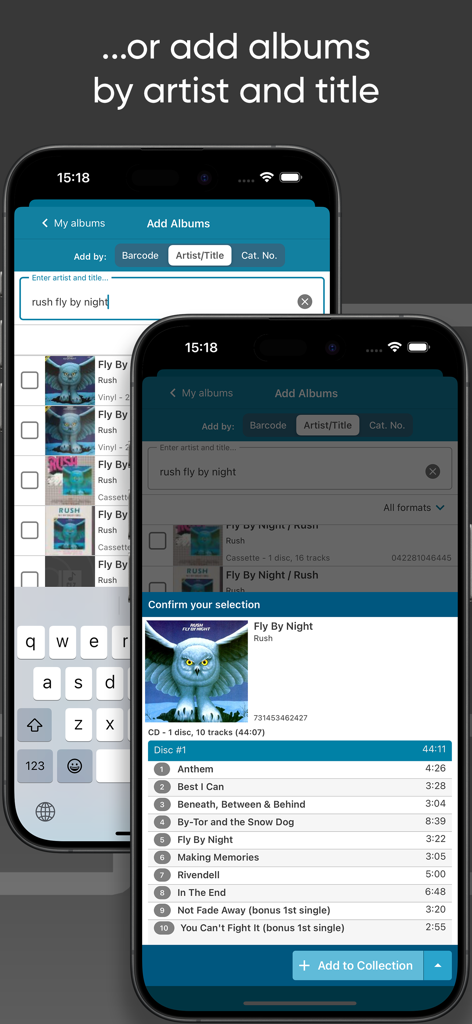
CLZ Music app screens demonstrating the search by artist and title feature to add albums to a collection
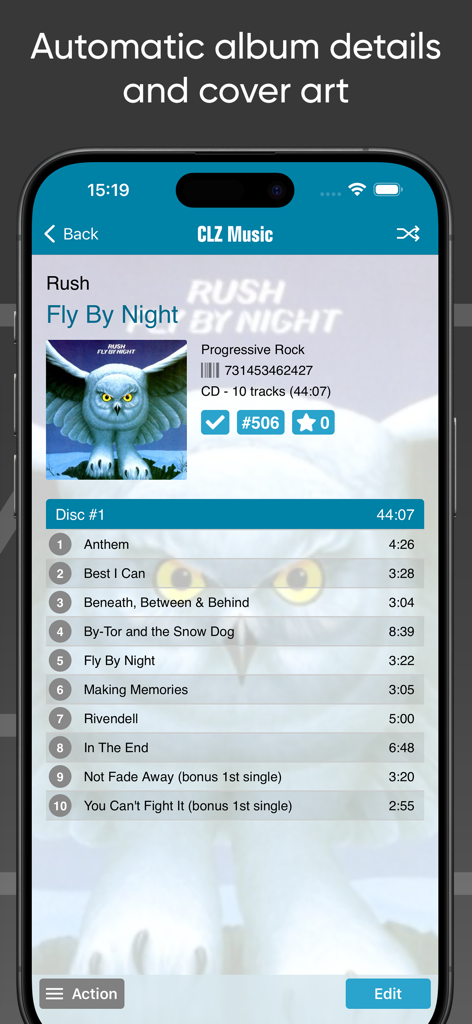
CLZ Music app displaying automatic album details and tracklist for a music collection
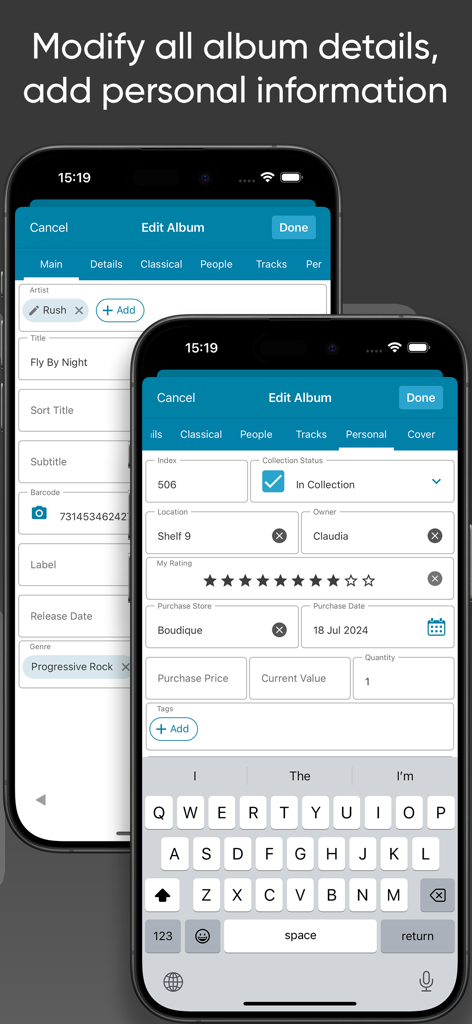
Interface showing how to edit album details and add personal collection info in the CLZ Music app
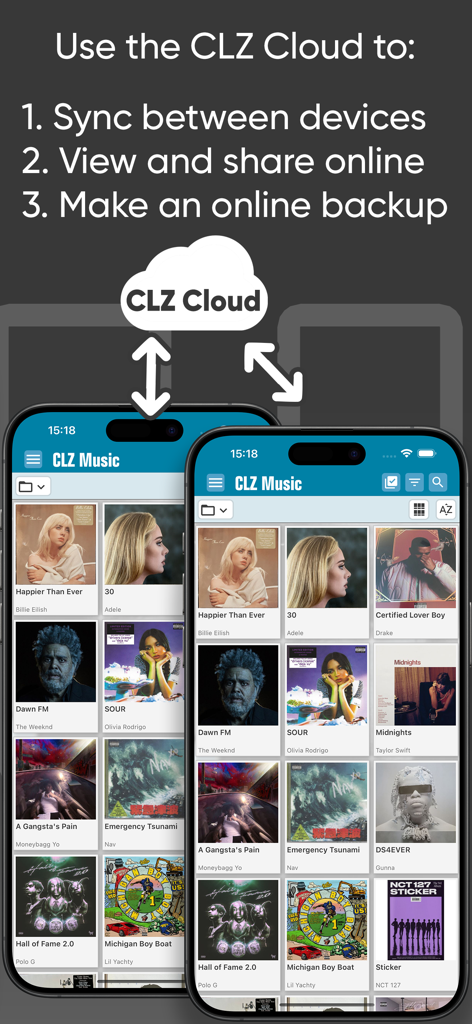
Interface showing CLZ Cloud syncing and backup features for the CLZ Music app
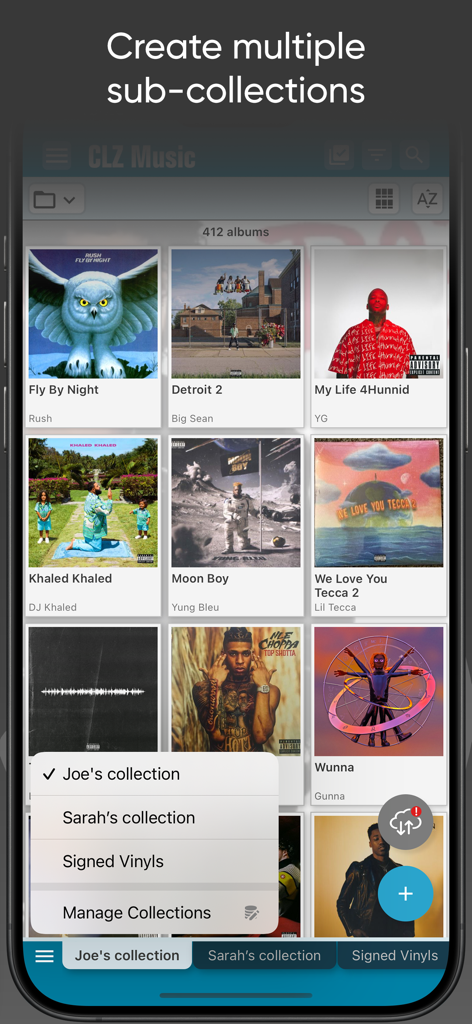
CLZ Music app interface showing a grid of album covers and a menu for managing multiple sub-collections like Signed Vinyls.
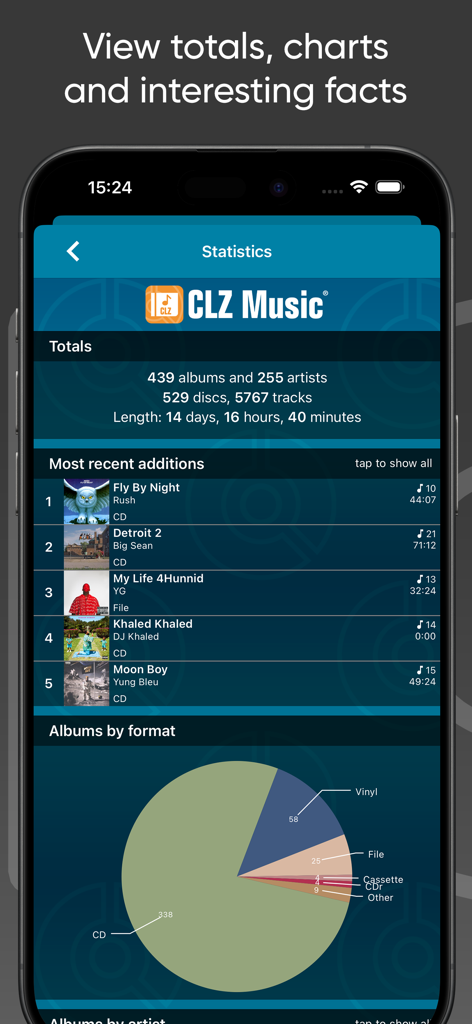
A statistics dashboard in the CLZ Music app showing collection totals and a pie chart of album formats including CDs and vinyl records.
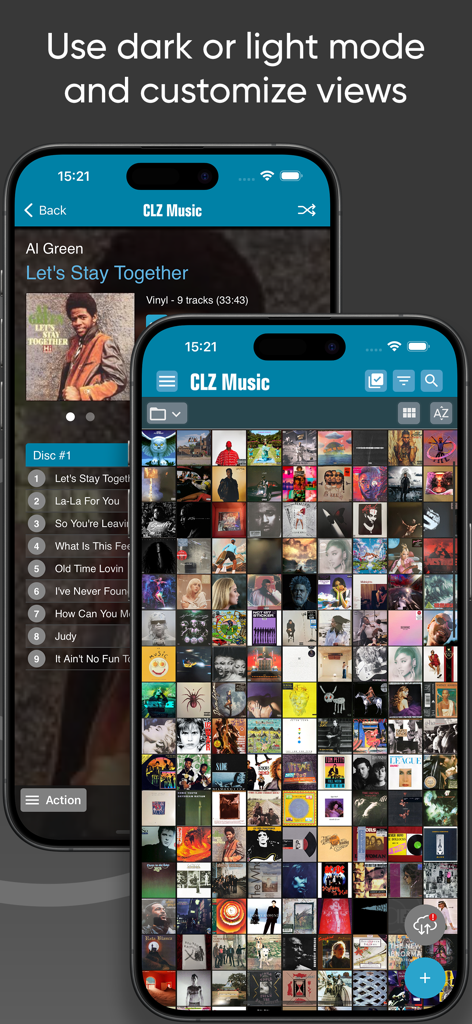
CLZ Music app screenshots showing dark mode album details and a light mode cover wall view
Description
Download
More Like This
Apps with similar features and user experience

心水收纳-物品收纳管理&过期提醒助手
Chongqing Yongshitu Technology Co., Ltd.
CLZ Books - library organizer
CLZ

My Movies 5 Pro - Movie & TV
Binnerup Consult

Hot Wheels Showcase™
Mattel

My Movies 6 - Movie & TV List
Binnerup Consult

iCollect Everything: Inventory
iCollect Everything, LLC

FF-YourTracker
Amy Gilbert

Libib
Libib, Inc.

Closetly - AI Wardrobe Stylist
AnswersAI, Corp
This page is not an official page of the app or its developer, but an independent editorial publication created for informational and commentary purposes. Unless expressly stated otherwise, neither the app nor its developer is affiliated with, endorsed by, sponsored by, authorized by, or otherwise officially connected with MWM, Apple, Google Play, the app publisher, or the app's developer, and nothing on this page implies that the app was developed using MWM's services. Any trademarks, logos, screenshots, and other content remain the property of their respective owners.