Colossus Piano
Colossus Piano
Download on App Store

This page is not an official page of the app or its developer, but an independent editorial publication created for informational and commentary purposes. Unless expressly stated otherwise, neither the app nor its developer is affiliated with, endorsed by, sponsored by, authorized by, or otherwise officially connected with MWM, Apple, Google Play, the app publisher, or the app's developer, and nothing on this page implies that the app was developed using MWM's services. Any trademarks, logos, screenshots, and other content remain the property of their respective owners.

Logo of Colossus Piano
Download on App Store

Colossus Piano

Experience the unparalleled realism of a 30GB library with 24-bit depth and 24 velocity layers. Bring desktop-class virtual instruments to your mobile rig with full AUv3 and MIDI support.

Key Figures

Downloads

16K+

User Rating

3.5/5

Total Ratings

100

Publisher

Christian Schoenebeck d/b/a Crudebyte

Category

Music

Locales

1

Latest Version

2.4

Size

383.7 MB

First Released

Nov 17, 2016
Features

Uncompromising Sound for Professional Musicians

Colossus Piano brings the power of a desktop studio to your iPad, offering 30GB of 24-bit/96kHz samples and the ultimate expressive control for stage and studio.

Unrivaled Acoustic Realism

Experience true concert grand dynamics with up to 24 velocity layers per key and dedicated sustain samples for a purist-grade performance.

Pro Studio Integration

Seamlessly integrate into your mobile DAW with AUv3 support, allowing you to use Colossus as a plugin within Cubasis, AUM, or Beatmaker 3.

The following screenshots and description are sourced directly from the app's official store listing and are the property of the app developer.

App Store

Screenshots
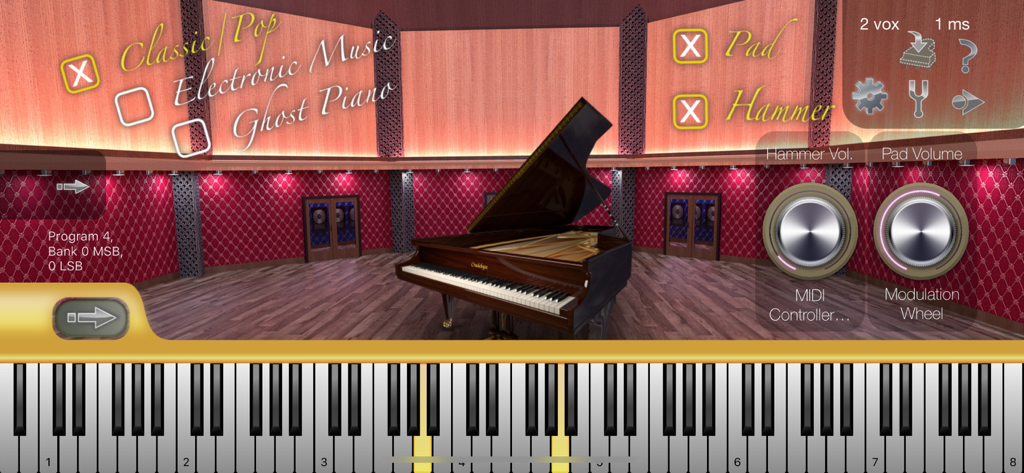
Colossus Piano - Colossus Piano app interface with grand piano and sound controls
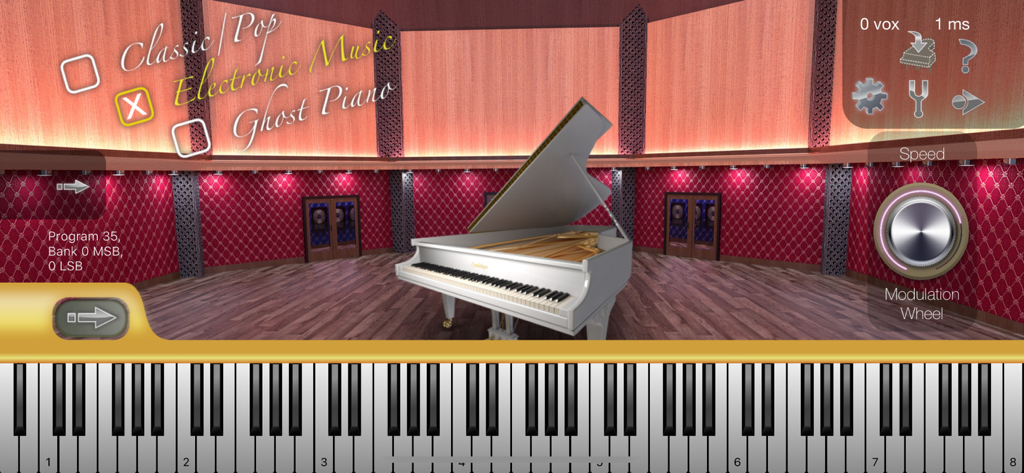
Colossus Piano app interface with grand piano and sound controls

Colossus Piano - White grand piano in a virtual studio environment within the Colossus Piano app interface
White grand piano in a virtual studio environment within the Colossus Piano app interface

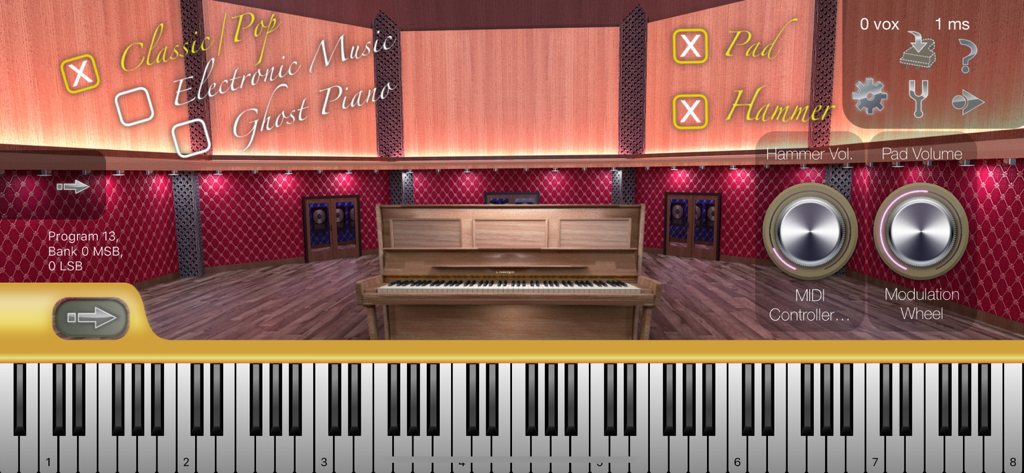
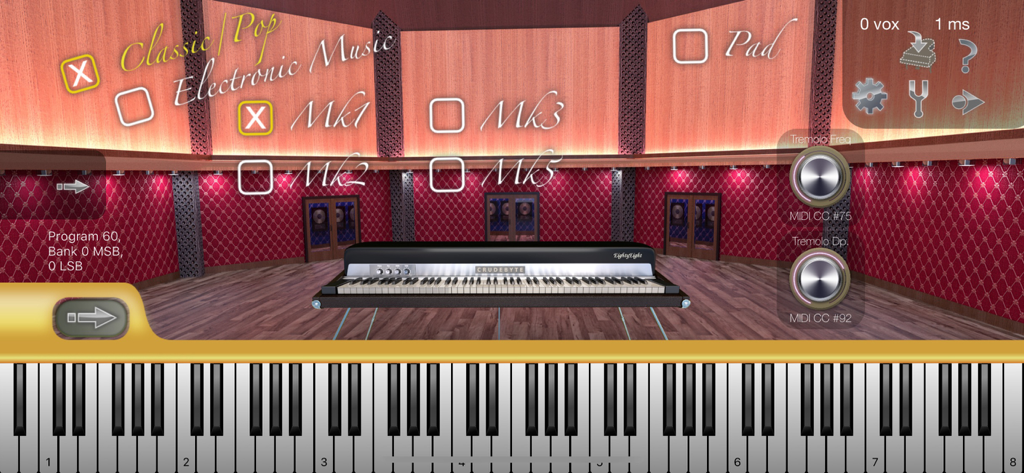
Colossus Piano - Interface of the Colossus Piano app showing an upright piano model in a virtual studio with sound control dials and a piano keyboard
Interface of the Colossus Piano app showing an upright piano model in a virtual studio with sound control dials and a piano keyboard

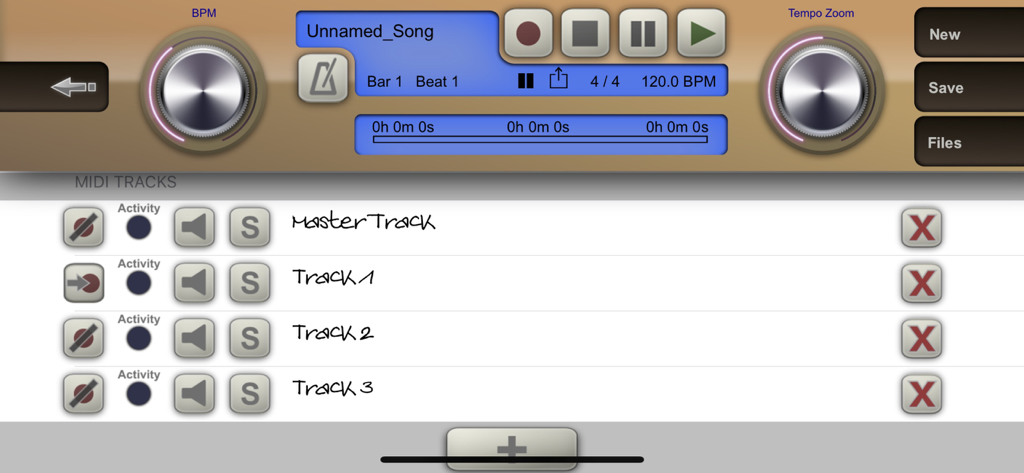
Colossus Piano - Colossus Piano MIDI recorder interface with multi track sequencing and transport controls
Colossus Piano MIDI recorder interface with multi track sequencing and transport controls

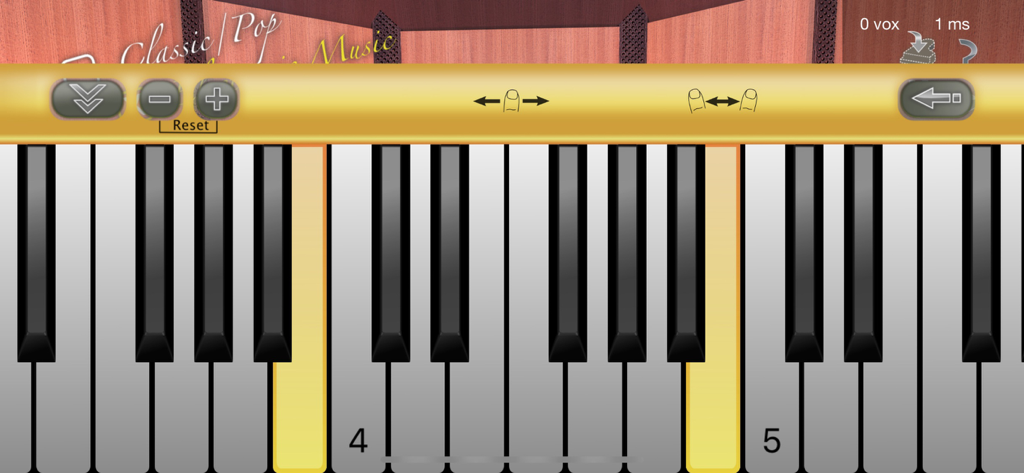
Colossus Piano - Professional virtual piano keyboard interface with scrollable keys and music settings
Professional virtual piano keyboard interface with scrollable keys and music settings

Colossus Piano - Colossus Piano app interface showing electric piano model selection and virtual keyboard in a studio setting
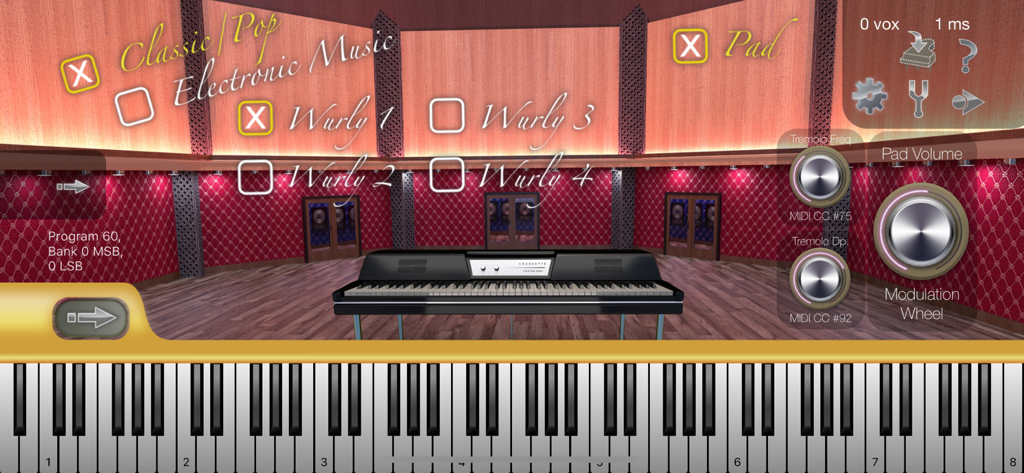
Colossus Piano app interface showing electric piano model selection and virtual keyboard in a studio setting

Colossus Piano - Colossus Piano app interface showing electric piano model selection and virtual studio controls
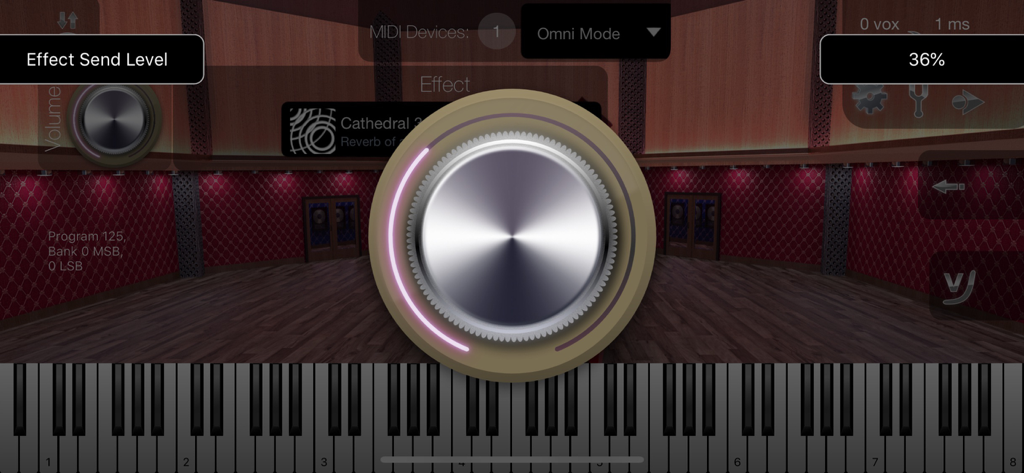
Colossus Piano app interface showing electric piano model selection and virtual studio controls

Colossus Piano - Colossus Piano interface showing a large metallic dial for adjusting the effect send level
Colossus Piano interface showing a large metallic dial for adjusting the effect send level

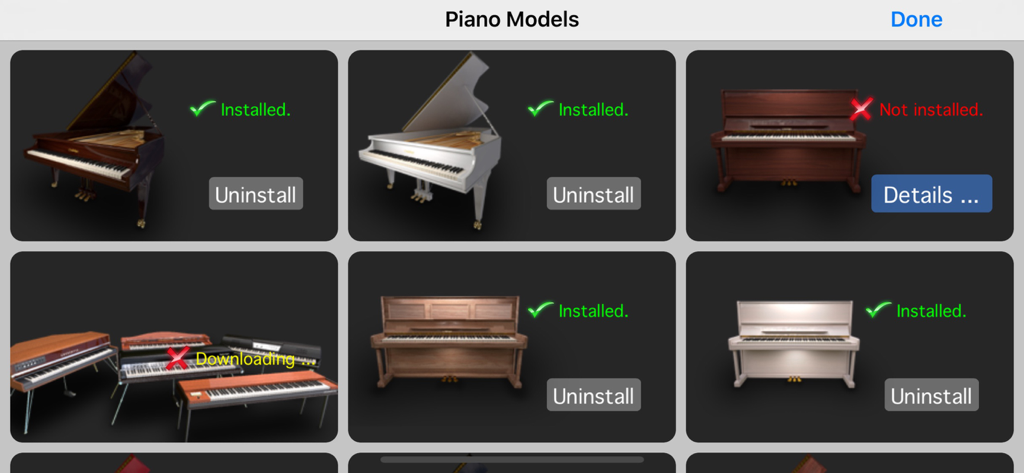
Colossus Piano - A library of grand and upright piano models showing installation status within the Colossus Piano app
A library of grand and upright piano models showing installation status within the Colossus Piano app

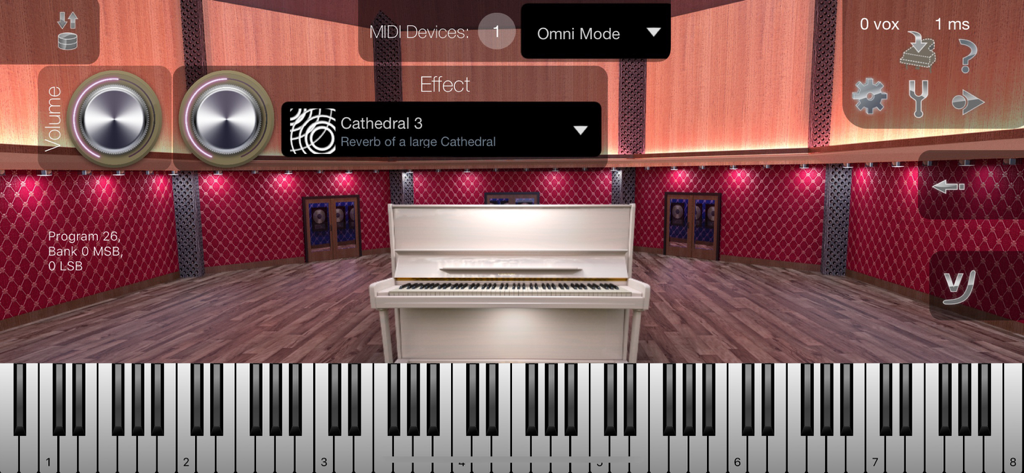
Colossus Piano - Colossus Piano app interface showing a white upright piano in a virtual studio

Colossus Piano app interface showing a white upright piano in a virtual studio

Description

Colossus Piano sets a new standard in terms of realism, detail and overall quality of piano sounds on your iPad, iPhone and iPod touch. There are 8 acoustic piano models available as 8 individual in-app purchases, plus 5 E-Piano legends bundled as 1 sound set with this app, together those 13 piano models make up 30 Gigabyte of sound material. All keys of all piano models were recorded in full length with a recording quality of 24 bit and 96 kHz stereo. Note: this app requires in-app purchases to provide its functionalities! Minimum Requirement: at least iPad 3 / iPad Air 1 / iPad mini 2 / iPhone 5 / iPod touch 6th gen. Recommended: iPad Air 2 / iPad mini 4 / iPad Pro / iPhone SE / iPhone 6s or higher. The dark brown „Colossus Concert Grand” model:³ • 24 velocity layers per key. • Dedicated sustain samples. • Release hammer sound. • Optional pad sound. • 14 GB in size (SSD space). The white „Baby Grand” model: • 12 velocity layers per key. • Dedicated sustain samples. • Release hammer sound. • Optional pad sound. • 6 GB in size (SSD space). The „Upright Piano” model: • 8 velocity layers per key. • Dedicated sustain samples. • Release hammer sound. • Optional pad sound. • 3.4 GB in size (SSD space). The „E-Piano” sound set: • 5 legendary E-Piano models (plus different model generations or configurations). • 17 E-Piano sounds in total. • Optional pad sound. • Optional tremolo effect. • 1.6 GB in size (SSD space). For information about the other piano models, please visit our product website! This app supports Audio Unit v3, Inter-App Audio and Bluetooth LE MIDI ! Software features: • Modulation wheel support for controlling the most relevant sound parameter of the currently selected sound. • Warm pad sound of a well known analogue synthesizer (not available for all models) can be turned on/off as support for the piano sound; volume can be controlled by mod. wheel and expr. controller. • Sustain pedal support for holding notes. • Sostenuto pedal support for holding individual notes. • Soft pedal support for a more gentle sound. • Expression pedal support for controlling optional pad layer's volume. • Hammer sound when releasing keys, uses round robin, can be turned on/off and volume controlled (some acoustic pianos only). • Polyphony of up to several hundred stereo voices.² • Low latency disk streaming. • Configurable audio latency down to 1 ms. • Integrated effects (18 presets). • App States: Save app's entire state as user presets. • MIDI velocity response curve editor. • App can keep running in the background. • Master Tune, Scale Tuning & Hermode Tuning. • Provides Audio Unit v3 plugin version of this app, which allows it to be used as virtual instrument directly within 3rd party multi-track DAW apps. • Supports Apple's "Inter-App Audio" system. • Virtual on-screen piano keyboard with velocity support, scalable & scrollable. MIDI Player / Recorder: • Record, save and load your songs in standard MIDI file format. • Share your songs easily as audio file. • Unlimited amount of tracks. • Unlimited recording and playback length. • Open MIDI (.mid) files directly from other apps (i.e. from Safari, Mail). • Download or upload MIDI files with iTunes. • Metronome. • Use the "Tempo Zoom" dial knob to i.e. slow down playback at any time, learn your favorite songs more easily. ¹ For more information about supported adapters and MIDI keyboards, please visit our product website. ² Some sounds might use several voices per note. Polyphony depends on the exact device model being used. You find a polyphony table on our product website. ³ Important: the dark brown „Colossus Grand” piano model requires a large amount of main memory, so we only recommend this piano model for device models mentioned as „recommended” above.

Download

Download on App Store

This page is not an official page of the app or its developer, but an independent editorial publication created for informational and commentary purposes. Unless expressly stated otherwise, neither the app nor its developer is affiliated with, endorsed by, sponsored by, authorized by, or otherwise officially connected with MWM, Apple, Google Play, the app publisher, or the app's developer, and nothing on this page implies that the app was developed using MWM's services. Any trademarks, logos, screenshots, and other content remain the property of their respective owners.







