
This page is not an official page of the app or its developer, but an independent editorial publication created for informational and commentary purposes. Unless expressly stated otherwise, neither the app nor its developer is affiliated with, endorsed by, sponsored by, authorized by, or otherwise officially connected with MWM, Apple, Google Play, the app publisher, or the app's developer, and nothing on this page implies that the app was developed using MWM's services. Any trademarks, logos, screenshots, and other content remain the property of their respective owners.


COMMAND Center™ Concrete 4
Accelerate your construction schedule with automated ASTM C1074 compliant strength tracking. Monitor temperature history and evaluate in-place maturity from anywhere with real-time cloud synchronization and instant professional reporting.
Downloads
0User Rating
Total Ratings
0Publisher
Category
BusinessLocales
1Latest Version
4.1.9Size
11.1 MBFirst Released
Nov 9, 2022Precision Concrete Monitoring for High-Stakes Projects
Streamline your jobsite with real-time temperature and maturity data, ensuring ASTM compliance and accelerated construction schedules from any device.
Real-Time Cloud Connectivity
Access critical sensor data remotely via COMMAND Center Cloud™, eliminating the need for manual on-site readings and reducing travel costs.
Accelerate Your Schedule
Identify exactly when strength targets are reached to strip forms and apply loads faster while remaining 100% ASTM C1074 compliant.
The following screenshots and description are sourced directly from the app's official store listing and are the property of the app developer.
App Store
Screenshots
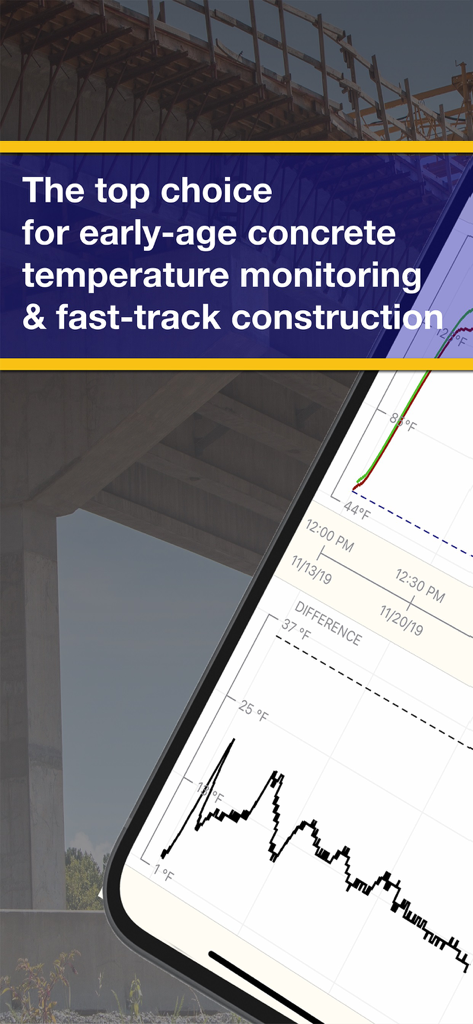
COMMAND Center app displaying concrete temperature monitoring graphs for construction projects
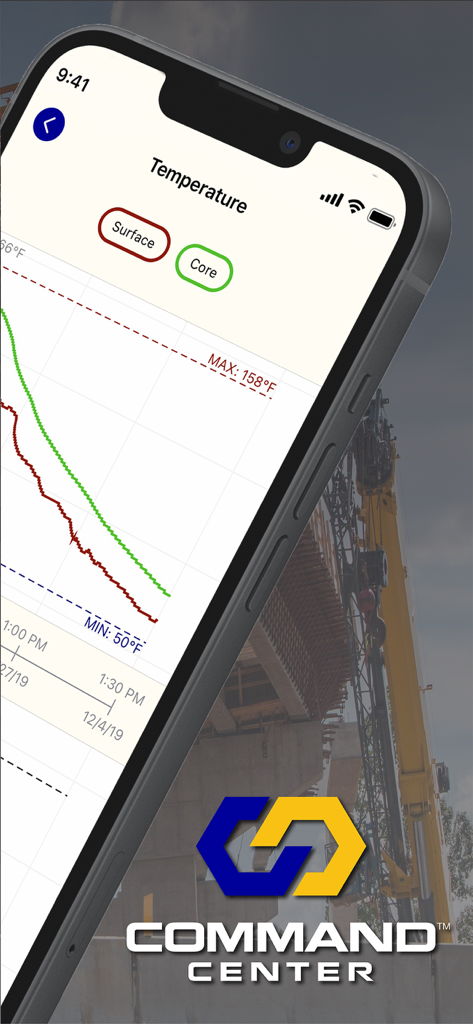
COMMAND Center app interface displaying a real-time concrete temperature monitoring graph for surface and core data.
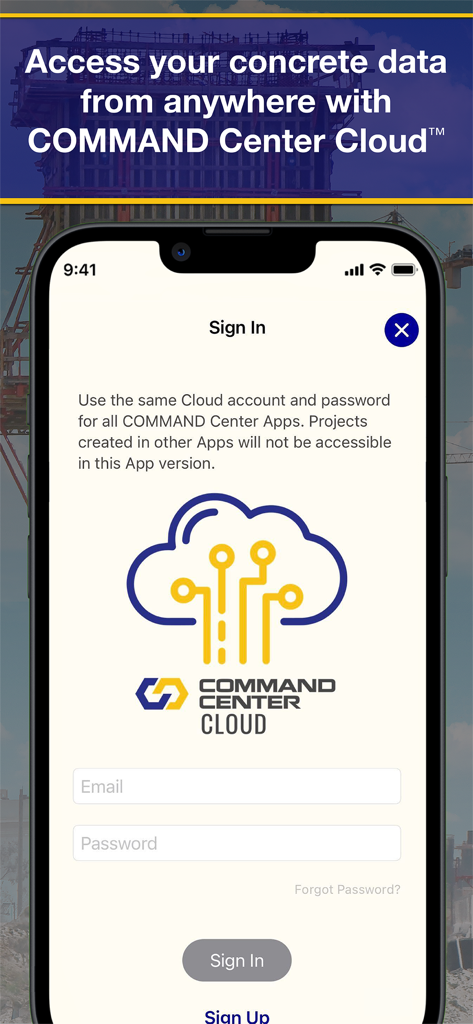
Sign in screen for COMMAND Center Cloud concrete data monitoring application.
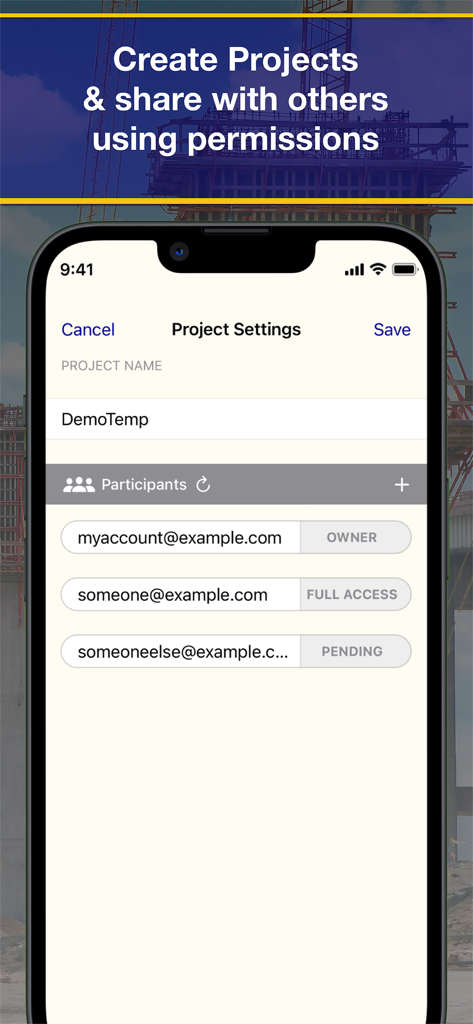
Project settings screen for managing participants and user permissions within the Command Center Concrete 4 application
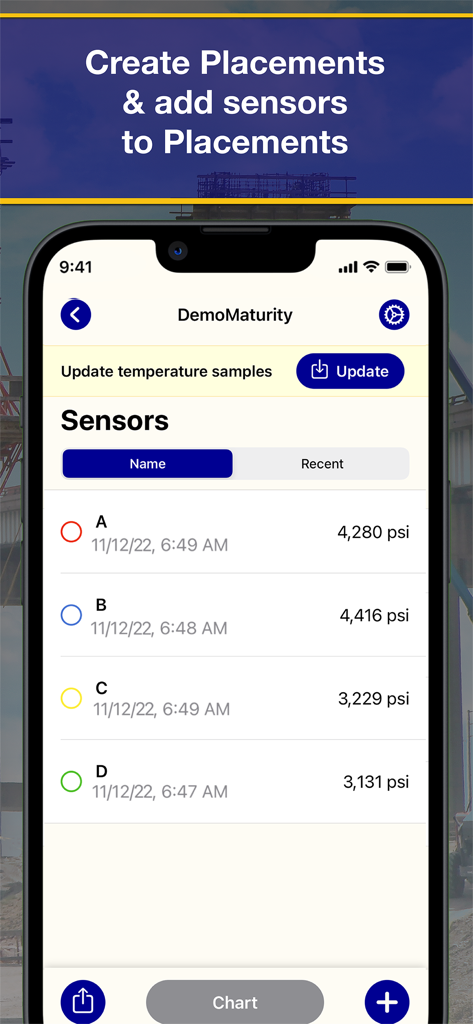
Mobile app interface displaying a list of concrete sensors with real-time pressure readings in psi
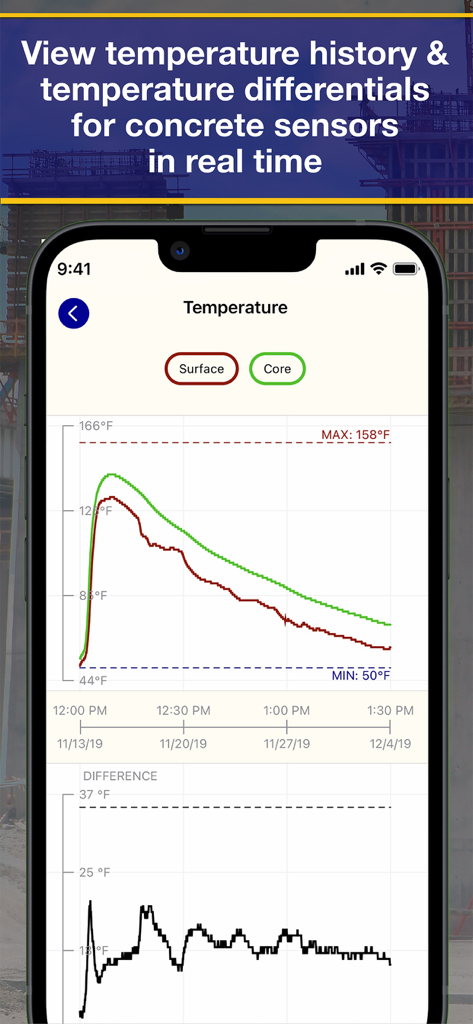
Real-time graph showing concrete temperature history and differentials.
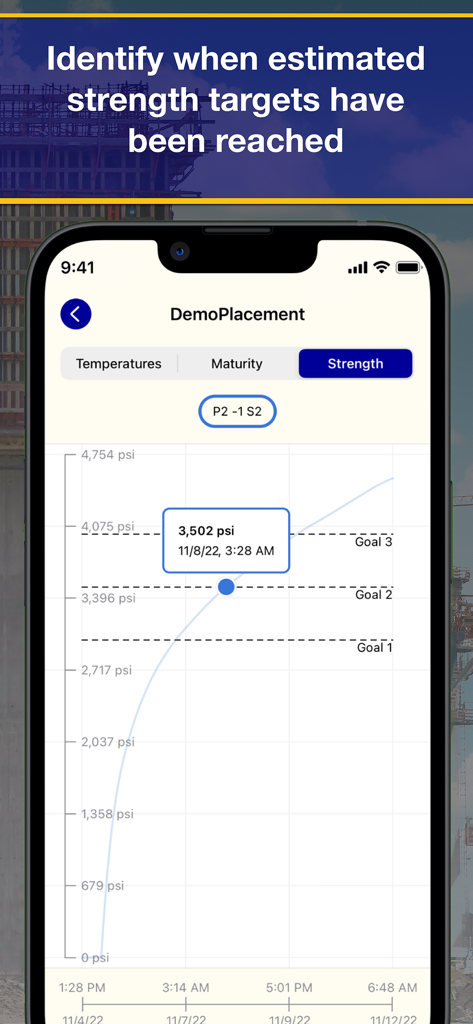
A line graph in the COMMAND Center Concrete 4 app showing estimated strength targets in psi for a concrete pour
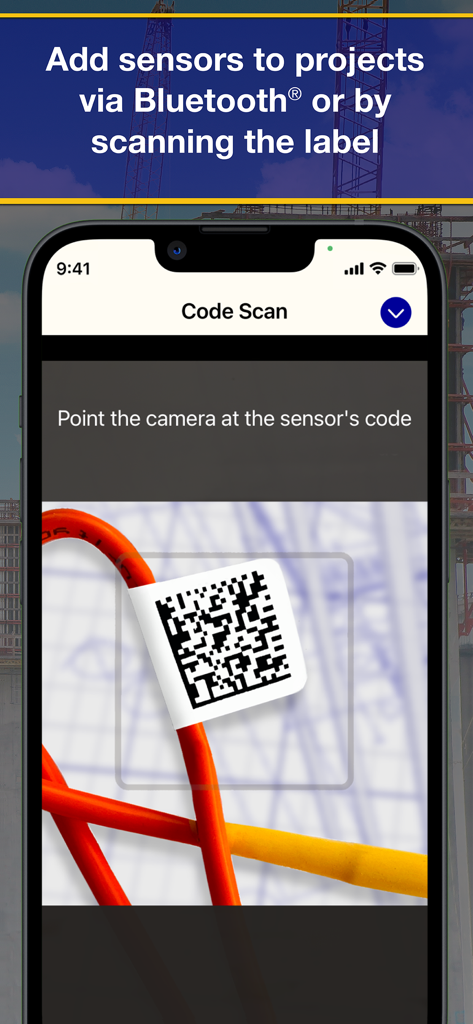
Command Center Concrete app screen showing the mobile camera scanning a QR code on a construction sensor label
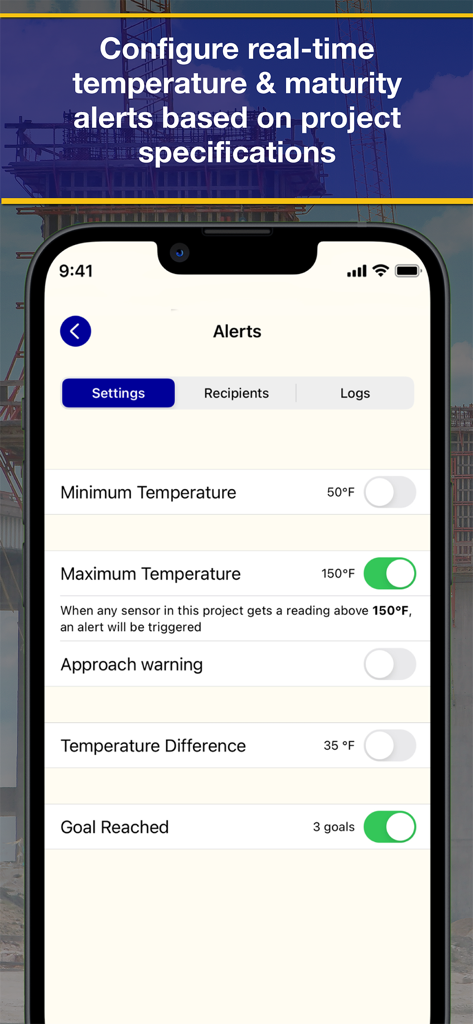
Interface for configuring real-time temperature and maturity alerts for concrete projects in the COMMAND Center app.
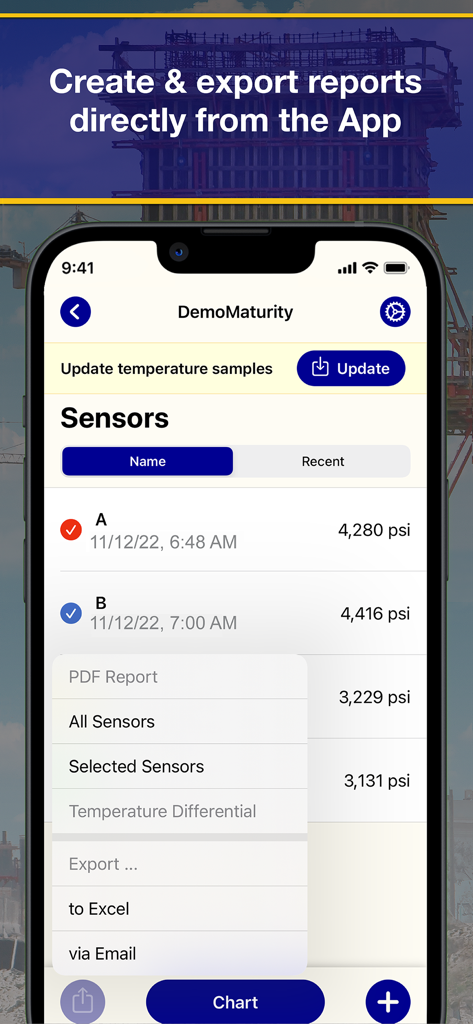
COMMAND Center app interface for creating and exporting concrete sensor reports to PDF and Excel
Description
Download
More Like This
Top-ranked apps in the same category

Microsoft Teams
Microsoft Corporation

WhatsApp Business
WhatsApp Inc.

BOSS直聘-招聘求职找工作神器
Beijing China Product Bo Farce Network Technology Co., Ltd.

Zoom Workplace
Zoom Communications, Inc.

Indeed Job Search
Indeed Inc.

LinkedIn: Community & Network
LinkedIn Corporation

WeCom-Work Communication&Tools
Tencent Technology (Shenzhen) Company Limited

DingDing - Redefine Work in AI
DingTalk Technology Co., Ltd.

Adobe Acrobat Reader: Sign PDF
Adobe Inc.
This page is not an official page of the app or its developer, but an independent editorial publication created for informational and commentary purposes. Unless expressly stated otherwise, neither the app nor its developer is affiliated with, endorsed by, sponsored by, authorized by, or otherwise officially connected with MWM, Apple, Google Play, the app publisher, or the app's developer, and nothing on this page implies that the app was developed using MWM's services. Any trademarks, logos, screenshots, and other content remain the property of their respective owners.