Compass Go by Meyer Sound
Download on App Store

This page is not an official page of the app or its developer, but an independent editorial publication created for informational and commentary purposes. Unless expressly stated otherwise, neither the app nor its developer is affiliated with, endorsed by, sponsored by, authorized by, or otherwise officially connected with MWM, Apple, Google Play, the app publisher, or the app's developer, and nothing on this page implies that the app was developed using MWM's services. Any trademarks, logos, screenshots, and other content remain the property of their respective owners.

Logo of Compass Go by Meyer Sound
Download on App Store

Compass Go by Meyer Sound

The essential iPad companion for GALAXY and Galileo processors. Experience total mobility to tune, EQ, and optimize your system from any seat in the venue with professional-grade reliability.

Key Figures

Downloads

8K+

User Rating

4.8/5

Total Ratings

0

Publisher

Meyer Sound

Category

Music

Locales

1

Latest Version

4.15.0

Size

17.1 MB

First Released

Apr 8, 2015
Features

Precision Control in the Palm of Your Hand

Seamlessly optimize Meyer Sound processors from anywhere in the venue. Compass Go brings the full power of GALAXY, Galileo, and Callisto to your iPad for ultimate mobile system tuning.

Total Venue Mobility

Move freely through different listening areas and seating locations to analyze and adjust coverage by ear, untethered from the mixing desk.

Professional DSP Toolkit

Access surgical-grade Parametric EQ, U-Shaping, TruShaping, and Delay controls with a dedicated interface designed for mission-critical workflows.

The following screenshots and description are sourced directly from the app's official store listing and are the property of the app developer.

App Store

Screenshots
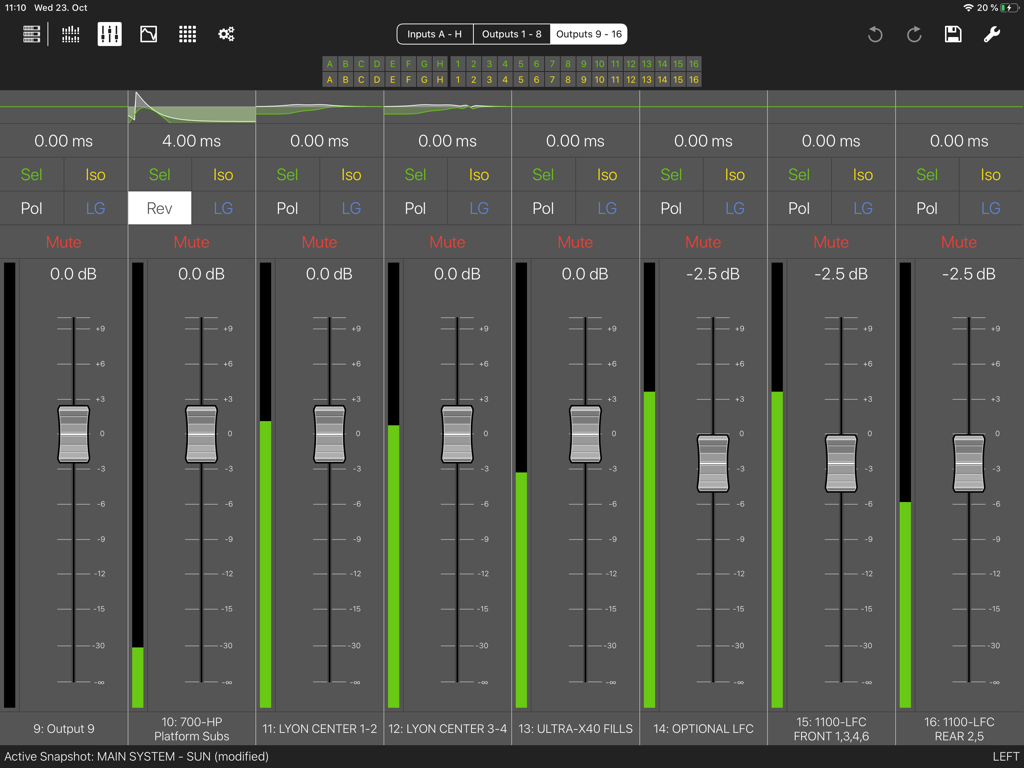
Compass Go by Meyer Sound - Interface of the Compass Go app showing faders and controls for audio output zones
Interface of the Compass Go app showing faders and controls for audio output zones

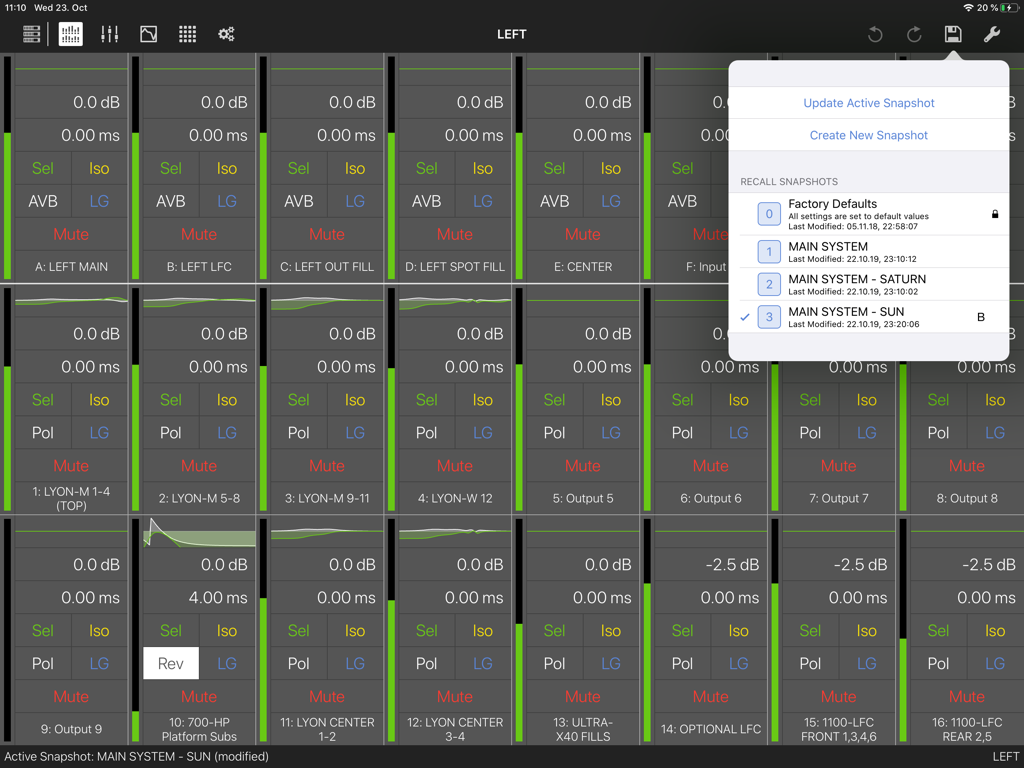
Compass Go by Meyer Sound - Compass Go app interface displaying audio channel strips and a system snapshot selection menu
Compass Go app interface displaying audio channel strips and a system snapshot selection menu

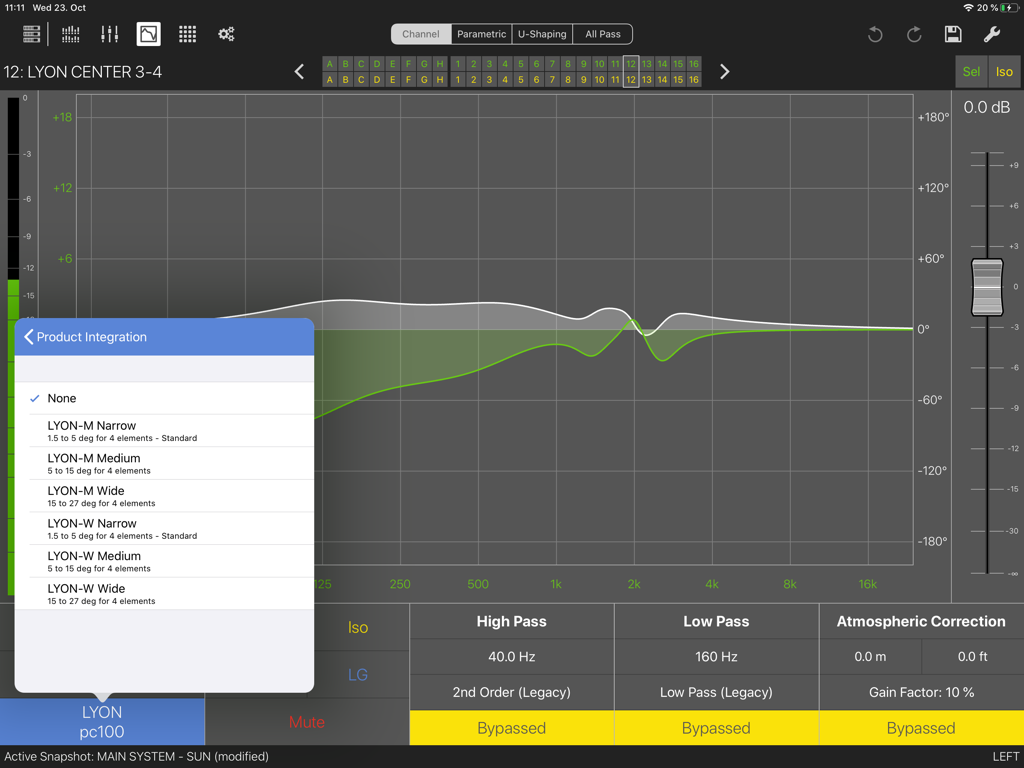
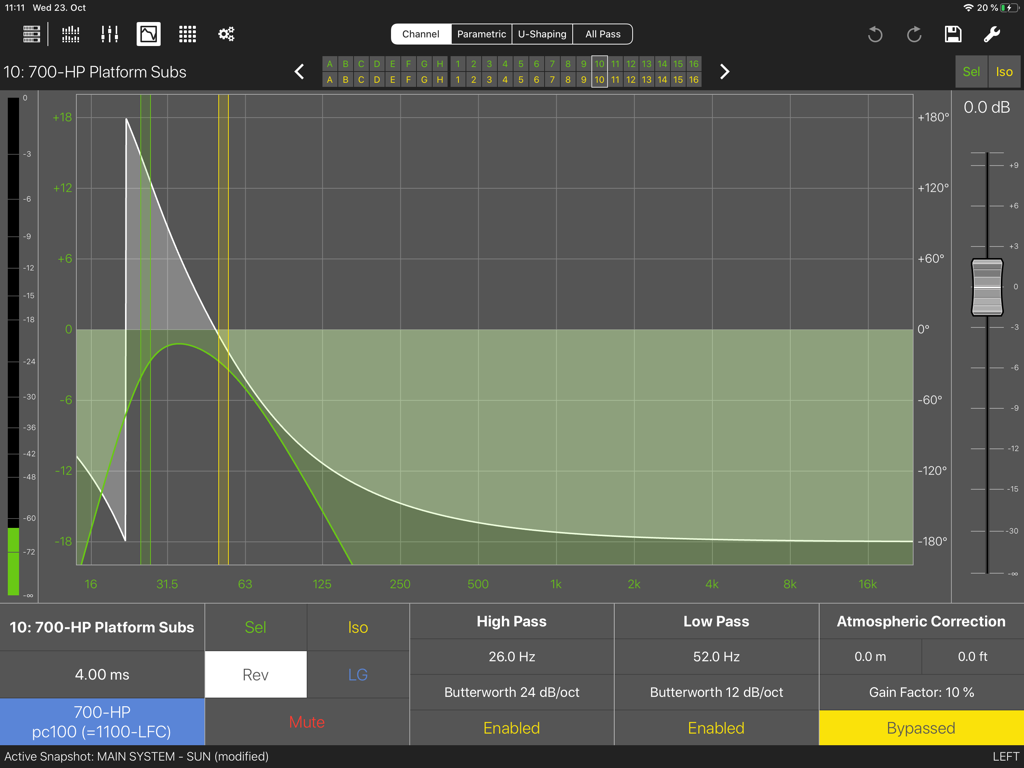
Compass Go by Meyer Sound - Compass Go by Meyer Sound audio processor interface showing frequency response and product integration options
Compass Go by Meyer Sound audio processor interface showing frequency response and product integration options

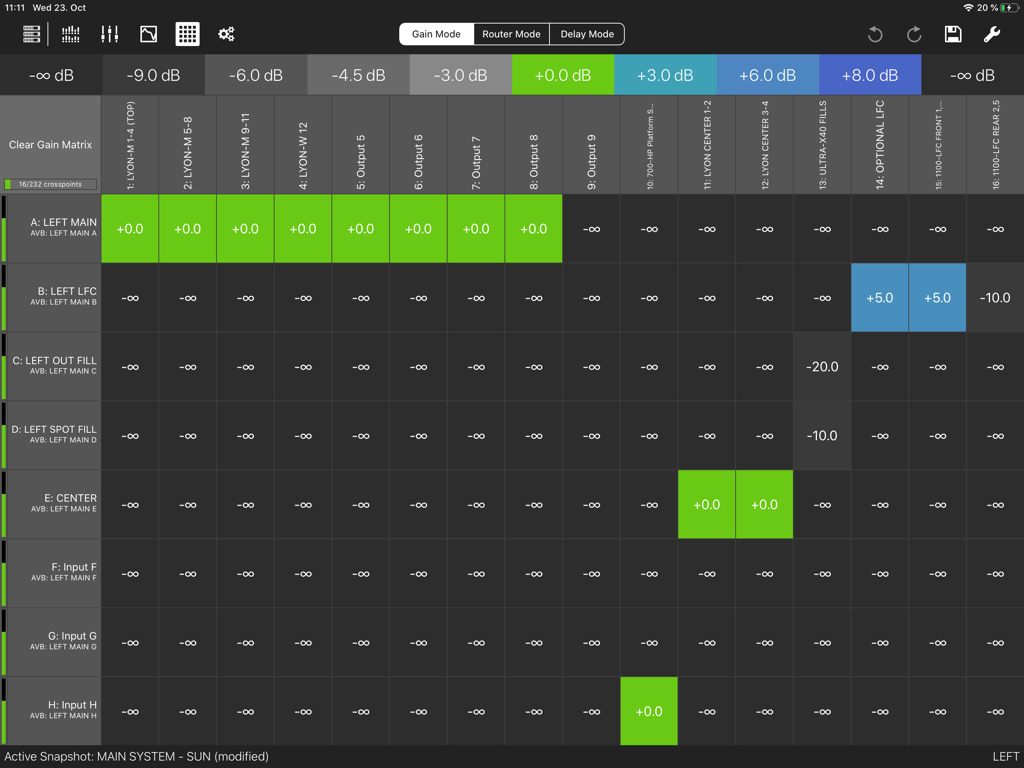
Compass Go by Meyer Sound - A professional audio gain matrix interface showing signal levels and routing for sound system management
A professional audio gain matrix interface showing signal levels and routing for sound system management

Compass Go by Meyer Sound - Compass Go by Meyer Sound app interface showing audio filter settings and frequency response graph

Compass Go by Meyer Sound app interface showing audio filter settings and frequency response graph
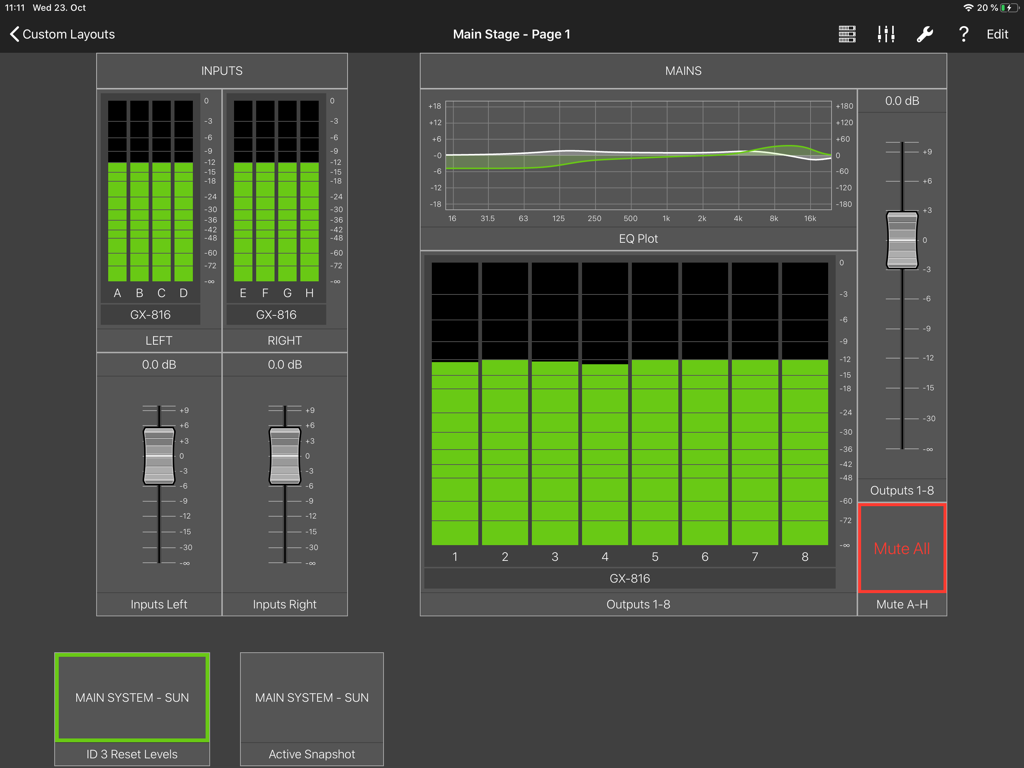
Compass Go by Meyer Sound - Compass Go app showing professional audio input meters and EQ plots for live sound management
Compass Go app showing professional audio input meters and EQ plots for live sound management

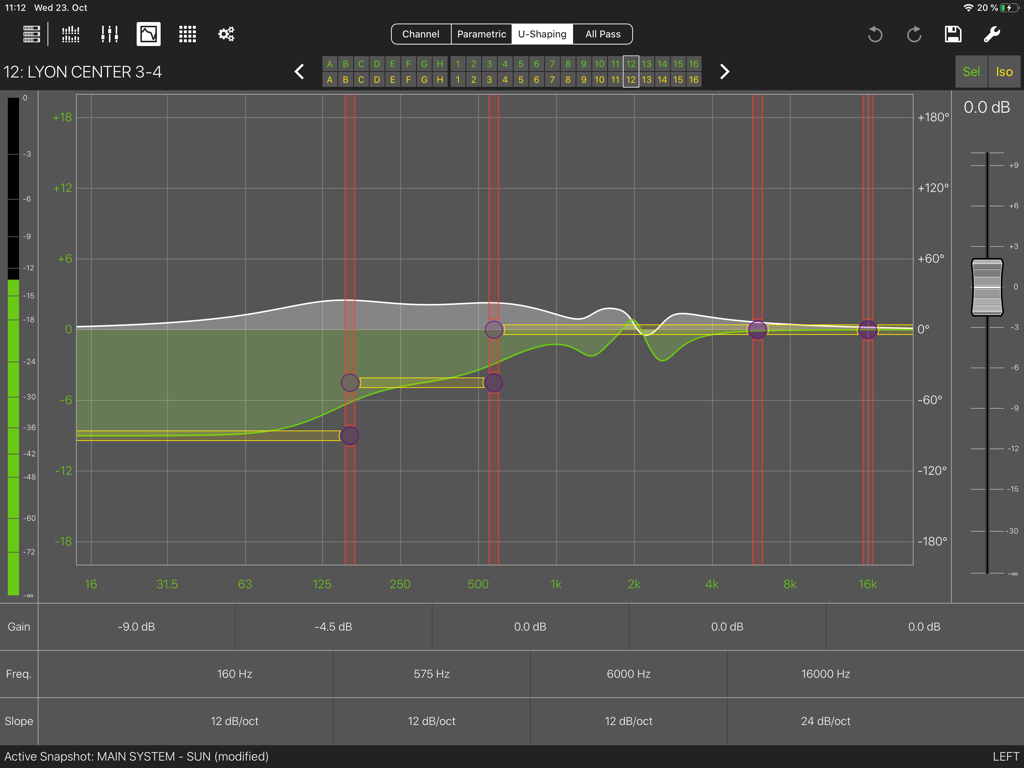
Compass Go by Meyer Sound - Interface of Compass Go showing a U-Shaping equalization graph with professional audio settings.
Interface of Compass Go showing a U-Shaping equalization graph with professional audio settings.

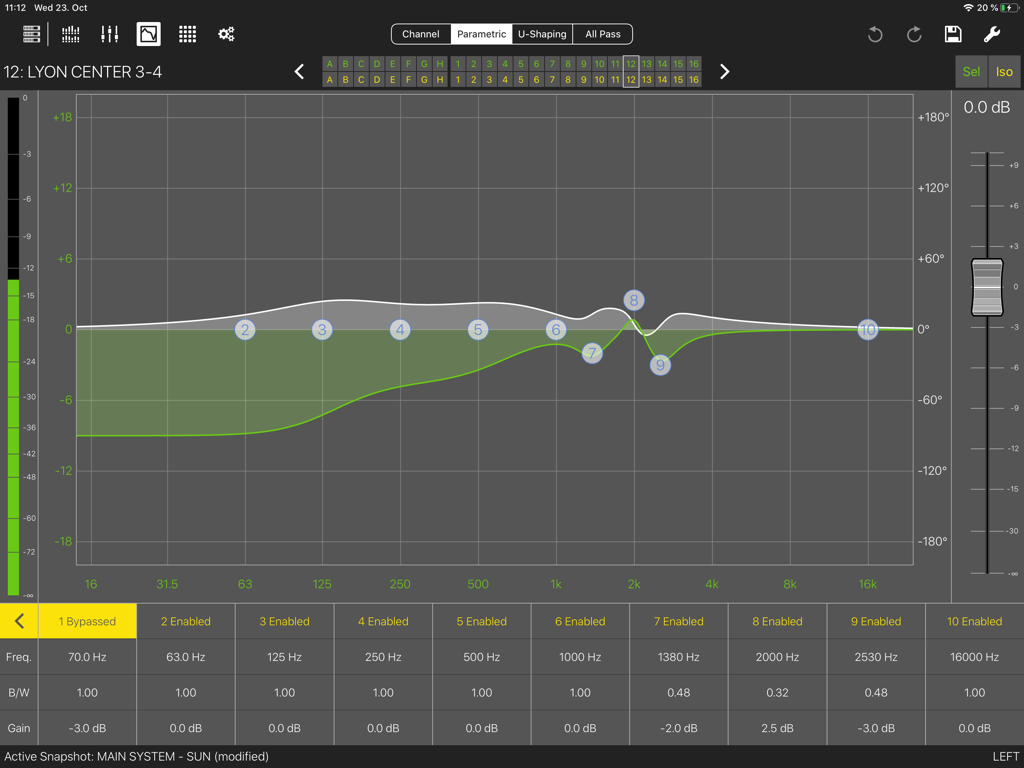
Compass Go by Meyer Sound - Compass Go app interface showing professional parametric EQ curves and frequency adjustments for audio processors
Compass Go app interface showing professional parametric EQ curves and frequency adjustments for audio processors

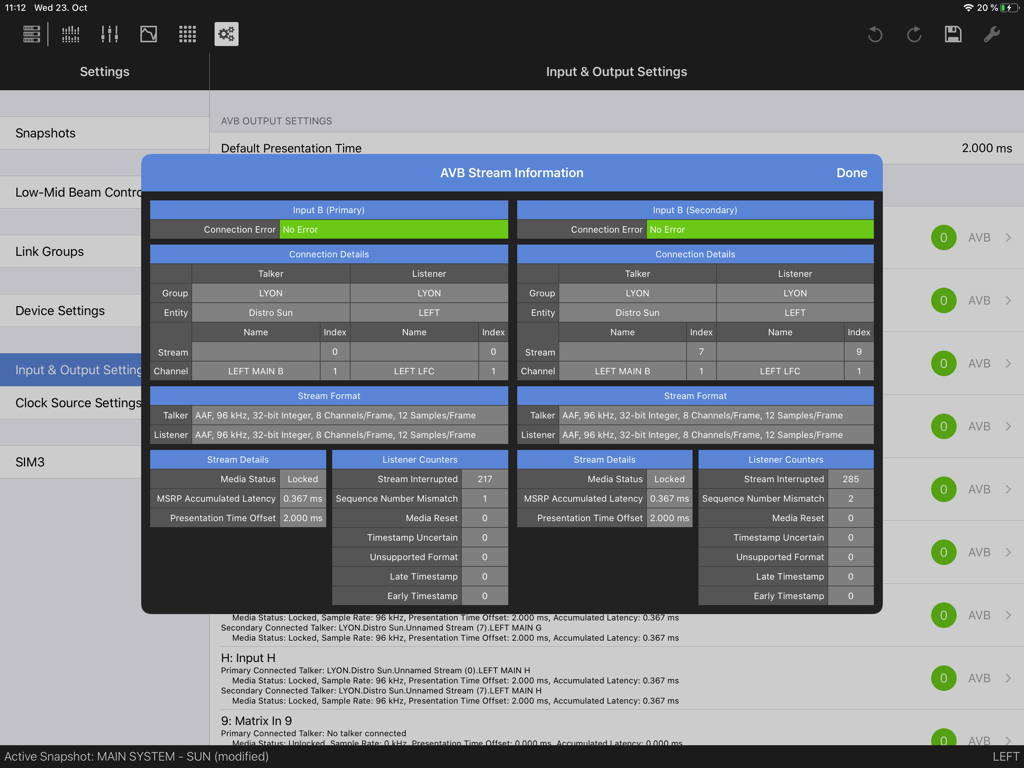
Compass Go by Meyer Sound - Compass Go AVB Stream Information dashboard showing technical connection details and stream format for audio professionals
Compass Go AVB Stream Information dashboard showing technical connection details and stream format for audio professionals

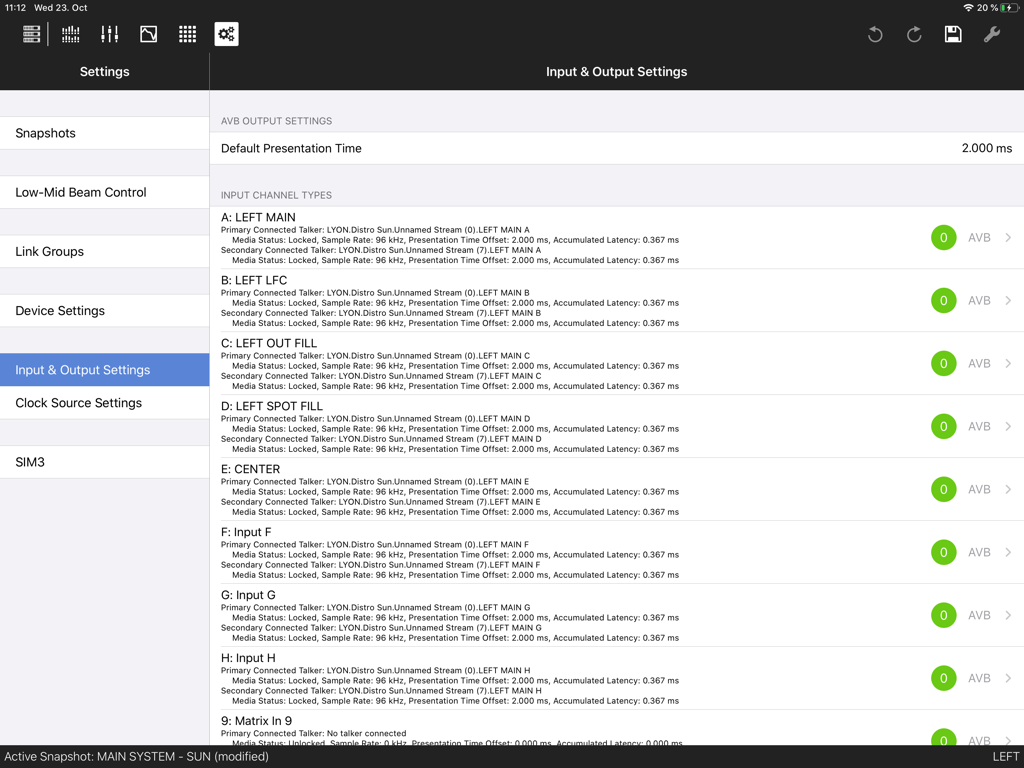
Compass Go by Meyer Sound - Interface of Compass Go app showing professional audio input and output channel settings and AVB stream data

Interface of Compass Go app showing professional audio input and output channel settings and AVB stream data

Description

Compass Go by Meyer Sound is an iPad app designed for audio professionals who are using Meyer Sound’s Compass, GALAXY, Galileo or Callisto processors. For more information on Meyer Sound’s new Galileo GALAXY Network Audio Processor, please visit http://www.meyersound.com/product/galaxy/. Compass Go by Meyer Sound complements the full feature set of the original Compass software for controlling Meyer Sound GALAXY, Galileo and Callisto processors. Compass Go is a dedicated application that will easily connect to any single GALAXY, Galileo or Callisto processor and take advantage of all available controls on the processors including, Parametric EQ, U-Shaping, TruShaping, Delay, Gain, Mute and Meters. Compass Go by Meyer Sound offers a more portable control solution that allows the operator to make changes while moving rapidly through different listening areas and seating locations to analyze by ear the overall effectiveness of the sound system with respect to coverage and quality. For mission critical control during a show a wired interface should always be active, but during setup and adjustment the use of Compass Go by Meyer Sound speeds the workflow considerably. Compass Go’s workflow lets you instantly access and see what adjustments you’ve applied at any control point, so you can easily edit, save, and recall snapshots of user settings that are stored on the local device. Compass Go by Meyer Sound can be used for a wide range of sound reinforcement applications including: • Theme parks • Touring/Live Sound • Planetariums • Cinema • Commercial/Industrial installations • Theatrical Productions • Corporate AV • Houses of Worship • Location-Based Entertainment Simply connect the app to a Galileo GALAXY, Galileo or Galileo Callisto processor on the same Wi-Fi network, and you can seamlessly and accurately optimize your sound system using the following features in any of the Meyer Sound Galileo digital processors: • Adjust system delay, gain, and mute • Manage Meyer Sound shaping EQ, and parametric EQ filter sets • See current parameters status and any adjustments made at any control point • Recall snapshots of prior user settings • Create, edit, and store new snapshot settings in the individual processors • Move about freely without a laptop as you listen for the array coverage and quality from different seats The Compass Go by Meyer Sound app for iPad provides an extension to the Compass Control Software desktop/workstation product and enhances the user experience and workflow efficiency. Meyer Sound requires upgrading Galileo or Callisto devices to firmware version 3.12.0 or GALAXY firmware version 2.8.1 before using Compass Go. Please visit https://meyersound.com/product/compass-go/ for more information.

Download

Download on App Store

This page is not an official page of the app or its developer, but an independent editorial publication created for informational and commentary purposes. Unless expressly stated otherwise, neither the app nor its developer is affiliated with, endorsed by, sponsored by, authorized by, or otherwise officially connected with MWM, Apple, Google Play, the app publisher, or the app's developer, and nothing on this page implies that the app was developed using MWM's services. Any trademarks, logos, screenshots, and other content remain the property of their respective owners.







