
This page is not an official page of the app or its developer, but an independent editorial publication created for informational and commentary purposes. Unless expressly stated otherwise, neither the app nor its developer is affiliated with, endorsed by, sponsored by, authorized by, or otherwise officially connected with MWM, Apple, Google Play, the app publisher, or the app's developer, and nothing on this page implies that the app was developed using MWM's services. Any trademarks, logos, screenshots, and other content remain the property of their respective owners.


Concepts
Bridge the gap between ideation and reality with a flexible, vector-based sketchbook. Sketch, nudge, and scale your ideas on an infinite canvas built for professional workflows and technical precision.
Downloads
10M+User Rating
Total Ratings
143K+Publisher
Category
Graphics & DesignLocales
12Latest Version
6.30.1Size
208.1 MBFirst Released
Oct 6, 2012Design Without Boundaries
Concepts provides a high-performance, vector-based workspace where professional designers, architects, and visual thinkers can iterate, refine, and export their biggest ideas.
Infinite Creative Freedom
Never hit a page border again. Our infinite canvas lets you explore endless iterations and complex mindmaps in a single, fluid, and responsive workspace.
Vector-Based Precision
Enjoy the natural feel of a pencil with the power of vectors. Select, nudge, and edit every stroke individually without ever having to redraw a single line.
Frequently Asked Questions
Everything you need to know about Concepts
What is Concepts app?
Concepts is a flexible, vector-based sketchbook where users can think, plan, and create ideas. It offers an infinite canvas for sketching, note-taking, and designing, with editable and scalable strokes.
Is Concepts app free to use?
Yes, Concepts offers free features including an infinite canvas, selected paper types, basic tools, full COPIC/RGB/HSL color wheels, five layers, unlimited drawings, and JPG exports.
What are the paid features available in Concepts?
Concepts offers paid features via subscription for 200+ brush/object libraries, Team Sharing, and cross-platform access. One-time purchases include Essentials for life, professional brushes, and PDF workflows.
Can I import images and PDF files into Concepts?
Yes, the Concepts app allows users to drag and drop images and PDF files onto the canvas. This feature enhances project workflow and collaboration within the app.
Does Concepts support vector-based sketching?
Yes, Concepts is vector-based, meaning every stroke is editable and scalable. Users can easily change elements of their sketch without redrawing them using tools like Nudge, Slice, and Select.
What export formats does Concepts support?
Concepts supports exporting images, vector SVG, and PDFs for printing or app integration. Free features allow JPG exports, while paid Essentials unlock PNG, PSD, SVG, and DXF.
How do I manage my Concepts app subscription?
Users can manage or cancel their Concepts subscription at any time within their iTunes Account settings. Subscriptions renew automatically unless canceled 24 hours before the billing period ends.
Are there different color wheels available in Concepts?
Yes, Concepts provides HSL, RGB, and COPIC color wheels. The full COPIC color spectrum is available in the free version, enhancing color selection for creative projects.
Can Concepts be used for team collaboration?
Yes, Concepts offers Team Sharing as a paid subscription feature. This enables smooth collaboration, including live-sharing of object libraries, color palettes, and brushes.
Can I try Concepts Premium features for free?
Yes, users can try Concepts Premium for free with a 7-day trial. This unlocks all subscription features across platforms for the trial period.
The following screenshots and description are sourced directly from the app's official store listing and are the property of the app developer.
App Store
Screenshots
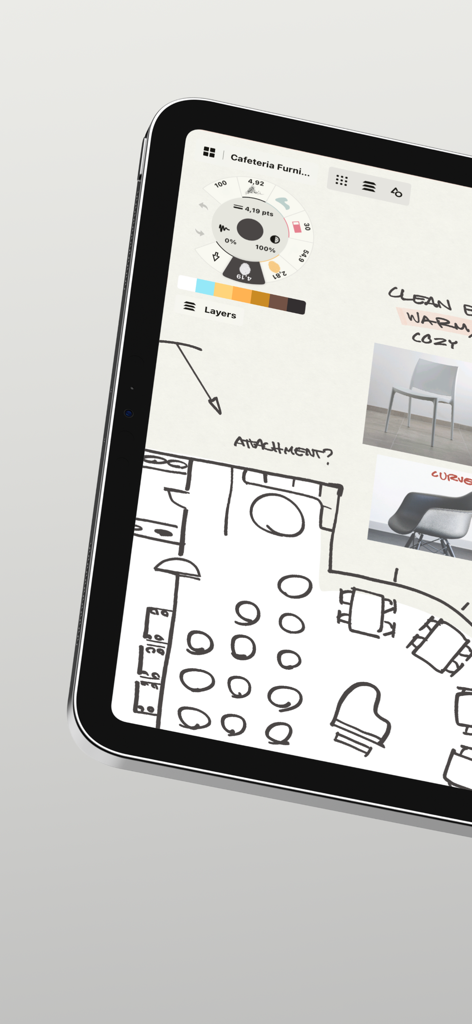
A floor plan sketch and furniture mood board displayed on the Concepts app interface on a tablet.
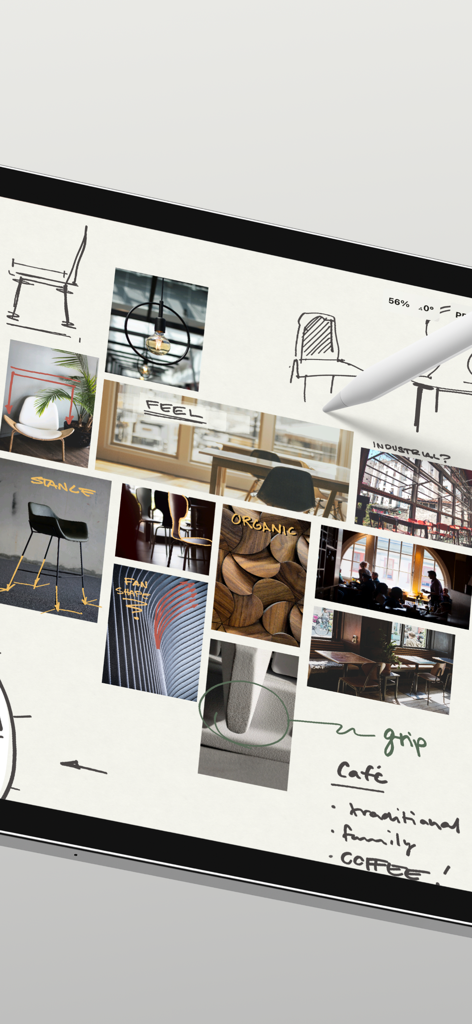
A professional design mood board with sketches and reference images in the Concepts app
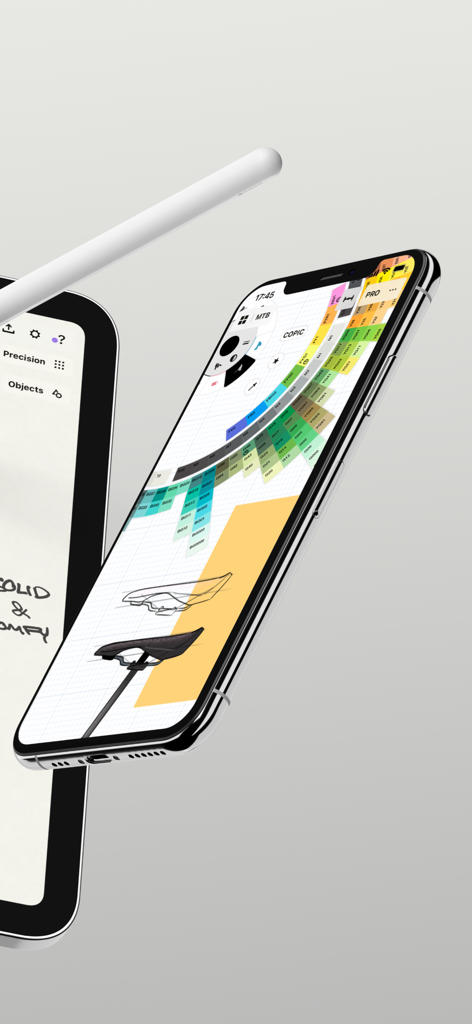
iPhone displaying the Concepts app interface with a Copic color wheel and an industrial design sketch
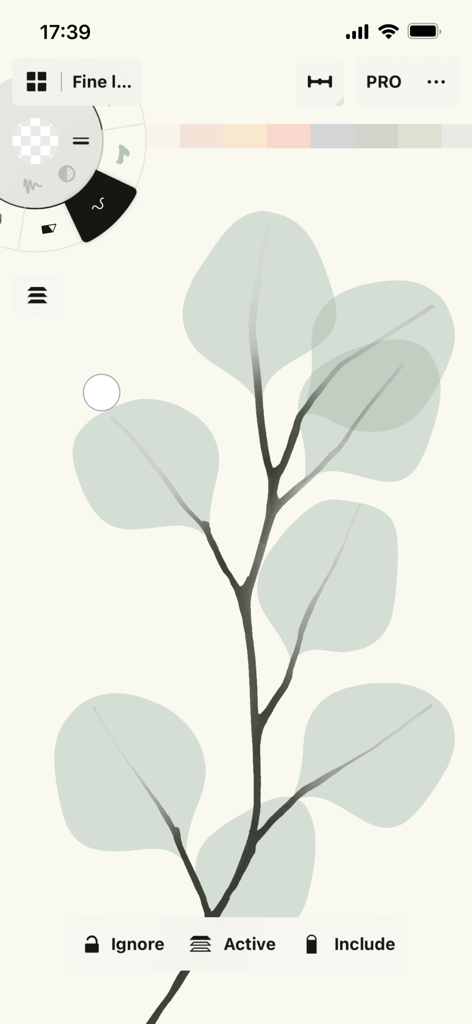
Eucalyptus leaf sketch on the Concepts app vector drawing interface
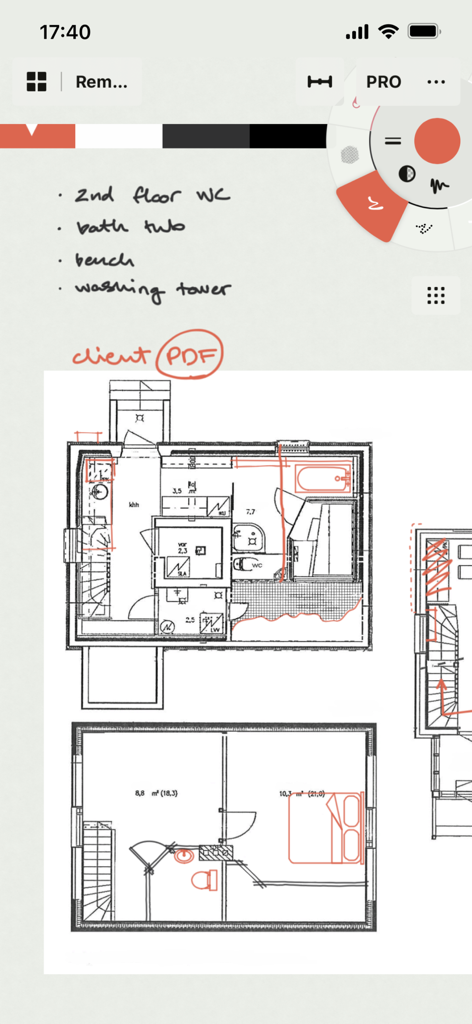
Handwritten notes on an architectural floor plan in the Concepts app interface
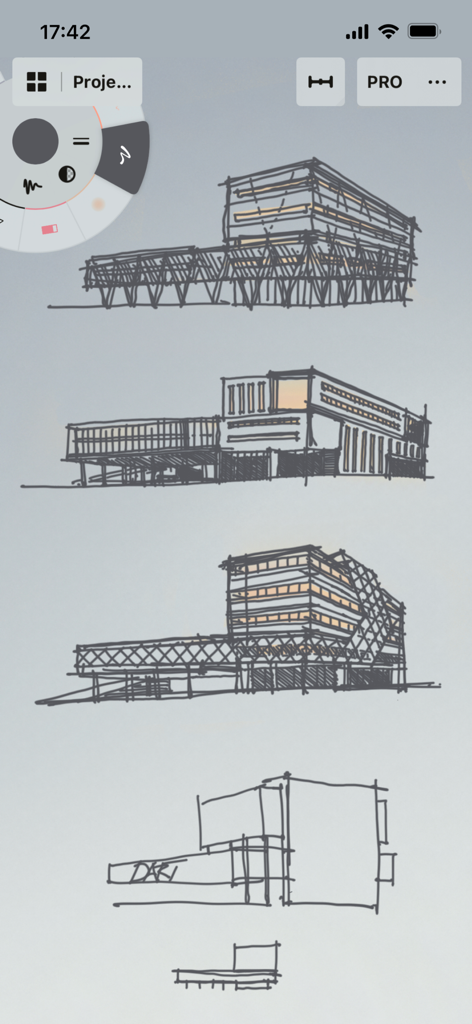
Architectural building sketches on the Concepts app interface
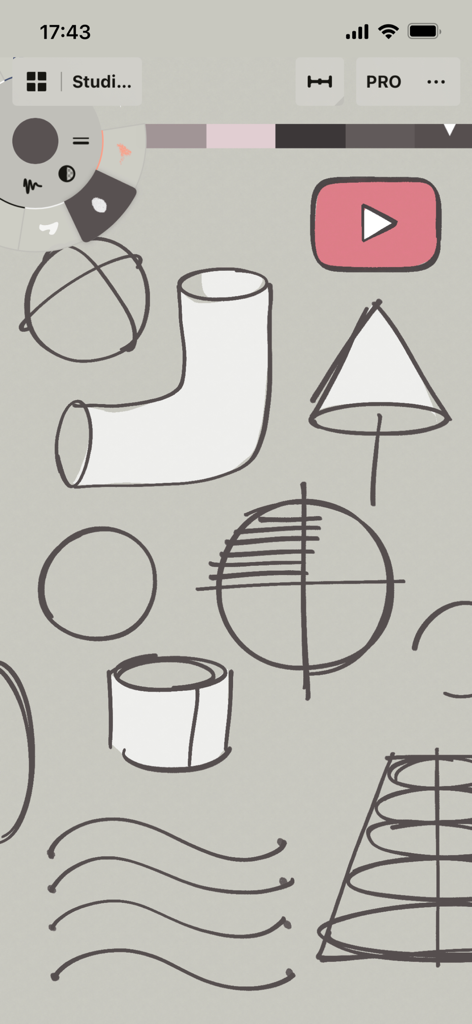
Technical sketches and tool wheel interface in the Concepts app.
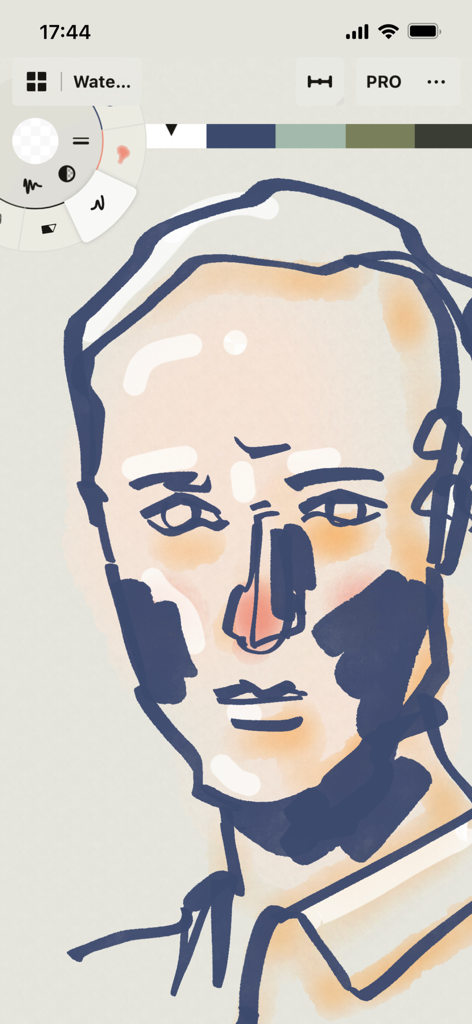
Stylized face illustration being created in Concepts app with digital watercolor and ink tools
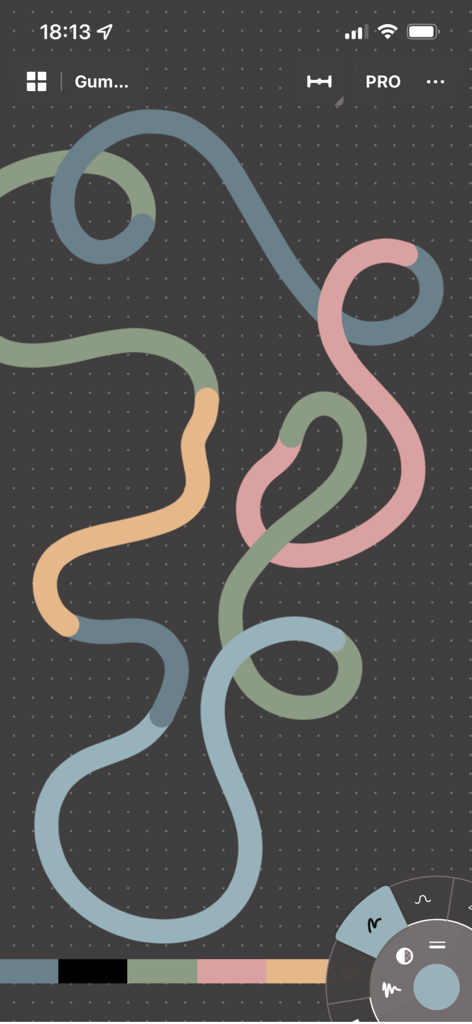
A multicolored looping vector line on a dark grid canvas within the Concepts app interface
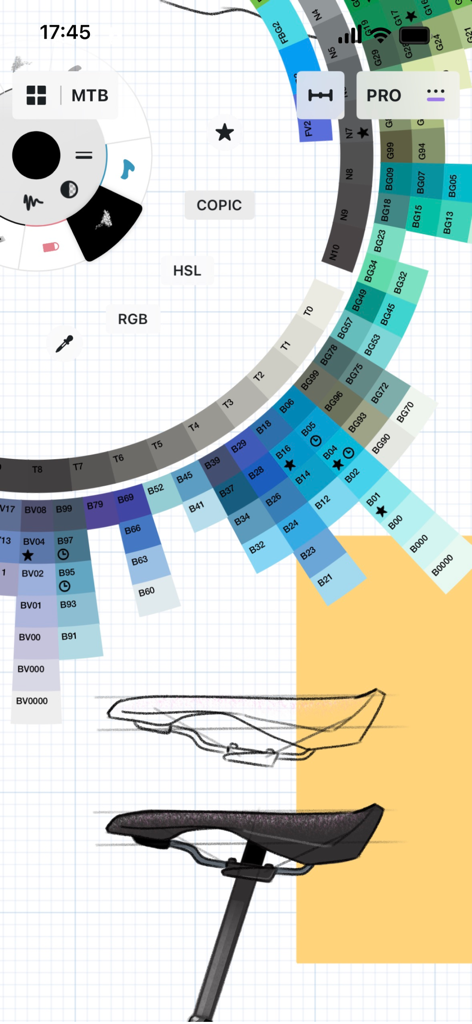
Industrial design of a bicycle saddle with a COPIC color wheel interface in the Concepts app
Description
Download
More Like This
Apps with similar features and user experience

Sketchbook®
Sketchbook, Inc.

Mental Canvas Draw
Mental Canvas, Inc.

ibis Paint
ibis inc.

ibis Paint X
ibis inc.

Paper: Sketch, Draw & Create
Evernote Corporation

Adobe Fresco: Draw & Paint App
Adobe Inc.

Art Set 4
Lofopi Ltd

MediBang Paint – Drawing & Art
MediBang inc.

Tayasui Sketches
SKETCHES SRL
This page is not an official page of the app or its developer, but an independent editorial publication created for informational and commentary purposes. Unless expressly stated otherwise, neither the app nor its developer is affiliated with, endorsed by, sponsored by, authorized by, or otherwise officially connected with MWM, Apple, Google Play, the app publisher, or the app's developer, and nothing on this page implies that the app was developed using MWM's services. Any trademarks, logos, screenshots, and other content remain the property of their respective owners.