
This page is not an official page of the app or its developer, but an independent editorial publication created for informational and commentary purposes. Unless expressly stated otherwise, neither the app nor its developer is affiliated with, endorsed by, sponsored by, authorized by, or otherwise officially connected with MWM, Apple, Google Play, the app publisher, or the app's developer, and nothing on this page implies that the app was developed using MWM's services. Any trademarks, logos, screenshots, and other content remain the property of their respective owners.


Consorsbank
Take control of your financial future with a seamless blend of everyday banking and professional brokerage. Securely manage European assets, trade ETFs, and track your portfolio in real-time with one powerful app.
Downloads
679K+User Rating
Total Ratings
17K+Publisher
Category
FinanceLocales
2Latest Version
2.4.1Size
115.4 MBFirst Released
Sep 16, 2019Empower Your Financial Future
Experience the ultimate fusion of modern banking and professional investing. Built for the global professional who demands total control over their assets.
Unified Wealth Management
Bridge the gap between your daily banking and brokerage. Manage your checking account and investment portfolio within a single, streamlined dashboard.
Smart Automated Investing
Build long-term wealth with automated savings plans. Effortlessly trade stocks and ETFs while monitoring portfolio performance with real-time data.
Frequently Asked Questions
Everything you need to know about Consorsbank
What functionalities does the Consorsbank app offer?
The Consorsbank app combines banking and investing, allowing users to manage payments, investments, transfers, and track daily/fixed deposits. It offers comprehensive online banking and depot management features.
How does the Consorsbank app ensure secure transaction approvals?
Yes, the Consorsbank app supports secure approval for transactions. Users can authorize orders directly within the app using biometric authentication methods like facial recognition or fingerprint scanning.
Can I manage my bank cards using the Consorsbank app?
Yes, the Consorsbank app provides extensive card management. Users can add their Consorsbank VISA Card to Apple Pay, enable contactless payments, and temporarily block or unblock cards directly within the app.
Does the Consorsbank app provide real-time alerts for account activity?
Yes, the Consorsbank app offers real-time push notifications. Users receive instant updates on account movements, salary deposits, stock price fluctuations, and other customizable events directly to their smartphone.
Can I trade stocks and ETFs directly from the Consorsbank app?
Yes, the Consorsbank app allows users to trade securities. You can buy or sell stocks, funds, ETFs, and other securities directly within the app and easily track your depot's development.
Does the Consorsbank app support Dark Mode?
Yes, the Consorsbank app includes a Dark Mode feature. It automatically adapts to your system's settings, providing a more comfortable viewing experience while also saving battery life.
How does the Consorsbank app facilitate bank transfers?
The Consorsbank app simplifies bank transfers. Users can effortlessly photograph invoices, and the app automatically captures all essential data required for the transfer process, saving time and effort.
Can I manage my savings plans, such as ETFs, through the Consorsbank app?
Yes, the Consorsbank app allows users to manage savings plans. You can easily create, manage, and track goals for various savings plans, including ETF or fund plans, with full transparency.
Is the Consorsbank app compatible with tablets?
Yes, the Consorsbank app is accessible on both smartphones and tablets. This ensures users can conveniently manage their banking and investing activities across their preferred mobile devices.
Does the Consorsbank app offer an overview of all accounts and investment portfolios?
Yes, the Consorsbank app provides a comprehensive overview. The home screen displays a clear summary of all accounts and depots, including total assets, giro accounts, and investment portfolios at a glance.
The following screenshots and description are sourced directly from the app's official store listing and are the property of the app developer.
App Store
Screenshots
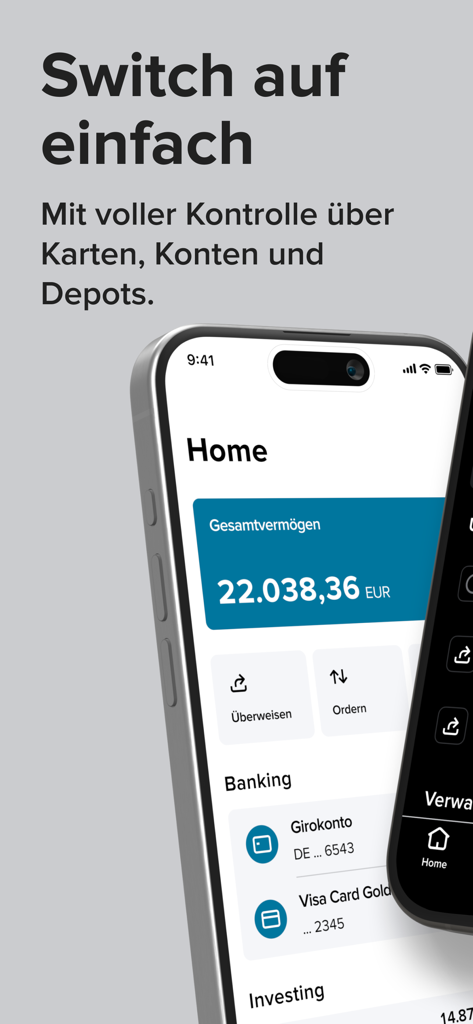
Consorsbank mobile app dashboard showing account balance in Euro and integrated banking services
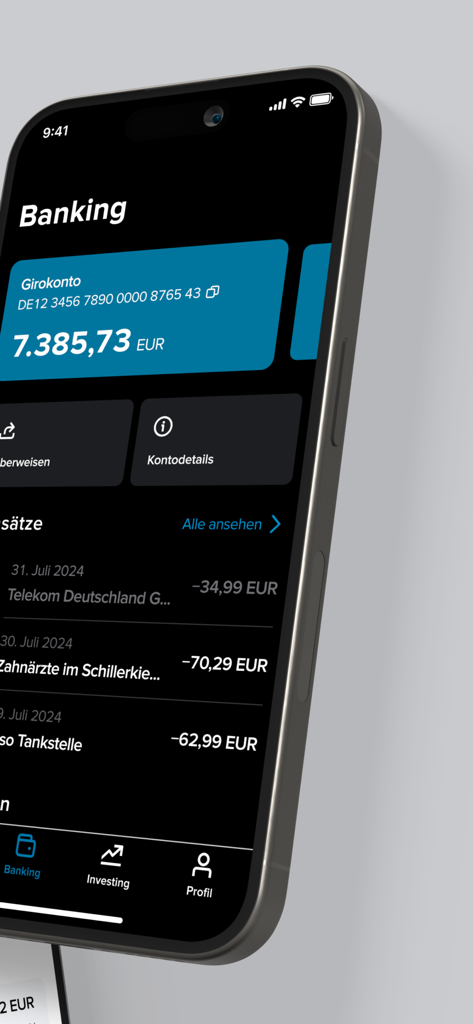
Consorsbank app banking dashboard in dark mode displaying euro balance and transaction history

Secure biometric face identification for the Consorsbank app
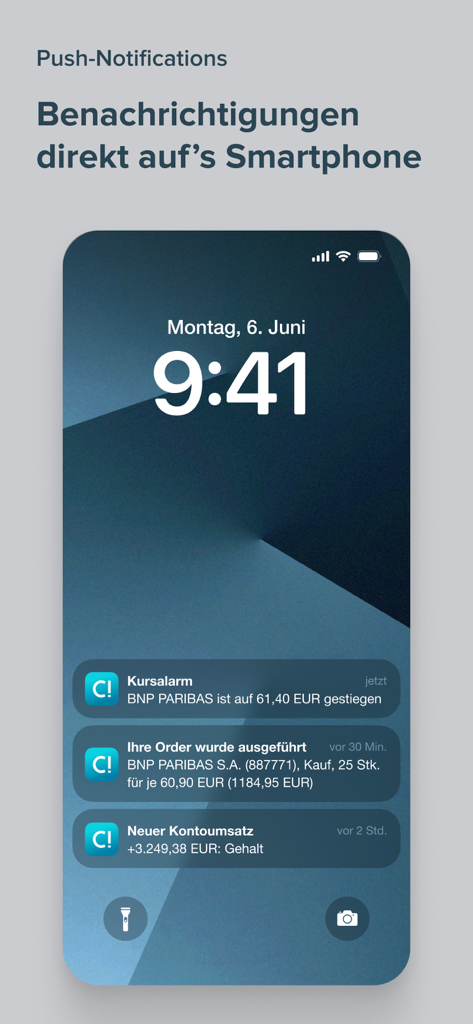
Smartphone lock screen displaying Consorsbank push notifications for stock alerts and banking transactions.
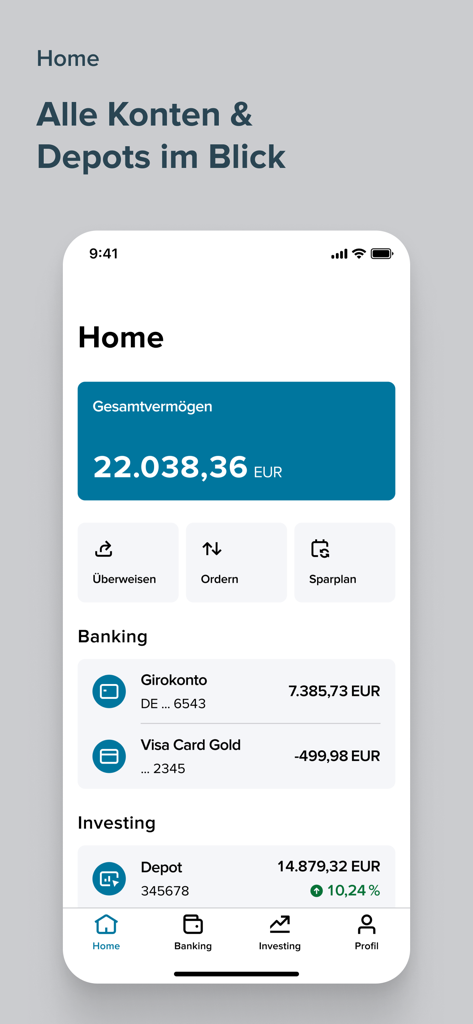
Consorsbank app home screen displaying total assets and financial account overview
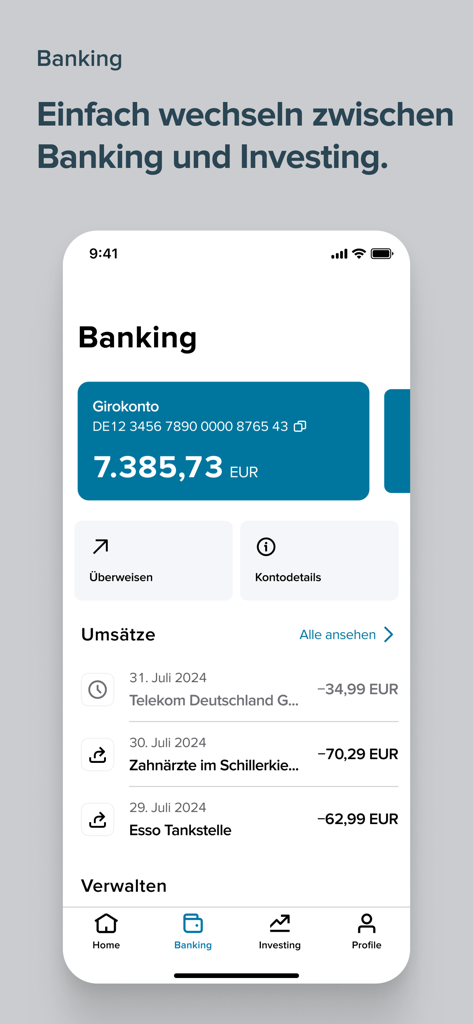
Screenshot of the Consorsbank mobile app banking section displaying a checking account balance and recent transaction history.
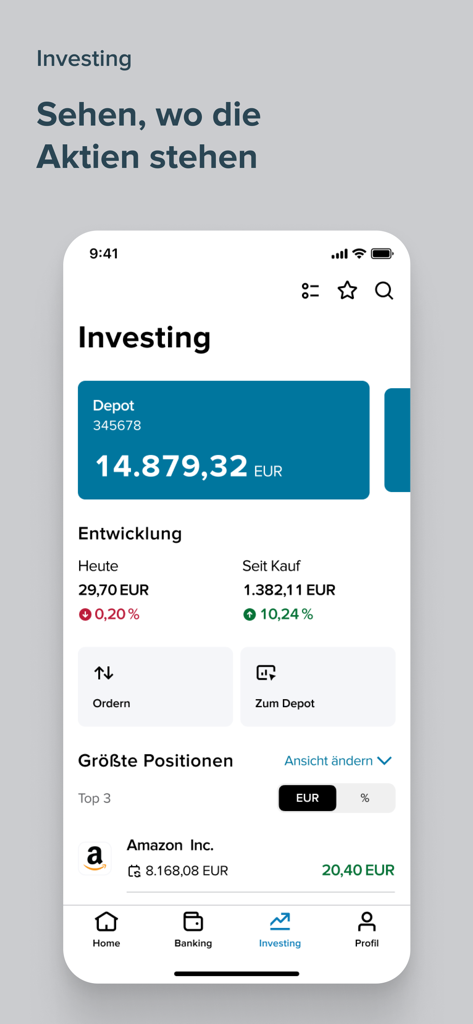
Consorsbank app investing screen showing portfolio balance and largest stock positions
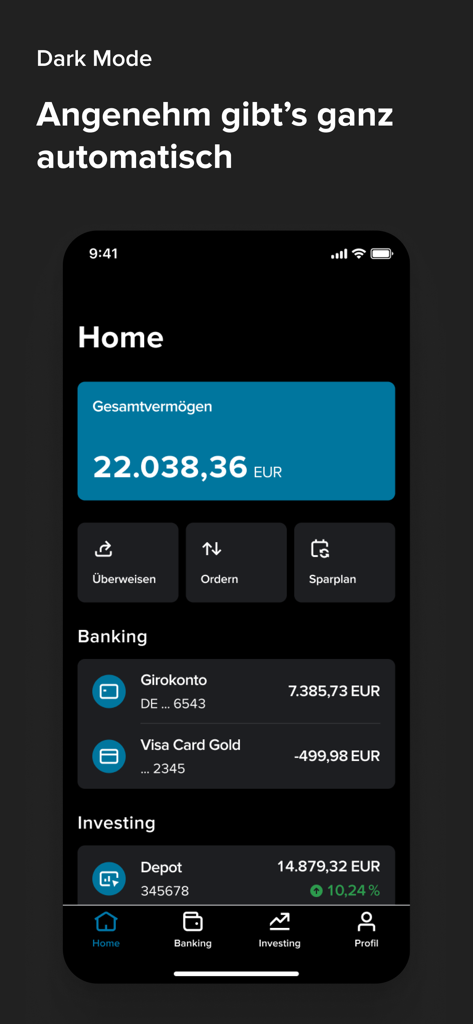
Consorsbank mobile app home screen in dark mode showing account balances and investment portfolio
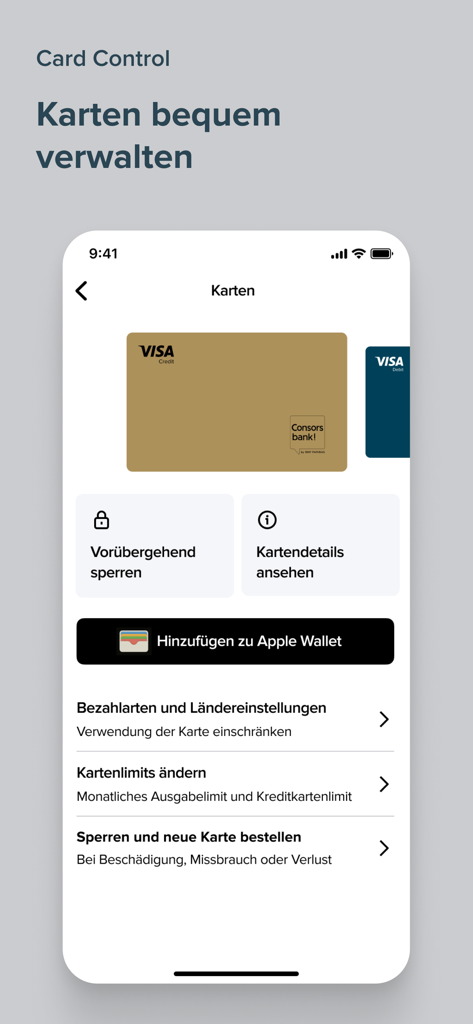
Consorsbank app interface showing card management features for Visa credit and debit cards including lock options and Apple Wallet integration
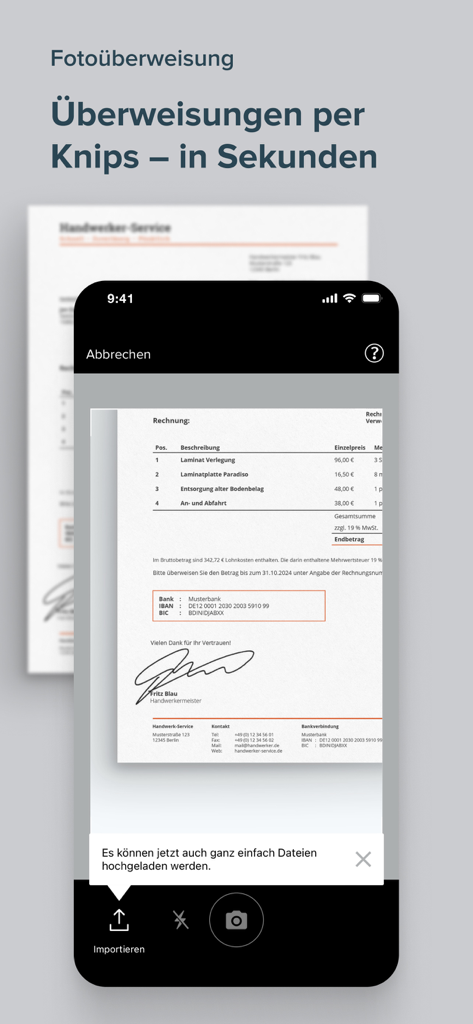
Smartphone screen of Consorsbank app displaying the photo transfer feature for scanning and paying invoices
Description
Download
More Like This
Apps with similar features and user experience

Cocos: Invertí, ahorrá y pagá.
Cocos Capital Servicios Digitales SA

玉山行動銀行
E.SUN Commercial Bank, Ltd.

George Česko
Ceska sporitelna, a.s.

Wio Personal
WIO BANK P.J.S.C

Safra: investimentos e conta
Banco Safra SA

華南銀行+
Hua Nan Commercial Bank, Ltd.

ABB mobile: Təhlükəsiz Bank
International Bank Of Azerbaijan Ojsc

Santander Argentina
BANCO SANTANDER RIO SA

Bank al Etihad | بنك الإتحاد
Bank AlEtihad Co PLC
This page is not an official page of the app or its developer, but an independent editorial publication created for informational and commentary purposes. Unless expressly stated otherwise, neither the app nor its developer is affiliated with, endorsed by, sponsored by, authorized by, or otherwise officially connected with MWM, Apple, Google Play, the app publisher, or the app's developer, and nothing on this page implies that the app was developed using MWM's services. Any trademarks, logos, screenshots, and other content remain the property of their respective owners.