
This page is not an official page of the app or its developer, but an independent editorial publication created for informational and commentary purposes. Unless expressly stated otherwise, neither the app nor its developer is affiliated with, endorsed by, sponsored by, authorized by, or otherwise officially connected with MWM, Apple, Google Play, the app publisher, or the app's developer, and nothing on this page implies that the app was developed using MWM's services. Any trademarks, logos, screenshots, and other content remain the property of their respective owners.

Credas
Join over 3 million people who trust our government-certified technology to safely verify their identity and source of funds in minutes.
Downloads
2M+User Rating
Total Ratings
272K+Publisher
Category
BusinessLocales
2Latest Version
3.5.9Size
170.4 MBFirst Released
May 27, 2017Secure Identity Verification in Minutes
Join over 3 million people using Credas to fast-track real estate, legal, and financial transactions with government-grade security.
Skip the Office Visit
Complete your ID and AML checks instantly from your iPhone. Avoid the hassle of physical paperwork or in-person appointments.
Bank-Level Data Security
Your sensitive information is protected by ISO 27001 standards and end-to-end encryption, ensuring total privacy for your documents.
Frequently Asked Questions
Everything you need to know about Credas
What is the Credas app used for?
The Credas app simplifies identity verification and anti-money laundering (AML) checks. It securely confirms an individual's identity and source of funds, meeting compliance requirements with a user-friendly interface.
Is the Credas app secure for personal data?
Yes, the Credas app adheres to high security standards. It is certified under the UK Government’s Digital Identity Trust Framework and compliant with ISO 27001. All information is encrypted and sent to protected servers.
How does Credas protect my personal information?
Credas protects personal information by securely encrypting all data. This encrypted data is sent directly to protected servers. It is then made available only to the specific company that issued the initial verification invite.
How do I start using the Credas app for verification?
To start using the Credas app, you must enter a Unique Registration Code. This code is typically received from your agent via email or SMS. If you lack a code, contact your agent.
What identification documents does Credas accept?
The Credas app accepts several identification documents, including Passports, Driving Licences, and National ID Cards. Passports are highly recommended for verification due to their consistently high pass rates.
Where can I find support for the Credas app?
Users can access extensive support for the Credas app through its knowledge hub at credas.com/usersupport/. This resource provides user guides and offers the option to directly contact the support team for further assistance.
What are the main steps in the Credas identity verification process?
The main steps in the Credas identity verification process involve accepting terms and conditions, taking a selfie, and scanning an ID document. Additionally, an NFC scan of a passport's chip might be required.
The following screenshots and description are sourced directly from the app's official store listing and are the property of the app developer.
App Store
Screenshots
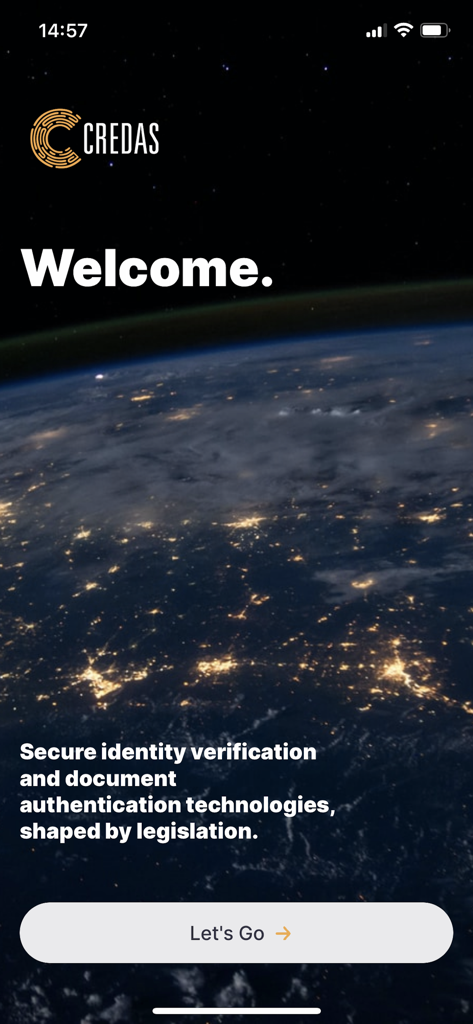
Credas app welcome screen for secure identity verification and document authentication
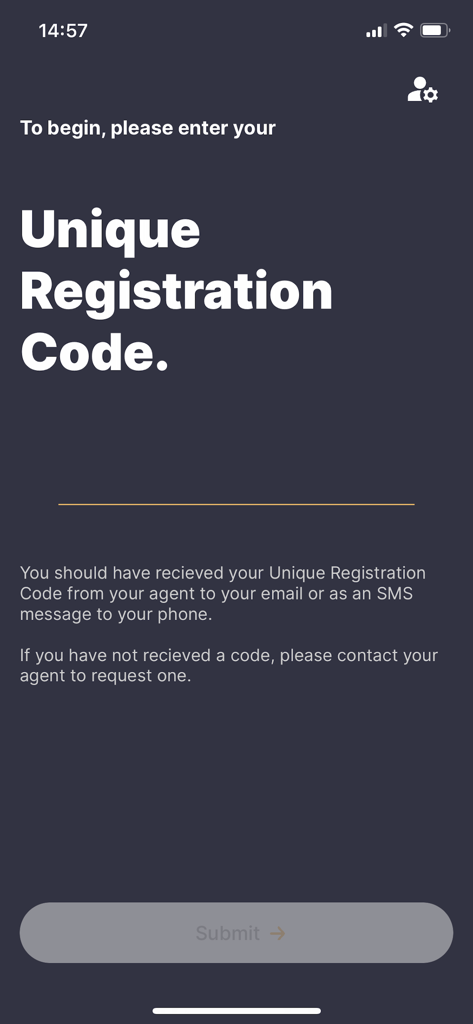
Mobile screen of the Credas app prompting the user to enter a unique registration code to start their identity verification process
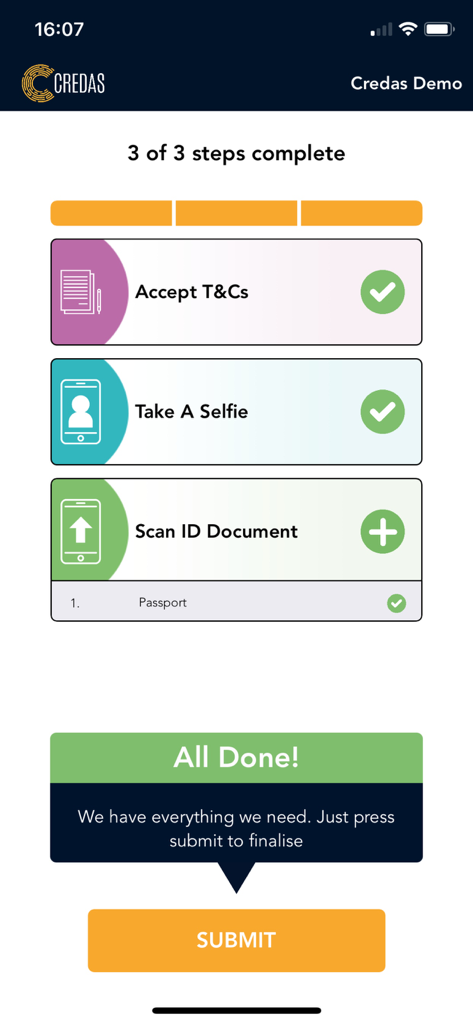
A mobile app screen showing three completed steps for identity verification with a final submit button.
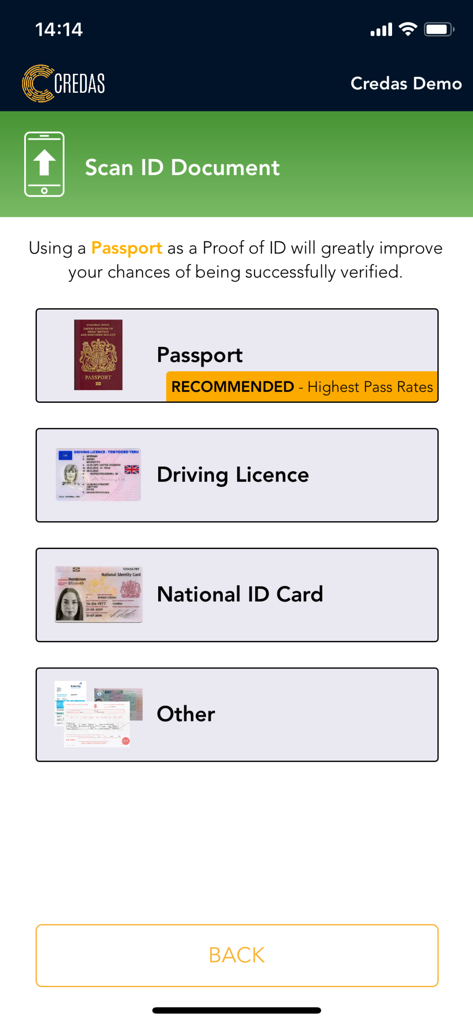
Credas app screen showing options to scan a passport driving license or national ID card
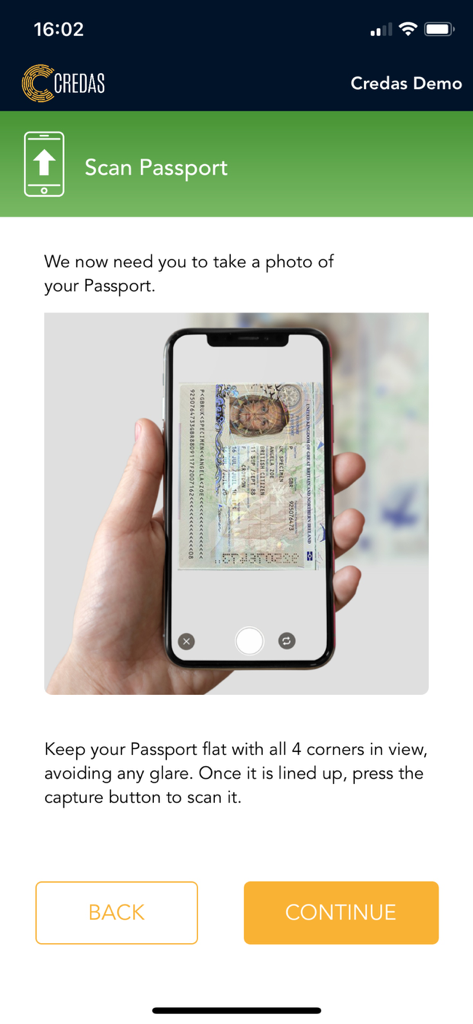
Credas app interface showing the process of scanning a passport for identity verification
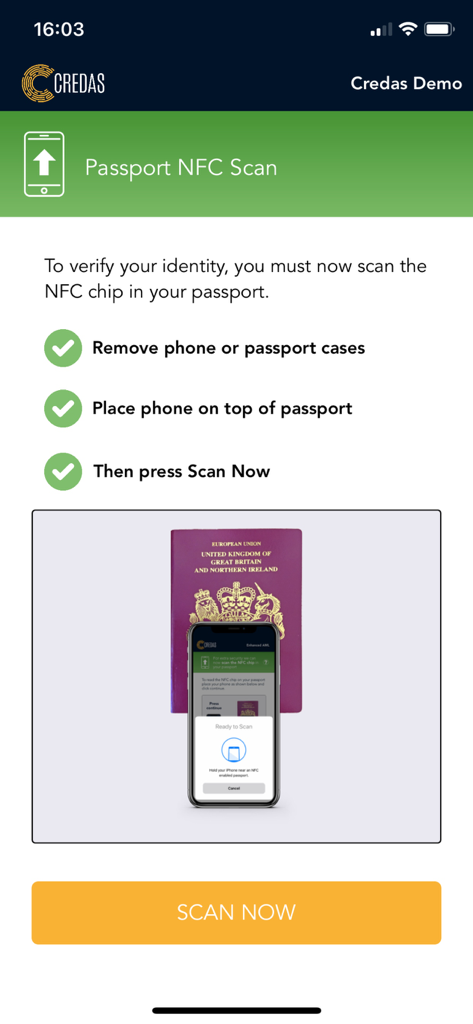
Instructions for passport NFC scan in the Credas identity verification app
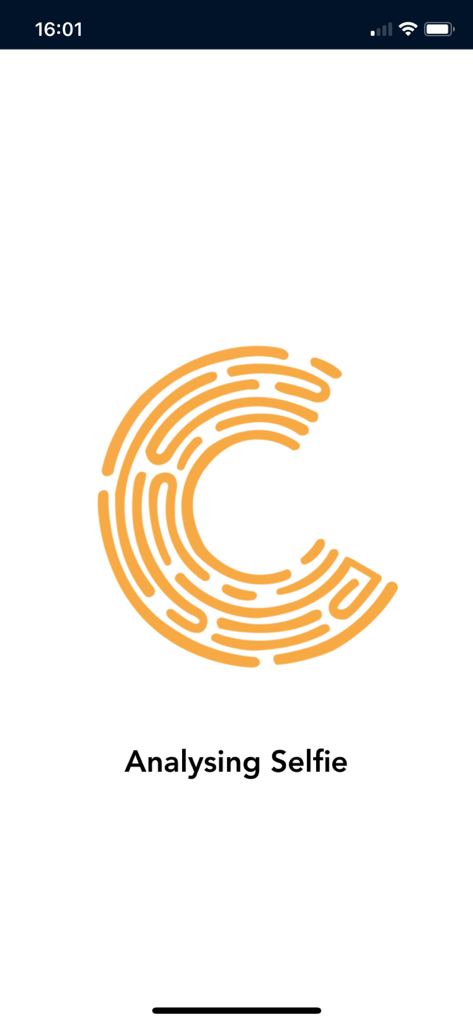
Credas app interface showing the Analysing Selfie step with an orange fingerprint logo
Description
Download
More Like This
Apps with similar features and user experience

Rocket Lawyer Legal & Law Help
Rocket Lawyer Incorporated

e签宝
Hangzhou Timevale Information Technology Co., Ltd.
ZenBusiness: LLC & Compliance
ZenBusiness PBC

Intermittent Plus
ORLAIM

Tattoo Release Forms
Voluta Tattoo Digital, LLC

ABSHER Business
NATIONAL INFORMATION CENTER

impresa italia
INFOCAMERE SOCIETA' CONSORTILE DI INFORMATICA DELLE CAMERE DI COMMERCIO ITALIANE PER AZIONI

运证通
CCCC Intelligence Transportation Company Limited

中国结算
CHINA SECURITIES DEPOSITORY AND CLEARING CORPORATION LIMITED
This page is not an official page of the app or its developer, but an independent editorial publication created for informational and commentary purposes. Unless expressly stated otherwise, neither the app nor its developer is affiliated with, endorsed by, sponsored by, authorized by, or otherwise officially connected with MWM, Apple, Google Play, the app publisher, or the app's developer, and nothing on this page implies that the app was developed using MWM's services. Any trademarks, logos, screenshots, and other content remain the property of their respective owners.