
This page is not an official page of the app or its developer, but an independent editorial publication created for informational and commentary purposes. Unless expressly stated otherwise, neither the app nor its developer is affiliated with, endorsed by, sponsored by, authorized by, or otherwise officially connected with MWM, Apple, Google Play, the app publisher, or the app's developer, and nothing on this page implies that the app was developed using MWM's services. Any trademarks, logos, screenshots, and other content remain the property of their respective owners.


Dexed Synth
Harness the power of authentic 80s synthesis with 20,000+ classic cartridges and full AUv3 support. Optimized for iPhone and iPad, it’s the ultimate vintage sound library for GarageBand, AUM, and your mobile DAW.
Downloads
14K+User Rating
Total Ratings
100Publisher
Category
MusicLocales
-Latest Version
1.2.3Size
103.1 MBFirst Released
May 7, 2019The Power of Iconic FM Synthesis
Dexed Synth brings the legendary sounds of the DX7 to your iOS device with professional AUv3 integration and a massive library of 20,000+ patches.
A Massive Sonic Library
Explore over 20,000 cartridges with 32 patches each, putting the history of FM synthesis at your fingertips.
Seamless DAW Integration
Full AUv3 support allows you to use Dexed as a plugin within professional apps like GarageBand, AUM, and Cubasis.
The following screenshots and description are sourced directly from the app's official store listing and are the property of the app developer.
App Store
Screenshots
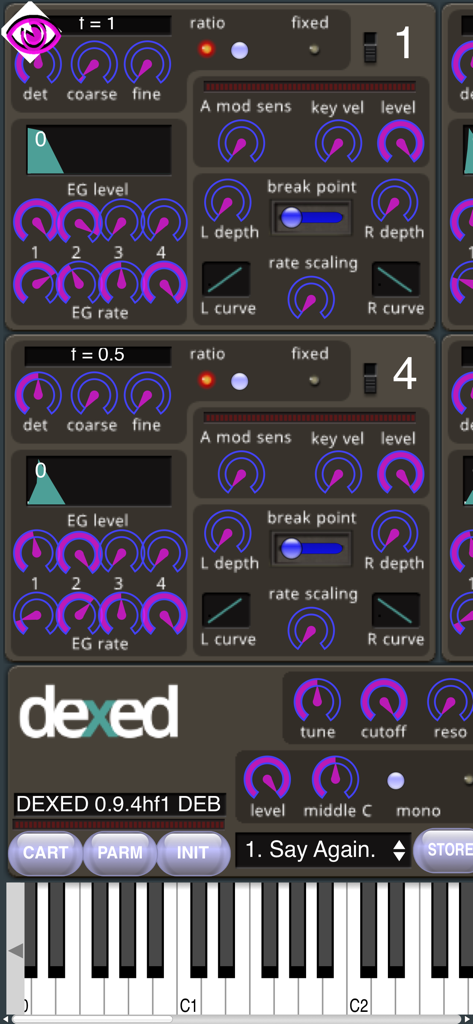
Dexed Synth FM synthesizer mobile application interface showing control knobs and virtual piano keyboard
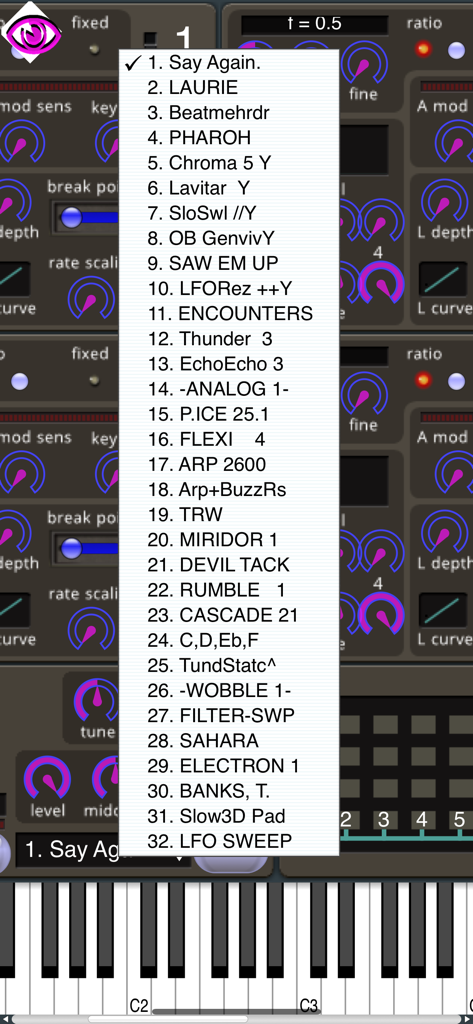
A dropdown menu showing a list of 32 sound patches in the Dexed Synth mobile app
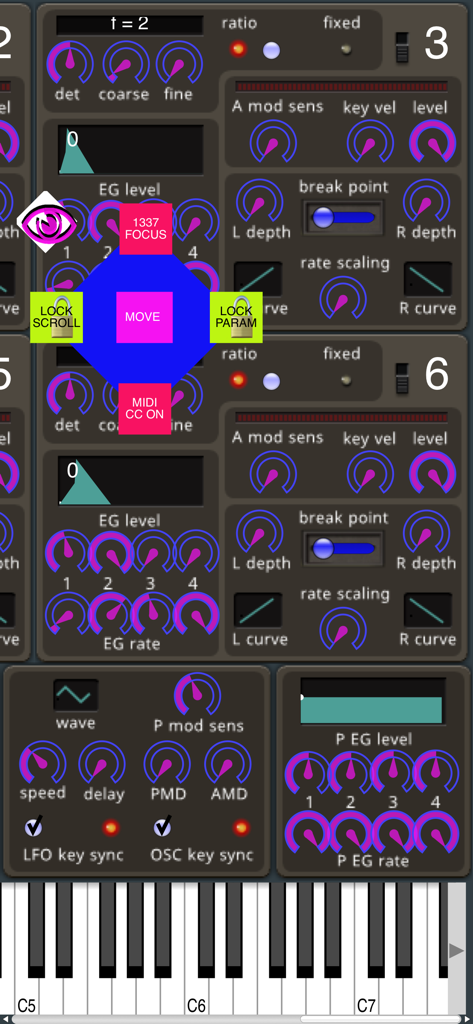
Dexed Synth mobile app interface showing FM synthesizer knobs and an overlay menu with scroll and parameter lock settings
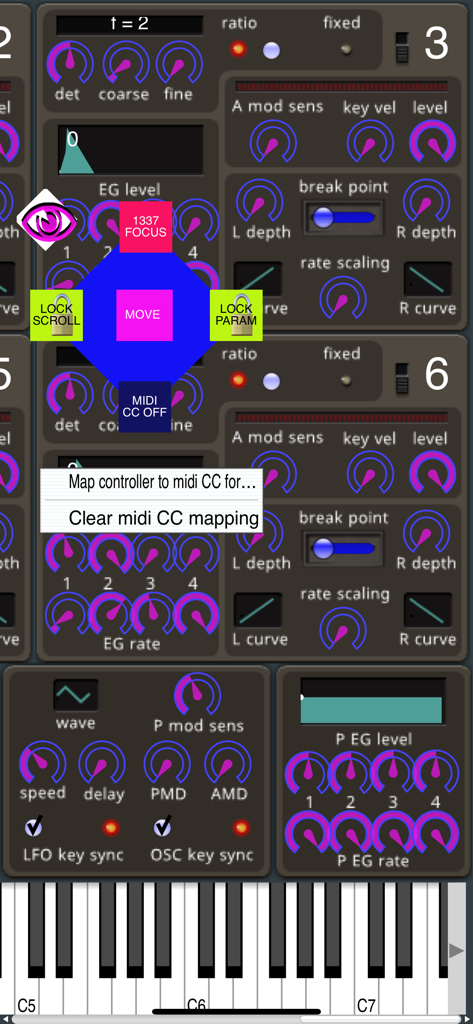
User interface of Dexed Synth showing MIDI CC mapping and parameter lock options.
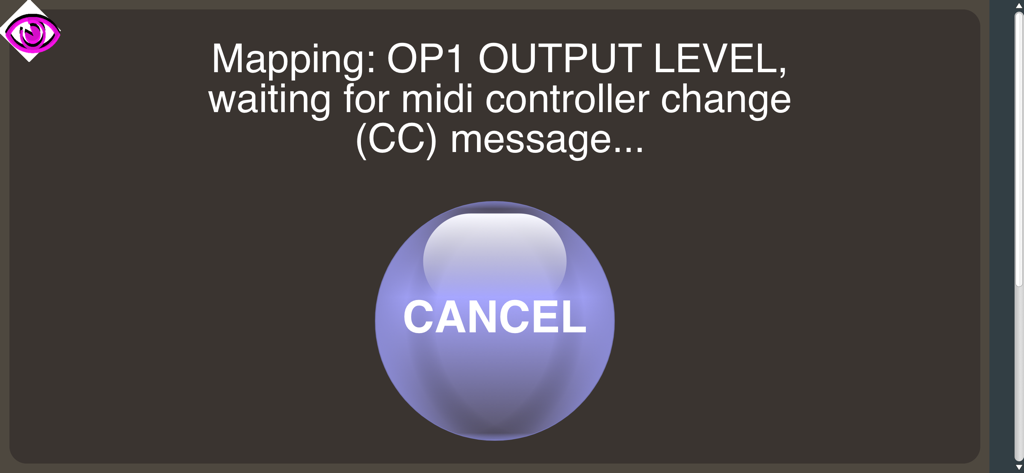
Dexed Synth MIDI CC mapping interface waiting for a controller message
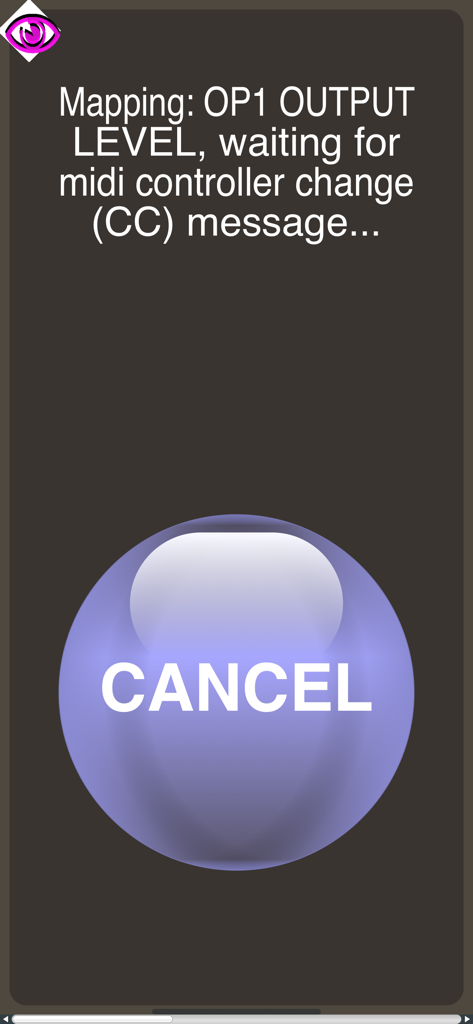
Dexed Synth MIDI CC mapping screen waiting for a controller message to map OP1 Output Level.
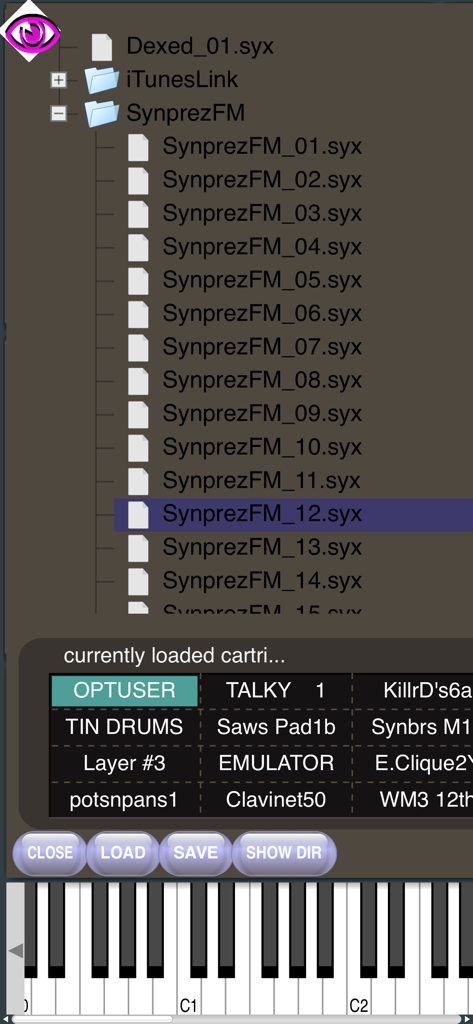
Dexed Synth mobile app interface showing sysex file directory and loaded sound patches
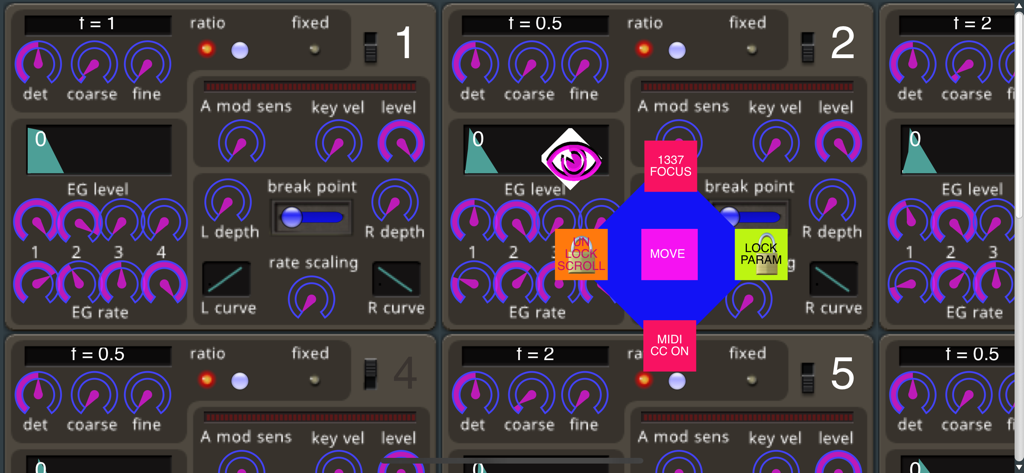
Technical interface of Dexed Synth showing FM synthesis knobs and a central control menu for mobile sound design
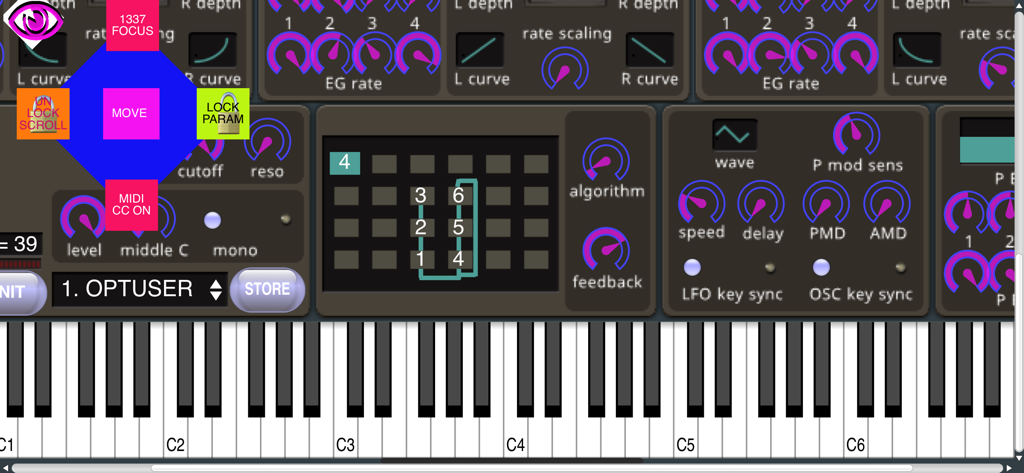
Interface of Dexed Synth app featuring FM synthesis controls and a piano keyboard
Description
Download
More Like This
Top-ranked apps in the same category

Spotify: Music and Podcasts
Spotify

YouTube Music
Google LLC

Shazam: Find Music & Concerts
Apple Inc.

SoundCloud: The Music You Love
SoundCloud Global Limited & Co KG

Suno - AI Songs & Music
Suno Inc.

QQ音乐 - 听我想听
Tencent Technology (Shenzhen) Company Limited

Audiomack - Play Music Offline
Audiomack, Inc.

GuitarTuna: Tune & Play Guitar
Yousician Ltd

BandLab – Music Maker & Beats
BandLab Singapore Pte Ltd
This page is not an official page of the app or its developer, but an independent editorial publication created for informational and commentary purposes. Unless expressly stated otherwise, neither the app nor its developer is affiliated with, endorsed by, sponsored by, authorized by, or otherwise officially connected with MWM, Apple, Google Play, the app publisher, or the app's developer, and nothing on this page implies that the app was developed using MWM's services. Any trademarks, logos, screenshots, and other content remain the property of their respective owners.