
This page is not an official page of the app or its developer, but an independent editorial publication created for informational and commentary purposes. Unless expressly stated otherwise, neither the app nor its developer is affiliated with, endorsed by, sponsored by, authorized by, or otherwise officially connected with MWM, Apple, Google Play, the app publisher, or the app's developer, and nothing on this page implies that the app was developed using MWM's services. Any trademarks, logos, screenshots, and other content remain the property of their respective owners.


Dice Roller!
The digital dice roller space is crowded. This app cuts through the noise, empowering users to dictate chance with unparalleled control and style.
Downloads
1M+User Rating
Total Ratings
20.6KPublisher
Category
UtilitiesLocales
33Latest Version
2.2.1Size
35.4 MBFirst Released
Apr 13, 2021An Analytical Overview for Gaming Enthusiasts and Casual Users
Key Features of 'Dice Roller!'
Intuitive User Interface
This tool boasts a clean and intuitive interface, ensuring ease of use for all types of players, from casual users to seasoned RPG enthusiasts.
Customizable Dice Ranges
The app allows users to select from standard dice types (e.g., d6, d20) or define fully custom ranges, accommodating diverse game mechanics from simple chance to complex RPG systems.
Multi-Die Rolling Capacity
It provides the ability to roll between 1 and 40 dice simultaneously, which is highly beneficial for complex tabletop RPG scenarios, large-scale board games, or quick decision-making tasks.
Personalized Custom Dice
This tool features the option to create unique dice using text, emojis, or images, enhancing personalization for role-playing, thematic games, or even social media challenges.
Saved Custom Setups
It enables users to save up to 10 custom dice configurations, offering quick access to frequently used dice pools and streamlining gameplay transitions.
Lockable Dice Functionality
The app allows users to lock individual dice, preserving their results between rolls, which is useful for games with multi-step mechanics or re-rolling specific dice.
Instant Total Sum
It automatically displays the total sum of all rolled dice, significantly speeding up calculations for users in games where quick sums are frequently required.
Immersive Feedback
The app incorporates immersive sound effects and haptic feedback, enhancing the tactile and auditory experience of rolling dice, contributing to a more engaging session.
Frequently Asked Questions
Everything you need to know about Dice Roller!
How many dice can I roll simultaneously with the Dice Roller! app?
Yes, the Dice Roller! app allows users to roll between 1 and 40 dice at a time, providing flexibility for various board and role-playing games.
Can I customize the range of dice values in the Dice Roller! app?
Yes, the Dice Roller! app allows customization of dice ranges. Users can choose preset ranges like 1-6 or define any custom range from 0 to 100.
Does the Dice Roller! app provide haptic feedback and sounds?
Yes, the Dice Roller! app includes both shaking and rolling sounds, as well as haptic feedback (vibration), to enhance the dice rolling experience.
What customization options are available for dice appearance in the Dice Roller! app?
The Dice Roller! app offers various appearance customizations. Users can choose from different colors for each die and display dice values as either dots or numbers.
Can I lock individual dice while rolling in the Dice Roller! app?
Yes, the Dice Roller! app features the ability to lock individual dice. This allows users to re-roll only specific dice while keeping others fixed.
Does the Dice Roller! app show the total of all dice rolled?
Yes, the Dice Roller! app can display the total sum of all dice rolled after each roll. This is a configurable option within the app's settings.
The following screenshots and description are sourced directly from the app's official store listing and are the property of the app developer.
App Store
Screenshots
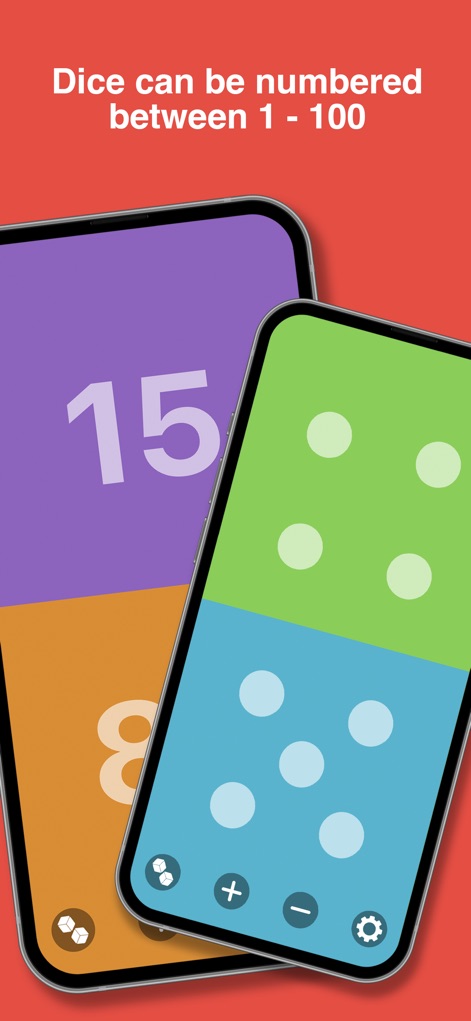
Observe the app's capability to display results as classic dots or with custom numbered ranges for versatile gameplay.
Flexible Dice Values
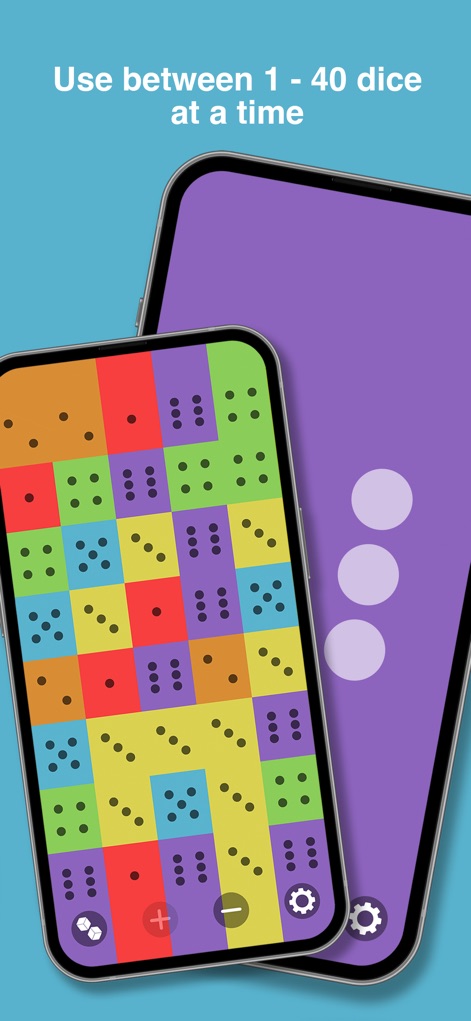
Witness the app's seamless handling of up to 40 dice at once and the intuitive controls for adjusting quantity.
Massive Dice Rolls
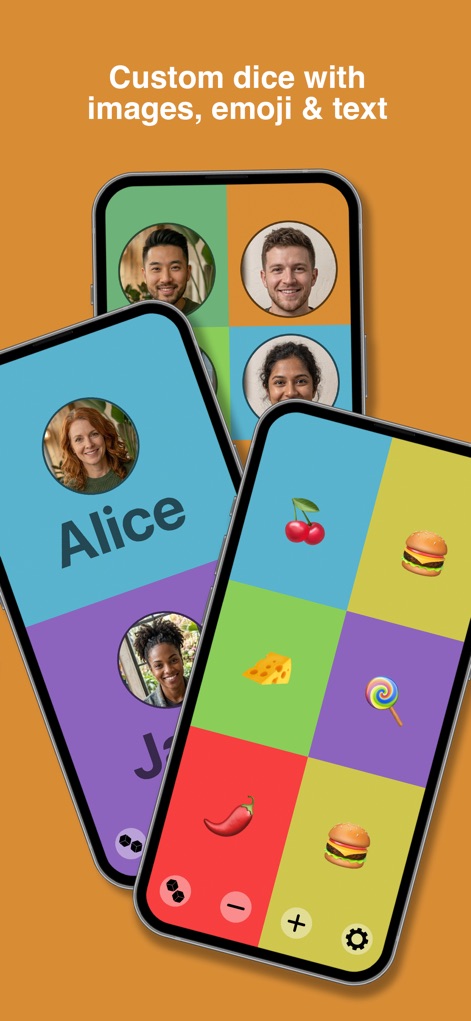
Explore how users can create custom dice using personalized text labels, expressive emojis, or unique images.
Personalized Dice Faces
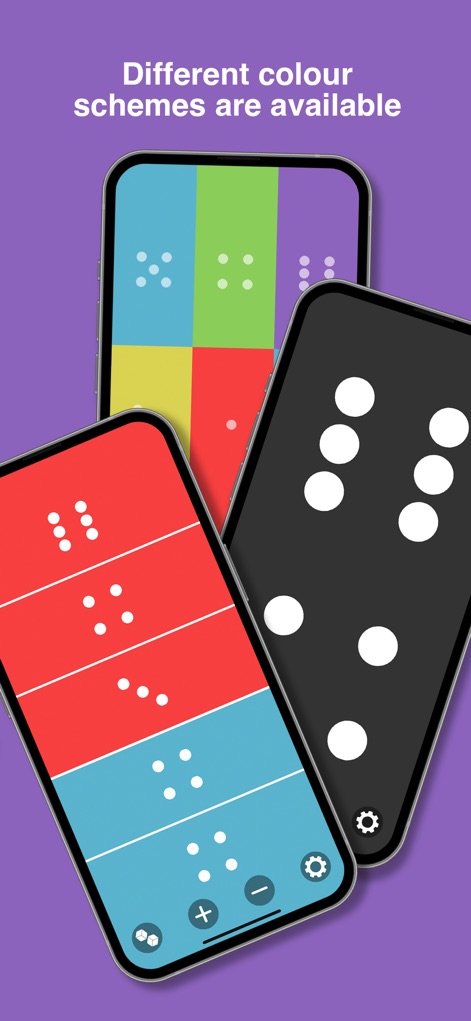
Discover the array of diverse color palettes available, allowing users to customize each die for a visually appealing experience.
Vibrant Color Options
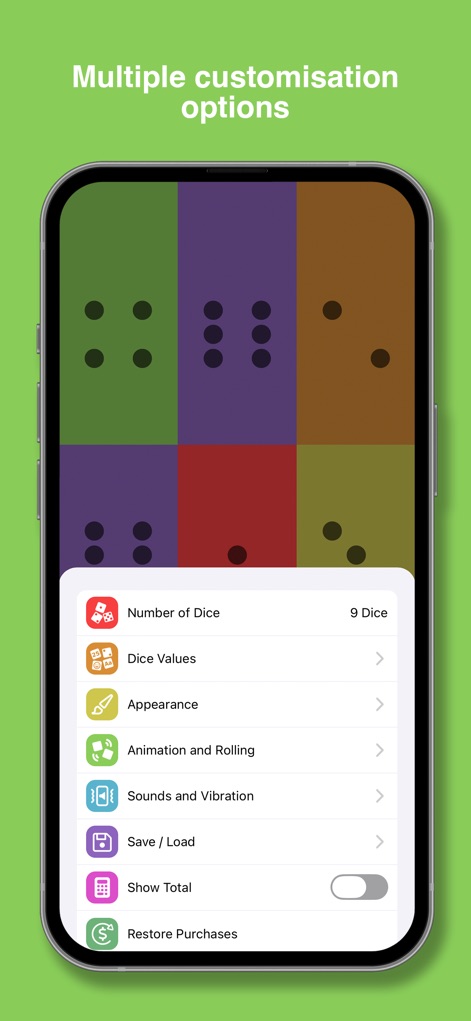
Access the comprehensive settings menu, providing granular control over options like saving custom setups and adjusting animation styles.
Deep Customization Controls
Description
Download
More Like This
Apps with similar features and user experience


This page is not an official page of the app or its developer, but an independent editorial publication created for informational and commentary purposes. Unless expressly stated otherwise, neither the app nor its developer is affiliated with, endorsed by, sponsored by, authorized by, or otherwise officially connected with MWM, Apple, Google Play, the app publisher, or the app's developer, and nothing on this page implies that the app was developed using MWM's services. Any trademarks, logos, screenshots, and other content remain the property of their respective owners.