
This page is not an official page of the app or its developer, but an independent editorial publication created for informational and commentary purposes. Unless expressly stated otherwise, neither the app nor its developer is affiliated with, endorsed by, sponsored by, authorized by, or otherwise officially connected with MWM, Apple, Google Play, the app publisher, or the app's developer, and nothing on this page implies that the app was developed using MWM's services. Any trademarks, logos, screenshots, and other content remain the property of their respective owners.


Dictate⁺
Transform your iPhone into a high-end secure recording device. Experience precise voice activation, AES-256 encryption, and the power to overwrite or insert sections on the go—engineered for professionals who value billable efficiency and absolute privacy.
Downloads
4K+User Rating
Total Ratings
1K+Publisher
Category
BusinessLocales
6Latest Version
3.3.1Size
28.2 MBFirst Released
Mar 2, 2021Professional Dictation Without Compromise
Replace expensive handheld hardware with a secure, high-precision dictation suite designed for legal, medical, and field professionals who value billable efficiency.
Precision Editing & Overwriting
Edit your recordings with frame-perfect accuracy. Unlike standard voice memos, you can insert, overwrite, or delete sections mid-sentence to ensure your reports are flawless before sending.
Bank-Level Security & HIPAA Ready
Protect sensitive client and patient data with AES-256 encryption and biometric access. We collect zero telemetry or usage data, ensuring your professional privilege remains absolute.
The following screenshots and description are sourced directly from the app's official store listing and are the property of the app developer.
App Store
Screenshots
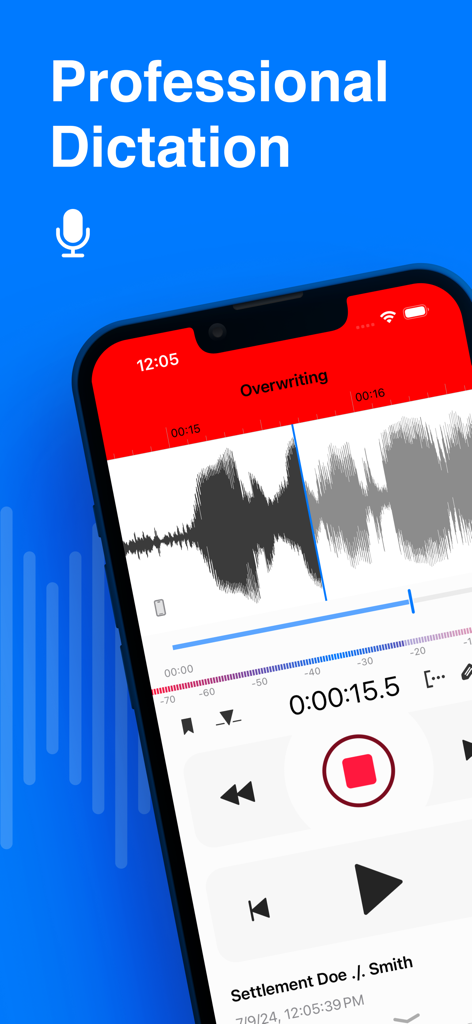
Smartphone screen showing the professional dictation app Dictate Plus with an audio waveform and the overwrite editing feature.
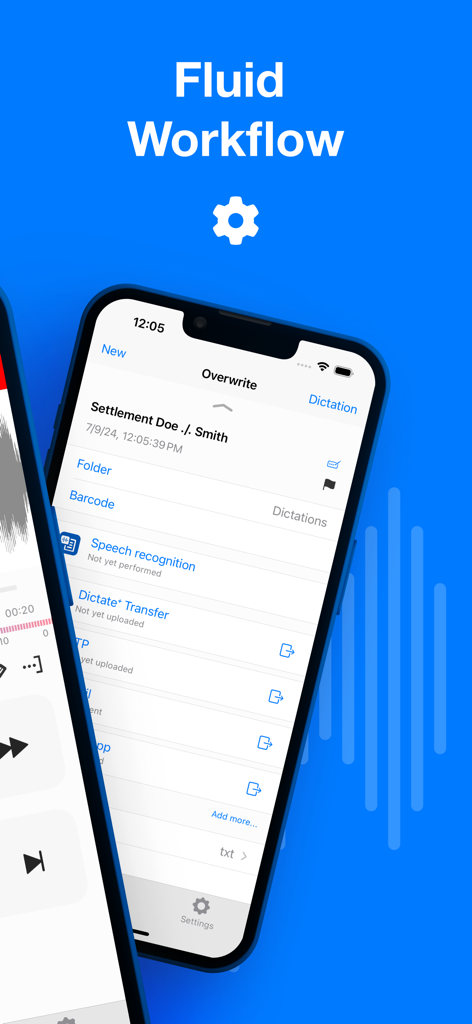
Professional dictation workflow screen in Dictate Plus app on iPhone
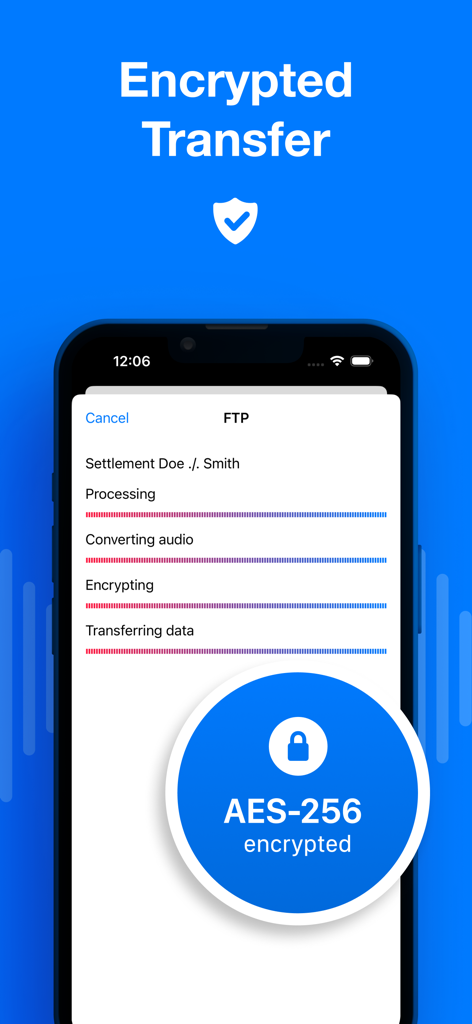
Dictate Plus app interface showing AES-256 encrypted audio transfer progress
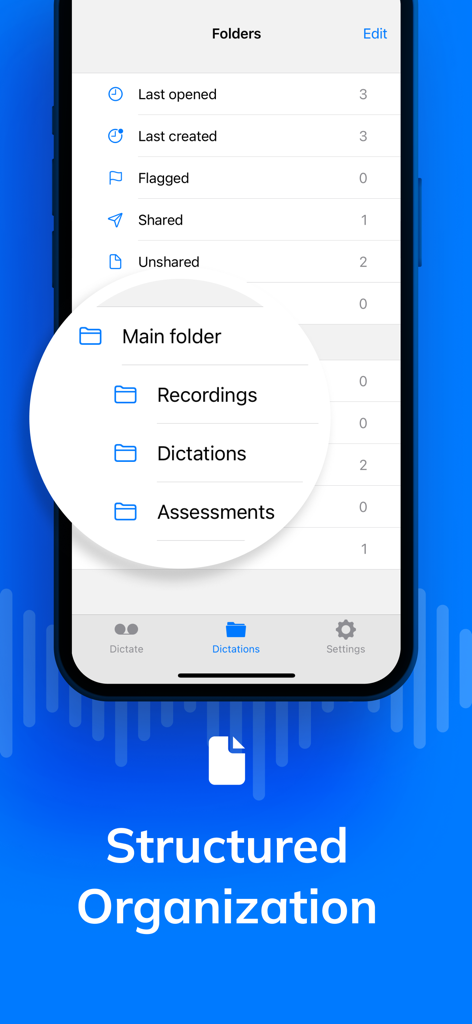
Dictate plus app interface showing structured folder organization for professional recordings and dictations
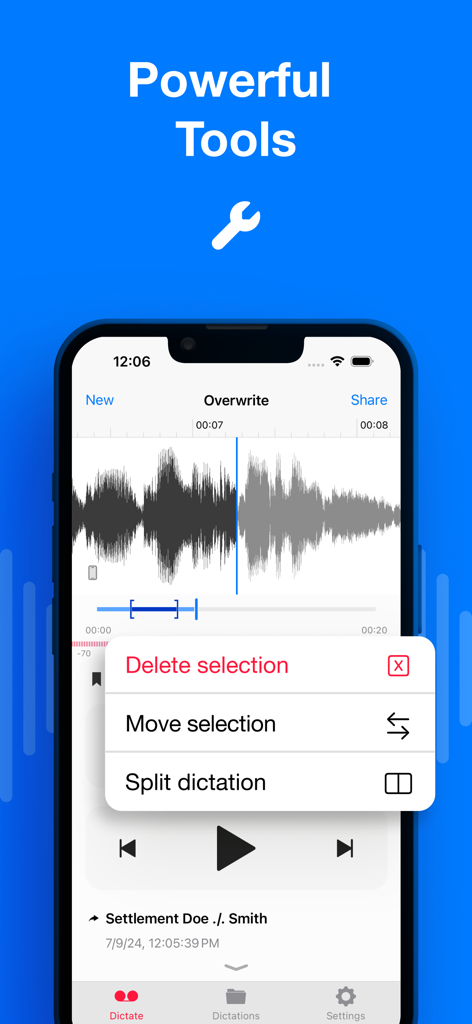
iPhone screen showing Dictate Plus app with professional audio editing tools like delete, move, and split selection
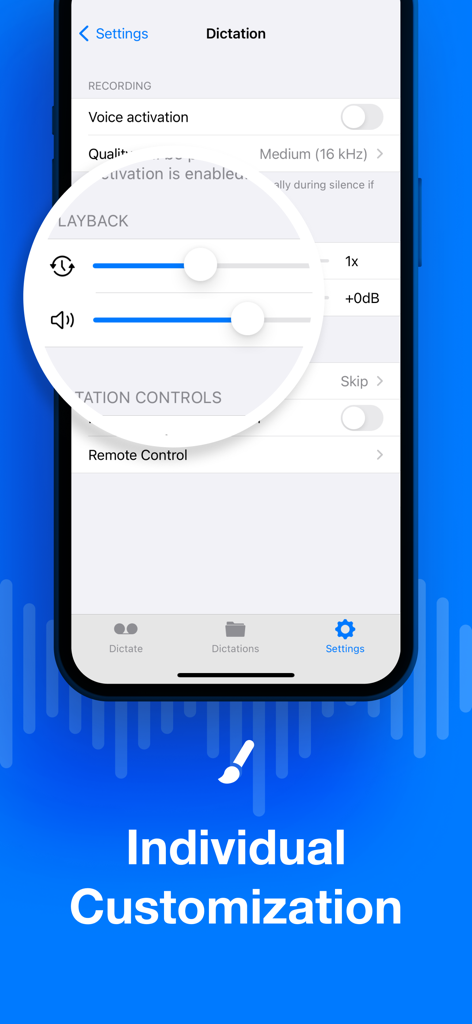
Settings screen of the Dictate plus app showing customizable recording and playback options for professionals
Description
Download
More Like This
Apps with similar features and user experience

Chartnote Mobile
StatNote, Inc.
Commure - AI Medical Scribe
Commure, Inc.
Moments for Therapists
Moments Journal, Inc.

Heidi AI Medical Scribe
Heidi Health Trading Pty Ltd

Conveyor AI - EMR Dictation
Mobius Health, Inc.

Commure Ambient - ScribeMobile
Athelas Inc.

SOAP Notes
Eclectic DNA, LLC

AlbuSoins
Sofia Dev
PowerMic Mobile
Nuance Communications
This page is not an official page of the app or its developer, but an independent editorial publication created for informational and commentary purposes. Unless expressly stated otherwise, neither the app nor its developer is affiliated with, endorsed by, sponsored by, authorized by, or otherwise officially connected with MWM, Apple, Google Play, the app publisher, or the app's developer, and nothing on this page implies that the app was developed using MWM's services. Any trademarks, logos, screenshots, and other content remain the property of their respective owners.