
This page is not an official page of the app or its developer, but an independent editorial publication created for informational and commentary purposes. Unless expressly stated otherwise, neither the app nor its developer is affiliated with, endorsed by, sponsored by, authorized by, or otherwise officially connected with MWM, Apple, Google Play, the app publisher, or the app's developer, and nothing on this page implies that the app was developed using MWM's services. Any trademarks, logos, screenshots, and other content remain the property of their respective owners.


dLive MixPad
Untether from the console and walk the room with confidence. Take total command of faders, processing, and monitor mixes directly from your iPad to deliver the perfect sound from any seat in the house.
Downloads
66K+User Rating
Total Ratings
0Publisher
Category
MusicLocales
1Latest Version
2.11Size
34.5 MBFirst Released
Nov 9, 2016Professional Wireless Command for dLive
Untether from the console and take complete mobile control of your dLive system with a professional toolset designed for high-stakes live sound environments.
Sonic Mobility
Break free from the sound booth. Walk the venue to hear exactly what the audience hears and adjust faders, EQ, and dynamics in real-time from any seat.
Stage-Side Monitor Mixing
Build trust with performers by standing right next to them on stage. Dial in aux sends and monitor mixes instantly where the sound matters most.
The following screenshots and description are sourced directly from the app's official store listing and are the property of the app developer.
App Store
Screenshots
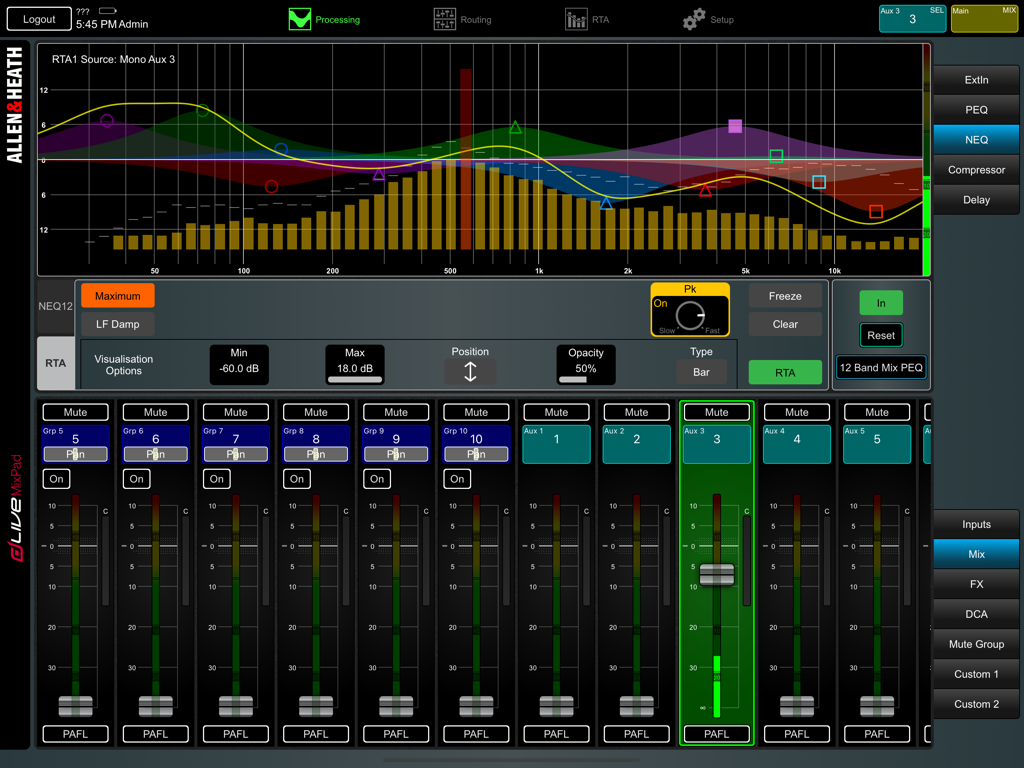
Interface of the dLive MixPad app showing a real-time analyzer and audio mixing faders
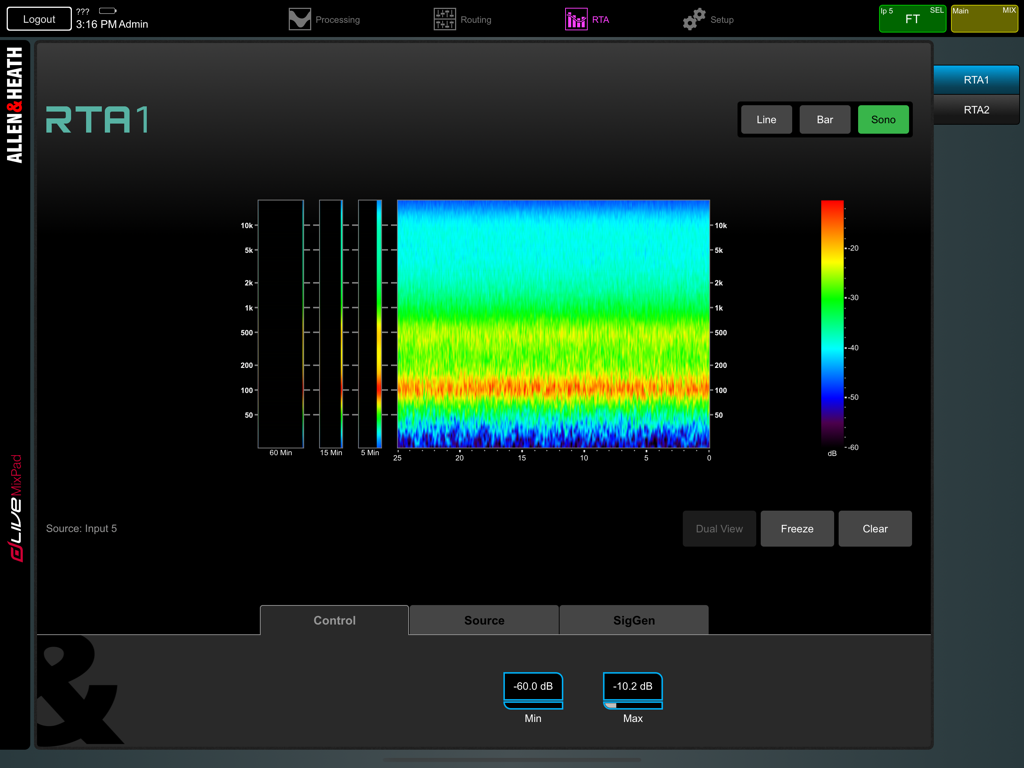
dLive MixPad Real-Time Analyzer screen showing a colorful sonogram for audio frequency monitoring
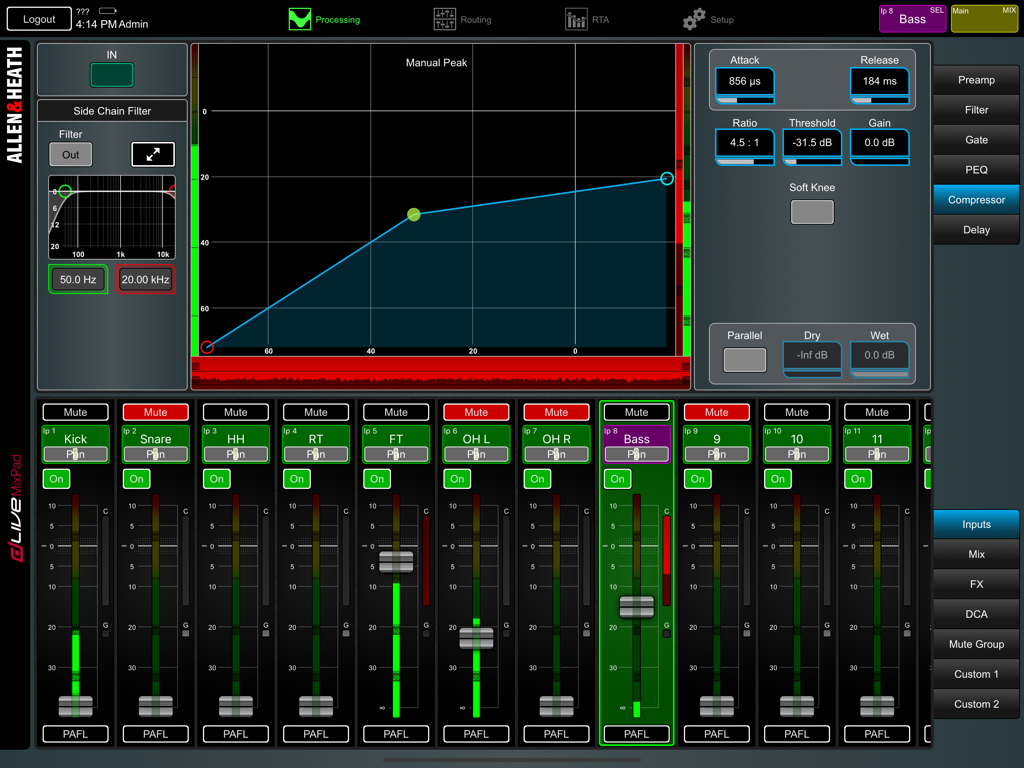
Interface of the dLive MixPad app showing compressor settings and audio channel faders for a live mix
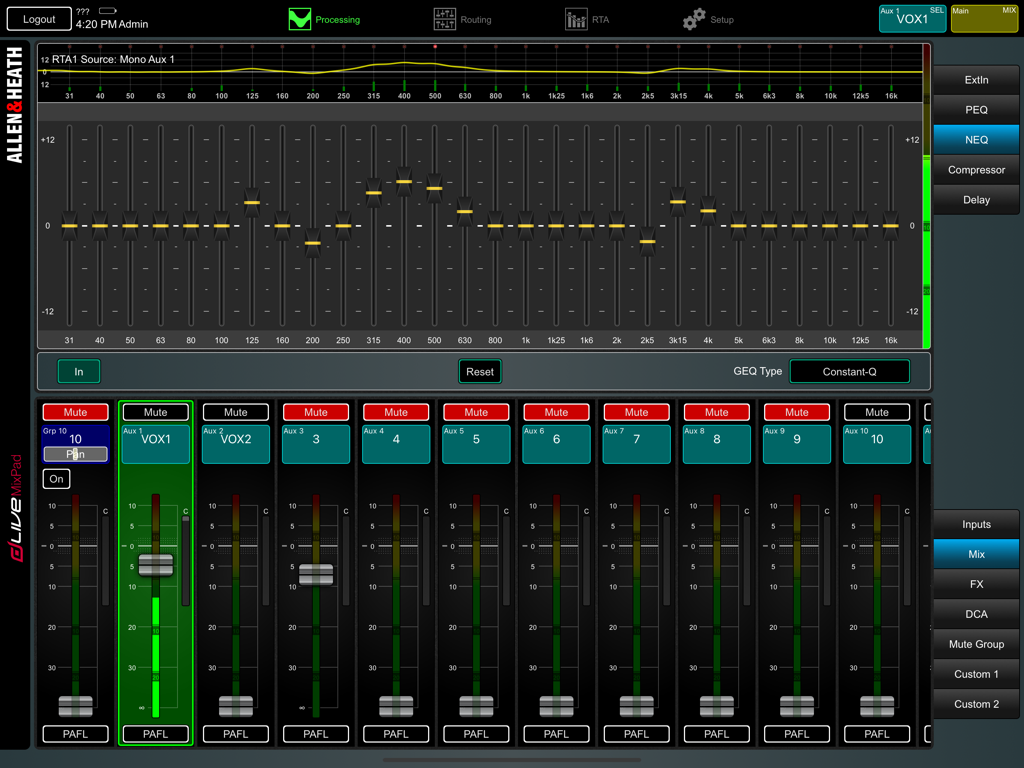
Graphic equalizer and mixer channel faders in the dLive MixPad app
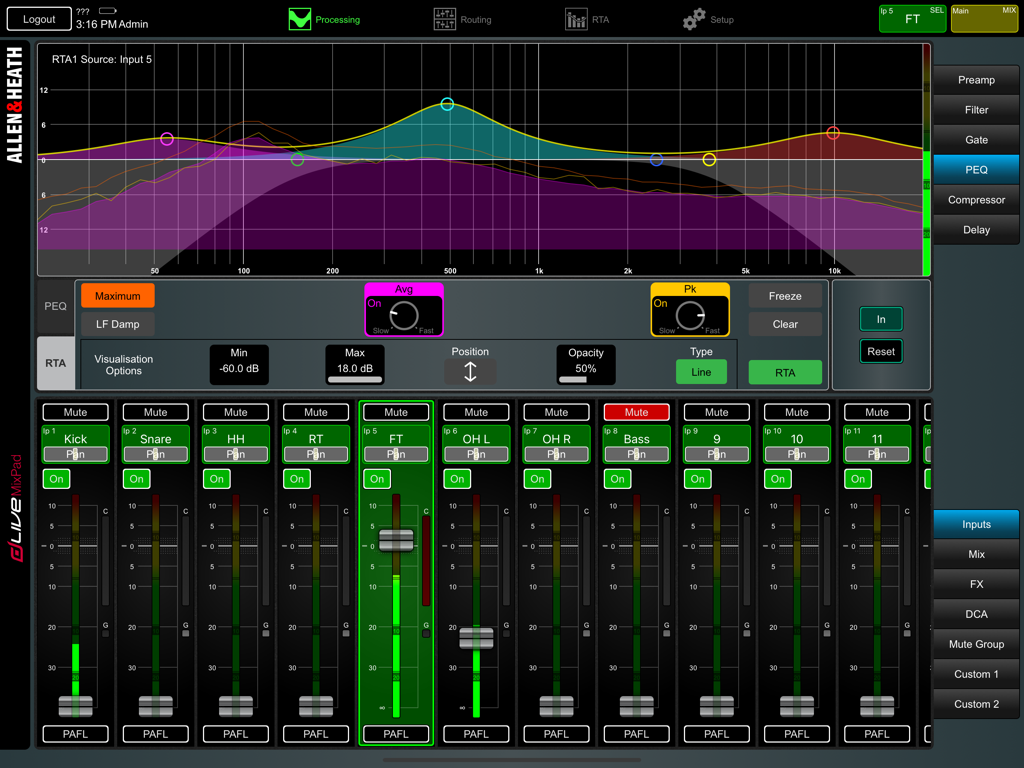
dLive MixPad professional audio mixing interface with PEQ graph and channel faders
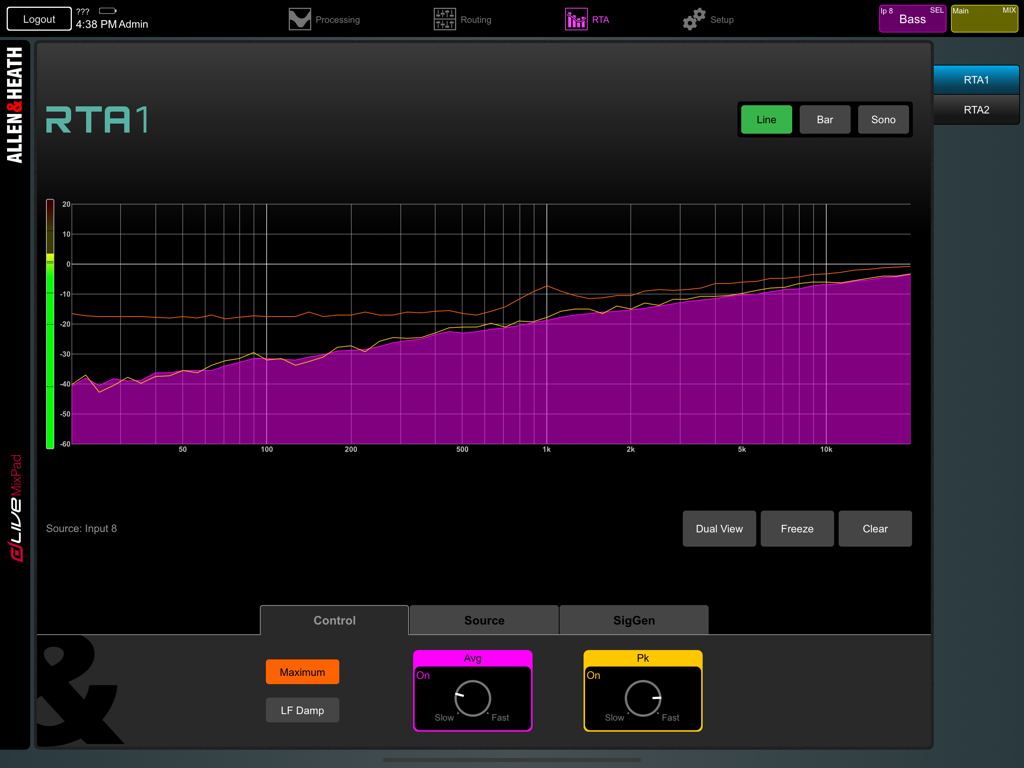
Real-time analyzer RTA interface in dLive MixPad app showing frequency spectrum
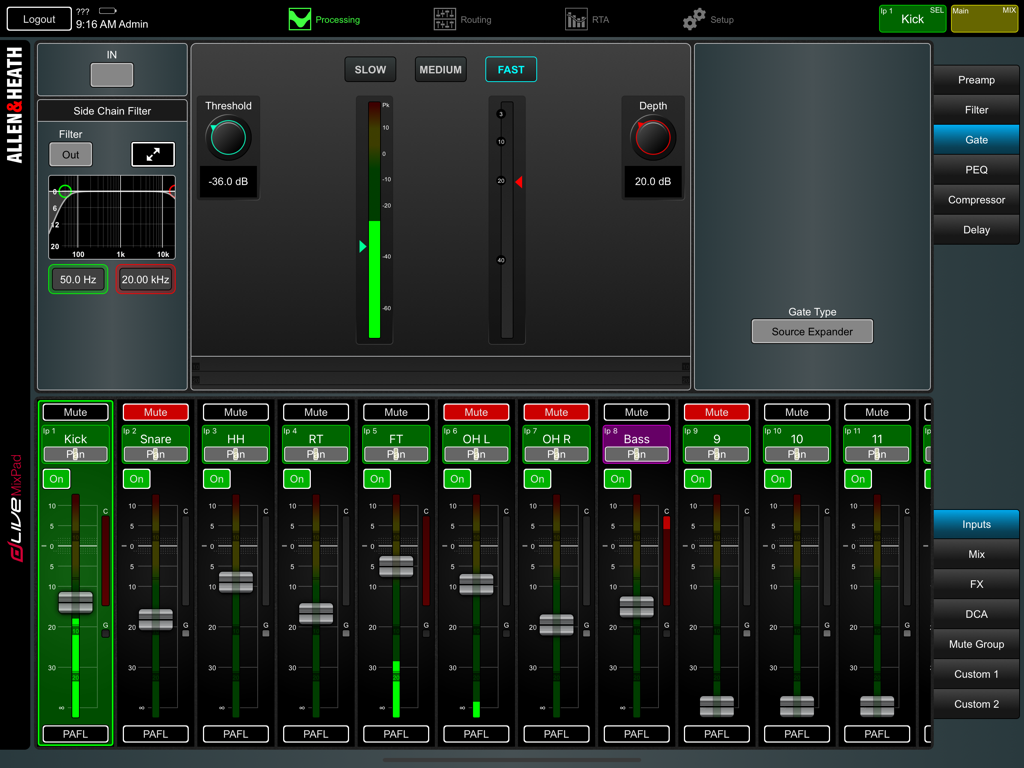
Professional audio mixing interface on the dLive MixPad app showing gate settings and channel strips.
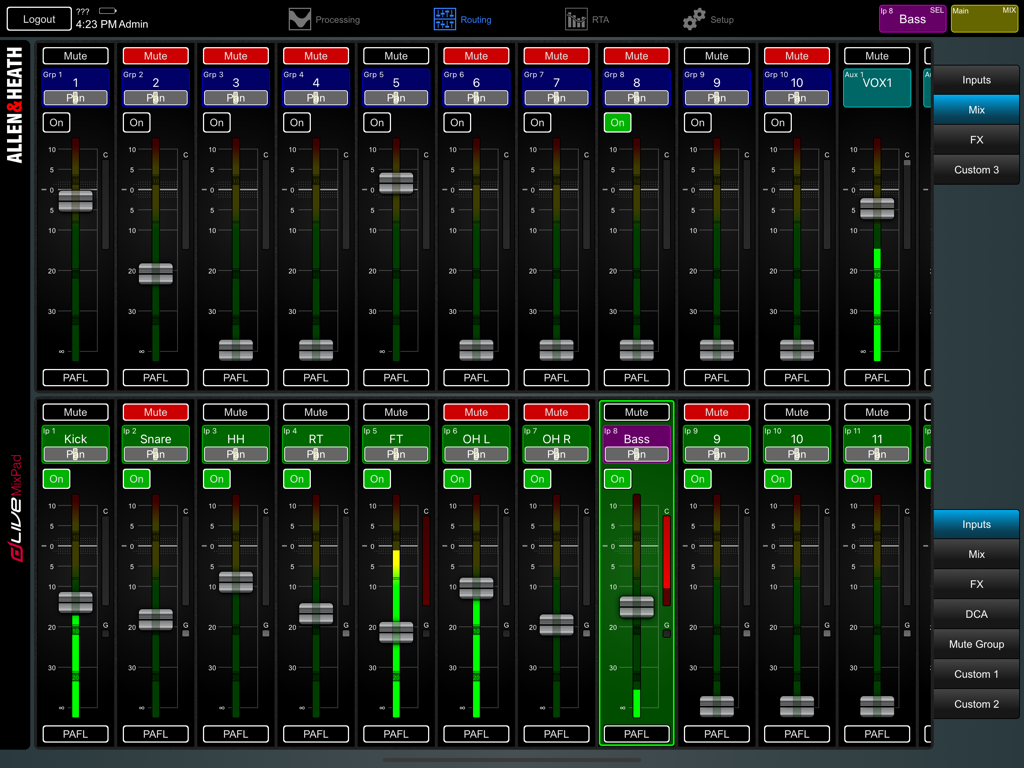
Digital audio mixing interface of dLive MixPad showing faders and channel controls on an iPad
Description
Download
More Like This
Top-ranked apps in the same category

Spotify: Music and Podcasts
Spotify

YouTube Music
Google LLC

Shazam: Find Music & Concerts
Apple Inc.

SoundCloud: The Music You Love
SoundCloud Global Limited & Co KG

Suno - AI Songs & Music
Suno Inc.

QQ音乐 - 听我想听
Tencent Technology (Shenzhen) Company Limited

Audiomack - Play Music Offline
Audiomack, Inc.

GuitarTuna: Tune & Play Guitar
Yousician Ltd

BandLab – Music Maker & Beats
BandLab Singapore Pte Ltd
This page is not an official page of the app or its developer, but an independent editorial publication created for informational and commentary purposes. Unless expressly stated otherwise, neither the app nor its developer is affiliated with, endorsed by, sponsored by, authorized by, or otherwise officially connected with MWM, Apple, Google Play, the app publisher, or the app's developer, and nothing on this page implies that the app was developed using MWM's services. Any trademarks, logos, screenshots, and other content remain the property of their respective owners.