DrawLikePro
DrawLikePro
Download on App Store

This page is not an official page of the app or its developer, but an independent editorial publication created for informational and commentary purposes. Unless expressly stated otherwise, neither the app nor its developer is affiliated with, endorsed by, sponsored by, authorized by, or otherwise officially connected with MWM, Apple, Google Play, the app publisher, or the app's developer, and nothing on this page implies that the app was developed using MWM's services. Any trademarks, logos, screenshots, and other content remain the property of their respective owners.

Logo of DrawLikePro
Download on App Store

DrawLikePro

The ultimate iPad production studio for the modern creator. Bridge the gap between observation and execution with the 'Peek & Check' training system while recording clean, viral-ready art content for TikTok and Instagram.

Key Figures

Downloads

600

User Rating

1.0/5

Total Ratings

0

Publisher

Junaid Khan

Category

Graphics & Design

Locales

1

Latest Version

3.0.22

Size

5.0 MB

First Released

Oct 9, 2025
Features

Master Your Craft, Share Your Journey

Transform your iPad into a high-performance training system and production studio. Designed to build professional muscle memory while creating viral-ready content for Art-Tok and Instagram.

Build Real Muscle Memory

Ditch blind tracing. Use the 'Peek and Check' method to actively train your brain to see proportions and form, turning references into permanent drawing skills.

Viral-Ready Content Studio

Record professional, UI-free timelapses or use Camera Lucida mode to film your hand drawing on physical paper. Share your process with cinematic titles and zero clutter.

The following screenshots and description are sourced directly from the app's official store listing and are the property of the app developer.

App Store

Screenshots
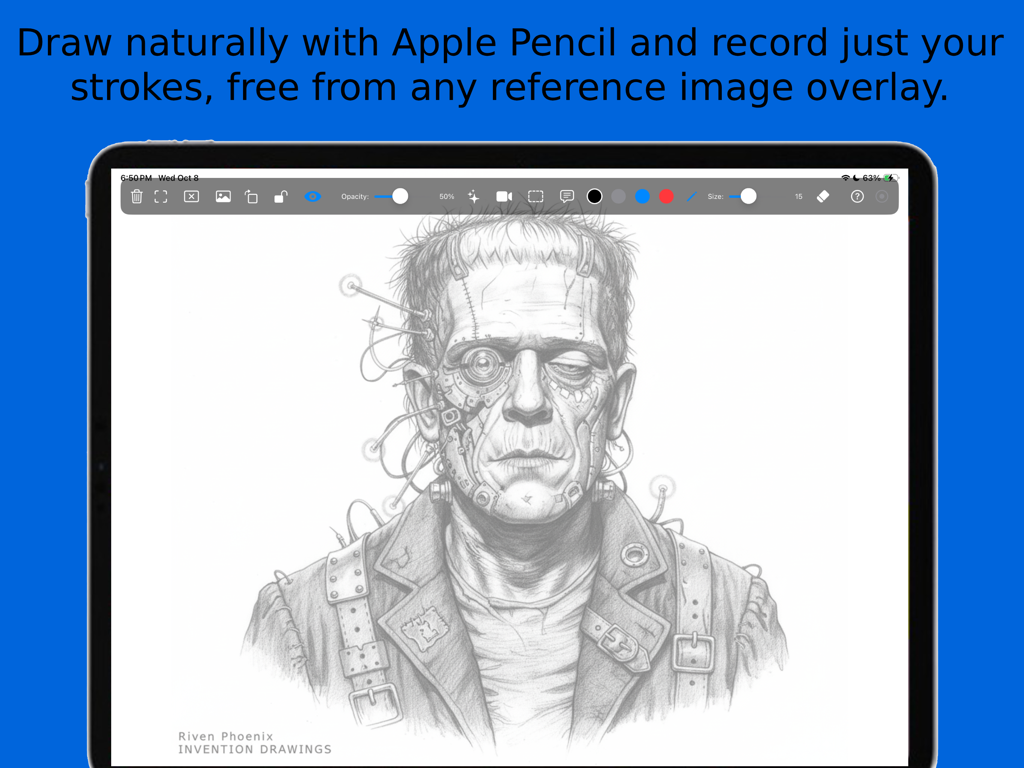
DrawLikePro - A detailed digital pencil drawing of a Frankenstein character on an iPad using the DrawLikePro app interface.
A detailed digital pencil drawing of a Frankenstein character on an iPad using the DrawLikePro app interface.

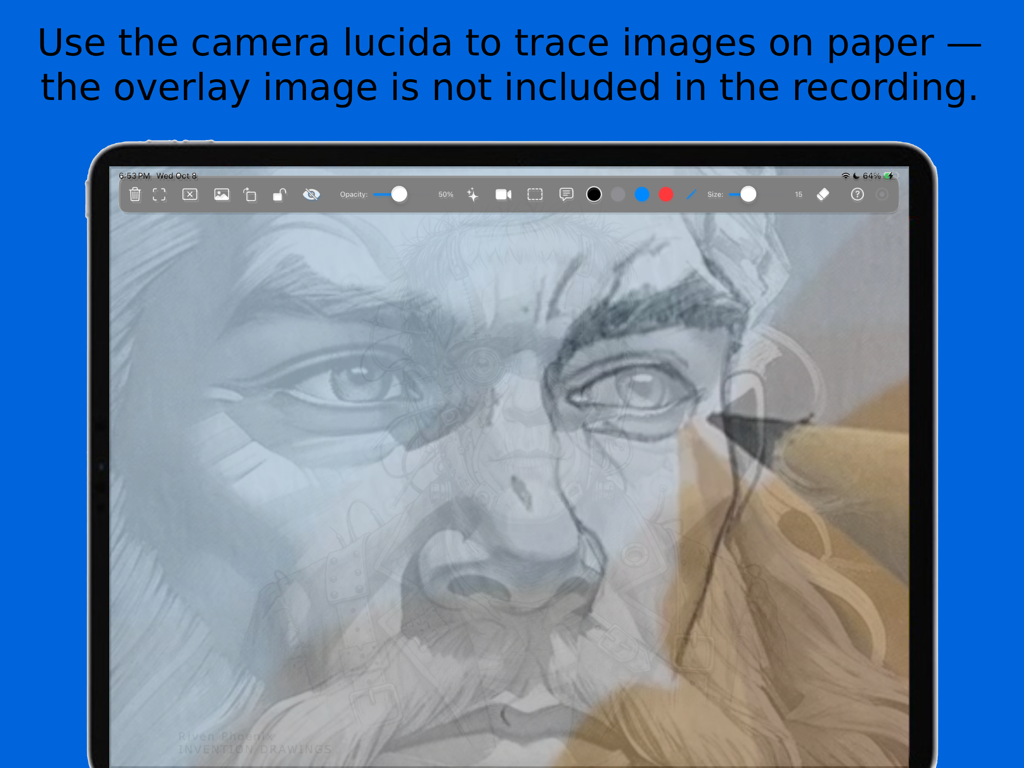
DrawLikePro - iPad screen showing DrawLikePro camera lucida mode for tracing drawings on paper
iPad screen showing DrawLikePro camera lucida mode for tracing drawings on paper

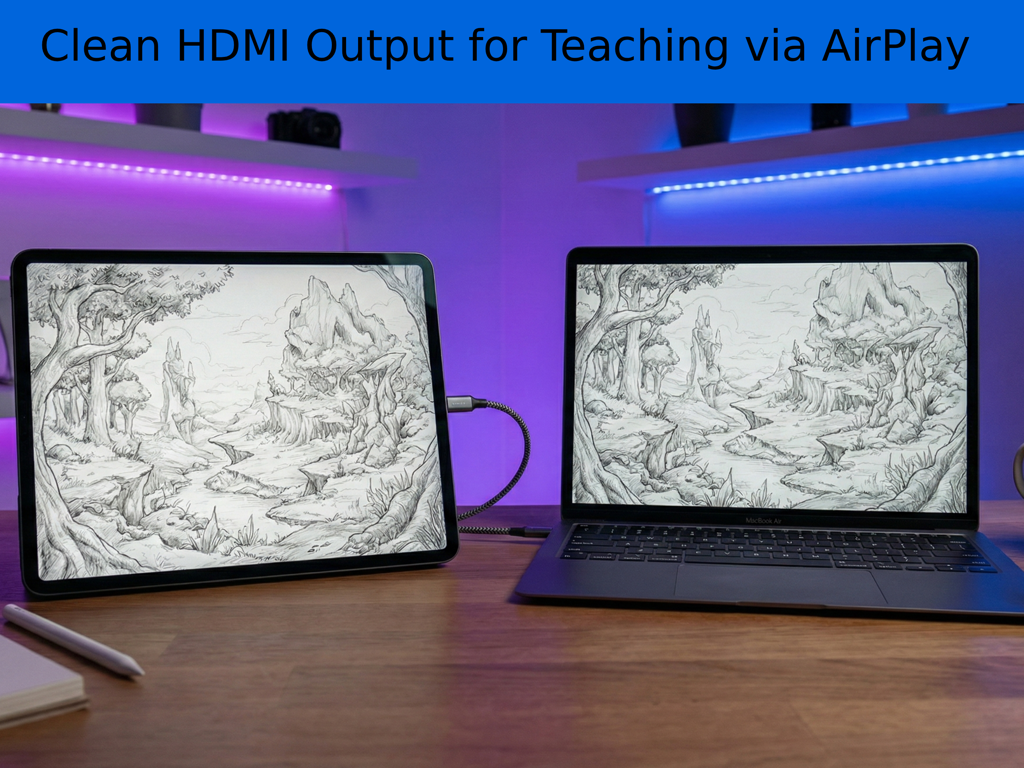
DrawLikePro - iPad and laptop screens displaying a clean drawing interface for art instruction via HDMI output.

iPad and laptop screens displaying a clean drawing interface for art instruction via HDMI output.
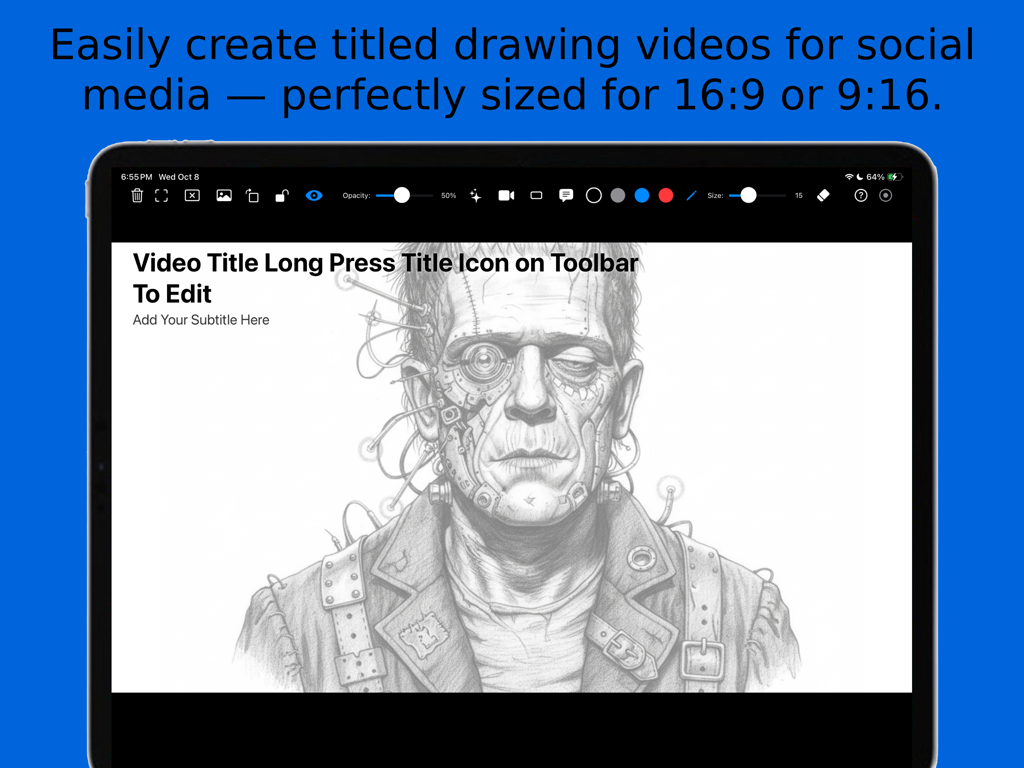
DrawLikePro - DrawLikePro app on iPad showing titled drawing video creation for social media
DrawLikePro app on iPad showing titled drawing video creation for social media

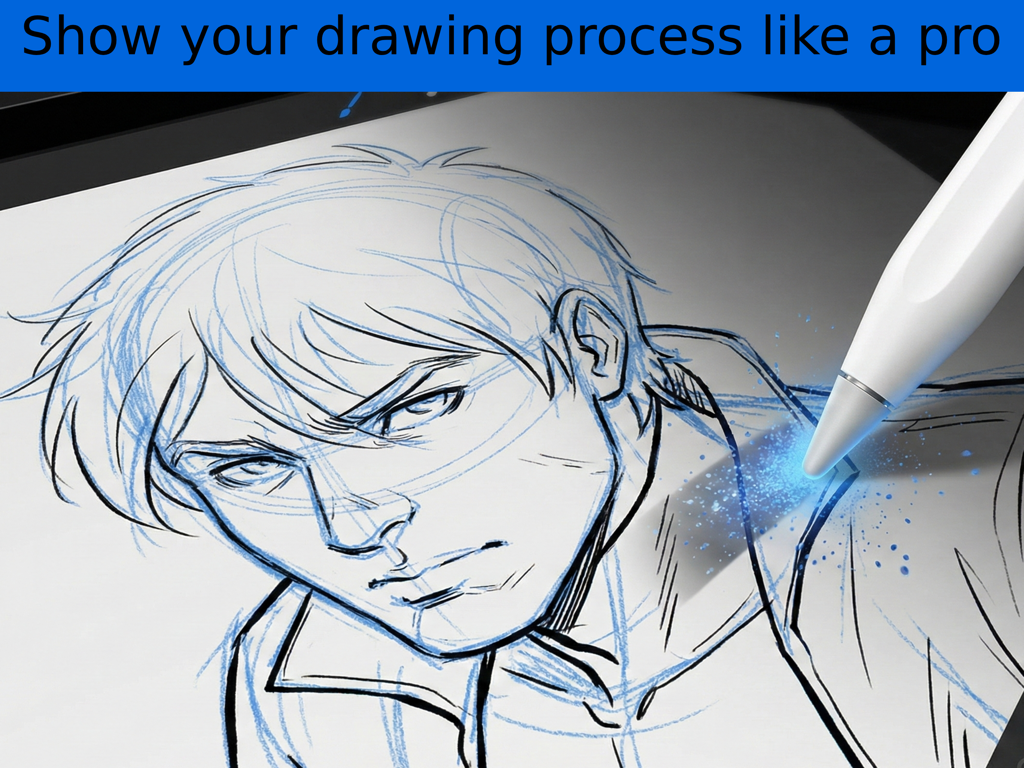
DrawLikePro - A digital sketch of a male character on an iPad showing blue construction lines and an Apple Pencil
A digital sketch of a male character on an iPad showing blue construction lines and an Apple Pencil

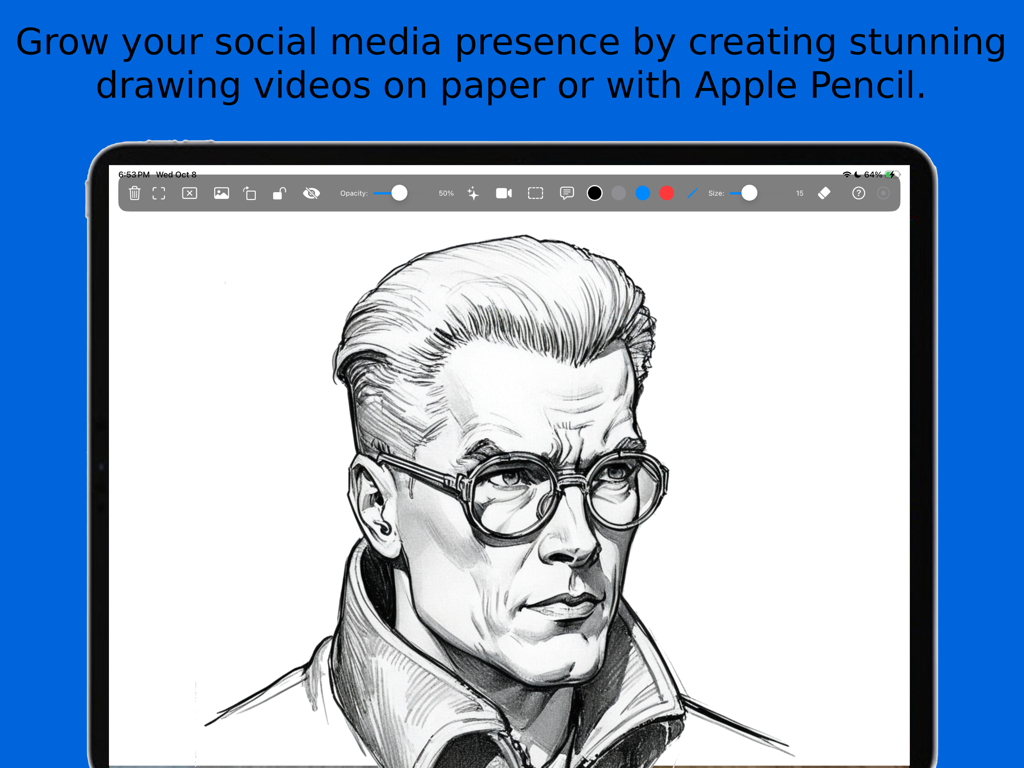
DrawLikePro - A detailed digital portrait of a man with glasses on an iPad screen within the DrawLikePro app interface.
A detailed digital portrait of a man with glasses on an iPad screen within the DrawLikePro app interface.

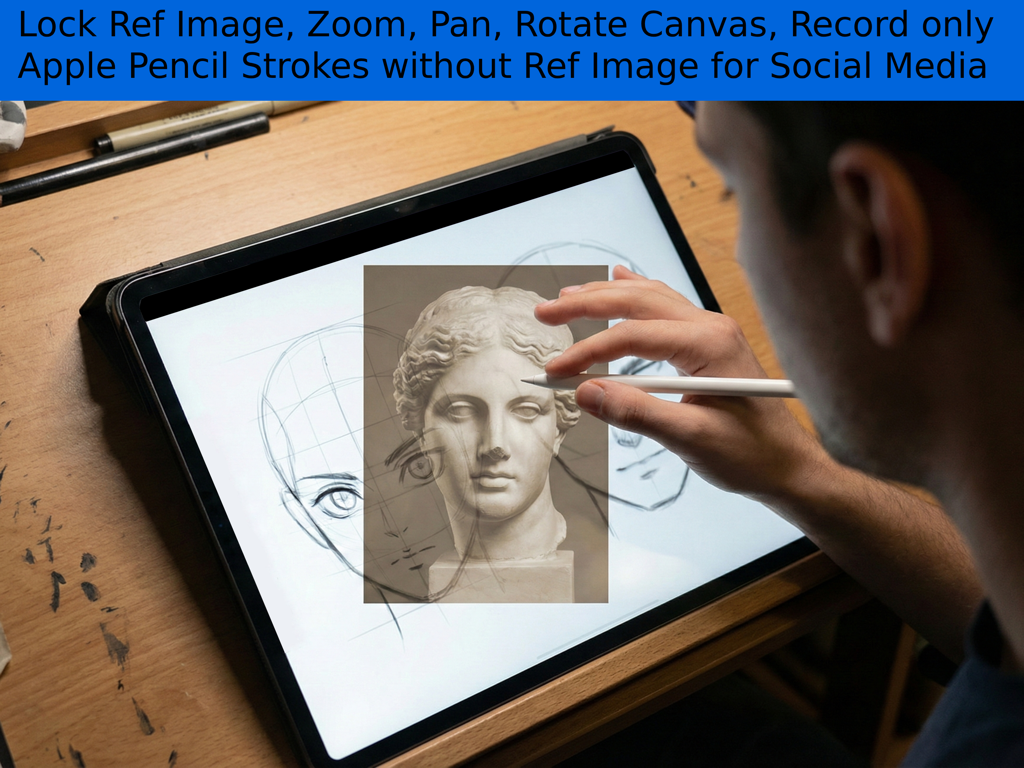
DrawLikePro - Artist using an iPad and Apple Pencil to draw with a locked reference image overlay in DrawLikePro

Artist using an iPad and Apple Pencil to draw with a locked reference image overlay in DrawLikePro
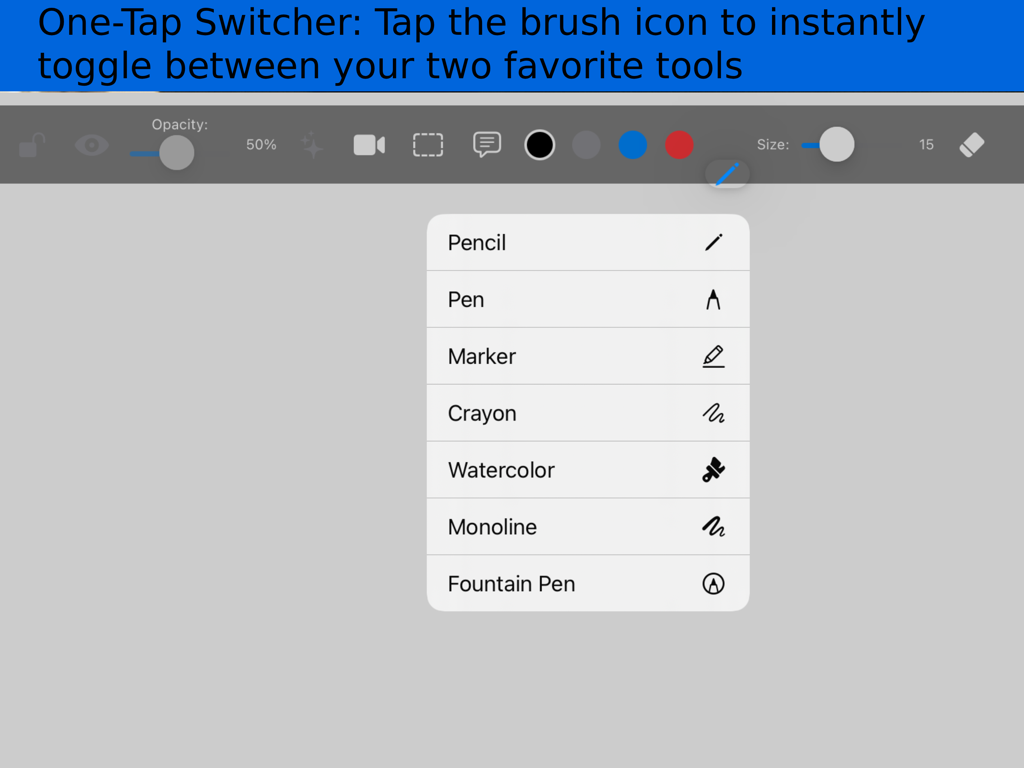
DrawLikePro - DrawLikePro app tool selector showing options for pencil pen marker and watercolor

DrawLikePro app tool selector showing options for pencil pen marker and watercolor

Description

TRAIN YOUR EYE. MASTER YOUR HAND. DrawLikePro is not just a tracing app—it is a professional training system and video production studio designed by Riven Phoenix, author of "The Big Art Course" and creator of the top-rated "Pose Tool 3D." Stop blindly copying. Start building muscle memory. DrawLikePro transforms your iPad into a precision "Power Tool" for artists. It bridges the gap between observation and execution, allowing you to load reference images, lock them into your optical field, and train your brain to see proportion and form accurately using the "Peek and Check" method. THE "PEEK & CHECK" TRAINING SYSTEM Don’t just trace—learn. Load any reference image and lock it to your screen. Use the opacity controls to barely see the guide, make your strokes, and then instantly hide the reference to test your accuracy. This active training method builds the neural pathways required for professional drawing skills faster than standard copying. PROFESSIONAL CONTENT CREATION STUDIO DrawLikePro is built for the modern artist who shares their work on Instagram, TikTok, or YouTube. We offer distinct, broadcast-ready recording modes: • Clean Digital Timelapse: Record your digital drawing process with zero clutter. The app automatically hides the UI and your ghost overlay image from the video, capturing only your brilliant strokes appearing on the canvas. • Camera Lucida Mode: Film your actual hand drawing on physical paper using the iPad’s camera. You see the ghost image on your screen to guide your hand, but the final video records only reality—making it look like you are drawing from pure imagination. • Cinematic Titles: Add professional 16:9 black bars and custom titles/subtitles directly into your recorded video file—no post-editing required. 4 COLORS FOR DRAWING PROCESS Our professional 4 colors let you show your drawing process like a pro (like blue construction lines) and erase them instantly. CLEAN EXTERNAL DISPLAY Perfect for teachers and streamers. Connect your iPad to a TV or Monitor via AirPlay or HDMI. The app detects the second screen and projects a pure, clean canvas (hiding all zoom jitter and UI buttons) so your audience sees only your art. CORE FEATURES: • Precision Reference Lock: Import any image, pinch to zoom/rotate, and lock it in place. Once locked, you can zoom and pan your canvas freely—your reference stays pinned to your view, just like a real Camera Lucida. • Infinite Canvas: Draw without boundaries using full zoom, pan, and rotation capabilities. • Brush Workflow: Fast-switch between tools and adjust stroke width instantly with on-screen sliders. • Aspect Ratio Guides: Frame your artwork perfectly for social media (16:9 or 9:16) before you even start drawing. • High-Res Export: Save your artwork immediately to your Photo Library. CREATED BY AN ARTIST, FOR ARTISTS Built because Riven Phoenix needed a tool that didn't just trace, but actually helped students analyze references and record their progress. Whether you are a professional illustrator developing ideas, a student learning fundamentals, or a hobbyist creating content, DrawLikePro is the production studio you’ve been waiting for. Download DrawLikePro today. Stop waiting for inspiration—engineer it.

Download

Download on App Store

This page is not an official page of the app or its developer, but an independent editorial publication created for informational and commentary purposes. Unless expressly stated otherwise, neither the app nor its developer is affiliated with, endorsed by, sponsored by, authorized by, or otherwise officially connected with MWM, Apple, Google Play, the app publisher, or the app's developer, and nothing on this page implies that the app was developed using MWM's services. Any trademarks, logos, screenshots, and other content remain the property of their respective owners.







