
This page is not an official page of the app or its developer, but an independent editorial publication created for informational and commentary purposes. Unless expressly stated otherwise, neither the app nor its developer is affiliated with, endorsed by, sponsored by, authorized by, or otherwise officially connected with MWM, Apple, Google Play, the app publisher, or the app's developer, and nothing on this page implies that the app was developed using MWM's services. Any trademarks, logos, screenshots, and other content remain the property of their respective owners.


dspMixFx UR-C
Take full command of your Steinberg UR-C series interface. Experience zero-latency monitoring and industry-leading DSP effects like REV-X and Guitar Amp Classics directly on your iPad and iPhone.
Downloads
27K+User Rating
Total Ratings
100Publisher
Category
MusicLocales
1Latest Version
3.3.0Size
56.7 MBFirst Released
Sep 30, 2019Professional Studio Control at Your Fingertips
Unlock the full potential of your Yamaha UR-C series interface with zero-latency monitoring and industry-leading DSP effects directly on your iOS device.
Zero-Latency Monitoring
Record with absolute confidence using real-time monitoring that eliminates distracting audio lag, powered by the custom SSP3 DSP chip.
Legendary DSP Effects
Shape your sound with professional-grade REV-X reverb, Sweet Spot Morphing Channel Strip, and iconic Guitar Amp Classics built right in.
The following screenshots and description are sourced directly from the app's official store listing and are the property of the app developer.
App Store
Screenshots
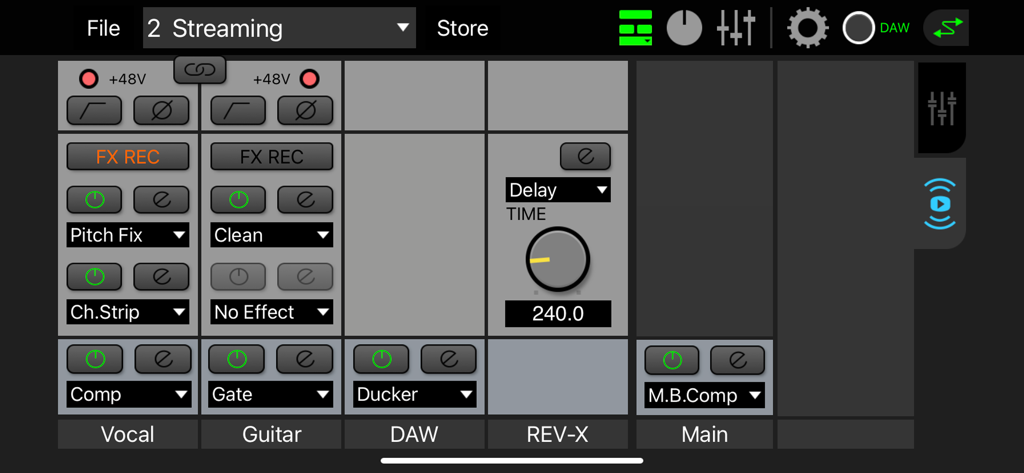
Interface of the dspMixFx UR-C app showing the mixer with vocal guitar and DAW channels and various DSP effects
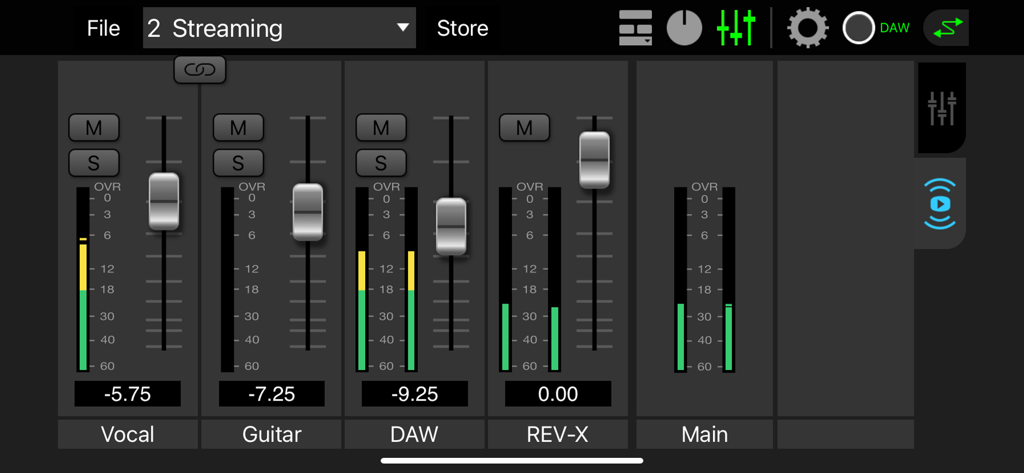
Digital mixer interface of the dspMixFx UR-C app showing volume faders and levels for vocal guitar and reverb
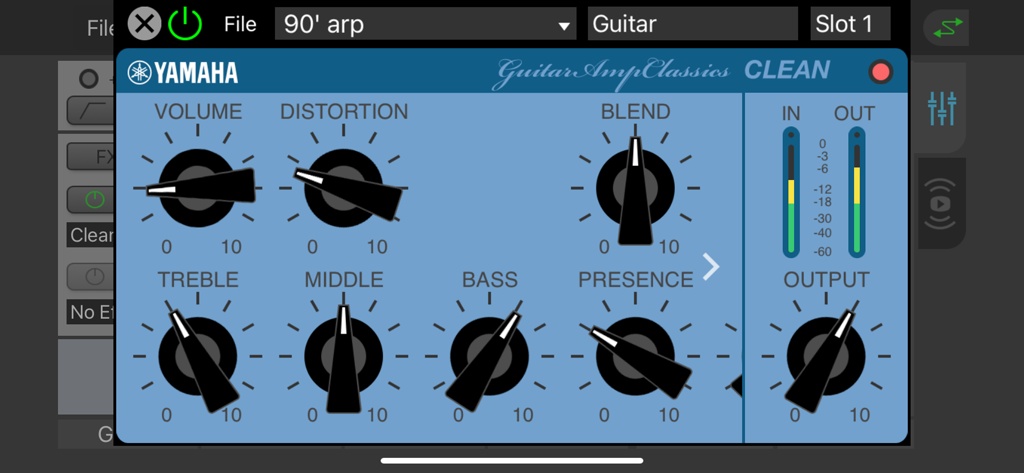
Yamaha Guitar Amp Classics Clean interface with volume and EQ controls.
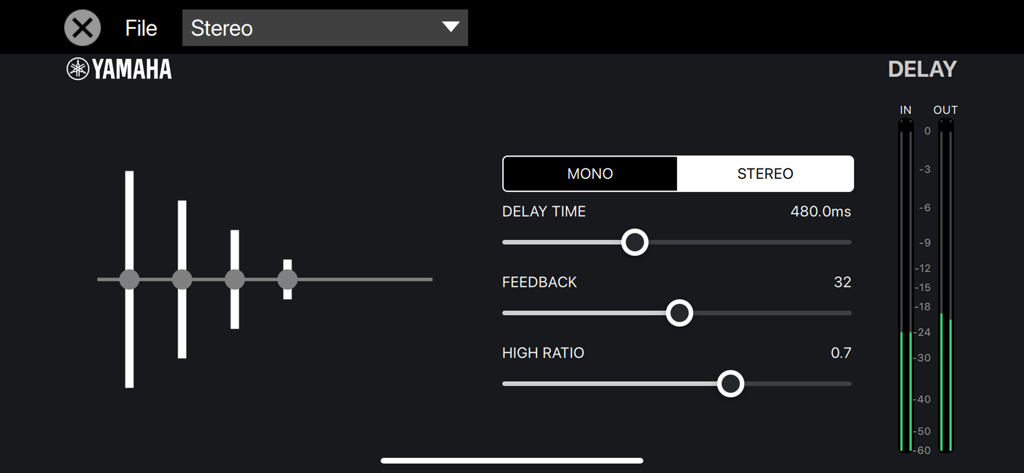
Interface of the dspMixFx UR-C app showing stereo delay settings with sliders for time and feedback
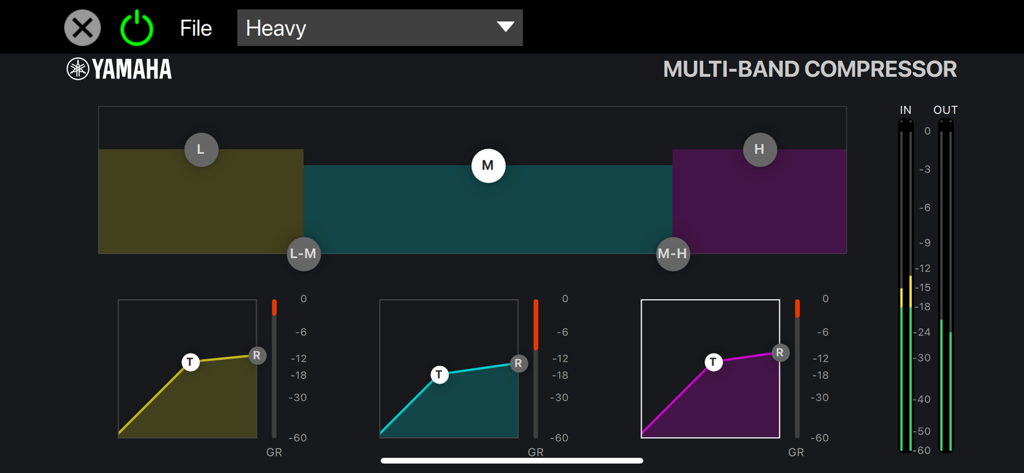
UI of the multi-band compressor within the Yamaha dspMixFx UR-C app showing three-band frequency controls and compression graphs
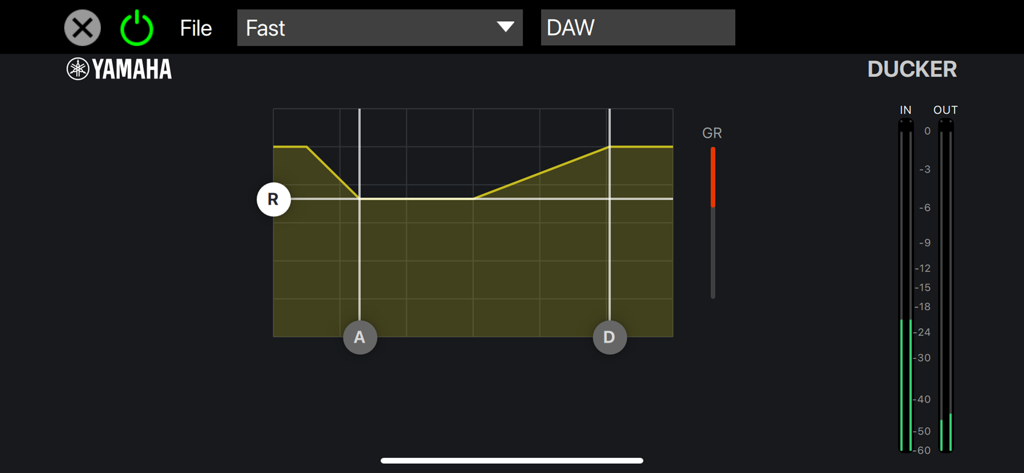
Interface of the ducker effect in the dspMixFx UR-C app by Yamaha showing gain reduction and level meters.
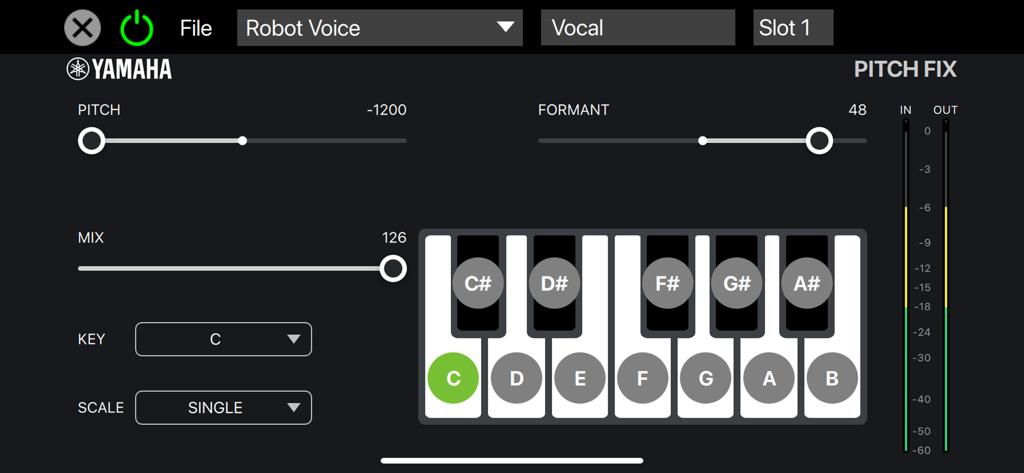
Interface of the Pitch Fix vocal effect in the dspMixFx UR-C app showing pitch and formant controls
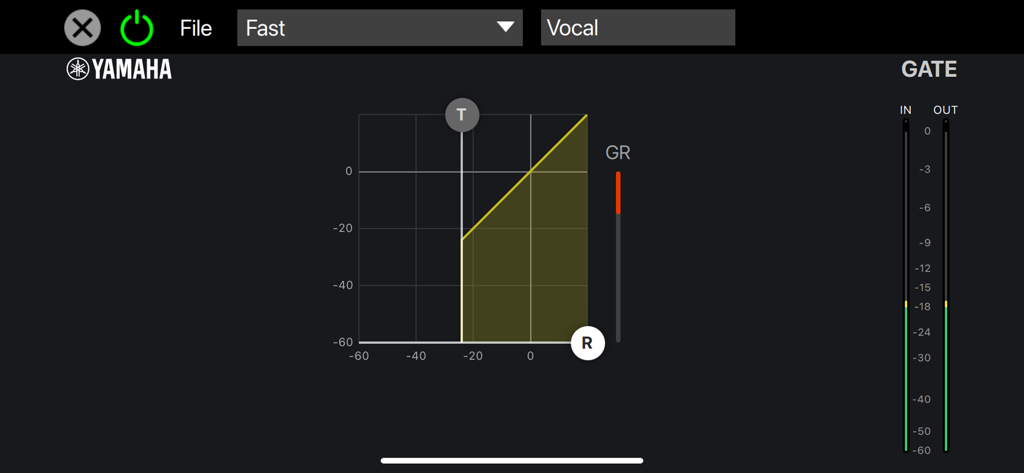
Noise gate control interface in the dspMixFx UR-C app for vocal recording
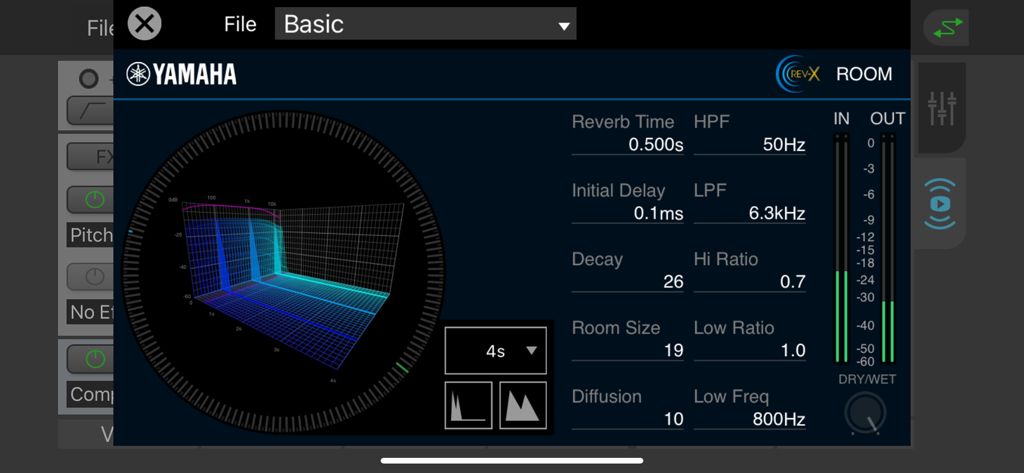
REV-X Room reverb controls and visualizer in the dspMixFx UR-C app
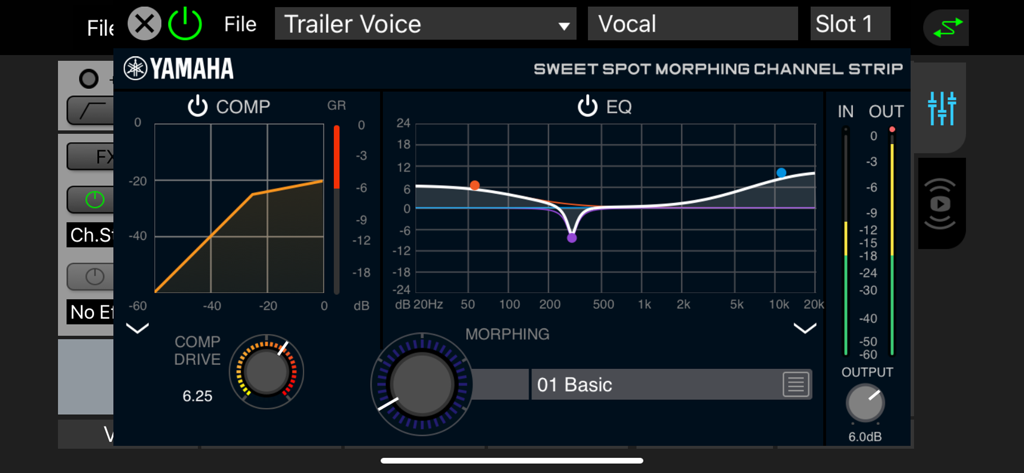
Yamaha Sweet Spot Morphing Channel Strip interface in the dspMixFx UR-C app featuring compressor and equalizer controls for vocal processing
Description
Download
More Like This
Top-ranked apps in the same category

Spotify: Music and Podcasts
Spotify

YouTube Music
Google LLC

Shazam: Find Music & Concerts
Apple Inc.

SoundCloud: The Music You Love
SoundCloud Global Limited & Co KG

Suno - AI Songs & Music
Suno Inc.

QQ音乐 - 听我想听
Tencent Technology (Shenzhen) Company Limited

Audiomack - Play Music Offline
Audiomack, Inc.

BandLab – Music Maker & Beats
BandLab Singapore Pte Ltd

GuitarTuna: Tune & Play Guitar
Yousician Ltd
This page is not an official page of the app or its developer, but an independent editorial publication created for informational and commentary purposes. Unless expressly stated otherwise, neither the app nor its developer is affiliated with, endorsed by, sponsored by, authorized by, or otherwise officially connected with MWM, Apple, Google Play, the app publisher, or the app's developer, and nothing on this page implies that the app was developed using MWM's services. Any trademarks, logos, screenshots, and other content remain the property of their respective owners.