
This page is not an official page of the app or its developer, but an independent editorial publication created for informational and commentary purposes. Unless expressly stated otherwise, neither the app nor its developer is affiliated with, endorsed by, sponsored by, authorized by, or otherwise officially connected with MWM, Apple, Google Play, the app publisher, or the app's developer, and nothing on this page implies that the app was developed using MWM's services. Any trademarks, logos, screenshots, and other content remain the property of their respective owners.

Dual App - WA Web Cloner
Seamlessly manage dual accounts on your iPhone and iPad while mastering document scanning, QR codes, and secure private browsing in one powerful tool.
Downloads
993K+User Rating
Total Ratings
1K+Publisher
Category
Social NetworkingLocales
1Latest Version
4.4Size
32.9 MBFirst Released
Nov 27, 2022Efficiency Without Compromise
Consolidate your professional tools into one powerful command center designed for dual messaging, secure browsing, and instant document management.
Dual Account Sync
Effortlessly manage work and personal accounts on a single iPhone or bring your full messaging experience to your iPad with seamless WA Web cloning.
Privacy-First Security
Shield your business communications and sensitive files with built-in password protection and a fully encrypted private browser.
Frequently Asked Questions
Everything you need to know about Dual App - WA Web Cloner
What is the app Whats Web?
Whats Web is a comprehensive application for digital tasks. It provides QR code scanning/generation, private browsing, document scanning, and image to PDF conversion.
Can the app, Whats Web, scan QR codes?
Yes, Whats Web includes a QR Code Scanner and Generator. Users can quickly scan various QR codes directly within the application.
How do I create QR codes with Whats Web?
Whats Web allows users to easily create QR codes for various purposes like websites, YouTube videos, and text. Options are available for different content types.
Does Whats Web include a private browser?
Yes, Whats Web features a Private Browser. This allows users to browse the web securely and privately, with built-in security for data protection.
Is the Whats Web app free to use?
Yes, Whats Web is free to use and provides access to all its features at no cost. An optional in-app subscription is available to remove ads.
How can I remove ads in the Whats Web application?
Ads can be removed in Whats Web by purchasing an auto-renewing in-app subscription. Options include 1-week, 1-month, 6-month, and 1-year durations.
Can Whats Web convert images to PDF files?
Yes, Whats Web can convert images to PDF format. This feature allows users to quickly transform multiple images into a single PDF document.
Does Whats Web support direct messaging?
Yes, Whats Web supports a Direct Message function. This feature enables users to send messages directly without needing to save the contact first.
What security features does Whats Web offer?
Whats Web provides built-in security features, including the option to protect the app and its data with a password. This safeguards user privacy and information.
What is the official app name for Whats Web?
The official app name provided for this application is "Dual App - WA Web Cloner". Its features are described as "Whats Web".
The following screenshots and description are sourced directly from the app's official store listing and are the property of the app developer.
App Store
Screenshots
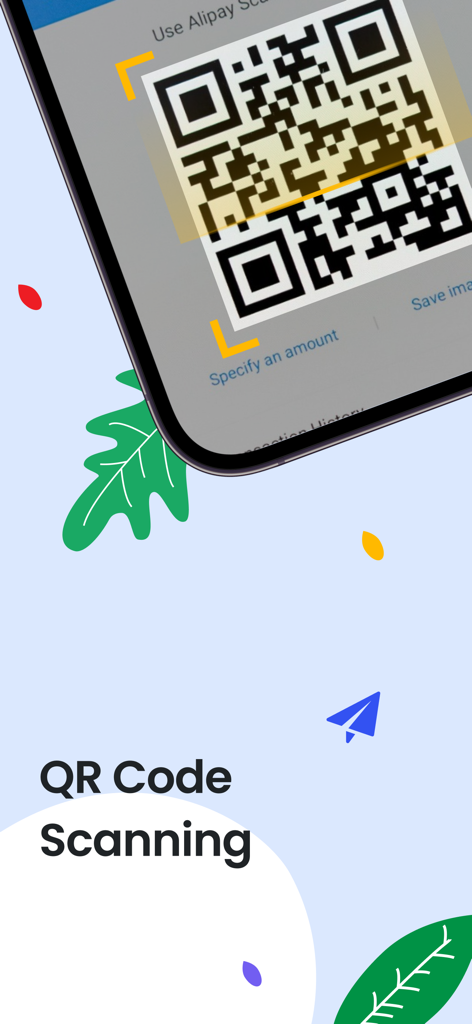
Interface of the QR code scanning feature in the Dual App utility.
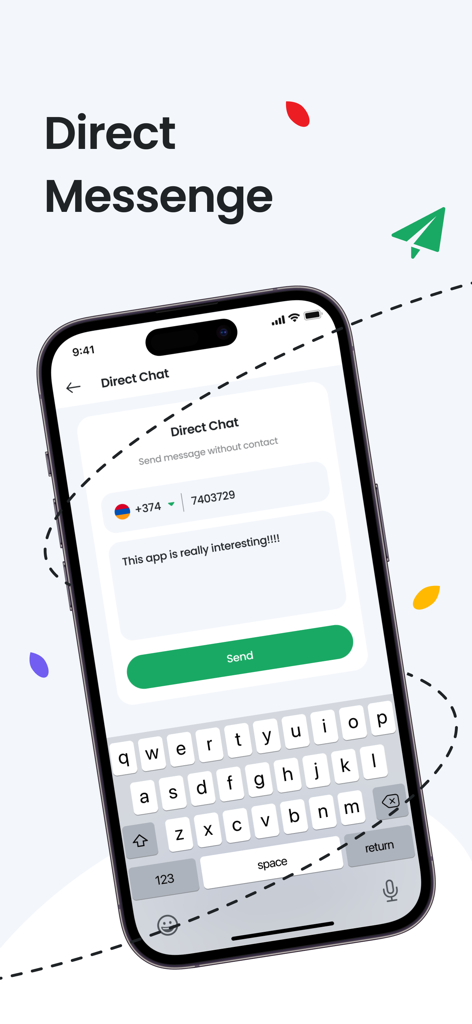
A mobile interface for the Dual App showing the direct chat feature to send messages to phone numbers without saving them as contacts.
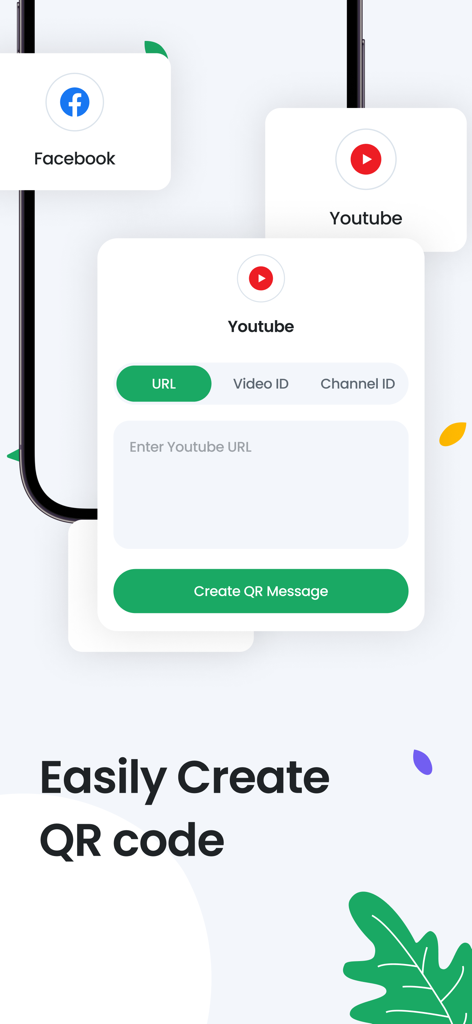
Interface of the Dual App showing how to easily create QR codes for YouTube and Facebook links
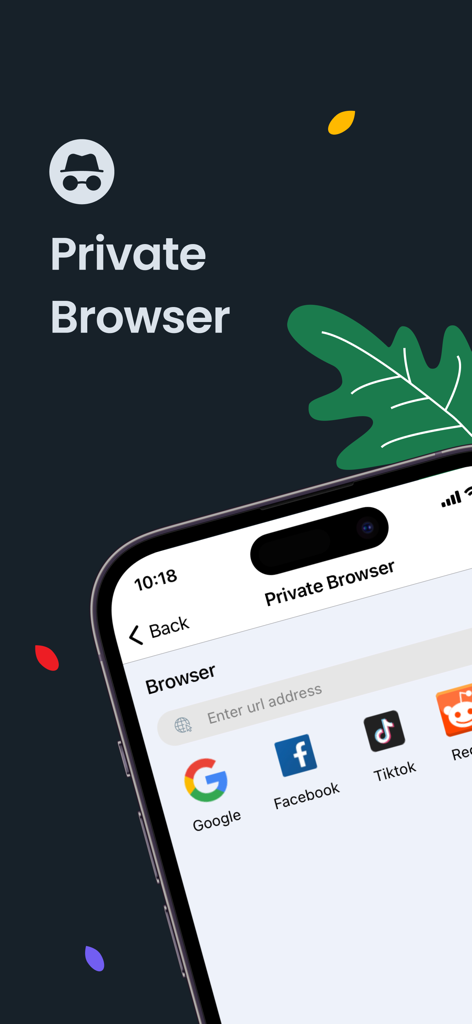
Private browser interface with shortcuts to popular websites in the Dual App utility.
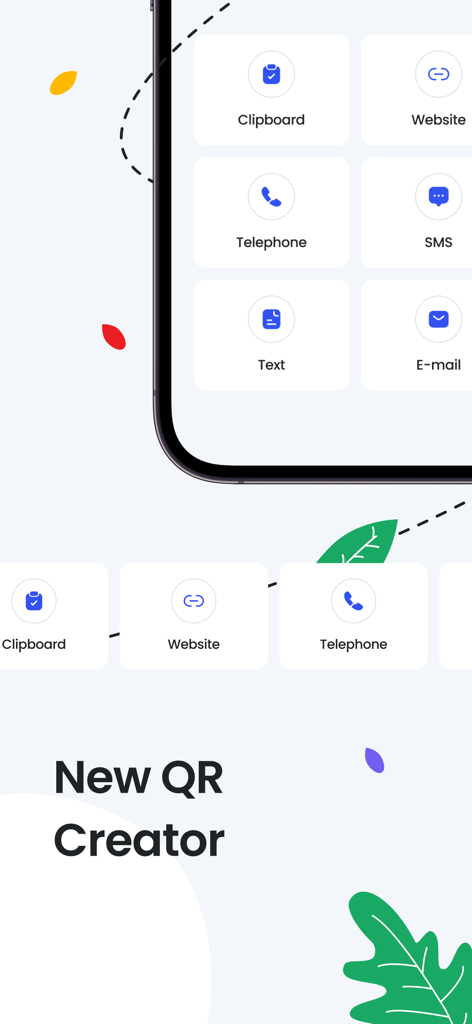
Screen of the Dual App showing QR code generator options for website telephone text and email
Description
Download
More Like This
Apps with similar features and user experience

Tiny Life Tools
泽勇 黄

Phone Cleaner & File Manager
KASPI MUNAI GAZ SERVIS, TOO
手机管家-相册空间整理,文档扫描,智能识物
明星 房
手机管家-照片视频管理,文件扫描,文本纠错
晓蕾 沈

手机助手-相册管理、 OCR识别、AR智能测距
平 刘

起点集-多功能实用工具箱
坤明 周

手机助手-图片管理、ai智能计数、一键格式转换
宝成 刘

MomentKeeper
照沣 孙

自动点击器 - 连点器·自动化工具
泱帆 武
This page is not an official page of the app or its developer, but an independent editorial publication created for informational and commentary purposes. Unless expressly stated otherwise, neither the app nor its developer is affiliated with, endorsed by, sponsored by, authorized by, or otherwise officially connected with MWM, Apple, Google Play, the app publisher, or the app's developer, and nothing on this page implies that the app was developed using MWM's services. Any trademarks, logos, screenshots, and other content remain the property of their respective owners.