Easy Draw: Learn How to Draw

Easy Draw: Learn How to Draw


Download on App StoreDownload on Google Play
Logo of Easy Draw: Learn How to Draw
Easy Draw: Learn How to Draw Anything with Step-by-Step Guided Lessons

Unlock your creativity with bite-sized tutorials for anime, animals, and more. From kids to hobbyists, master the art of sketching with your personal digital tutor.

Publisher

CEM SOFTWARE COMPANY LIMITED

Category

Education

Downloads

120K+

User Rating

4.2/5

Total Ratings

500

Locales

10

Masterpieces in the Making

Discover the interface used by 120K+ users.
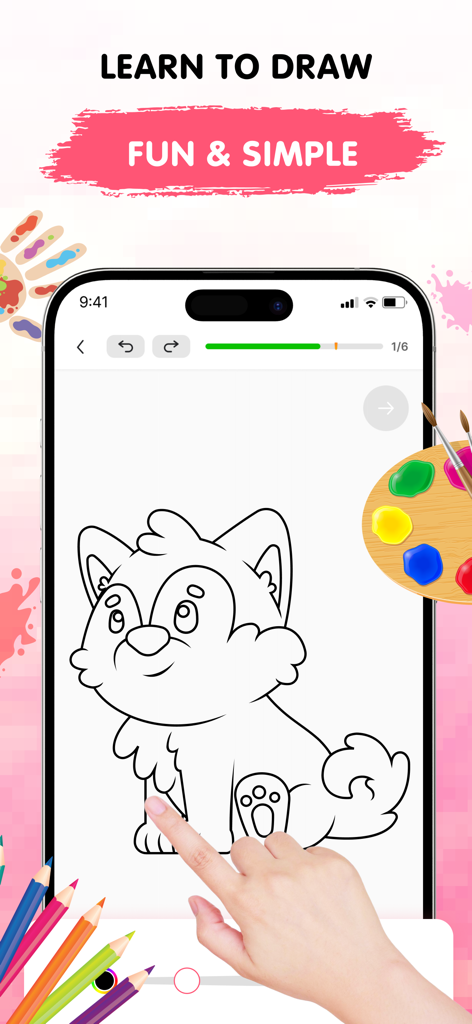
Easy Draw app showing a step by step tutorial to draw a cute dog on a smartphone screen

Easy Draw app showing a step by step tutorial to draw a cute dog on a smartphone screen

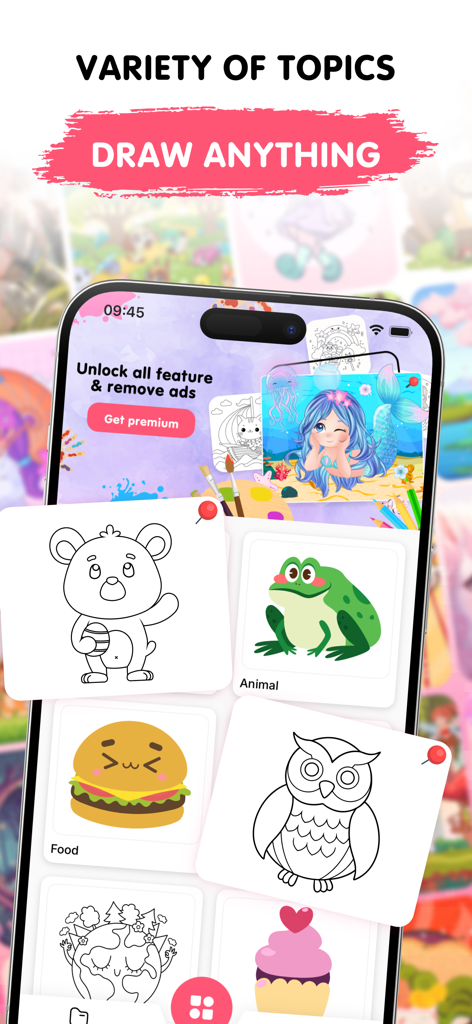
A mobile app interface for Easy Draw showing various drawing categories like animals food and environment with cute illustrations

A mobile app interface for Easy Draw showing various drawing categories like animals food and environment with cute illustrations

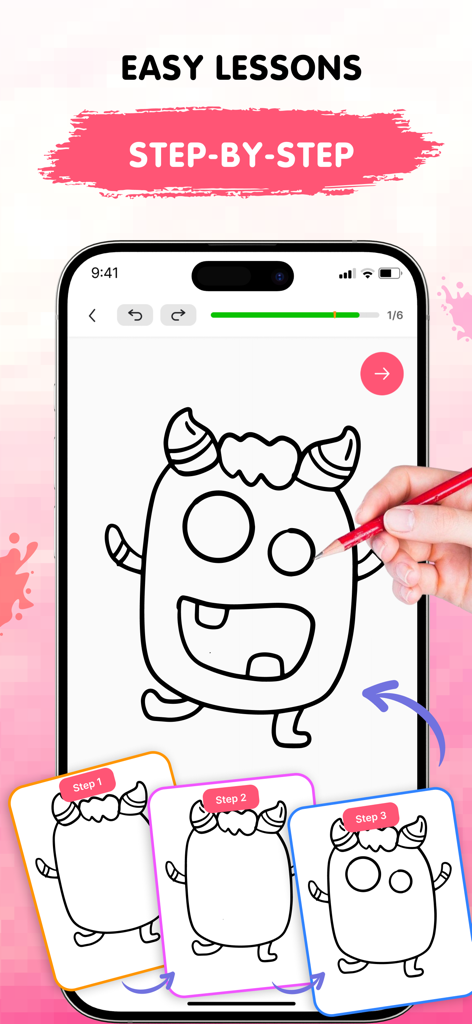
Easy Draw mobile app showing step by step drawing lessons for a monster tutorial

Easy Draw mobile app showing step by step drawing lessons for a monster tutorial

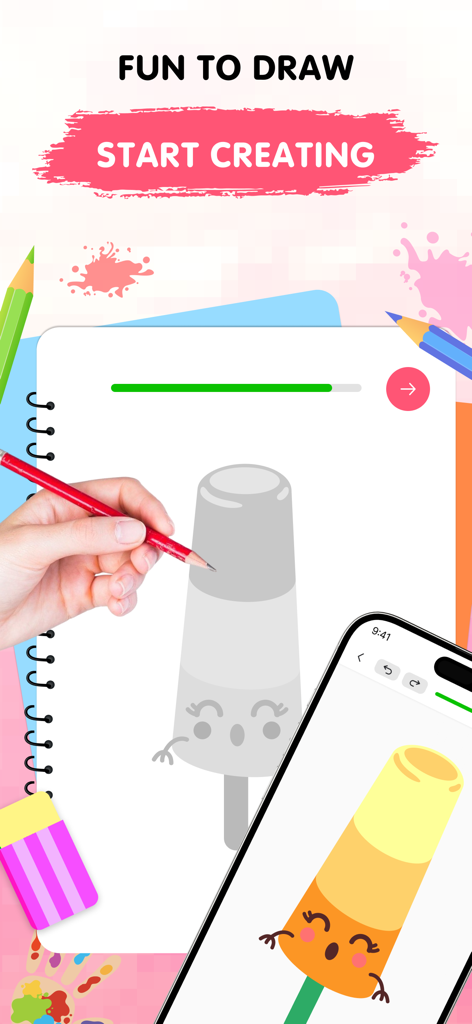
A hand drawing a cute popsicle character in a sketchbook next to a smartphone showing the finished colored version

A hand drawing a cute popsicle character in a sketchbook next to a smartphone showing the finished colored version

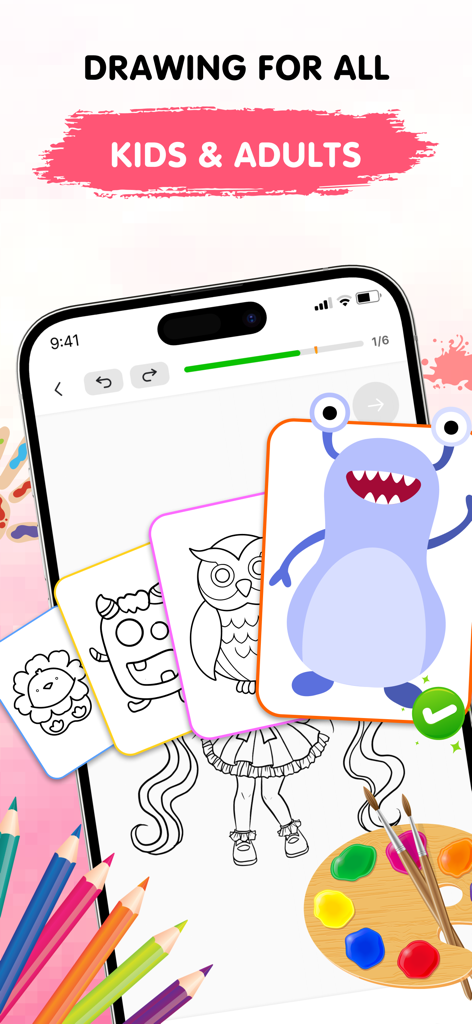
Easy Draw app interface showcasing drawing tutorials for kids and adults with step by step lessons

Easy Draw app interface showcasing drawing tutorials for kids and adults with step by step lessons

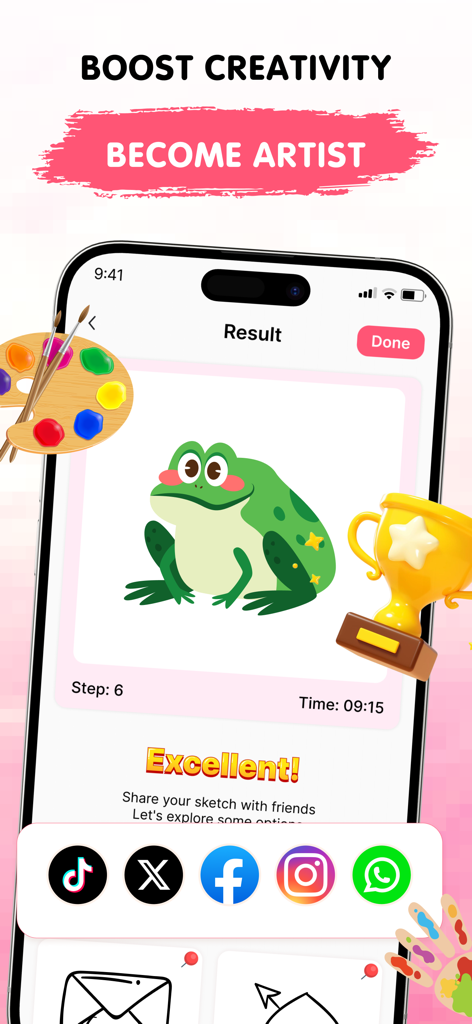
A completed drawing of a green frog in the Easy Draw app with social sharing icons and a trophy

A completed drawing of a green frog in the Easy Draw app with social sharing icons and a trophy

Unlock Your Inner Artist

The tools that make this app stand out, trusted by 120K+ users.

🧩

Bite-Sized Lessons

Master complex sketches through simple, guided stages that make learning feel like a game.

⛩️

Anime & Trending Styles

Stay inspired with a growing library of popular themes including anime, cute animals, and modern aesthetics.

🛠️

Mistake-Proof Creation

Enjoy the freedom to experiment with easy-to-use digital tools like undo, redo, and adjustable brushes.

Review Analysis

Insights from user reviews.

Sentiment Score

28%
Negative

Summary

This drawing app receives predominantly negative feedback from users, with the most significant complaint revolving around an excessive number of intrusive advertisements that frequently interrupt gameplay and even redirect to external websites. Many users also express frustration with the limited free content, unappealing picture choices, and high subscription costs, feeling misled by false advertising that promises features like multiplayer. While some appreciate the app's step-by-step drawing guidance and compatibility with styluses, including the Apple Pencil and cheaper alternatives, these positive aspects are often overshadowed by widespread technical issues such as erratic zooming and random lines appearing on screen.

Common Themes

Overall Enjoyment(6)
Drawing Guidance(4)
Ad Experience(3)
Stylus Compatibility(3)
App Concept(3)

About the app

Everything you need to know about Easy Draw: Learn How to Draw.

Description

Discover the Easy Draw: Learn How to Draw Ignite your creativity and develop your drawing skills with Easy Draw: Learn How to Draw, your personal art tutor in your pocket. Whether you're just starting out or looking to refine your technique, Easy Draw offers a smooth, guided experience that makes drawing both easy and enjoyable. Explore a relaxing way to sketch and color your favorite subjects—all in one beautifully designed app. [ Why Choose Easy Draw: Learn How to Draw? ] Easy Draw is more than just a drawing app—it’s your creative partner. With simple, clear instructions and an intuitive interface, anyone can learn how to draw step by step. Relax, explore new styles, and watch your art improve with every stroke.  [ Key Features ] *** Variety of Topics From cute animals and cool cars to anime, food, universe, and enviroment— Easy Draw has a growing library of themes for every interest and style. *** Guided Drawing Steps Each tutorial is broken into bite-sized steps, making it easy to follow and perfect for learners at all levels. No pressure—draw at your own pace. *** Easy-to-Use Drawing Tools With simple tools like undo, redo, erase, and reset, you’re free to experiment as much as you like without worry. *** Adjustable Brush Settings Fine-tune your brush and eraser sizes to get just the right touch. Perfect for adding details or filling in color with precision. *** Expressive Color Palette Unleash your creativity with vibrant colors. Each drawing becomes uniquely yours through personalized color choices. *** Save and Share Freely Show off your creations—export your drawings and share them with friends and family with no limits. [ How to Use Easy Draw ] 1. Pick a Lesson Browse our collection of drawings and choose what inspires you. 2. Follow Each Step Tap through each stage and draw along with confidence—no guesswork, just clear guidance. 3. Share Your Art Once you’ve completed your masterpiece, save it or show it off. Your creativity deserves to be seen! Easy Draw is your go-to app for learning how to draw in a calm, encouraging environment. With structured lessons, vibrant themes, and a toolkit built for artists of all kinds, you’ll find yourself creating art you never imagined possible. Download Easy Draw today and bring your drawings to life! Start your creative journey, build your skills, and express yourself—one line at a time. UNLIMITED ACCESS MEMBERSHIP SUBSCRIPTION • You can subscribe to all features within Easy Draw for unlimited access. • Subscriptions are billed weekly, monthly, or yearly at the rate selected depending on the subscription plan. • You can cancel your subscription via this URL: https://support.apple.com/en-us/HT202039 All personal data is protected in accordance with the Terms of Use and Privacy Policy: https://cemsoftwareltd.com/term.html https://cemsoftwareltd.com/privacyPolicy.html

Latest Version

1.1.1

Size

109.0 MB

First Released

Jun 3, 2025

Ready to Create Your First Masterpiece?

Join thousands of aspiring artists and start drawing your favorite anime, animals, and more with simple, step-by-step guidance. Download Easy Draw and bring your creativity to life today.

Download on App StoreDownload on Google Play
FAQ

Frequently Asked Questions

Everything you need to know about Easy Draw: Learn How to Draw

What is Easy Draw: Learn How to Draw?

Easy Draw: Learn How to Draw is a mobile application that serves as a personal art tutor, guiding users step-by-step to develop their drawing skills. It offers a smooth, enjoyable experience for sketching and coloring.

How does Easy Draw: Learn How to Draw teach users to draw?

Easy Draw teaches users through guided drawing steps. Each tutorial is broken into bite-sized stages, making it easy to follow at one's own pace, from picking a lesson to sharing the finished art.

What types of subjects can users draw with Easy Draw?

Easy Draw offers a variety of topics, including cute animals, cool cars, anime, food, universe, and environment. The app provides a growing library of themes to suit diverse interests and styles.

Does Easy Draw: Learn How to Draw include drawing tools?

Yes, Easy Draw includes easy-to-use drawing tools such as undo, redo, erase, and reset. Users can also fine-tune brush and eraser sizes and select from an expressive color palette.

Can I share my drawings created with Easy Draw: Learn How to Draw?

Yes, Easy Draw allows users to save and share their creations freely. Users can export their drawings and share them with friends and family without limits.

What subscription options are available for Easy Draw?

Easy Draw offers an UNLIMITED ACCESS MEMBERSHIP SUBSCRIPTION. Subscriptions are billed weekly, monthly, or yearly, depending on the chosen plan.

How do I cancel my Easy Draw subscription?

Users can cancel their Easy Draw subscription by visiting the provided URL: https://support.apple.com/en-us/HT202039. This link provides instructions for managing Apple subscriptions.

Does Easy Draw: Learn How to Draw have a privacy policy?

Yes, Easy Draw has a privacy policy. All personal data is protected in accordance with the Terms of Use and Privacy Policy, accessible via https://cemsoftwareltd.com/privacyPolicy.html.

App information, icons, screenshots, and descriptions displayed on this page are sourced from the Apple App Store and are the property of their respective developers. Download estimates and rankings are based on MWM's proprietary models and may not reflect actual figures. This page is provided for informational and analytical purposes only.

Believe this page infringes your intellectual property? File a dispute