
This page is not an official page of the app or its developer, but an independent editorial publication created for informational and commentary purposes. Unless expressly stated otherwise, neither the app nor its developer is affiliated with, endorsed by, sponsored by, authorized by, or otherwise officially connected with MWM, Apple, Google Play, the app publisher, or the app's developer, and nothing on this page implies that the app was developed using MWM's services. Any trademarks, logos, screenshots, and other content remain the property of their respective owners.


EcoOnline EHS Mobile App
Empower your team to report incidents, conduct audits, and ensure compliance instantly from any site. Simplify your EHS workflows and eliminate double entry with seamless data synchronization.
Downloads
0User Rating
Total Ratings
0Publisher
Category
BusinessLocales
1Latest Version
0.2.500Size
0.9 MBFirst Released
Apr 24, 2018Streamline Your Safety and Compliance Management
Empower your field teams to report hazards, perform audits, and manage EHS workflows in real-time, directly from any job site.
Real-Time Incident Reporting
Eliminate paperwork and double-entry. Capture incidents, actions, and proactive reports on-the-go with instant syncing to your corporate platform.
Seamless Field Audits
Conduct thorough site inspections and audits with ease. Use a modern interface built for industrial environments to ensure OSHA compliance readiness.
The following screenshots and description are sourced directly from the app's official store listing and are the property of the app developer.
App Store
Screenshots
Login screen of the EcoOnline EHS mobile app with a hard hat icon and login button
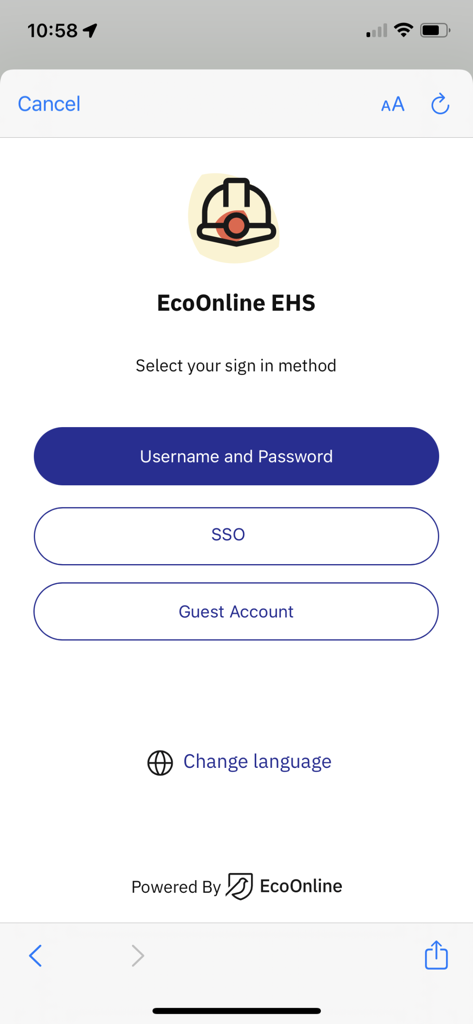
EcoOnline EHS mobile app sign in screen with username SSO and guest options
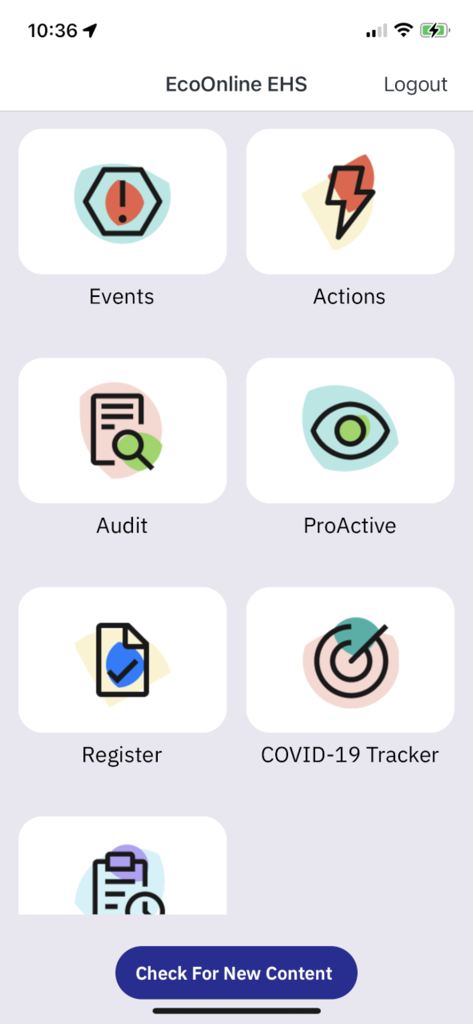
The main dashboard of the EcoOnline EHS mobile app featuring icons for events, actions, audits, and proactive reports.
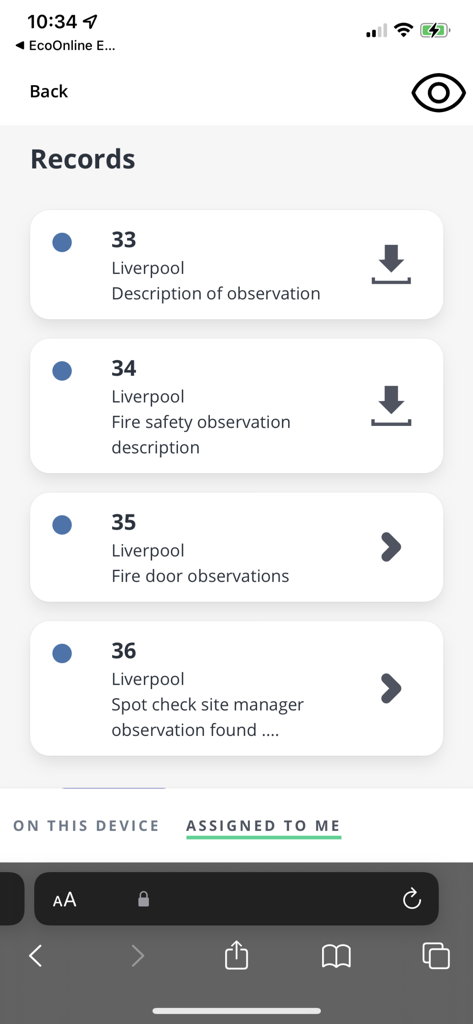
List of assigned safety observation records within the EcoOnline EHS mobile app interface
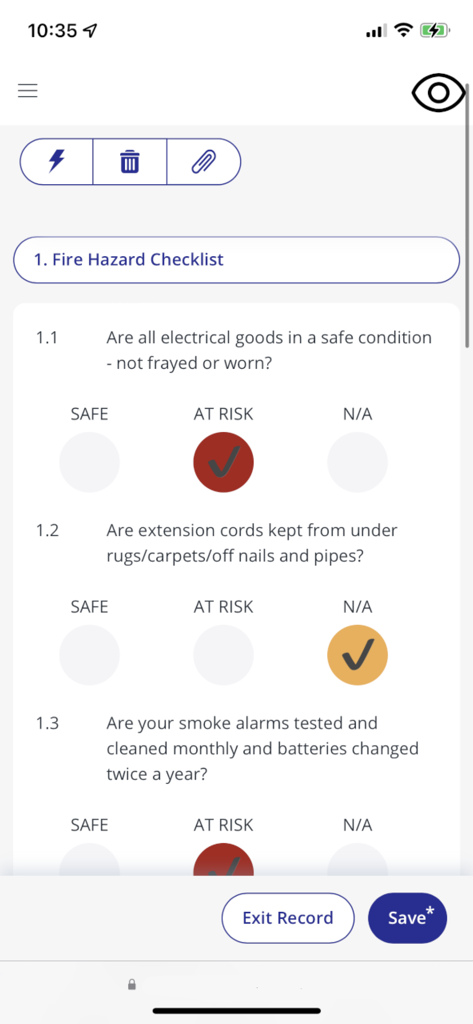
EcoOnline EHS mobile app showing a digital fire hazard checklist for safety audits
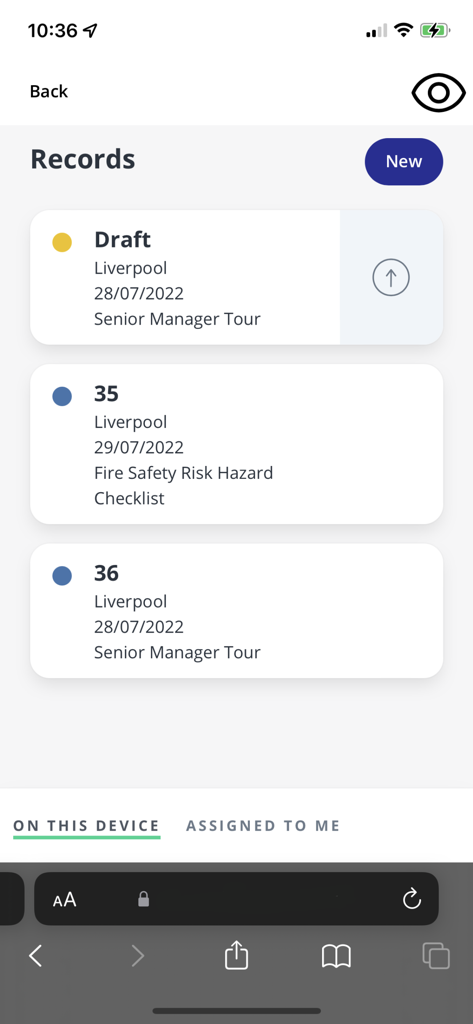
EcoOnline EHS mobile app interface showing a list of safety records and incident reports including drafts and fire safety checklists.
Description
Download
More Like This
Top-ranked apps in the same category

Microsoft Teams
Microsoft Corporation

WhatsApp Business
WhatsApp Inc.

BOSS直聘-招聘求职找工作神器
Beijing China Product Bo Farce Network Technology Co., Ltd.

Zoom Workplace
Zoom Communications, Inc.

Indeed Job Search
Indeed Inc.

LinkedIn: Community & Network
LinkedIn Corporation

WeCom-Work Communication&Tools
Tencent Technology (Shenzhen) Company Limited

DingDing - Redefine Work in AI
DingTalk Technology Co., Ltd.

Adobe Acrobat Reader: Sign PDF
Adobe Inc.
This page is not an official page of the app or its developer, but an independent editorial publication created for informational and commentary purposes. Unless expressly stated otherwise, neither the app nor its developer is affiliated with, endorsed by, sponsored by, authorized by, or otherwise officially connected with MWM, Apple, Google Play, the app publisher, or the app's developer, and nothing on this page implies that the app was developed using MWM's services. Any trademarks, logos, screenshots, and other content remain the property of their respective owners.