
This page is not an official page of the app or its developer, but an independent editorial publication created for informational and commentary purposes. Unless expressly stated otherwise, neither the app nor its developer is affiliated with, endorsed by, sponsored by, authorized by, or otherwise officially connected with MWM, Apple, Google Play, the app publisher, or the app's developer, and nothing on this page implies that the app was developed using MWM's services. Any trademarks, logos, screenshots, and other content remain the property of their respective owners.


Embroidery Design Doodler
Skip the complex digitizing software and create custom embroidery designs right on your iPad. From simple doodles to professional appliques, enjoy a faster, cleaner, and more intuitive way to bring your creative ideas to life.
Downloads
36K+User Rating
Total Ratings
0Publisher
Category
Graphics & DesignLocales
1Latest Version
1.2.6Size
101.9 MBFirst Released
Aug 17, 2022From Sketch to Stitch in Minutes
Turn your iPad into a portable embroidery studio. Design Doodler removes the technical barriers of digitizing, allowing you to focus on the joy of creating beautiful, custom designs for your machine.
Intuitive Drawing Tools
Forget complex CAD software. Use your Apple Pencil to sketch, doodle, or trace directly onto your screen to create running, satin, and fill stitches with ease.
Automatic Branching
Enjoy cleaner results with less effort. Our intelligent pathing reduces unnecessary thread trims, ensuring your machine runs faster and your projects look professional.
The following screenshots and description are sourced directly from the app's official store listing and are the property of the app developer.
App Store
Screenshots
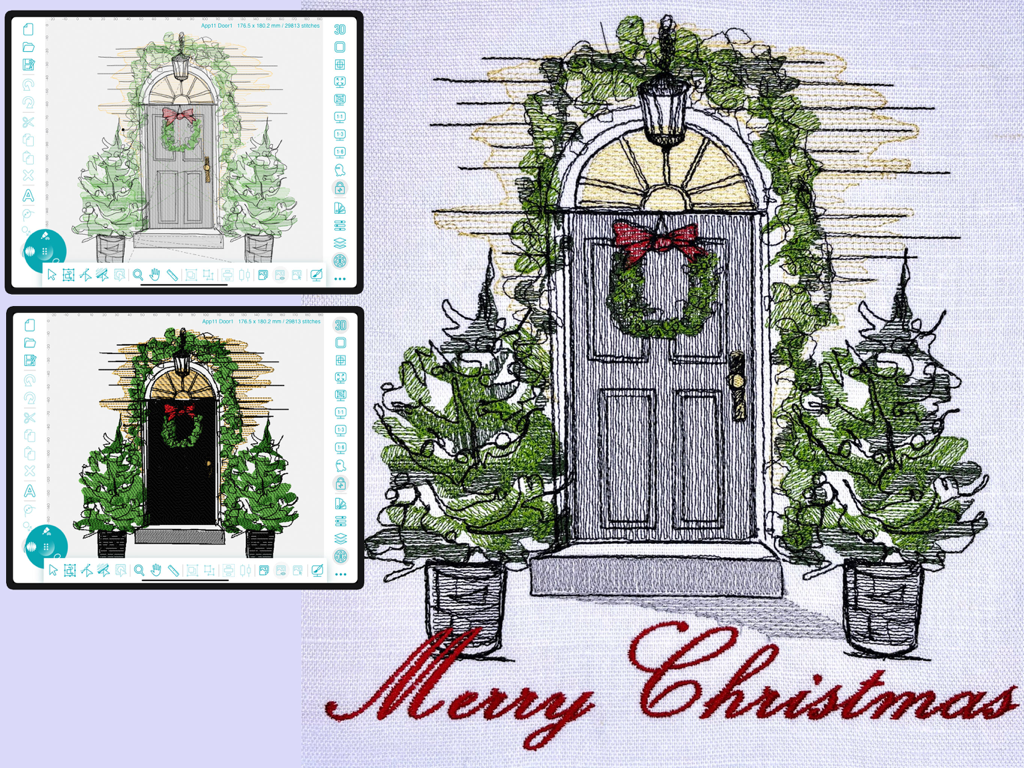
iPad app interface showing a custom Christmas embroidery design and the final stitched output on fabric
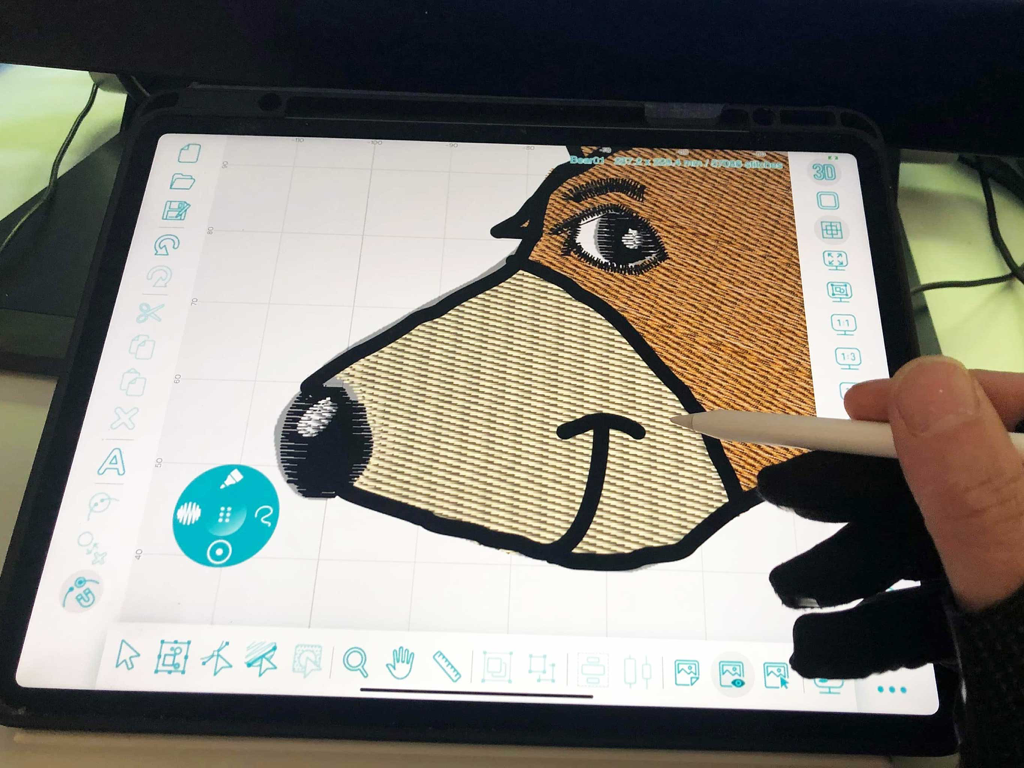
Designing a bear embroidery pattern on an iPad with an Apple Pencil
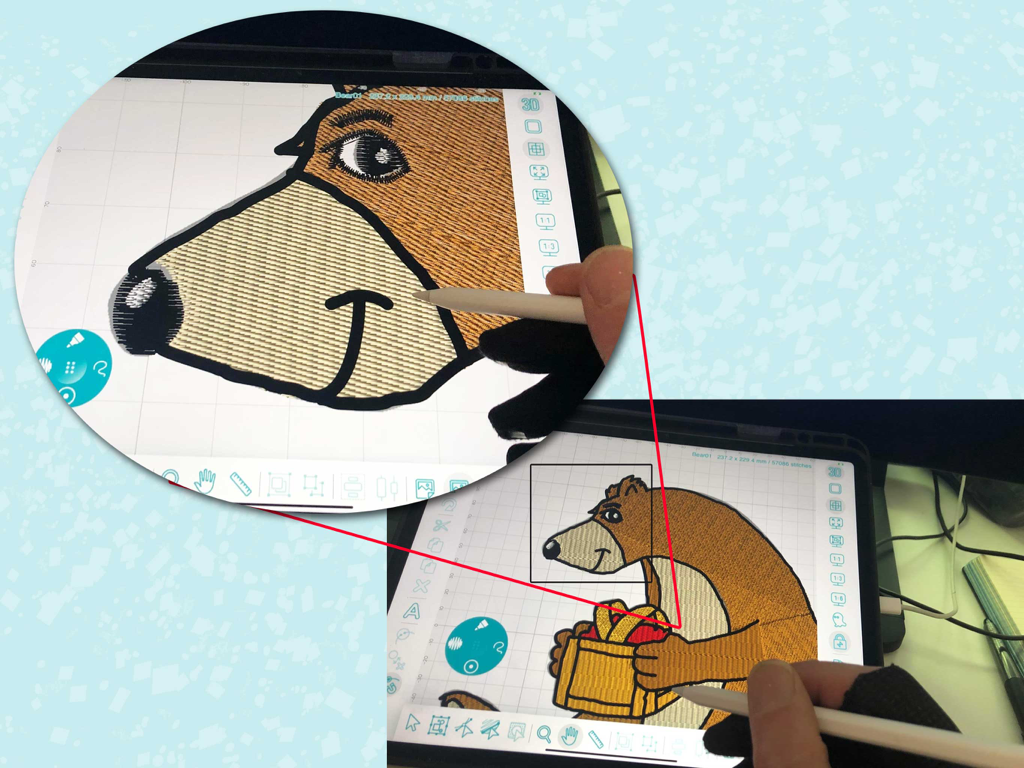
Creating a custom bear embroidery design on an iPad using a stylus
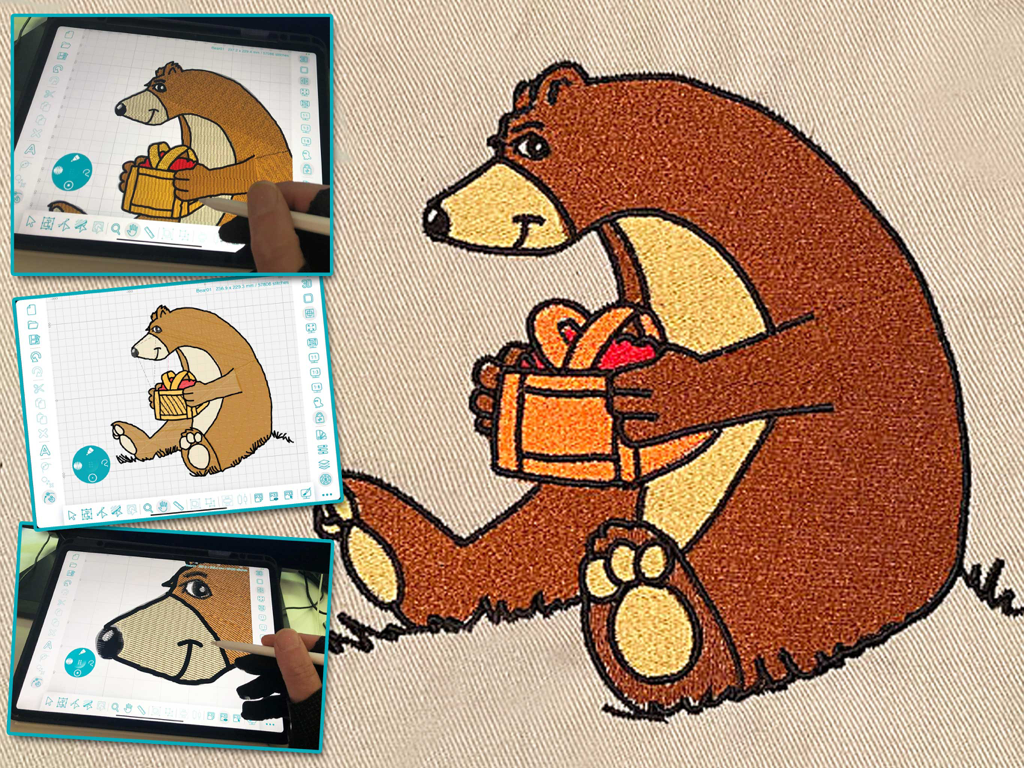
A bear embroidery design being created on an iPad with an Apple Pencil and its final stitched result.
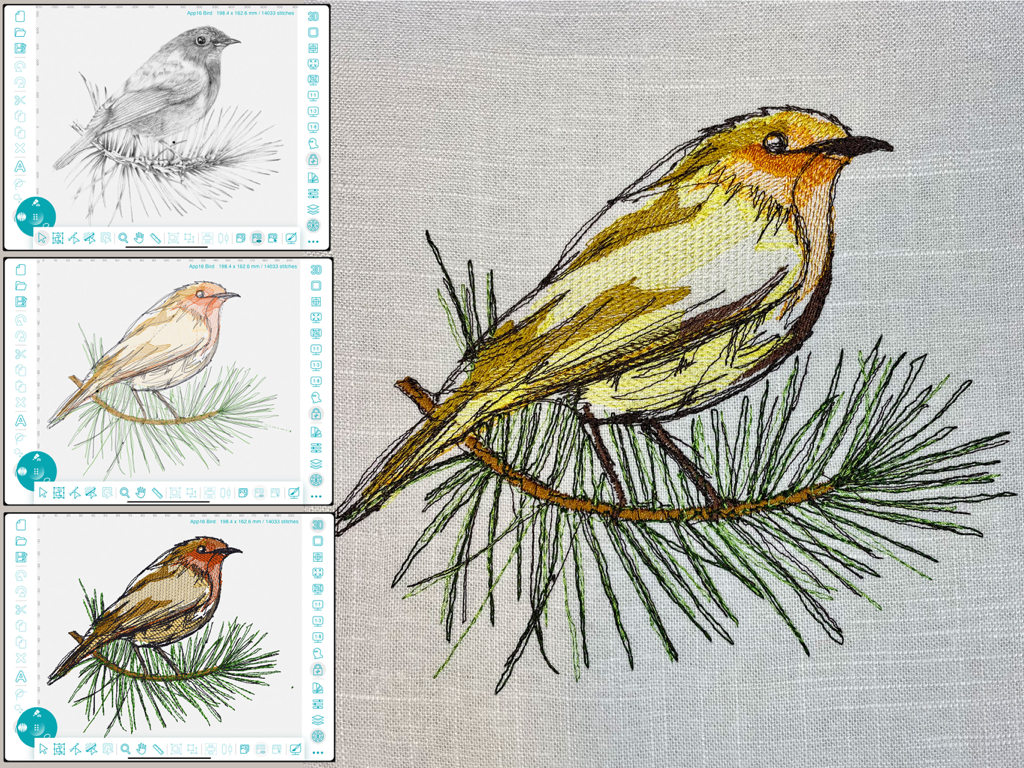
Process of converting a bird sketch into a finished embroidery design using the iPad app
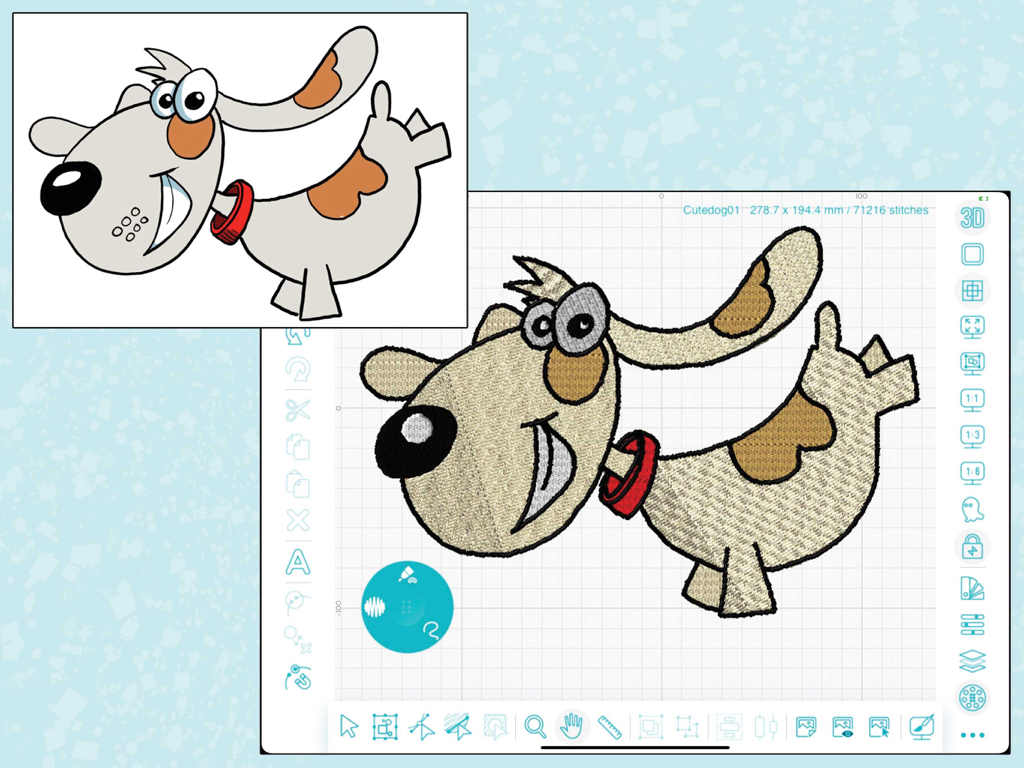
A cartoon dog being converted into an embroidery design on the Embroidery Design Doodler iPad app
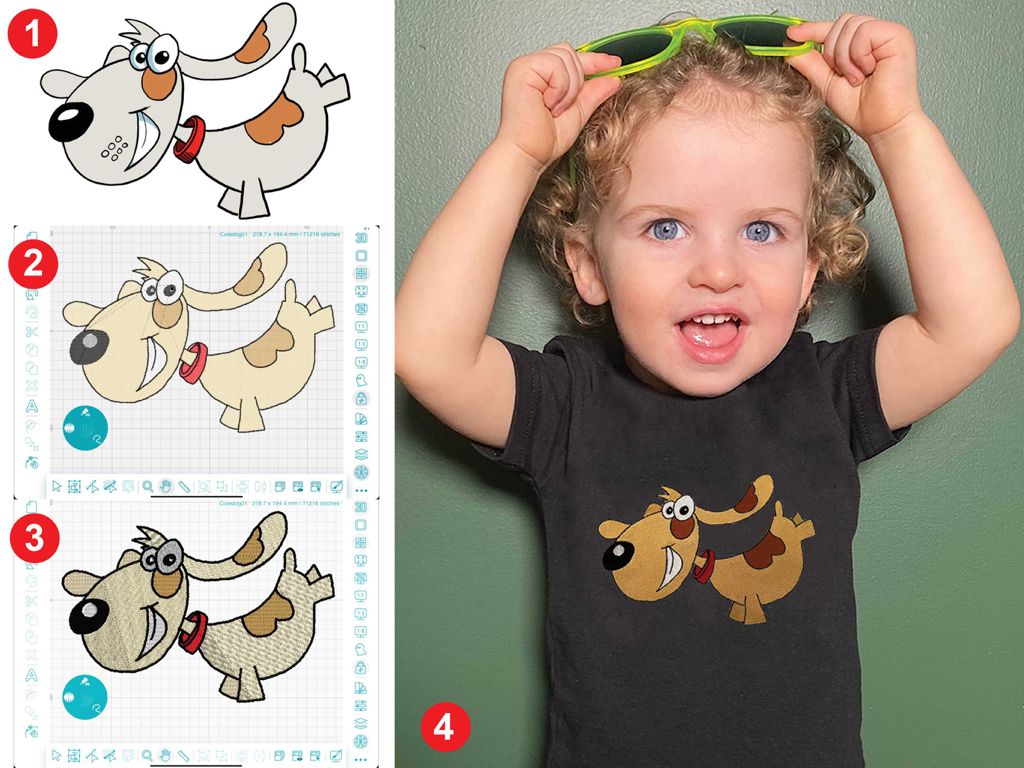
A four-step process showing a dog doodle converted into an embroidery design and stitched onto a child's t-shirt.
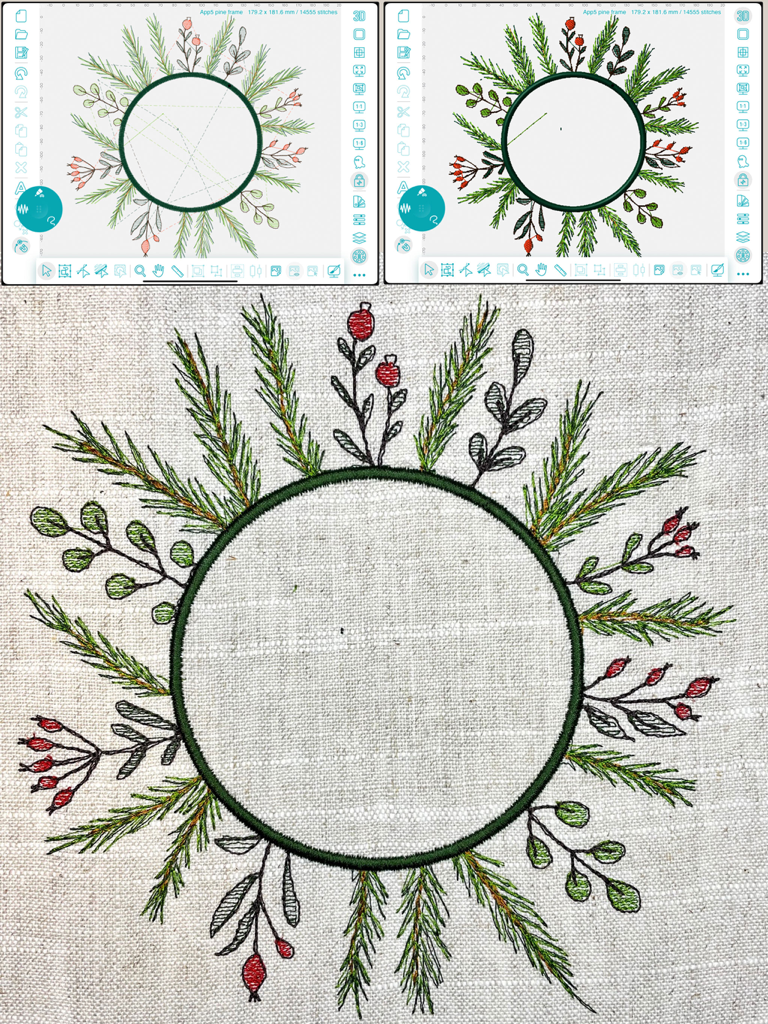
iPad interface showing an embroidery wreath design and the final stitched result on fabric
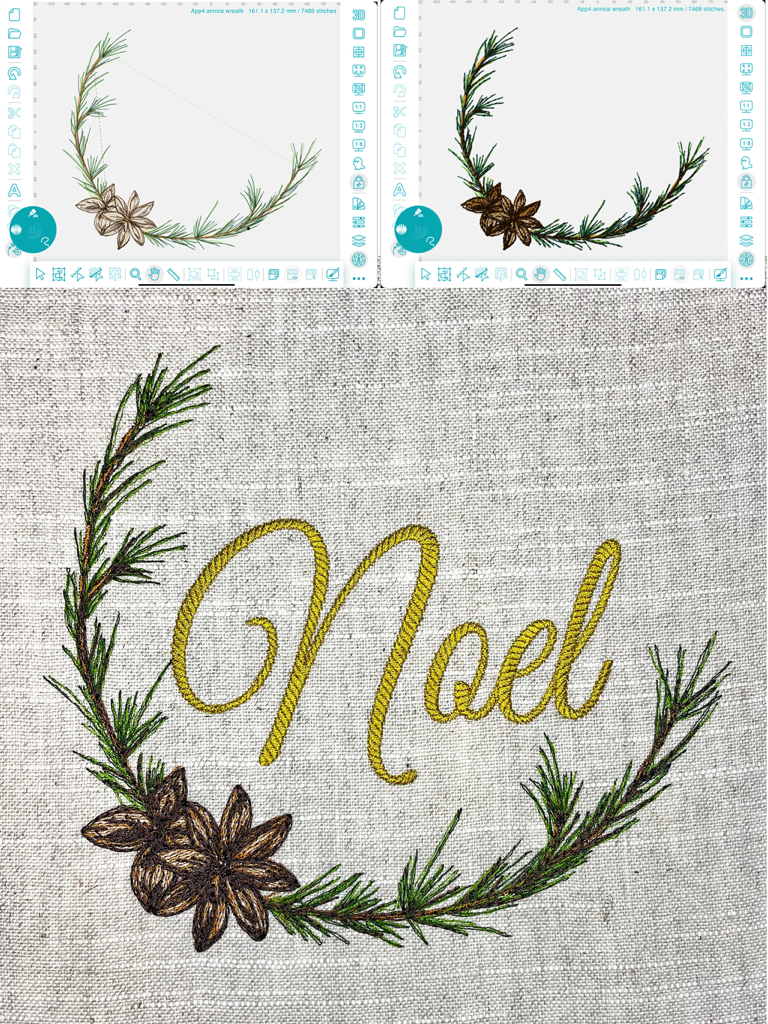
iPad interface of the Embroidery Design Doodler app showing a custom wreath design next to the finished embroidered Noel fabric.
Description
Download
More Like This
Top-ranked apps in the same category

Kling AI: AI Image&Video Maker
LOHAS GAMES PTE. LTD.

iScreen - Widgets & Wallpaper
Xiamen ShenZhuo Information Technology Co., Ltd.

Dreamina AI: Image&Video Maker
BYTEDANCE PTE. LTD.

Home AI - AI Interior Design
HUBX YAZILIM HIZMETLERI ANONIM SIRKETI

ibis Paint X
ibis inc.

ThemeKit: Widget & Icon Themes
Woohoo Tech. Ltd.

Sketchbook®
Sketchbook, Inc.

Colorful Widget- Widget&Themes
Guangzhou ZHIFENG Information Technology Co.,Ltd.

ReRoom AI: Interior Design
GM UniverseApps Limited
This page is not an official page of the app or its developer, but an independent editorial publication created for informational and commentary purposes. Unless expressly stated otherwise, neither the app nor its developer is affiliated with, endorsed by, sponsored by, authorized by, or otherwise officially connected with MWM, Apple, Google Play, the app publisher, or the app's developer, and nothing on this page implies that the app was developed using MWM's services. Any trademarks, logos, screenshots, and other content remain the property of their respective owners.