
This page is not an official page of the app or its developer, but an independent editorial publication created for informational and commentary purposes. Unless expressly stated otherwise, neither the app nor its developer is affiliated with, endorsed by, sponsored by, authorized by, or otherwise officially connected with MWM, Apple, Google Play, the app publisher, or the app's developer, and nothing on this page implies that the app was developed using MWM's services. Any trademarks, logos, screenshots, and other content remain the property of their respective owners.


Endpoint Central
Securely manage Windows, Mac, and Linux systems with ease. From automated patch deployment to remote troubleshooting, stay in control of your global infrastructure without being tethered to your desk.
Downloads
6K+User Rating
Total Ratings
500Publisher
Category
BusinessLocales
2Latest Version
25.08.01Size
53.5 MBFirst Released
Feb 4, 2016Master Your IT Infrastructure on the Go
Break free from your desk. Endpoint Central gives you the full power of a enterprise desktop management suite in a mobile interface, designed for the modern, always-on IT professional.
One-Tap Patch Management
Stay ahead of vulnerabilities. Approve, decline, and monitor automated deployments for Windows, Mac, and Linux systems without needing to open your laptop.
Seamless Remote Control
Troubleshoot user issues in real-time. Gain secure access to remote sessions and perform quick actions like running command prompts directly from your mobile device.
Frequently Asked Questions
Everything you need to know about Endpoint Central
What is Endpoint Central?
Endpoint Central is an app for IT administrators to manage Windows, Mac, and Linux computers. It centralizes desktop management, asset management, patch management, and mobile device management routines globally.
Which operating systems does Endpoint Central support for management?
Endpoint Central supports the management of Windows, Mac, and Linux computers. It also extends its capabilities to mobile devices, enabling comprehensive endpoint management.
What are the core features of the Endpoint Central app?
The core features of Endpoint Central include Scope of Management (SoM), Asset Management (Inventory), Patch Management, Tools, and Mobile Device Management. It provides a complete suite for endpoint administration.
Does Endpoint Central offer remote control capabilities?
Yes, Endpoint Central provides remote control for troubleshooting desktops from anywhere. It includes multi-monitor support, quick actions like command prompt access, and an option to ask users for permission for privacy.
How does Endpoint Central manage patches?
Endpoint Central scans to identify vulnerable computers and detect missing patches for Windows, Mac, Linux, and third-party applications. It allows administrators to approve or decline patches and monitor automated deployments.
What mobile device management features does Endpoint Central include?
Endpoint Central offers Mobile Device Management (MDM) features like remote lock, remote control, remote alarm, complete/corporate wipe, clearing/resetting passcodes, locating devices, and enabling lost mode for managed devices.
Has the Endpoint Central app been rebranded?
Yes, the Endpoint Central app was formerly known as Desktop Central. The rebranding details are available via an official announcement, as stated in the app description.
How do I activate the Endpoint Central iOS app?
To activate the Endpoint Central iOS app, install it, then provide the server name and port used for Endpoint Central. Finally, sign in with your existing Endpoint Central Console username and password.
Does Endpoint Central integrate an AI assistant?
Yes, Endpoint Central integrates Zia, an AI-powered personal assistant. Zia helps manage your network by providing summaries, such as a complete patch summary, and assists with various administrative tasks.
What functionalities does Endpoint Central provide for asset management?
Endpoint Central's asset management scans systems for hardware and software information, reviews hardware assets, checks software license compliance, analyzes software usage, and allows administrators to prohibit specific applications.
The following screenshots and description are sourced directly from the app's official store listing and are the property of the app developer.
App Store
Screenshots
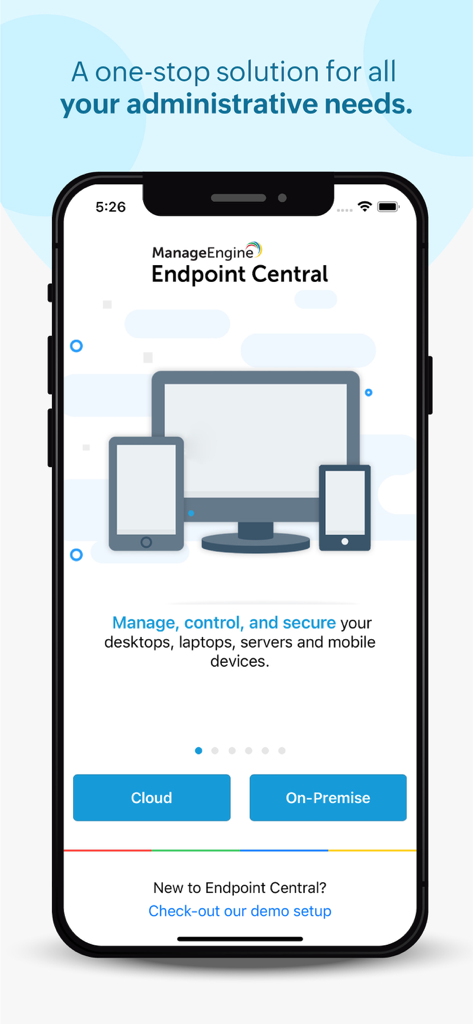
Welcome screen for ManageEngine Endpoint Central app providing IT management solutions for desktops and mobile devices
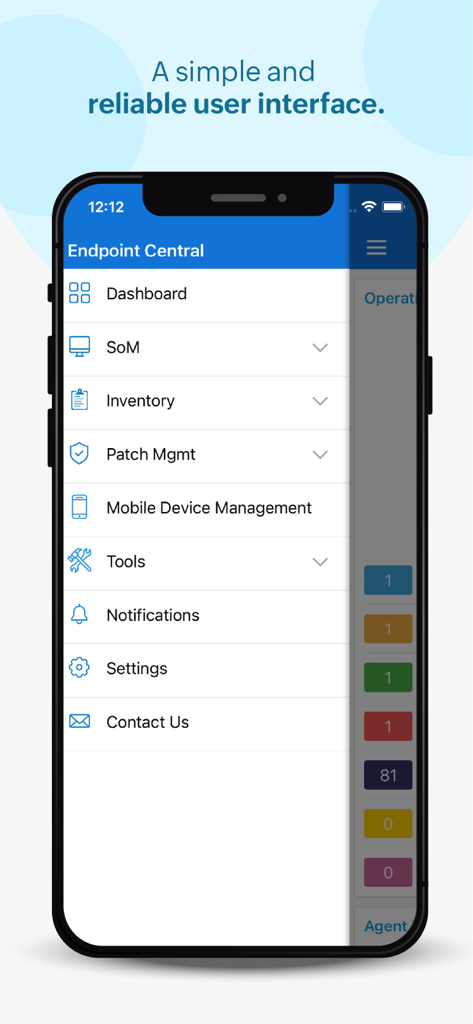
Main menu of the Endpoint Central mobile app for IT management
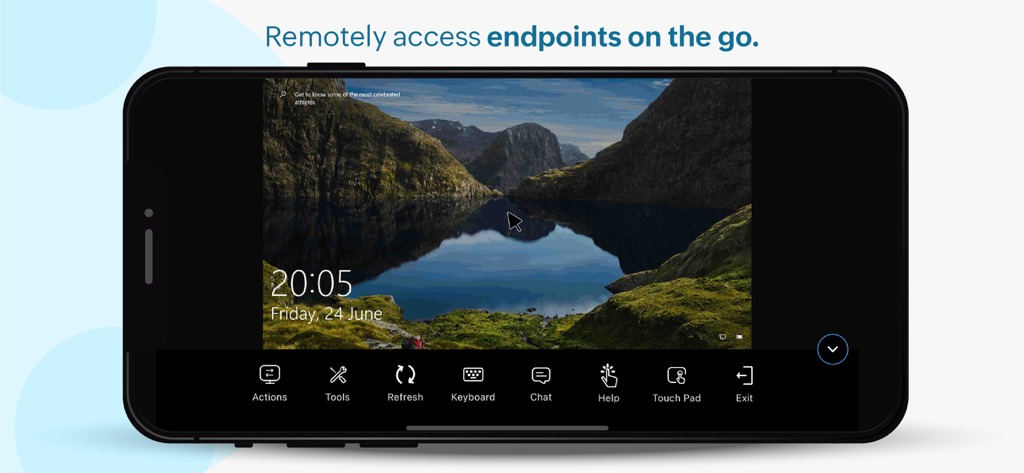
Smartphone displaying a remote desktop session through the Endpoint Central management app
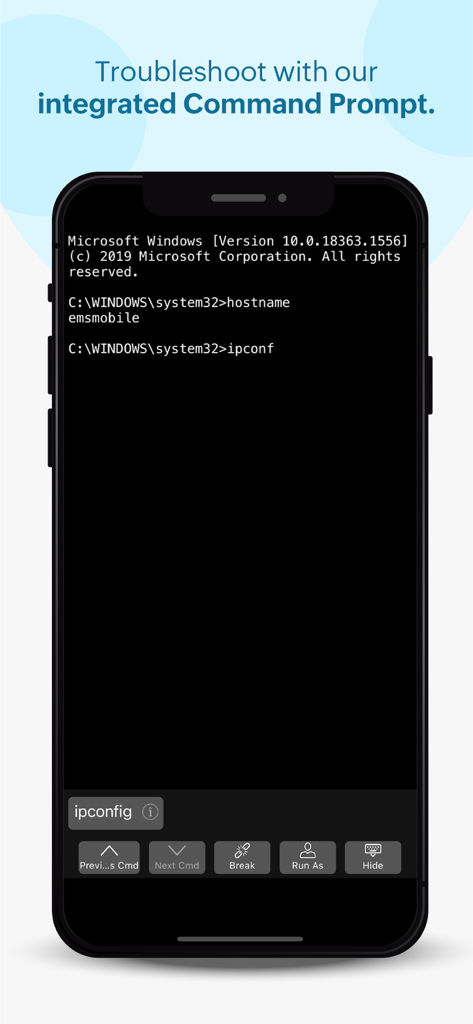
Integrated command prompt interface in the Endpoint Central mobile app for remote IT troubleshooting
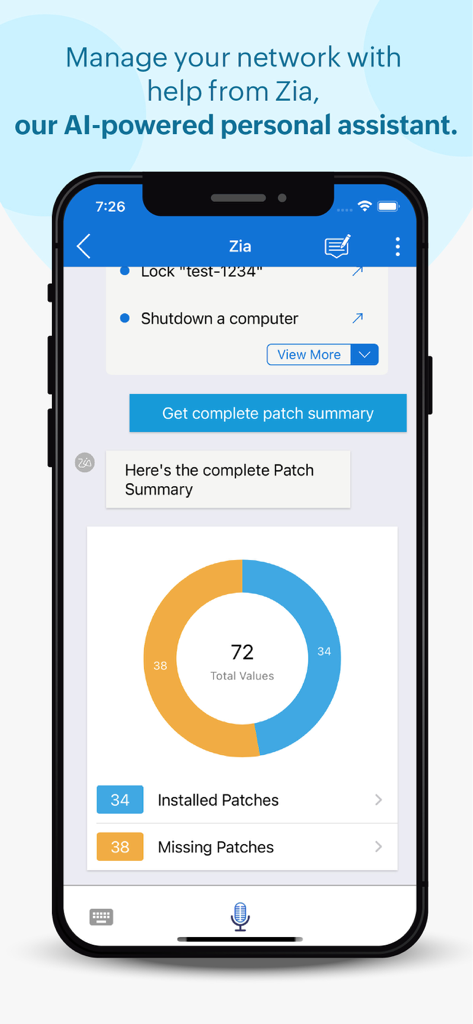
Endpoint Central mobile app interface showing Zia AI assistant providing a patch management summary donut chart
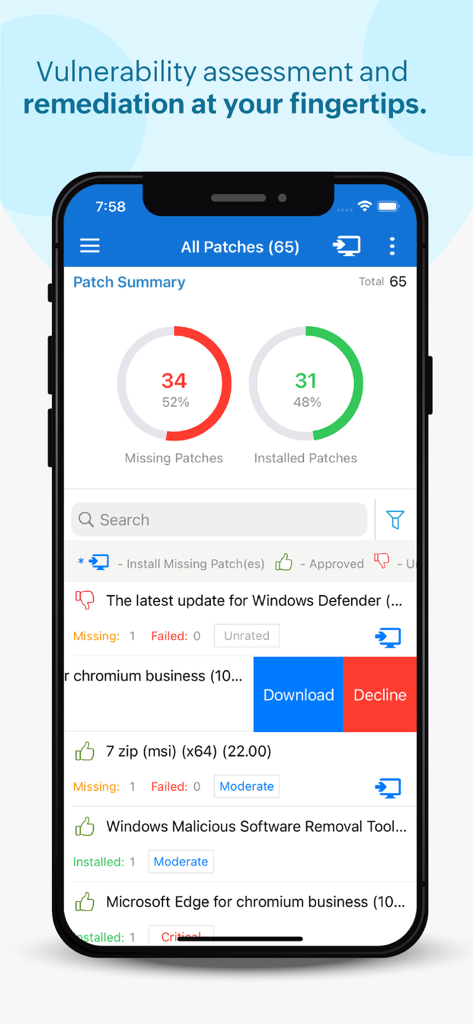
Endpoint Central mobile app displaying patch summary dashboard with missing and installed patches statistics
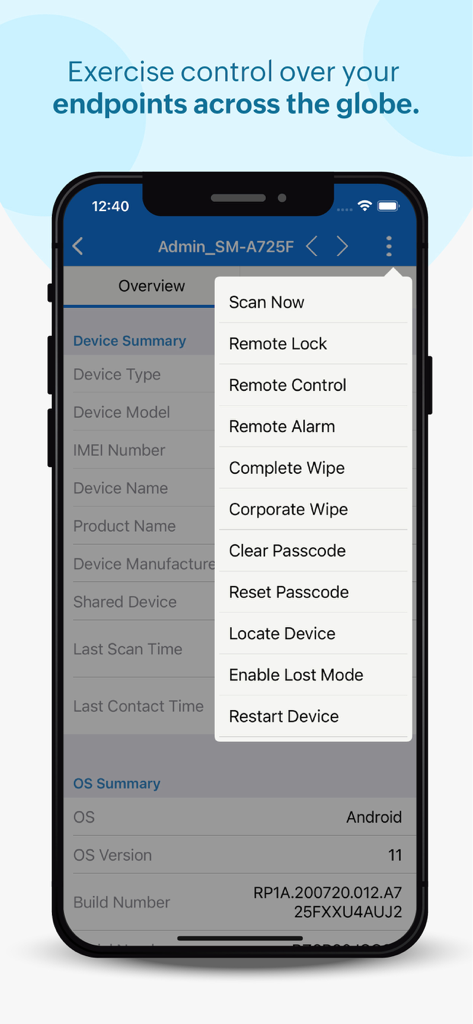
Endpoint Central mobile app displaying remote device management menu with options for remote lock wipe and control
Description
Download
More Like This
Top-ranked apps in the same category

Microsoft Teams
Microsoft Corporation

Zoom Workplace
Zoom Communications, Inc.

WhatsApp Business
WhatsApp Inc.

Indeed Job Search
Indeed Inc.

LinkedIn: Network & Job Finder
LinkedIn Corporation

Adobe Acrobat Reader: Sign PDF
Adobe Inc.

WeCom-Work Communication&Tools
Tencent Technology (Shenzhen) Company Limited

BOSS直聘-招聘求职找工作神器
Beijing China Product Bo Farce Network Technology Co., Ltd.

DingDing - Redefine Work in AI
DingTalk Technology Co., Ltd.
This page is not an official page of the app or its developer, but an independent editorial publication created for informational and commentary purposes. Unless expressly stated otherwise, neither the app nor its developer is affiliated with, endorsed by, sponsored by, authorized by, or otherwise officially connected with MWM, Apple, Google Play, the app publisher, or the app's developer, and nothing on this page implies that the app was developed using MWM's services. Any trademarks, logos, screenshots, and other content remain the property of their respective owners.