
This page is not an official page of the app or its developer, but an independent editorial publication created for informational and commentary purposes. Unless expressly stated otherwise, neither the app nor its developer is affiliated with, endorsed by, sponsored by, authorized by, or otherwise officially connected with MWM, Apple, Google Play, the app publisher, or the app's developer, and nothing on this page implies that the app was developed using MWM's services. Any trademarks, logos, screenshots, and other content remain the property of their respective owners.

Enterprise CarShare
Join the membership community that gives you 24/7 access to vehicles parked right in your neighborhood. Book by the hour or day, unlock with your phone, and hit the road in seconds.
Downloads
623K+User Rating
Total Ratings
15K+Publisher
Category
TravelLocales
4Latest Version
3.25.1Size
25.4 MBFirst Released
Oct 15, 2014Smart Driving for Urban Life
Enterprise CarShare gives you the freedom of a car without the hassle of ownership. Book, unlock, and go—all from your smartphone.
Your Phone is the Key
Skip the rental counter. Find, book, and unlock your vehicle directly with the app for a totally contactless experience.
Rent by the Hour
Perfect for quick errands or day trips. Pay only for the time you need with flexible options that fit your budget and schedule.
Frequently Asked Questions
Everything you need to know about Enterprise CarShare
What is the Enterprise CarShare app?
The Enterprise CarShare app is a tool for members to find, reserve, and manage membership-based car rentals by the hour, day, or week. It allows members to lock, unlock, and extend trips.
Do I need a membership to use Enterprise CarShare?
Yes, you must be an Enterprise CarShare member to use the app and rent vehicles. The app is designed exclusively for existing members.
How do I find available vehicles using the Enterprise CarShare app?
The Enterprise CarShare app uses your current location to display available vehicles in your area on a map interface. You can then select a vehicle to reserve.
Can I make reservations with the Enterprise CarShare app?
Yes, the Enterprise CarShare app allows you to create, modify, and cancel reservations directly. You can reserve vehicles by the hour, day, or week.
How do I start my trip with Enterprise CarShare using the app?
To start your trip with Enterprise CarShare, you use the app to lock and unlock the vehicle. This action initiates and ends your rental period.
Can I extend my rental through the Enterprise CarShare app?
Yes, you can extend your reservation directly from within the Enterprise CarShare app while your rental is active. The app provides options to update your rental time.
How do I submit a fuel receipt using the Enterprise CarShare app?
The Enterprise CarShare app allows you to submit fuel receipts by taking a photo of the receipt and emailing it directly from within the app's interface.
Does Enterprise CarShare offer customer support?
Yes, Enterprise CarShare provides 24/7 member service support. You can contact their support team directly through the app for assistance with your rental or membership.
Is Enterprise CarShare a self-service car rental program?
Yes, Enterprise CarShare is a self-service program. Members can reserve, book, unlock, and go without requiring a rental branch.
Can I view my upcoming trips in the Enterprise CarShare app?
Yes, the Enterprise CarShare app allows you to view both your upcoming and current reservations. This feature helps members manage their planned and active rentals.
The following screenshots and description are sourced directly from the app's official store listing and are the property of the app developer.
App Store
Screenshots
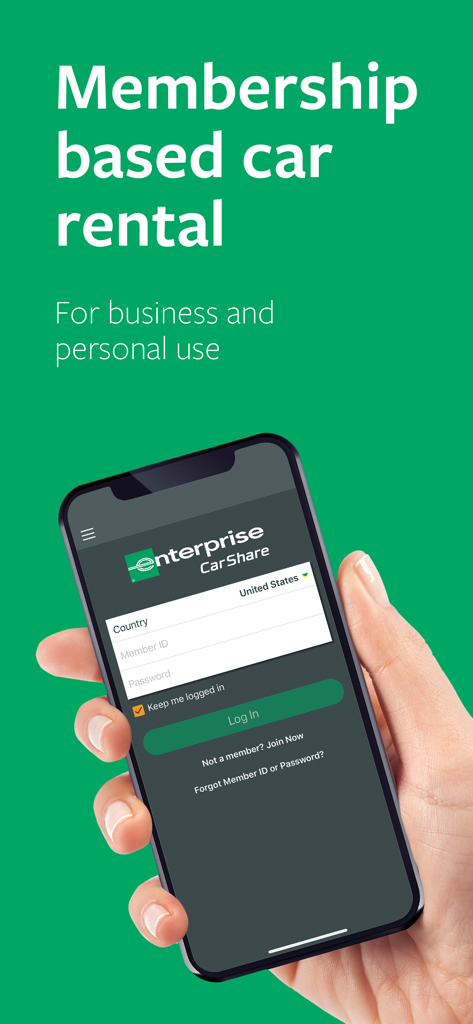
Hand holding a smartphone displaying the Enterprise CarShare app login screen for membership based car rental
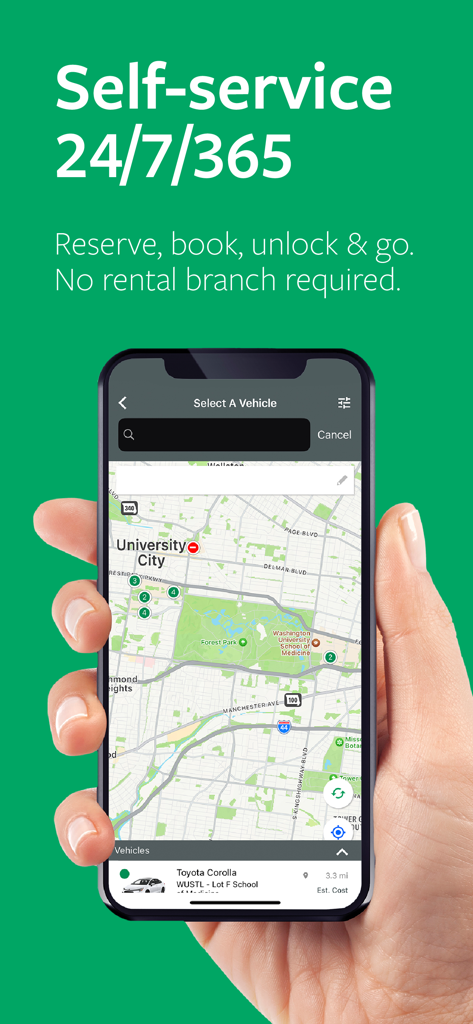
Smartphone screen displaying the Enterprise CarShare app map for self-service vehicle booking
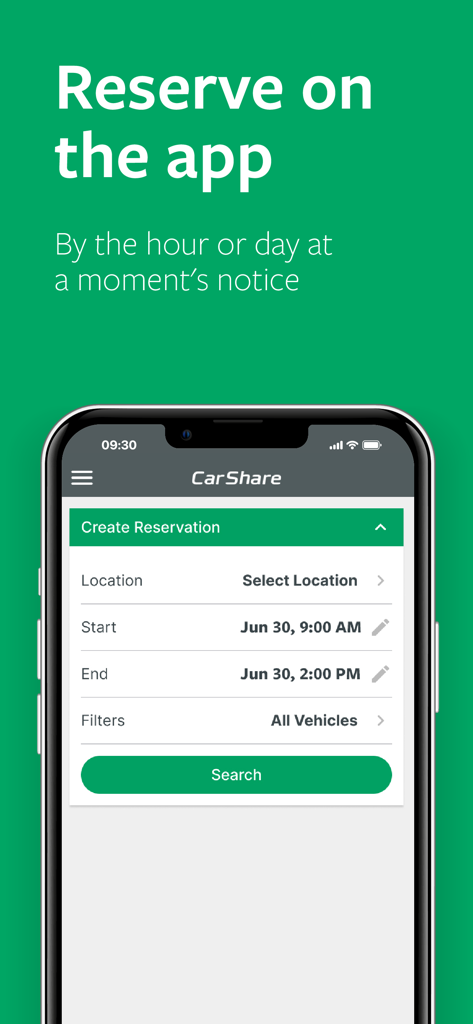
Enterprise CarShare app interface for creating a vehicle reservation by the hour or day
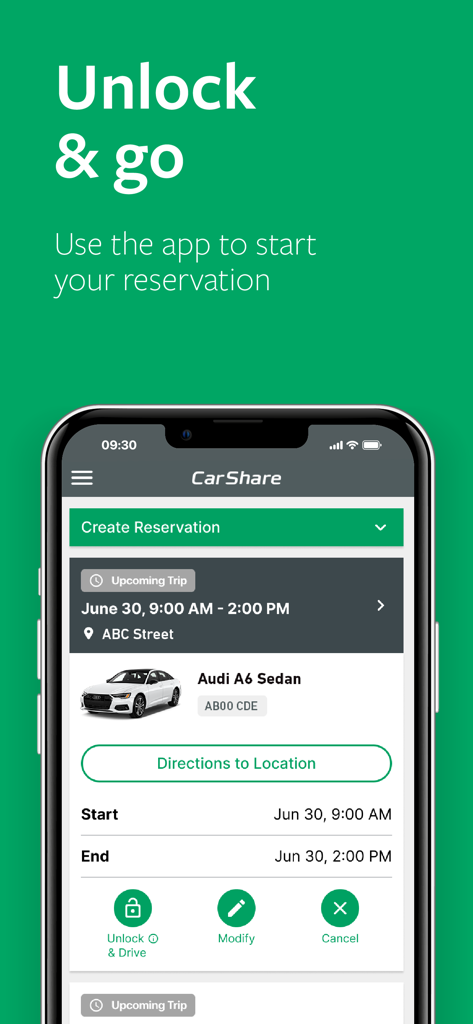
Enterprise CarShare app screen showing an upcoming reservation for an Audi A6 sedan with a button to unlock and drive
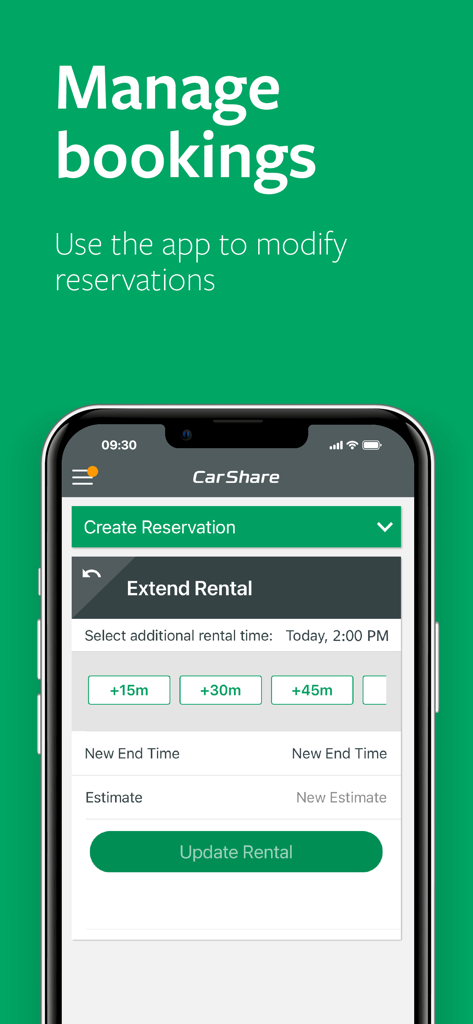
Interface of the Enterprise CarShare app showing the option to extend a vehicle rental reservation.
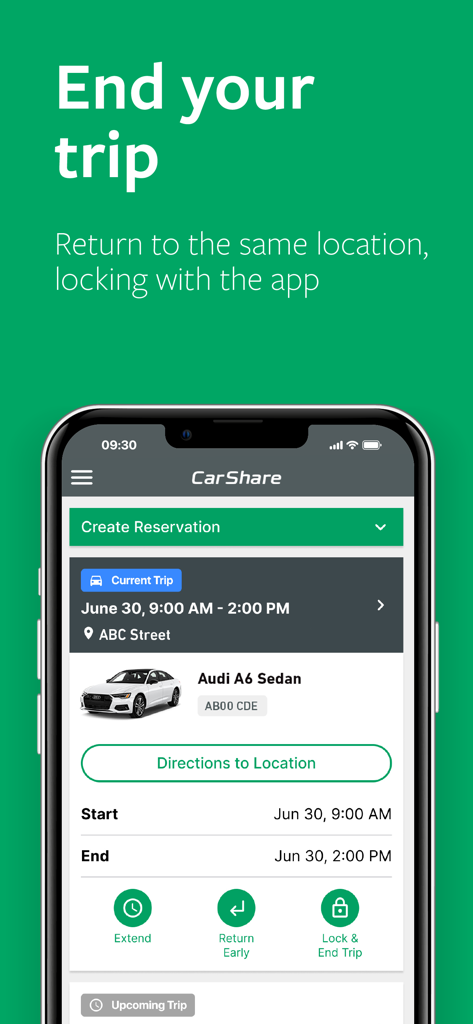
Interface of Enterprise CarShare app showing details and management options for a current car rental trip
Description
Download
More Like This
Apps with similar features and user experience

Turo — Car rental marketplace
Turo Inc.

MILES Car & Van Sharing
MILES Mobility GmbH

Turbi - Aluguel de Carros 24h
Turbi Compartilhamento de Veiculos S A

Hyre
Hyre AS

GoMore | Car rental
GOMORE ApS

Virtuo: hassle-free car rental
MobiTech SAS

Getaround - car rental
Getaround

TikTak
TIKTAK YENI NESIL ULASIM COZUMLERI VE ARAC KIRALAMA ANONIM SIRKETI

Delimobil: Carsharing and Rent
Karshering Russiya OOO
This page is not an official page of the app or its developer, but an independent editorial publication created for informational and commentary purposes. Unless expressly stated otherwise, neither the app nor its developer is affiliated with, endorsed by, sponsored by, authorized by, or otherwise officially connected with MWM, Apple, Google Play, the app publisher, or the app's developer, and nothing on this page implies that the app was developed using MWM's services. Any trademarks, logos, screenshots, and other content remain the property of their respective owners.