
This page is not an official page of the app or its developer, but an independent editorial publication created for informational and commentary purposes. Unless expressly stated otherwise, neither the app nor its developer is affiliated with, endorsed by, sponsored by, authorized by, or otherwise officially connected with MWM, Apple, Google Play, the app publisher, or the app's developer, and nothing on this page implies that the app was developed using MWM's services. Any trademarks, logos, screenshots, and other content remain the property of their respective owners.

FabFilter Pro-Q 3
Bring desktop-class surgical precision to your mobile studio. Experience 24 bands of mastering-grade processing, dynamic EQ, and unrivaled touch control in one powerful AUv3 plugin.
Downloads
0User Rating
Total Ratings
0Publisher
Category
MusicLocales
1Latest Version
3.28Size
5.1 MBFirst Released
Jun 21, 2019The Gold Standard of Equalization, Reimagined for iPad
Experience the world's most acclaimed EQ plugin on your mobile workstation. FabFilter Pro-Q 3 delivers surgical precision, unrivaled sound quality, and a workflow optimized for the modern touch interface.
Intelligent Dynamic EQ
Apply surgical compression or expansion to any of the 24 bands with Natural Phase mode, matching the magnitude and phase of analog hardware perfectly.
Visual Collision Detection
Identify frequency masking instantly by visualizing external spectrums from other tracks, allowing you to carve out space in your mix with total clarity.
The following screenshots and description are sourced directly from the app's official store listing and are the property of the app developer.
App Store
Screenshots
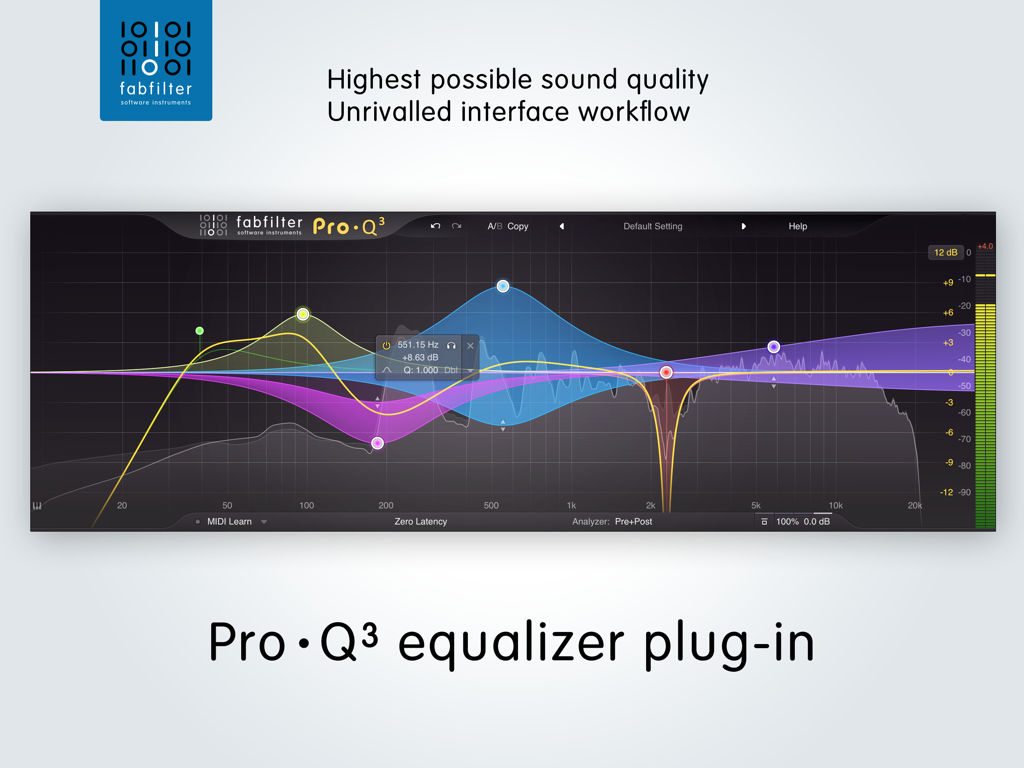
Interface of the FabFilter Pro-Q 3 professional equalizer plugin showing frequency bands and spectrum analyzer
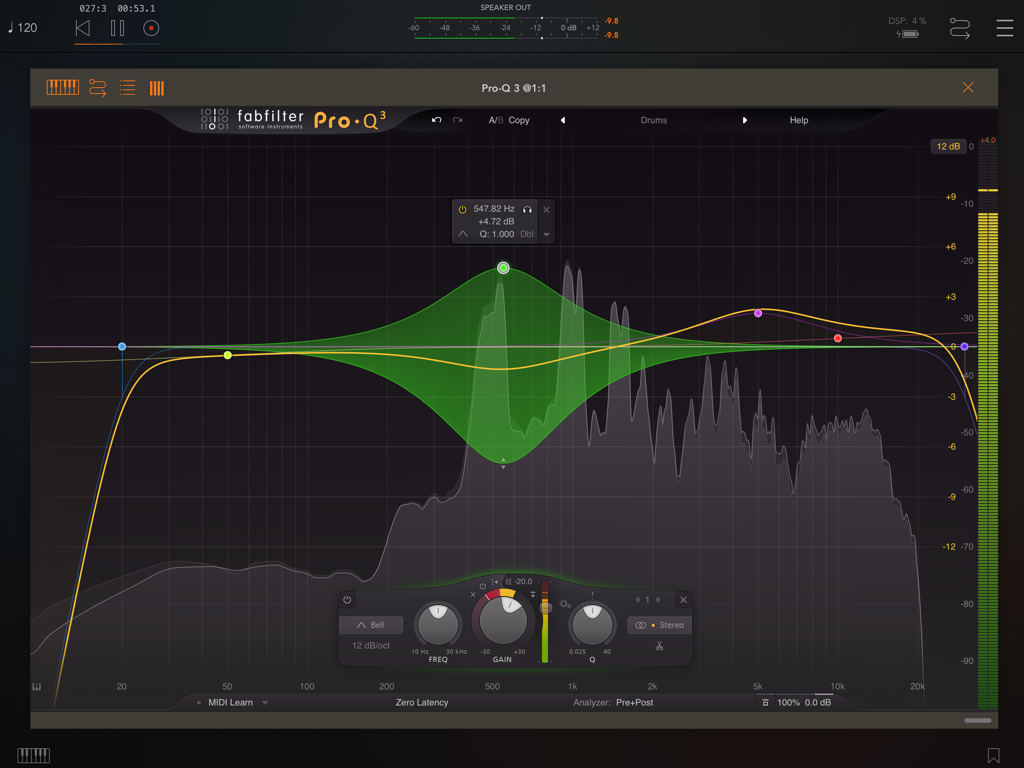
FabFilter Pro-Q 3 professional equalizer interface on iPad showing frequency bands and real-time spectrum analyzer.
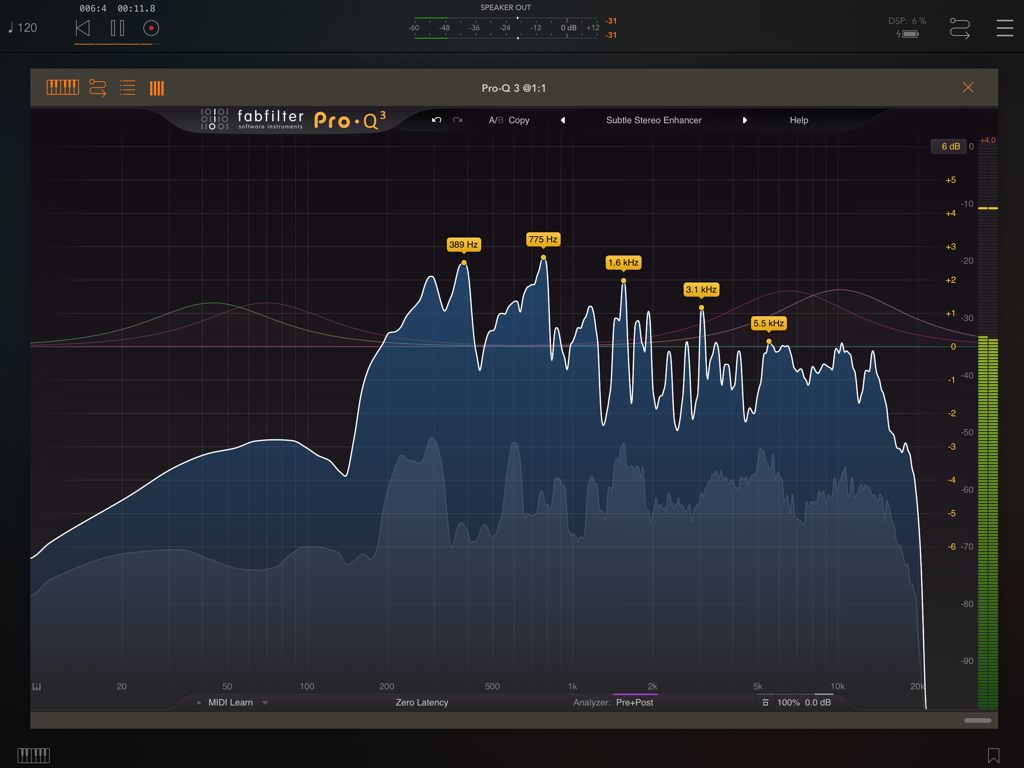
Interface of FabFilter Pro-Q 3 on iPad showing the real-time frequency spectrum analyzer with multiple band markers
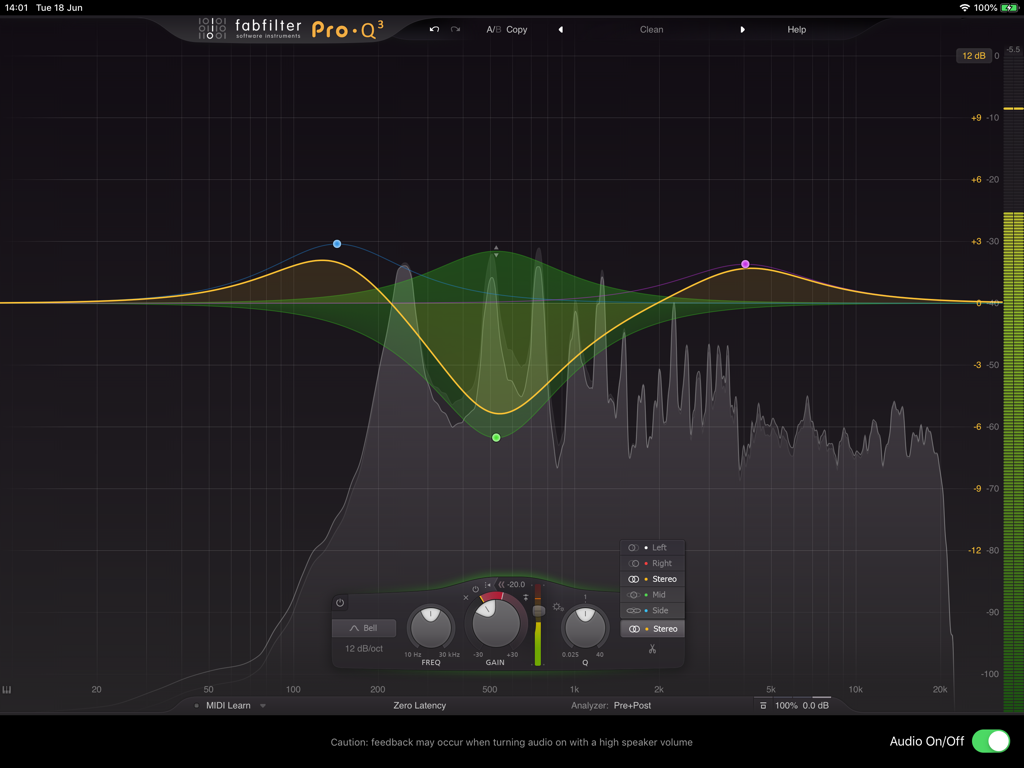
Interface of the FabFilter Pro-Q 3 app showing professional equalizer curves and a real-time frequency spectrum analyzer on an iPad.
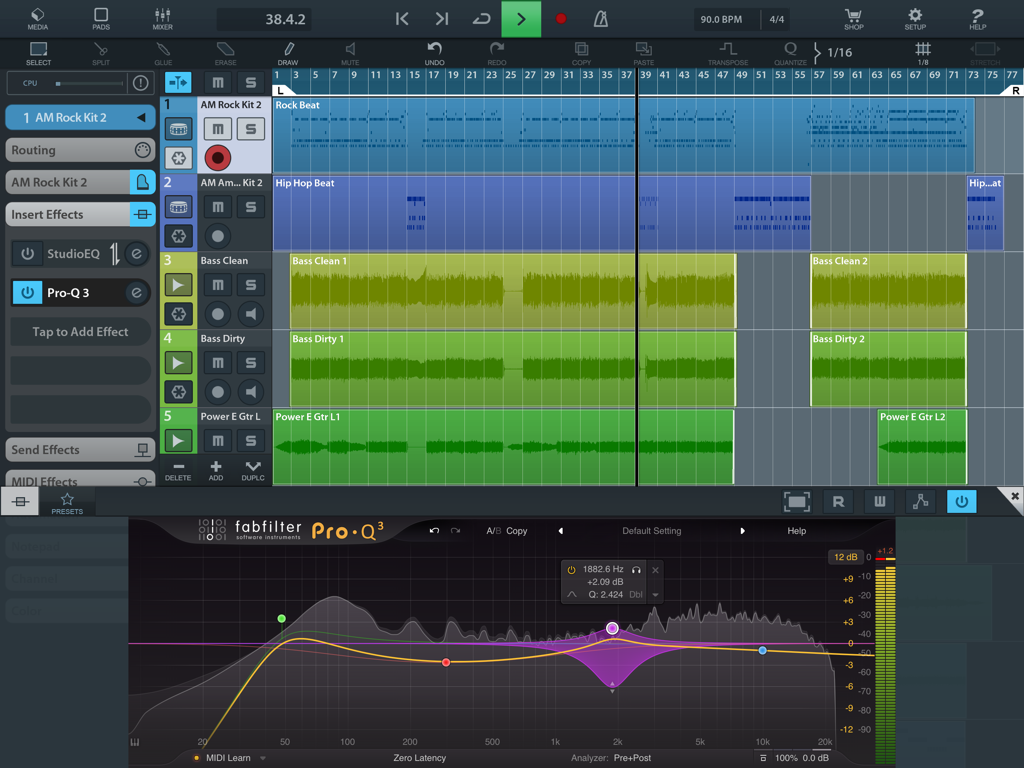
The FabFilter Pro-Q 3 equalizer plugin interface overlaying a multi-track digital audio workstation on an iPad.
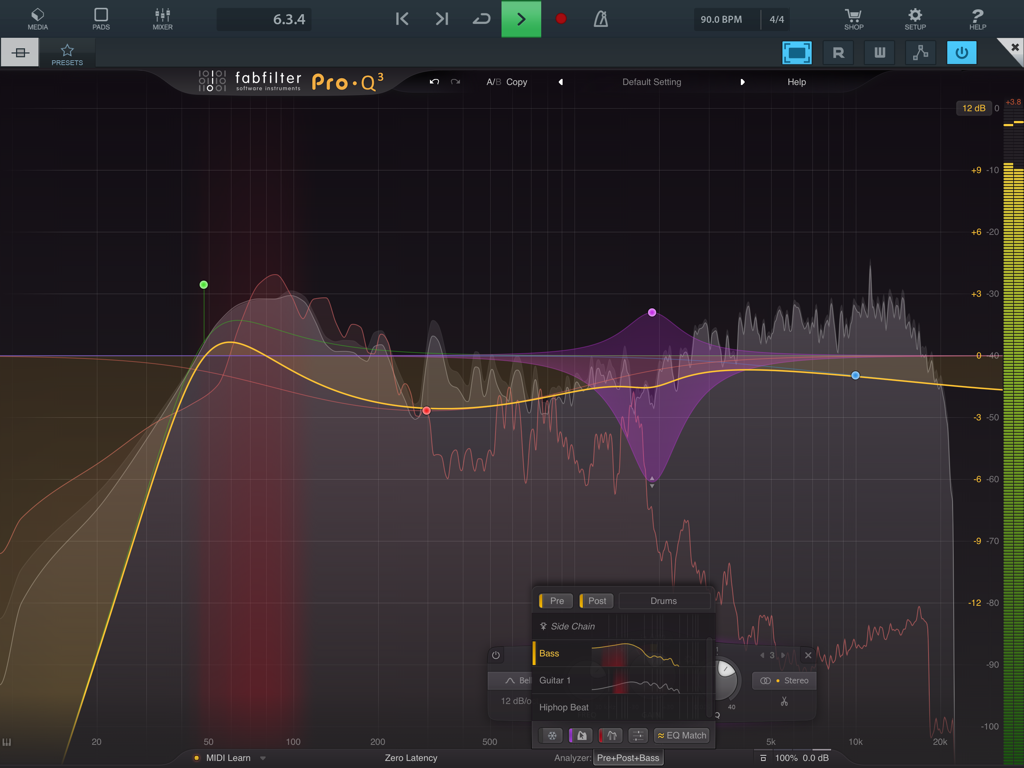
Interface of the FabFilter Pro-Q 3 app on iPad showing a dynamic equalizer with multiple bands and a real-time frequency spectrum analyzer.
Description
Download
More Like This
Top-ranked apps in the same category

Spotify: Music and Podcasts
Spotify

YouTube Music
Google LLC

Shazam: Find Music & Concerts
Apple Inc.
SoundCloud: The Music You Love
SoundCloud Global Limited & Co KG

Suno - AI Songs & Music
Suno Inc.

QQ音乐 - 听我想听
Tencent Technology (Shenzhen) Company Limited

Audiomack - Play Music Offline
Audiomack, Inc.

BandLab – Music Maker & Beats
BandLab Singapore Pte Ltd

GuitarTuna: Tune & Play Guitar
Yousician Ltd
This page is not an official page of the app or its developer, but an independent editorial publication created for informational and commentary purposes. Unless expressly stated otherwise, neither the app nor its developer is affiliated with, endorsed by, sponsored by, authorized by, or otherwise officially connected with MWM, Apple, Google Play, the app publisher, or the app's developer, and nothing on this page implies that the app was developed using MWM's services. Any trademarks, logos, screenshots, and other content remain the property of their respective owners.