
This page is not an official page of the app or its developer, but an independent editorial publication created for informational and commentary purposes. Unless expressly stated otherwise, neither the app nor its developer is affiliated with, endorsed by, sponsored by, authorized by, or otherwise officially connected with MWM, Apple, Google Play, the app publisher, or the app's developer, and nothing on this page implies that the app was developed using MWM's services. Any trademarks, logos, screenshots, and other content remain the property of their respective owners.

FamiStudio
Experience the power of vintage hardware through a modern DAW-style interface. Perfect for indie game developers and nostalgic creators looking to build their next retro masterpiece on the go.
Downloads
3K+User Rating
Total Ratings
0Publisher
Category
MusicLocales
-Latest Version
4.4.4Size
108.3 MBFirst Released
Feb 26, 2025Unleash Your Retro Creativity
FamiStudio combines the iconic sound of 80s gaming hardware with a modern, intuitive DAW workflow designed for today's indie creators.
Intuitive Piano Roll Editing
Ditch the complex codes of old-school trackers. Compose 8-bit masterpieces effortlessly with a visual interface that makes chiptune accessible to everyone.
True Hardware Authenticity
Go beyond simple filters. Generate sounds that run on real vintage consoles with support for NSF, ROM, and professional-grade audio expansions.
The following screenshots and description are sourced directly from the app's official store listing and are the property of the app developer.
App Store
Screenshots
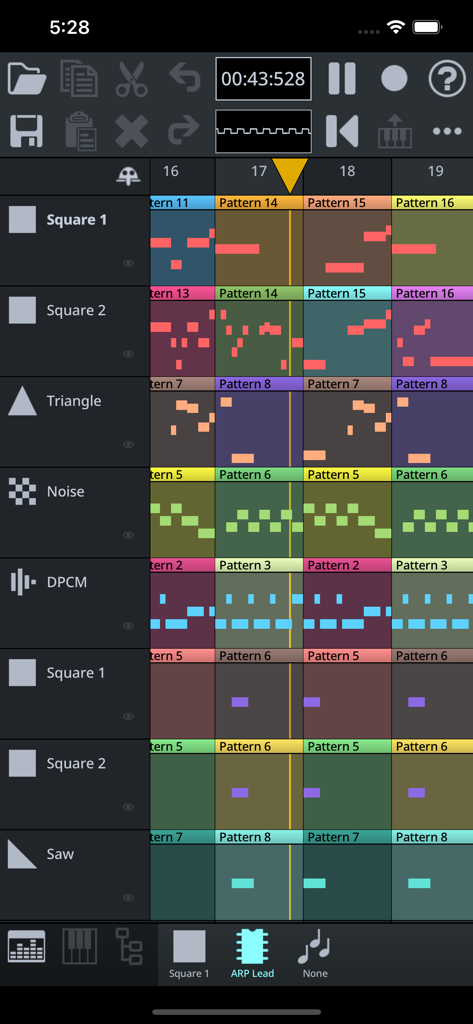
FamiStudio interface showing an 8-bit music sequencer with multiple instrument tracks
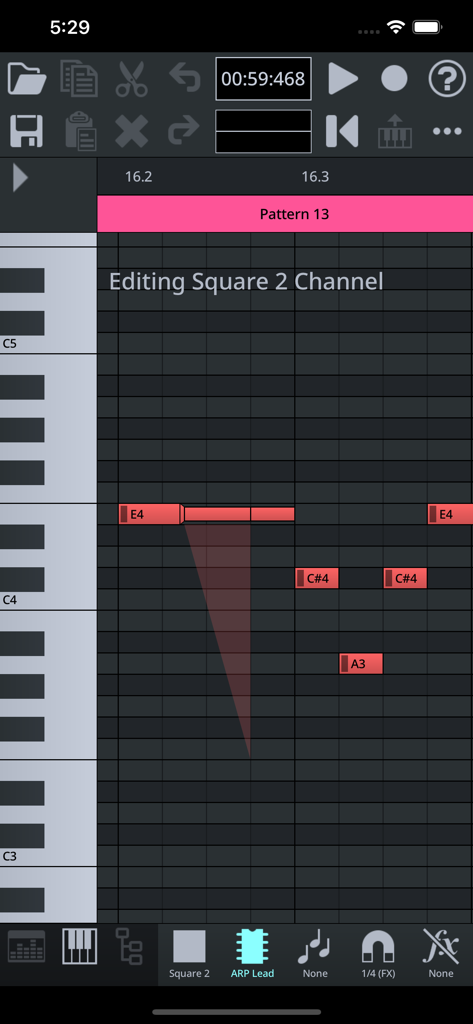
Modern piano roll interface in FamiStudio for creating 8-bit music tracks
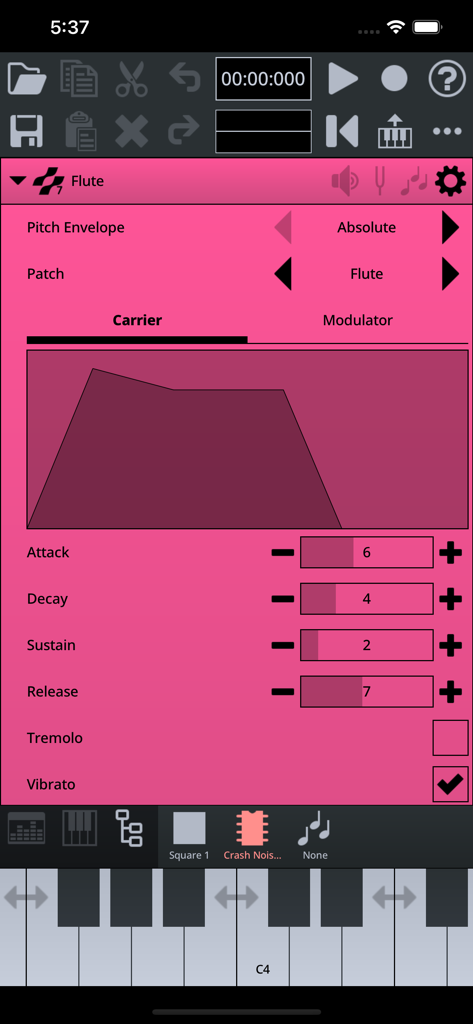
A screenshot of the FamiStudio instrument editor showing envelope and patch settings for 8-bit music creation.
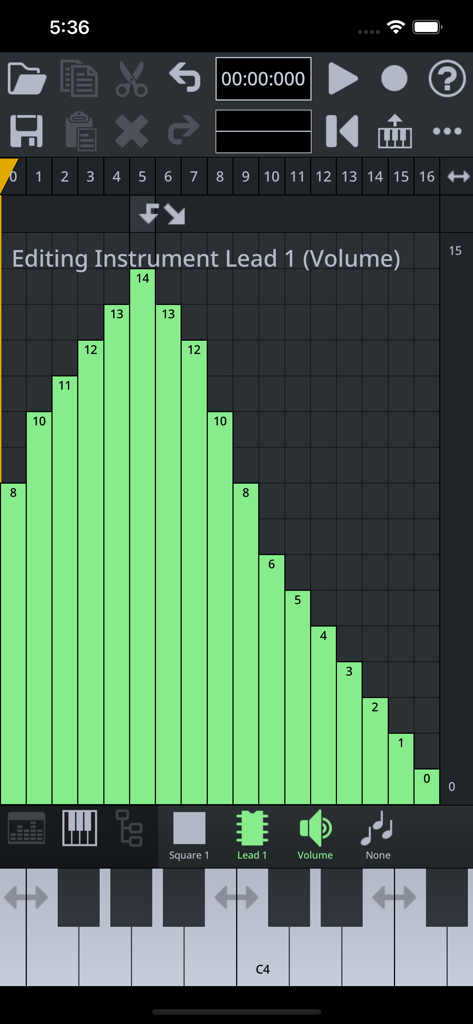
FamiStudio mobile app interface showing volume envelope editing for an 8-bit instrument
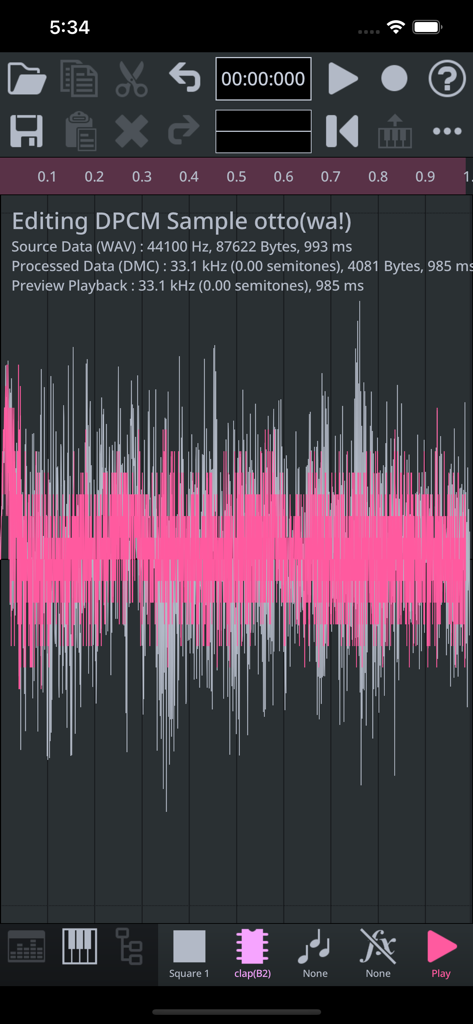
Interface of FamiStudio showing the DPCM sample editor with a pink and grey audio waveform visualization
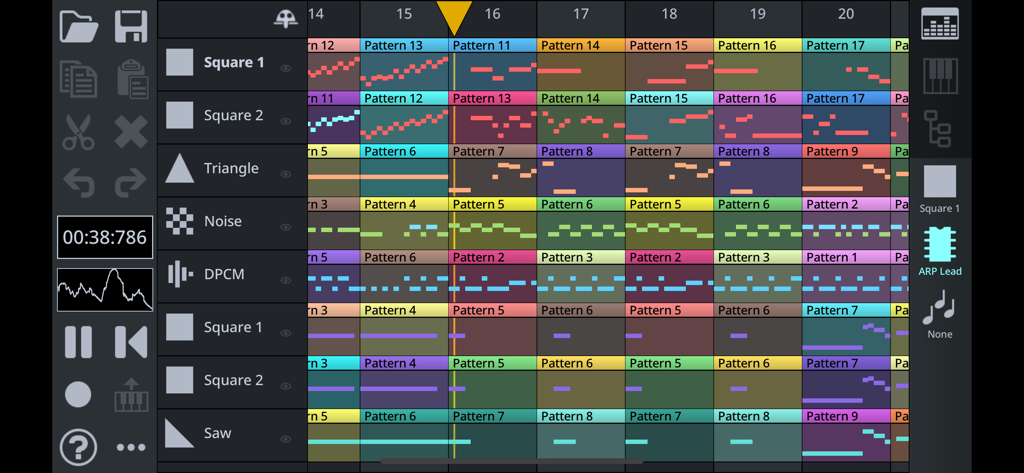
FamiStudio interface showing a multi-track 8-bit chiptune music sequencer with colorful patterns
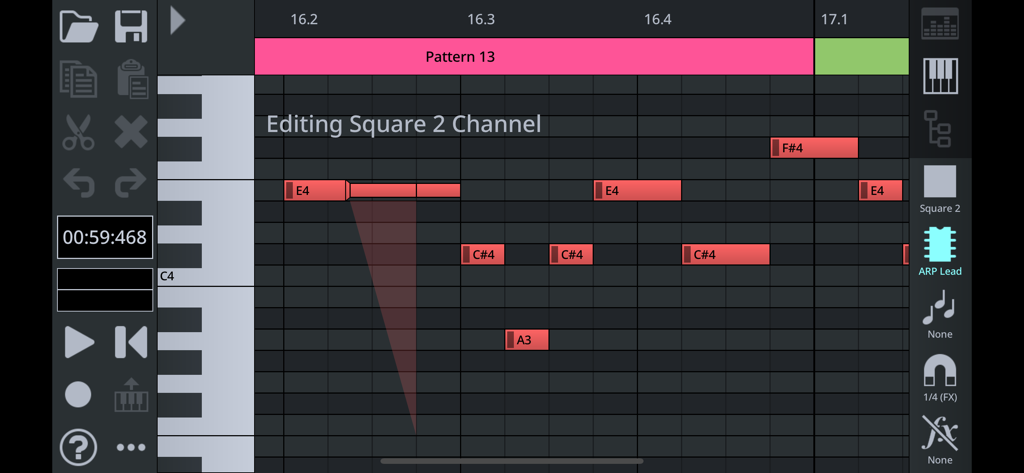
FamiStudio piano roll interface showing 8-bit music note editing for the Square 2 channel
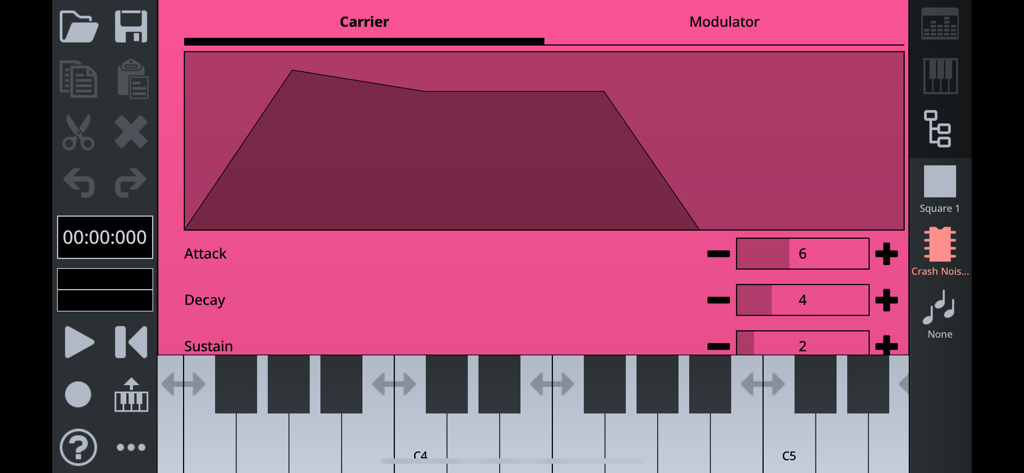
FamiStudio chiptune instrument envelope editor interface showing attack and decay settings
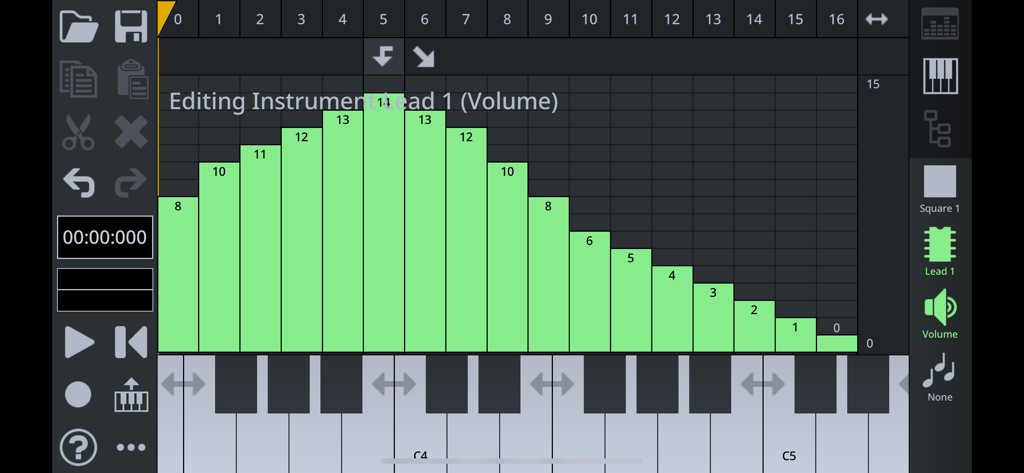
FamiStudio app interface showing an instrument volume envelope editor with a piano roll for 8-bit chiptune music creation.
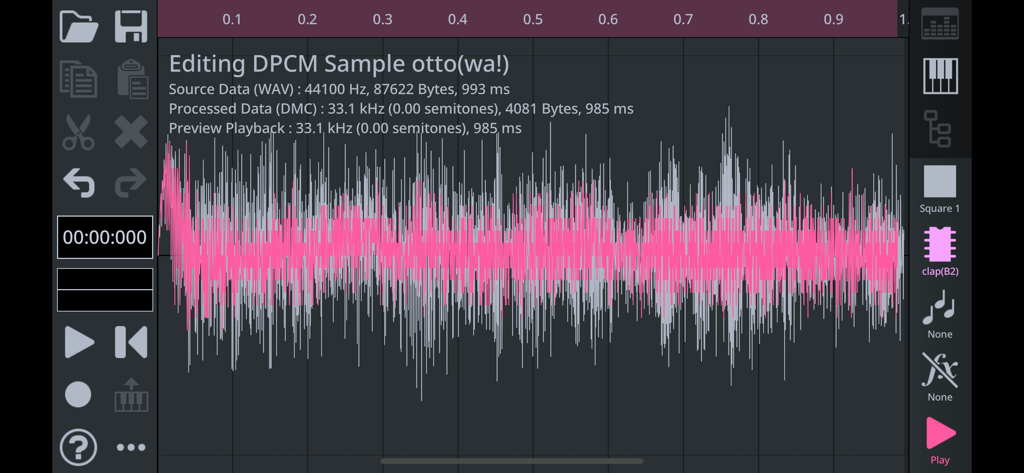
FamiStudio DPCM sample editor screen displaying a pink audio waveform for 8-bit chiptune music creation
Description
Download
More Like This
Top-ranked apps in the same category

Spotify: Music and Podcasts
Spotify

YouTube Music
Google LLC

Shazam: Find Music & Concerts
Apple Inc.

SoundCloud: The Music You Love
SoundCloud Global Limited & Co KG

Suno - AI Songs & Music
Suno Inc.

QQ音乐 - 听我想听
Tencent Technology (Shenzhen) Company Limited

Audiomack - Play Music Offline
Audiomack, Inc.

GuitarTuna: Tune & Play Guitar
Yousician Ltd

BandLab – Music Maker & Beats
BandLab Singapore Pte Ltd
This page is not an official page of the app or its developer, but an independent editorial publication created for informational and commentary purposes. Unless expressly stated otherwise, neither the app nor its developer is affiliated with, endorsed by, sponsored by, authorized by, or otherwise officially connected with MWM, Apple, Google Play, the app publisher, or the app's developer, and nothing on this page implies that the app was developed using MWM's services. Any trademarks, logos, screenshots, and other content remain the property of their respective owners.