
This page is not an official page of the app or its developer, but an independent editorial publication created for informational and commentary purposes. Unless expressly stated otherwise, neither the app nor its developer is affiliated with, endorsed by, sponsored by, authorized by, or otherwise officially connected with MWM, Apple, Google Play, the app publisher, or the app's developer, and nothing on this page implies that the app was developed using MWM's services. Any trademarks, logos, screenshots, and other content remain the property of their respective owners.

Fast Camera
Never miss a smile or a winning goal. Shoot up to 30 frames per second at full 12MP resolution and easily save only your favorites to keep your camera roll clutter-free. Pro-level speed and manual controls simplified for parents, pet owners, and action seekers.
Downloads
510K+User Rating
Total Ratings
14K+Publisher
Category
Photo & VideoLocales
6Latest Version
12.0.2Size
35.6 MBFirst Released
Mar 15, 2011Capture Life in High Motion
From first steps to winning goals, Fast Camera turns your iPhone into a high-speed powerhouse. Shoot like a pro, save like a minimalist, and never miss a split-second memory again.
Lightning-Fast 30 FPS Burst
Capture up to 30 photos per second at full 12MP resolution. Perfect for active kids, pets, and sports where timing is everything.
Curation Without the Clutter
Take thousands of shots but save only the best ones. Our 'Snap, Pick, and Roll' workflow keeps your camera roll clean and your storage free.
Frequently Asked Questions
Everything you need to know about Fast Camera
How fast can Fast Camera take photos?
Yes, Fast Camera shoots up to 30 photos per second at 12MP, making it the fastest camera on the App Store. It can capture up to 1,500 pictures per minute.
How do I save photos with the Fast Camera app?
Fast Camera allows users to take many shots and then selectively save only the best pictures directly to their camera roll after a smart review process.
Does Fast Camera support timelapse or stop-motion video?
Yes, Fast Camera supports creating and exporting Timelapse Videos and Slideshows. Users can also turn their pictures into stop-motion videos.
Can I manually control focus and exposure in Fast Camera?
Yes, Fast Camera provides powerful manual controls for locking focus, exposure, and white balance. Auto Focus/Exposure lock is available on double-tap, and manual controls on triple-tap.
Does Fast Camera offer quick access from the lock screen?
Yes, Fast Camera provides a new locked screen widget for instant access. Users can launch the app directly from the Control Center and lock screen.
What photo resolution options are available in Fast Camera?
Fast Camera offers various rear camera resolution options including 1.2MP, 2.1MP, 8MP, 12MP, and 48MP. The front camera resolution is 12MP.
What shooting modes does Fast Camera offer?
Fast Camera allows users to set the camera to take continuous photos, a burst of photos, or manual shots. Continuous is the default shooting mode.
What social media platforms can Fast Camera export to?
Fast Camera includes social sharing options. Users can export photos and videos directly to Instagram, Facebook, Flickr, Vizzywig, VideoFilters, and email.
Does the Fast Camera app have a timer for photos?
Yes, Fast Camera includes a timer function for photos. Users can set the timer for 3, 5, 10, or 30 seconds.
Can Fast Camera start shooting immediately upon launch?
Yes, Fast Camera automatically starts shooting as soon as the app opens. The settings also include a "Capture at Launch" option for immediate recording.
The following screenshots and description are sourced directly from the app's official store listing and are the property of the app developer.
App Store
Screenshots
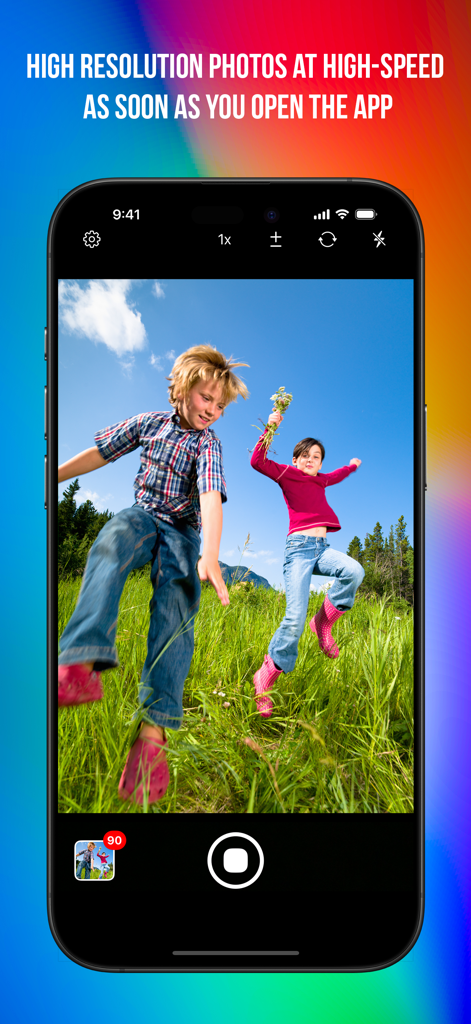
Fast Camera app interface showing high speed burst photography of two children jumping in a field
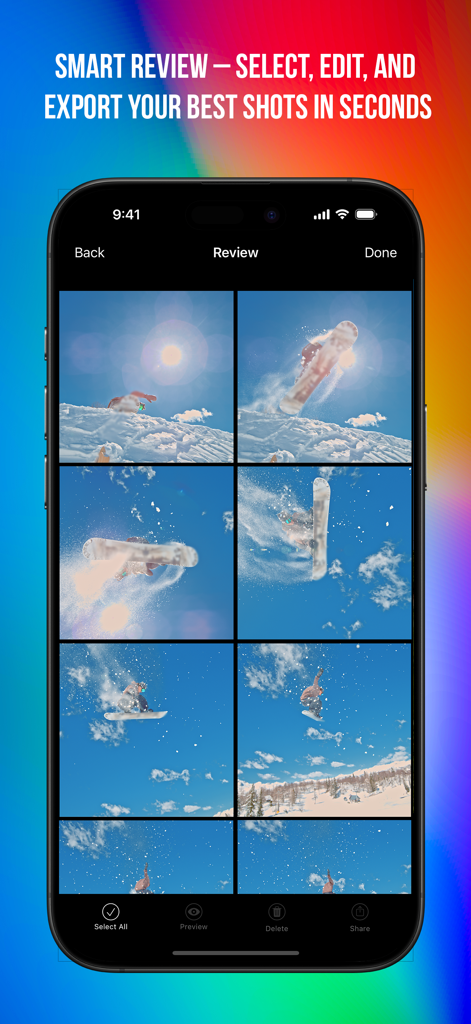
Fast Camera app interface displaying a grid of snowboarding burst shots for smart review
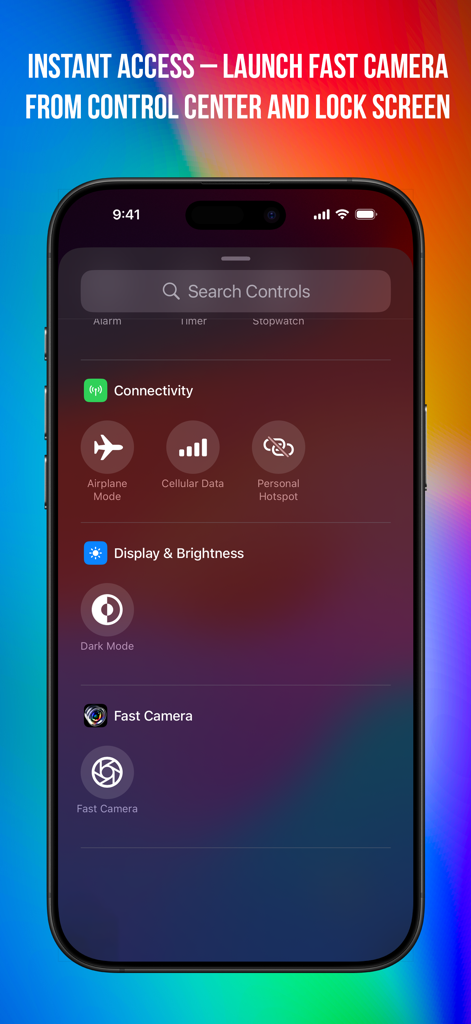
Fast Camera app shortcut in the iOS Control Center for instant access
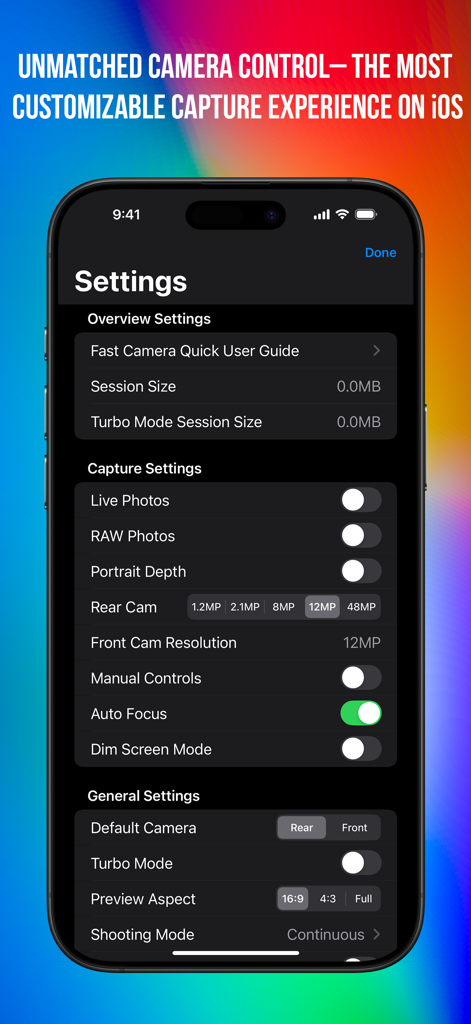
Fast Camera app settings screen showing capture and manual control options on an iPhone
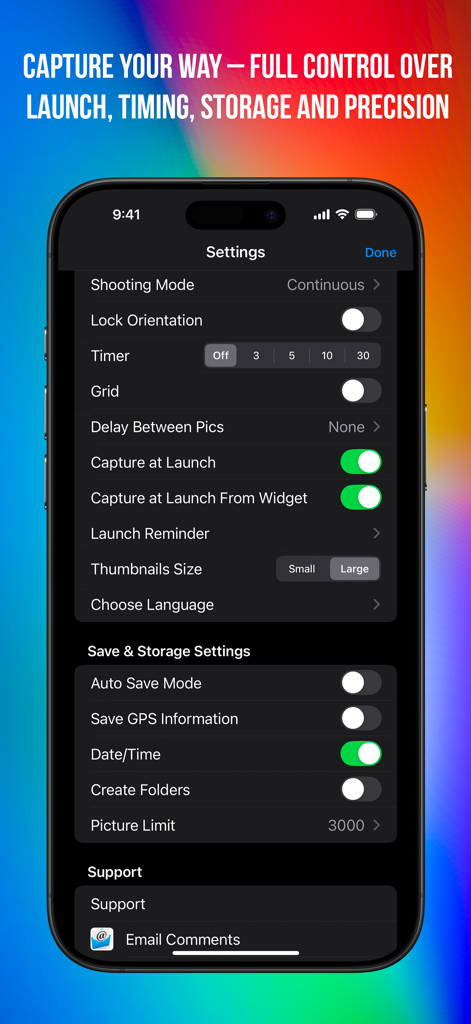
A mobile screen showing the Fast Camera app settings for shooting mode timer and storage management
Description
Download
More Like This
Apps with similar features and user experience

This page is not an official page of the app or its developer, but an independent editorial publication created for informational and commentary purposes. Unless expressly stated otherwise, neither the app nor its developer is affiliated with, endorsed by, sponsored by, authorized by, or otherwise officially connected with MWM, Apple, Google Play, the app publisher, or the app's developer, and nothing on this page implies that the app was developed using MWM's services. Any trademarks, logos, screenshots, and other content remain the property of their respective owners.