
This page is not an official page of the app or its developer, but an independent editorial publication created for informational and commentary purposes. Unless expressly stated otherwise, neither the app nor its developer is affiliated with, endorsed by, sponsored by, authorized by, or otherwise officially connected with MWM, Apple, Google Play, the app publisher, or the app's developer, and nothing on this page implies that the app was developed using MWM's services. Any trademarks, logos, screenshots, and other content remain the property of their respective owners.


Filemail – File Transfer App
The ultimate friction-free sharing tool for creatives and professionals. Transfer massive assets securely with no registration required, and no app needed for your recipients to download.
Downloads
1M+User Rating
Total Ratings
13K+Publisher
Category
ProductivityLocales
1Latest Version
4.4.3Size
58.6 MBFirst Released
Jul 9, 2013Share Massive Files in Seconds
Join over 10 million users sending everything from 4K videos to complex project folders with professional speed and security.
Zero Friction Sharing
Send up to 5GB for free without the hassle of signing up or creating an account.
No App Required for Receivers
Share via email or a secure link—your recipients can download files instantly on any device.
Frequently Asked Questions
Everything you need to know about Filemail – File Transfer App
How much data can I send for free using the Filemail app?
Yes, Filemail allows users to send up to 5 GB of data for free without registration. This limit applies to individual transfers within the app.
Is registration required to use the free features of the Filemail app?
No, registration is not required to send up to 5 GB of files for free using the Filemail app. Users can start sharing immediately.
What file types can the Filemail – File Transfer App share?
The Filemail app can share any file type or format, including pictures, videos, music, and documents. It supports all digital content.
Do recipients need to install the Filemail app to download shared files?
No, recipients do not need to install the Filemail app to download your shared files. They receive a link and can download directly.
How does Filemail ensure the security of file transfers?
Filemail ensures file security by encrypting files during transit and scanning all sent and received files for viruses. This provides secure transfer.
What is the maximum file size for transfers with a Filemail Pro account?
A Filemail Pro account allows users to transfer files up to 250 GB. This is a significant increase from the free version's limit of 5 GB.
How long are files available for download with a Filemail Pro subscription?
With a Filemail Pro subscription, files are available for download for 30 days. Free account files are available for 7 days.
What is the monthly cost of Filemail Pro?
The Filemail Pro monthly subscription costs $14.99 for US customers. Pricing may vary by location and is an auto-renewing subscription.
Can I password protect files shared using the Filemail app?
Yes, Filemail Pro account users can password protect their files. This feature adds an extra layer of security for shared content.
How can users send files with the Filemail – File Transfer App?
Users can send files directly to people using their email address or by generating a shareable download link. The app offers both methods.
The following screenshots and description are sourced directly from the app's official store listing and are the property of the app developer.
App Store
Screenshots
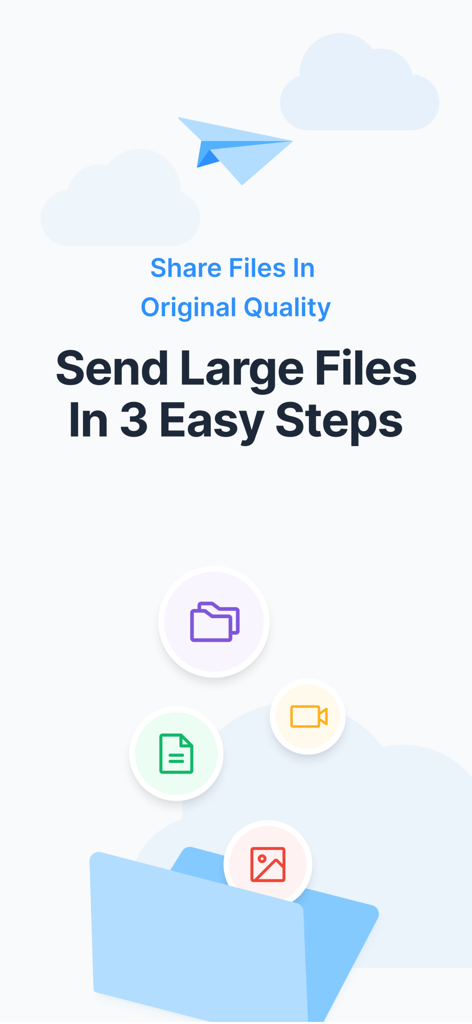
Filemail app promotional screen showing icons for documents videos and photos with text about sending large files in original quality
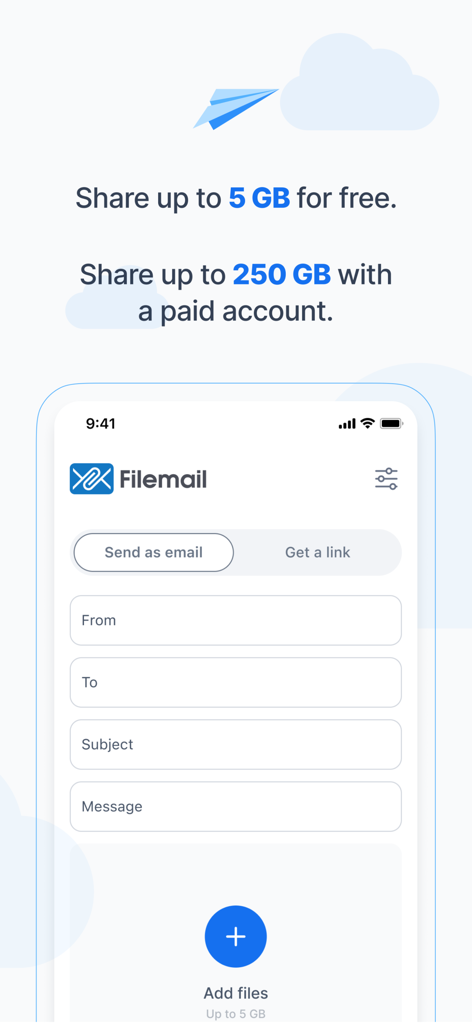
Filemail app interface on iPhone showing fields to send large files up to 5GB for free via email or link
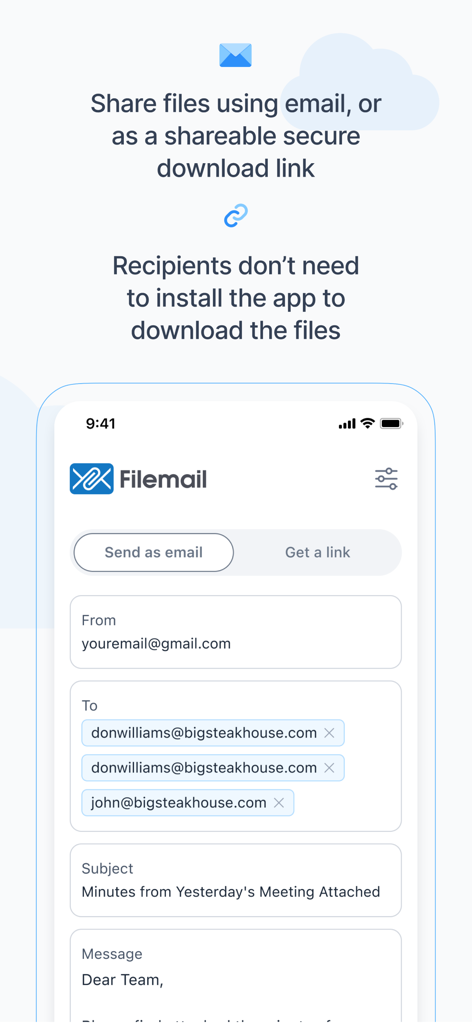
Filemail app screen showing how to share files using email or a secure link
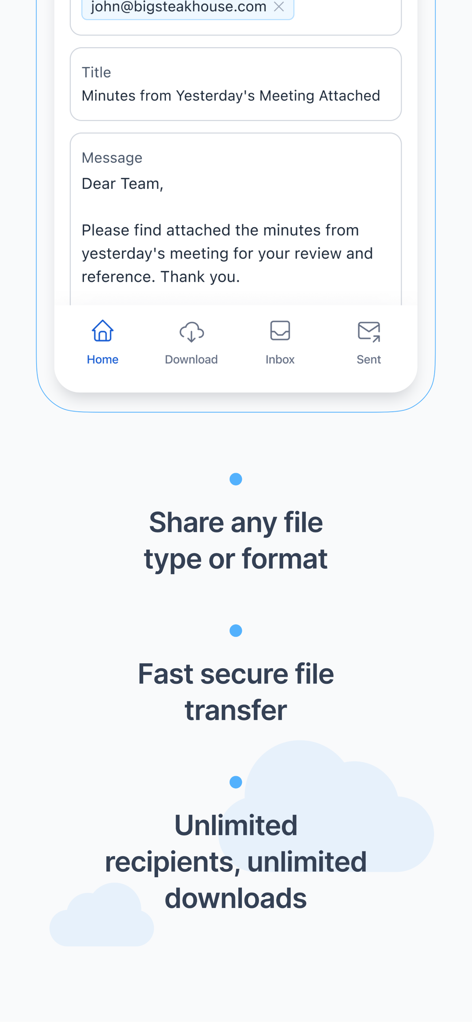
Screenshot of Filemail app showing an email interface for sending large files securely
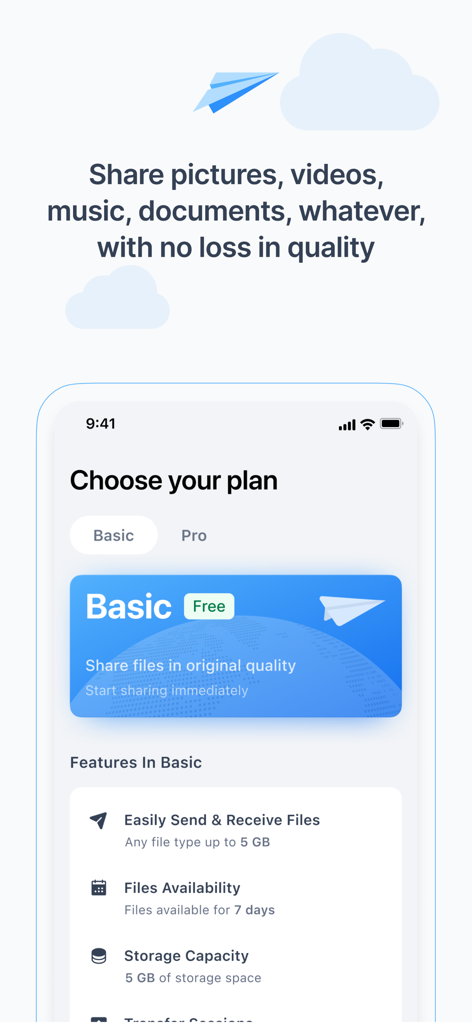
Filemail mobile app screen showing the free basic plan features for high-quality file sharing
Description
Download
More Like This
Apps with similar features and user experience


This page is not an official page of the app or its developer, but an independent editorial publication created for informational and commentary purposes. Unless expressly stated otherwise, neither the app nor its developer is affiliated with, endorsed by, sponsored by, authorized by, or otherwise officially connected with MWM, Apple, Google Play, the app publisher, or the app's developer, and nothing on this page implies that the app was developed using MWM's services. Any trademarks, logos, screenshots, and other content remain the property of their respective owners.