Find My Car: Park & Navigate

Find My Car: Park & Navigate

Logo of Find My Car: Park & Navigate

Find My Car: Park & Navigate — Never Lose Your Car in a Crowded Lot Again

The private, one-tap solution for busy drivers. Save your exact spot, snap a photo of your garage level, and set a meter timer—all without ever creating an account.

Publisher

Kerem Erguner

Category

Navigation

Downloads

0

User Rating

1.0/5

Total Ratings

0

Locales

2

Simplicity at a Glance

Discover the interface used by 0 users.
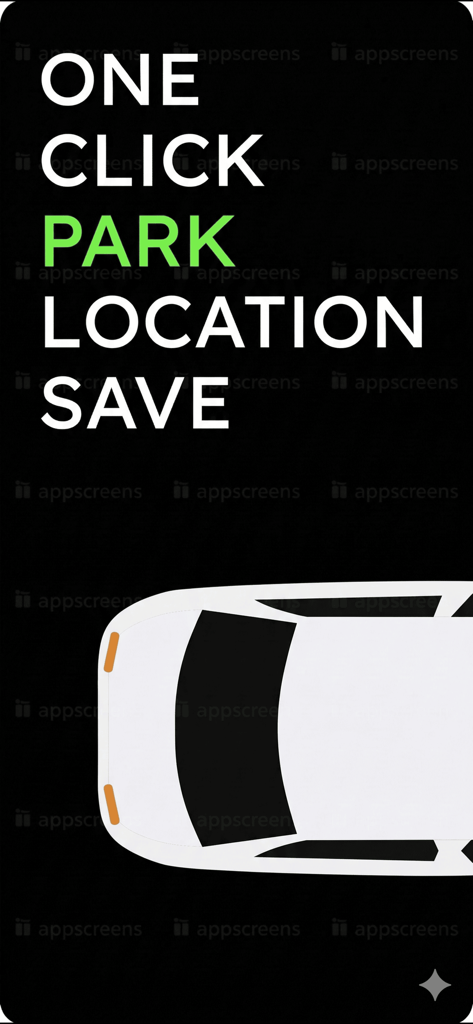
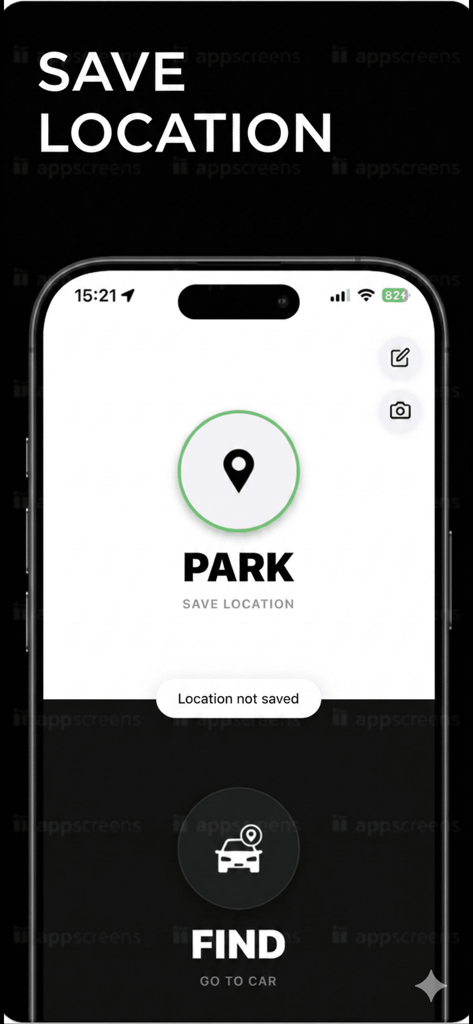
One click park location save screen with car illustration

One click park location save screen with car illustration

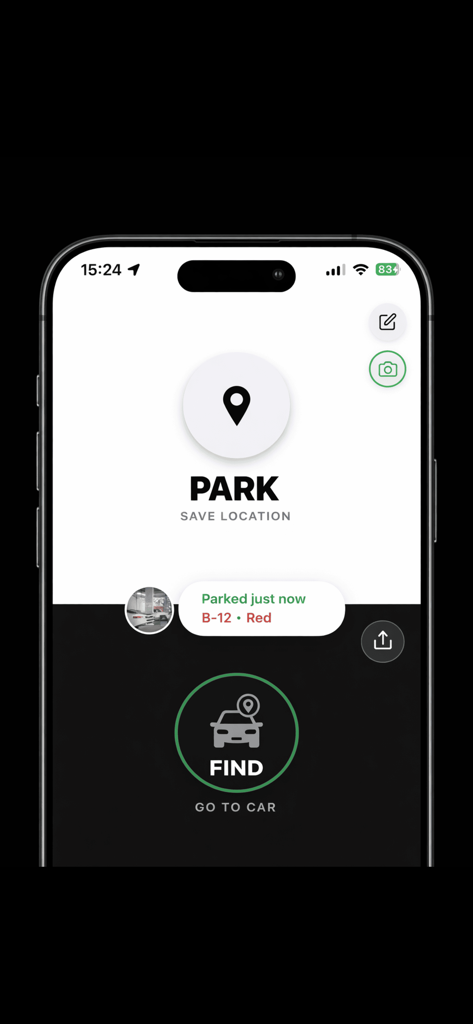
Find My Car app interface showing the one-tap Park and Find buttons to save and navigate back to a parking spot.

Find My Car app interface showing the one-tap Park and Find buttons to save and navigate back to a parking spot.

The main screen of the Find My Car app showing options to save a parking location and find a car.

The main screen of the Find My Car app showing options to save a parking location and find a car.

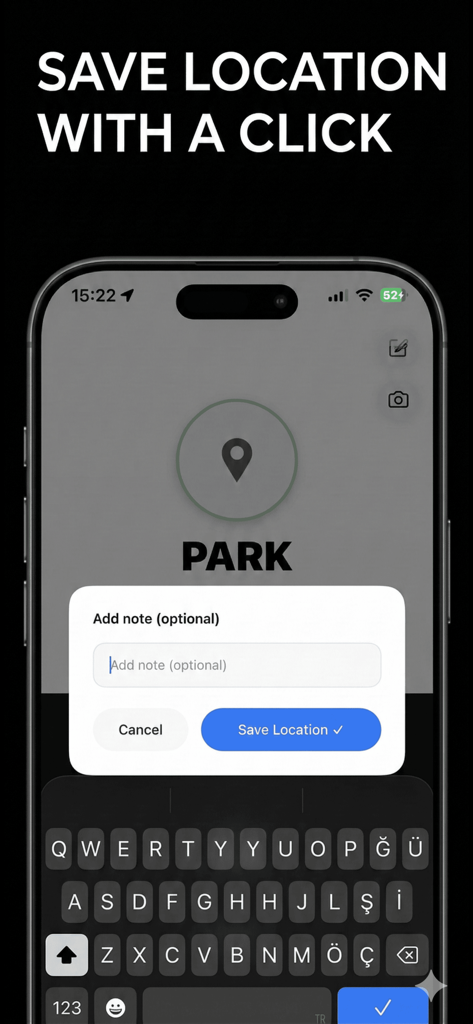
Find My Car app screen showing the option to add a custom note when saving a parking location

Find My Car app screen showing the option to add a custom note when saving a parking location

Interface of Find My Car app showing the camera feature to take a photo of a parking spot in a garage

Interface of Find My Car app showing the camera feature to take a photo of a parking spot in a garage

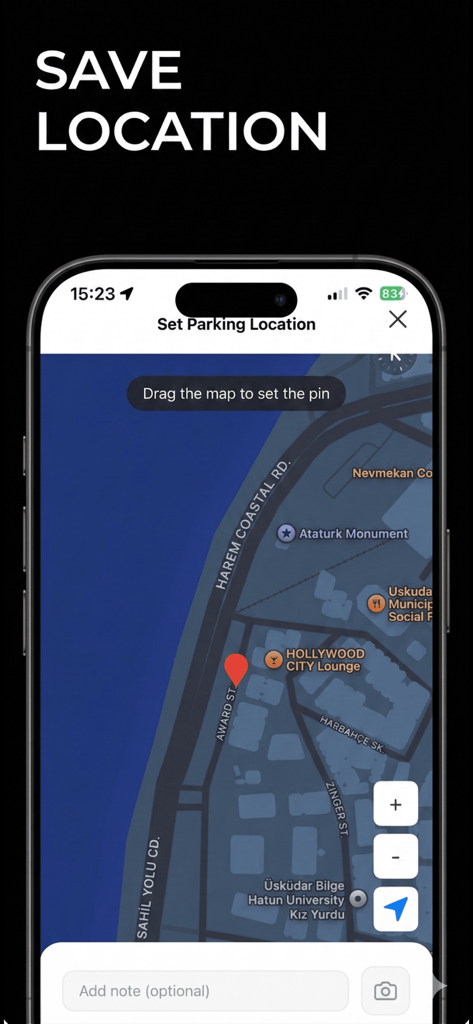
Interface showing how to save a parking location by dragging a red pin on a map

Interface showing how to save a parking location by dragging a red pin on a map

Park With Total Peace of Mind

The tools that make this app stand out, trusted by 0 users.

📍

One-Tap Location Saving

No sign-ups, no friction. Save your car's exact GPS coordinates instantly so you can get on with your day without distractions.

📸

Visual & Written Reminders

GPS can be unreliable in concrete garages. Snap a photo of your level or jot down the zone number for a fail-safe return.

⏱️

Integrated Parking Timer

Stay ahead of the meter and avoid expensive tickets by tracking exactly how long you have been parked in real-time.

About the app

Everything you need to know about Find My Car: Park & Navigate.

Description

Ever forget where you parked? Find My Car saves your exact parking location with one tap — so you never wander a parking lot again. ◆ ONE TAP PARKING Tap "Park" and your GPS location is instantly saved. No sign-up needed. ◆ NAVIGATE BACK TO YOUR CAR Tap "Find" to open step-by-step directions in Apple Maps, Google Maps, or Waze. Walk straight to your car, every time. ◆ TAKE A PHOTO Snap a picture of your parking spot, floor number, or garage section for a visual reminder. ◆ ADD NOTES Jot down the level, zone, or meter number — so you remember every detail. ◆ SHARE YOUR SPOT Send your parking location to friends or family with one tap. ◆ PARKING TIMER See exactly how long you've been parked — never overstay a meter again. ◆ 100% PRIVATE No account required. No data collected. Your parking location stays on your device. ◆ WORKS OFFLINE Saved locations work even without internet connection. Download Find My Car today and never lose your car in a parking lot, garage, or unfamiliar street again!

Latest Version

1.1

Size

16.2 MB

First Released

Mar 13, 2026

Never Lose Your Car Again

Join thousands of drivers who have ended parking anxiety. No accounts, no tracking, and no more wandering through garages—just one tap to save your spot and total peace of mind.

App information, icons, screenshots, and descriptions displayed on this page are sourced from the Apple App Store and are the property of their respective developers. Download estimates and rankings are based on MWM's proprietary models and may not reflect actual figures. This page is provided for informational and analytical purposes only.

Believe this page infringes your intellectual property? File a dispute