
This page is not an official page of the app or its developer, but an independent editorial publication created for informational and commentary purposes. Unless expressly stated otherwise, neither the app nor its developer is affiliated with, endorsed by, sponsored by, authorized by, or otherwise officially connected with MWM, Apple, Google Play, the app publisher, or the app's developer, and nothing on this page implies that the app was developed using MWM's services. Any trademarks, logos, screenshots, and other content remain the property of their respective owners.


FizziQ
Empower students and educators to explore physical phenomena, capture real-time sensor data, and build comprehensive scientific notebooks for interactive STEM learning.
Downloads
180K+User Rating
Total Ratings
200Publisher
Category
EducationLocales
1Latest Version
5.0.8Size
103.0 MBFirst Released
Feb 9, 2021A Professional Laboratory in Your Pocket
Empower students to conduct high-level scientific experiments using built-in sensors, digital notebooks, and interactive protocols designed for the modern classroom.
Real-Time Data Acquisition
Capture and visualize data from over 30 sensors including acceleration, light, and frequency to analyze physical phenomena instantly.
Integrated Scientific Notebooks
Document findings with text, photos, and graphs. Export your work as PDF, CSV, or Python files for professional reporting and analysis.
Frequently Asked Questions
Everything you need to know about FizziQ
What is FizziQ?
FizziQ is an application that allows students, teachers, and educators to explore physical phenomena and conduct scientific activities. It uses built-in smartphone sensors and supports external sensors for experimental exploration.
What types of sensors does FizziQ use?
FizziQ uses built-in smartphone and tablet sensors, including accelerometers, microphones, colorimeters, GPS, luxmeters, and magnetometers. It also supports external sensors like micro:bit and Arduino.
Can FizziQ analyze motion?
Yes, FizziQ analyzes motion through video and chronophotography. It also offers specific instruments like the Accelerometer and Gyroscope for detailed motion data acquisition and analysis.
Does FizziQ support external sensors?
Yes, FizziQ supports a wide range of external sensors, including micro:bit, Arduino, CO₂, and temperature sensors, to deepen experimental exploration beyond built-in device capabilities.
How does FizziQ help organize scientific work?
FizziQ includes a Scientific Notebook module to build complete scientific notebooks. Users can integrate text, photos, tables, graphs, and formulas, and export their work in various formats.
What export options are available for FizziQ data?
FizziQ allows users to export their scientific notebook work in PDF, CSV, Python, or FIZ formats. This facilitates sharing and further analysis of experimental data.
Can I create and share experimental protocols in FizziQ?
Yes, FizziQ enables users to create, edit, or follow interactive experimental protocols. These protocols are easily shared with others via QR codes for collaborative learning.
What experimental tools are included in FizziQ?
FizziQ provides a full-featured toolkit for scientific experimentation, including an interval timer, simultaneous sensor recording, sound and color synthesizers, triggers, and calibration functions.
Does FizziQ measure sound and light?
Yes, FizziQ can investigate sound and light phenomena. It features instruments like the Microphone and Luxmeter to record and visualize sound and light spectra.
Is FizziQ available in multiple languages?
Yes, FizziQ promotes global accessibility for science education. The application is available in over 15 languages, supporting a diverse user base.
Can FizziQ perform color analysis?
Yes, FizziQ includes a Colorimeter instrument that allows for color analysis. It can provide details such as Red, Green, Blue percentages, tint, and intensity values.
Does FizziQ provide ready-to-use activities?
Yes, FizziQ offers an Activities Catalog with pre-defined experiments. Examples include 'Badminton,' 'Space X,' 'Pendulum,' and 'Cycloid' to facilitate learning and exploration.
The following screenshots and description are sourced directly from the app's official store listing and are the property of the app developer.
App Store
Screenshots
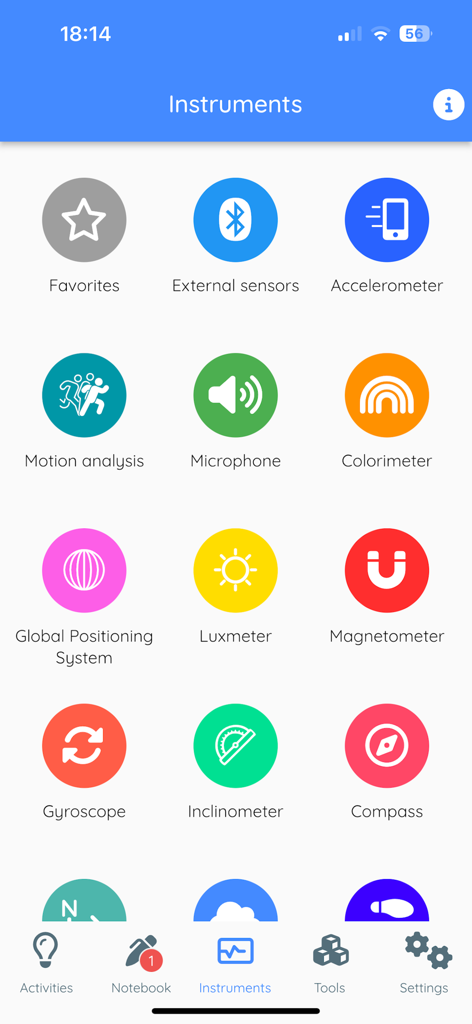
The instruments screen of the FizziQ app displaying various scientific sensor icons including accelerometer microphone and luxmeter
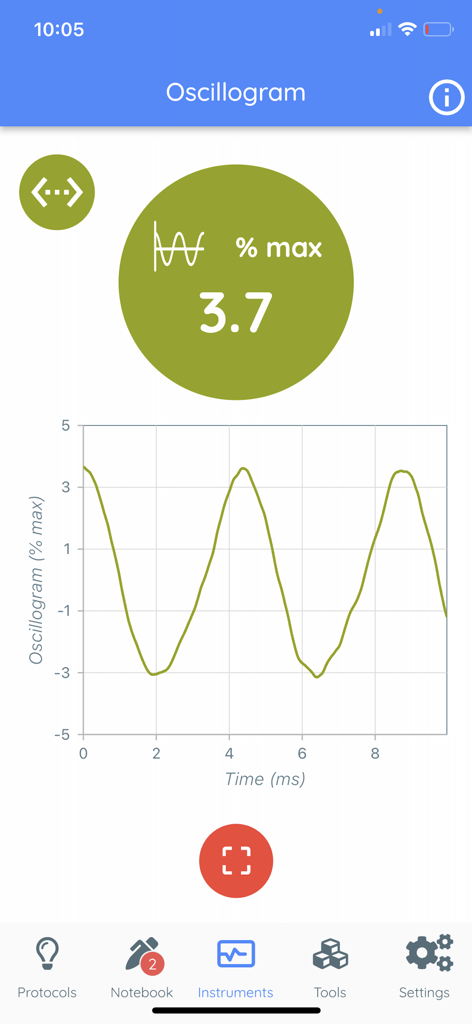
FizziQ app interface displaying a real-time oscillogram wave graph for physics experiments
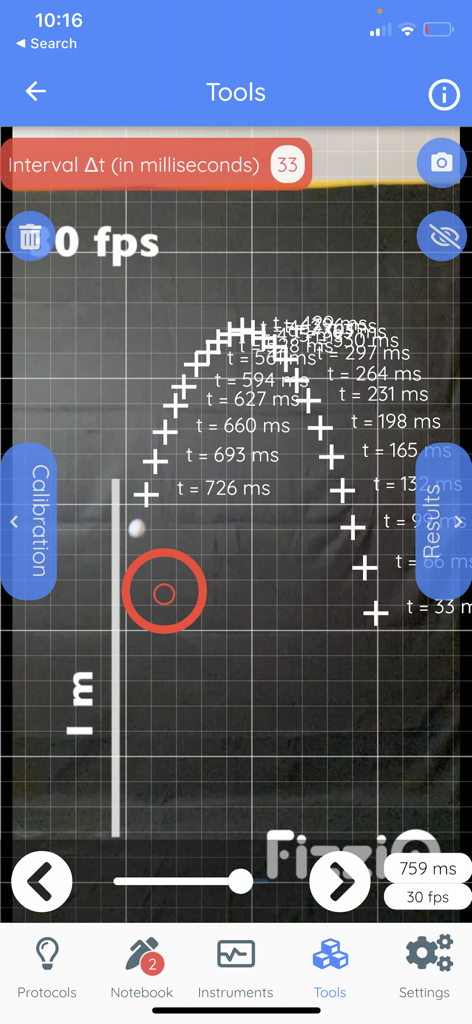
FizziQ app screen displaying a physics experiment for motion analysis using chronophotography and time intervals
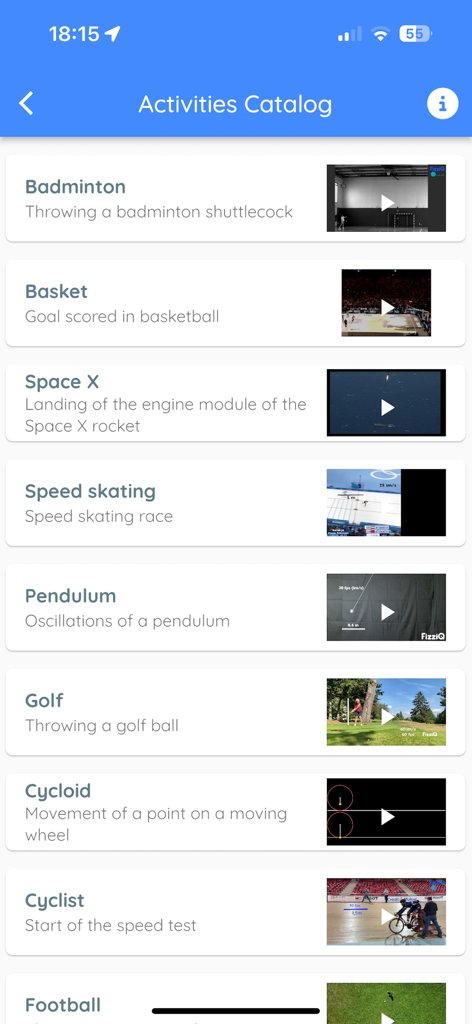
FizziQ app Activities Catalog showing a list of physics experiments like badminton, basketball, and Space X rocket landing.
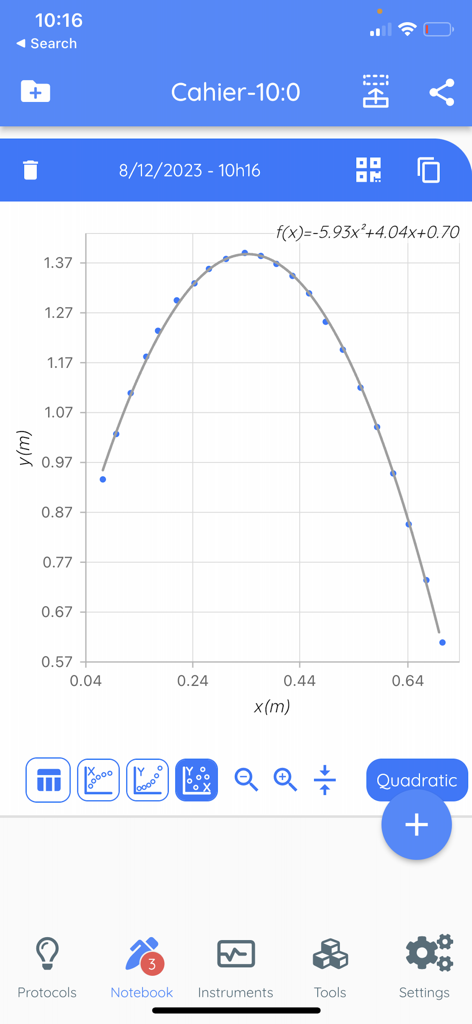
Scientific notebook in the FizziQ app displaying a parabolic motion graph with quadratic regression and data points for a physics experiment.
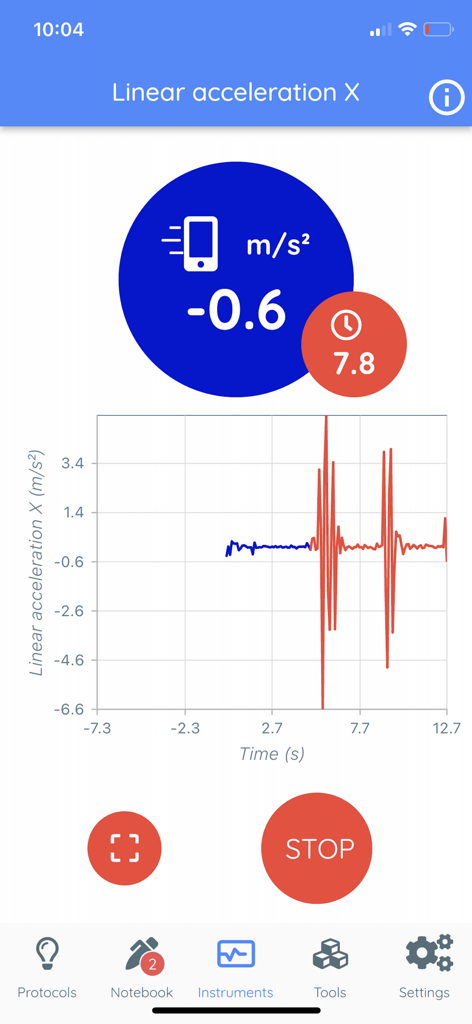
FizziQ app interface displaying a real-time linear acceleration graph and measurement data
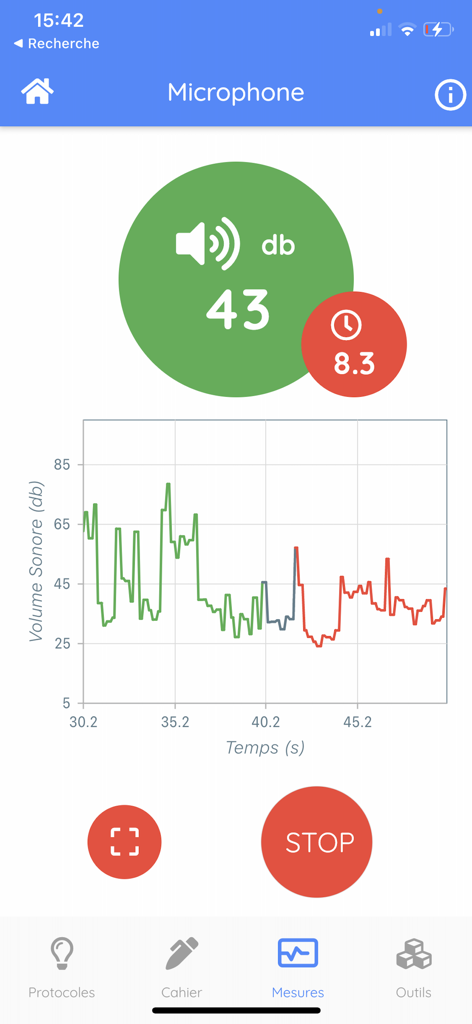
FizziQ app interface showing real-time sound volume measurement in decibels with a corresponding line graph.
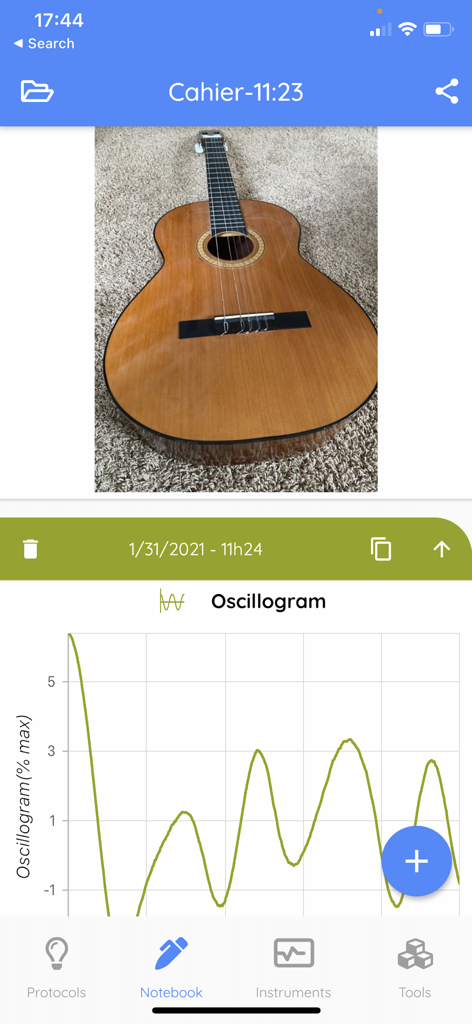
FizziQ app scientific notebook interface displaying a guitar photo and a sound oscillogram graph
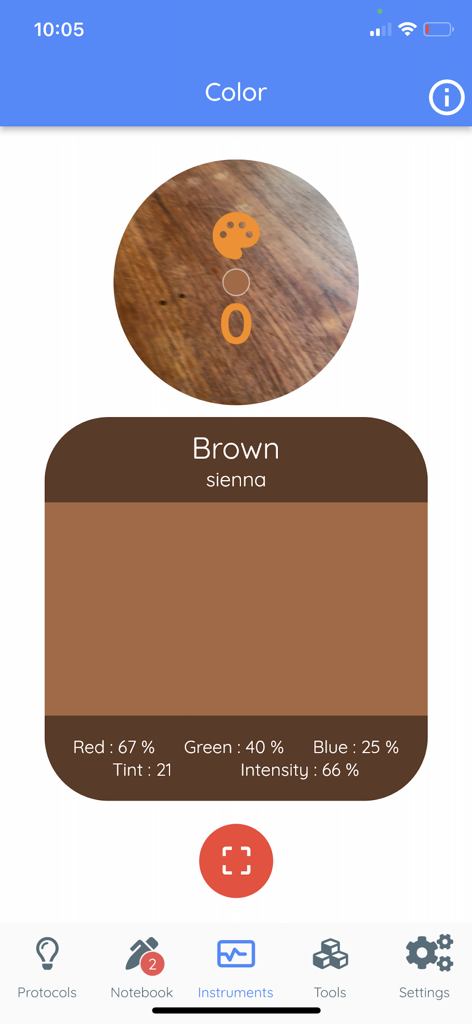
FizziQ app color sensor interface displaying RGB data and intensity for a brown surface
Description
Download
More Like This
Apps with similar features and user experience

My Jump Lab (My Jump 3)
Carlos Balsalobre

PitchLab - Baseball
PitchLab AI, Inc.

My Jump 2
Carlos Balsalobre

Photo Finish: Automatic Timing
Voigt, Plewnia & Leite Photo Finish GbR

Mustard: Pitching
QualiaOS, Incorporated

SprintTimer - Photo Finish
Sten Kaiser

Video Delay Instant Replay
michal bojanowicz

phyphox
RWTH Aachen University

跳绳天天练-天天跳绳计数器
小花 胡
This page is not an official page of the app or its developer, but an independent editorial publication created for informational and commentary purposes. Unless expressly stated otherwise, neither the app nor its developer is affiliated with, endorsed by, sponsored by, authorized by, or otherwise officially connected with MWM, Apple, Google Play, the app publisher, or the app's developer, and nothing on this page implies that the app was developed using MWM's services. Any trademarks, logos, screenshots, and other content remain the property of their respective owners.